Fossify File Manager is an open-source, ad-free Android file manager for users who want to browse, organise, lock and clean up their device's storage without handing their file access to an advertising-funded app.
What it is
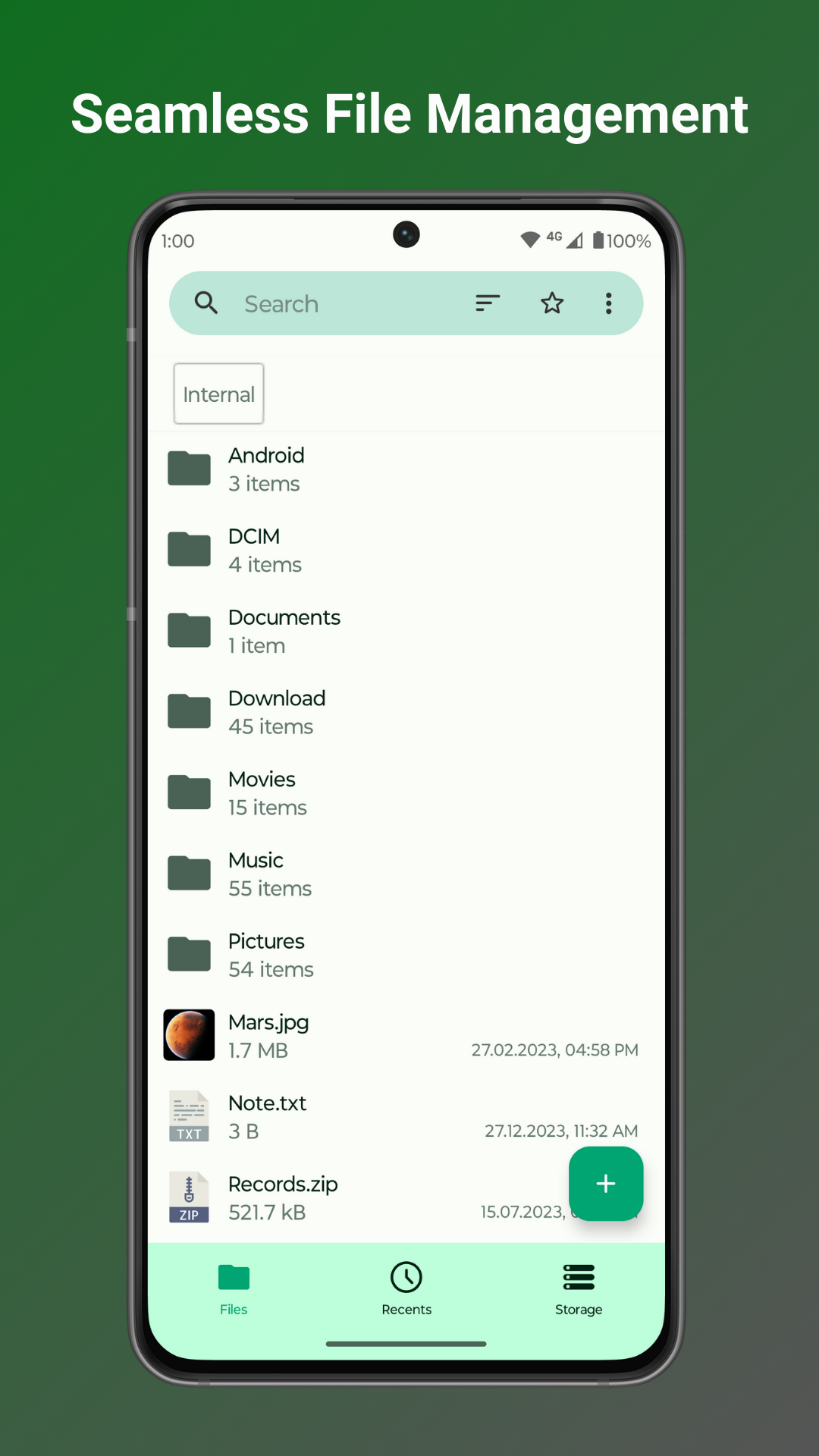
Fossify File Manager is a Kotlin-based file management application for Android, published under the GPL-3.0 licence by the Fossify project alongside a wider family of Fossify apps. It covers the everyday operations of navigating a device's storage: browsing folders, searching and sorting, compressing and transferring files, creating shortcuts, and editing or printing documents from within the app. It is distributed as an ordinary Android app and carries the FOSS, open-source and Kotlin topics on its repository.
The problem it addresses is the combination of sluggish, cluttered and privacy-invasive file managers common on the platform. Its stated answer is an app that requires no internet access, so files stay on the device, ships with no advertising, and lets the user lock hidden items or the entire application behind a password, pattern or fingerprint. It also replaces manual storage hunting with a built-in storage analysis tool that identifies space-hogging files.
Key capabilities
- Compress and transfer files and folders, including file and folder compression to reclaim space on the device.
- Lock hidden items or the whole application with a password, pattern, or fingerprint.
- Navigate root files, SD cards, and USB devices from the same interface.
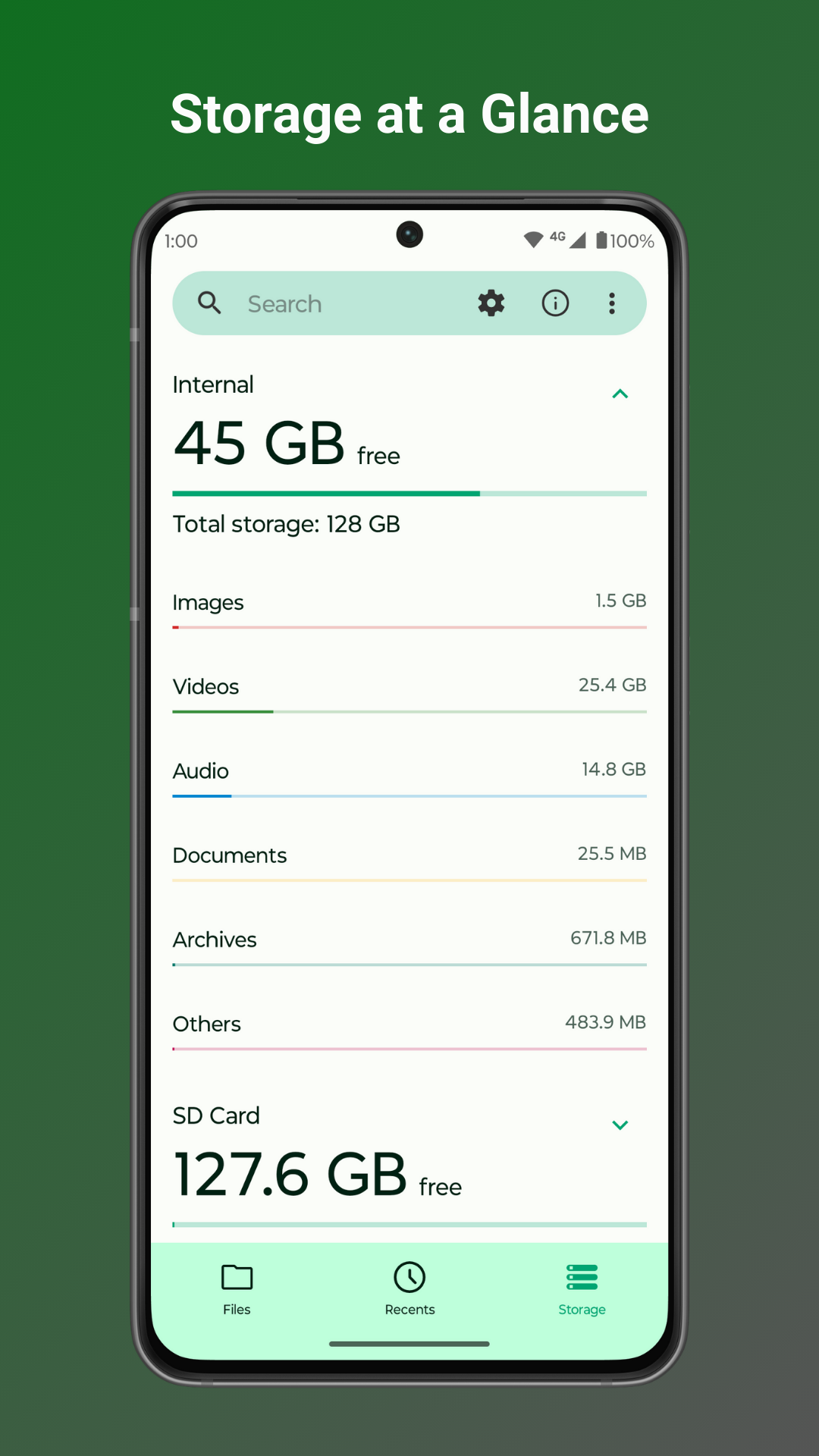
- Run the built-in storage analysis tool to identify space-hogging files.
- Set a customizable home folder and pin favourite shortcuts for the most-used folders.
- Create desktop shortcuts for individual files and folders, and edit, print, or read documents in the light file editor with zoom gestures.
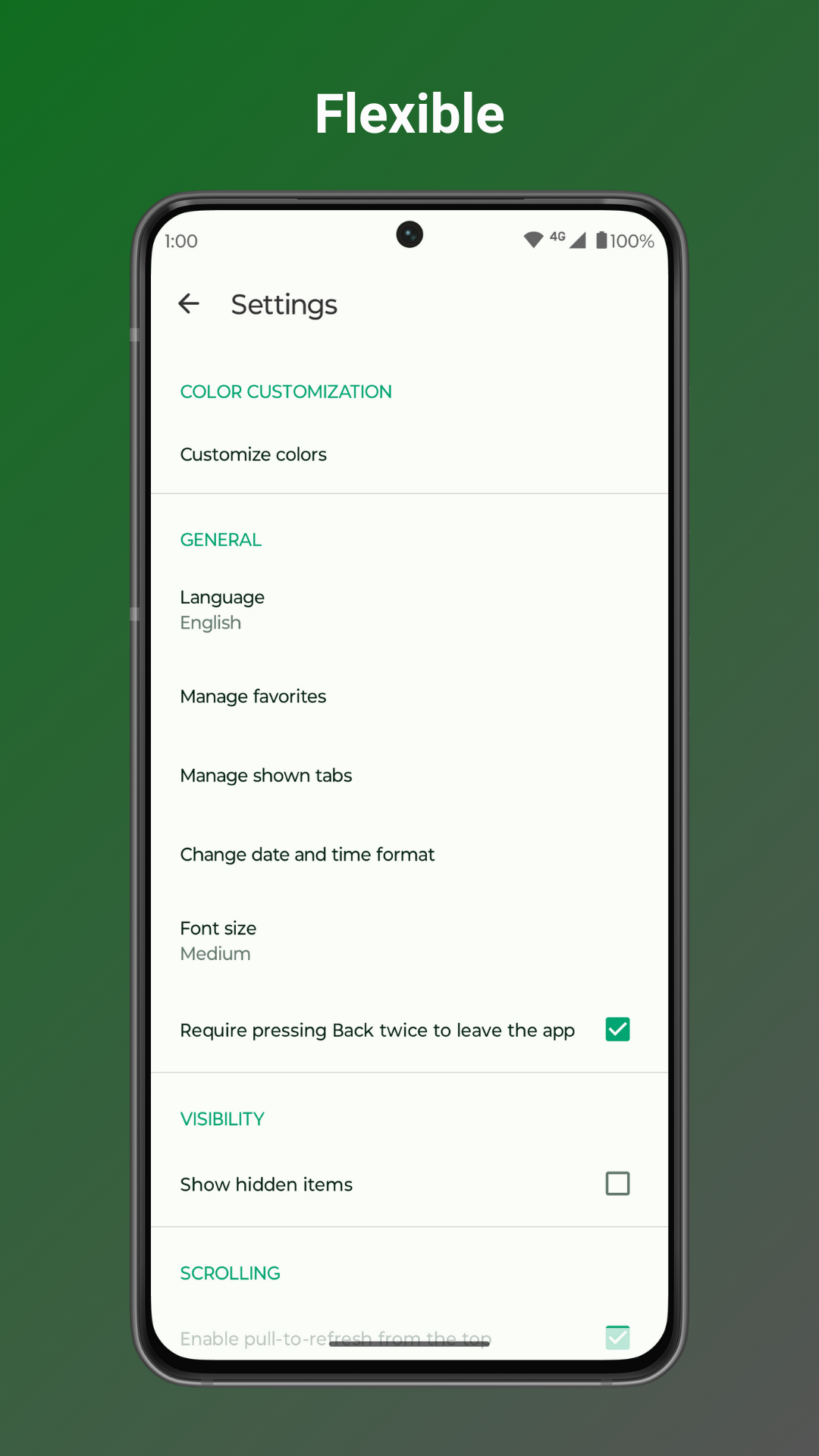
- Personalise colours, themes, and icons.
Who uses it and how
- Android users who want a file manager that functions with no internet access, keeping browsing entirely on the device.
- People managing storage across several volumes, moving between internal storage, root files, SD cards, and USB devices.
- Users who keep sensitive material in hidden items and protect them with a password, pattern, or fingerprint lock on those items or on the whole app.
- Those who want quick access to particular directories by setting a home folder and favourite shortcuts, plus desktop shortcuts for specific files and folders.
- Readers and editors of documents on the go who use the light file editor, its zoom gestures, and the print function.
Getting started
The project's homepage at https://www.fossify.org/apps/file-manager/ is the published entry point for obtaining the app, and the source is available from the FossifyOrg repositories on GitHub, with the project written in Kotlin under GPL-3.0.
How it compares
Fossify File Manager stands alone in this registry as the sole entry in its category, so no direct comparison with other listed tools is available here.
When to use it — and when not to
A self-hoster should note that this is a per-device Android application rather than a server component: there is no database, storage backend or SMTP service to operate, but the user is responsible for managing the device storage, SD cards and USB media it reads, and for keeping the installed APK current. It is not the right choice for anyone needing a desktop or server file manager, cross-device sync, or any cloud-connected workflow, since it requires no internet access by design. On the repository's own figures — 98 open issues against 1,791 stars — issue backlog is worth checking before relying on it for critical work, and the GPL-3.0 licence constrains redistribution and modification.
project readme (upstream, from github) — read inline
Fossify File Manager




Tired of file managers that slow you down and invade your privacy? Unlock a lightning-fast, secure, and completely customizable experience with Fossify File Manager. ⚡
🚀 DOMINATE YOUR DIGITAL WORLD WITH BLAZING-FAST NAVIGATION:
- Swiftly manage your files with easy compression and transfer capabilities, keeping your digital life organized.
- Quickly access your most-used folders with customizable home folder and favorite shortcuts.
- Find what you need in seconds with intuitive navigation, search, and sorting options.
🔐 FORTIFY YOUR DATA WITH UNPARALLELED PRIVACY AND SECURITY:
- Secure sensitive files with password, pattern, or fingerprint locks for hidden items or the entire app.
- No internet access required – your files stay private and secure on your device.
💾 MASTER YOUR STORAGE LIKE A PRO:
- Clear space with easy file and folder compression to maximize your device's potential.
- Identify and clean up space-hogging files with the built-in storage analysis tool.
- Seamlessly navigate root files, SD cards, and USB devices for total organization.
📁 OPTIMIZE YOUR WORKFLOW WITH HANDY TOOLS:
- Create desktop shortcuts for instant access to your most-used files and folders.
- Edit, print, or read documents easily with the light file editor, enhanced by zoom gestures.
🌈 MAKE IT YOUR OWN WITH ENDLESS CUSTOMIZATION:
- Enjoy an ad-free, open-source experience that puts you in control, not corporate giants.
- Personalize colors, themes, and icons to reflect your unique style and preferences.
Ditch the bloated, privacy-invading file managers and experience true freedom with Fossify File Manager. Download now and take back control of your digital life!
➡️ Explore more Fossify apps: https://www.fossify.org
➡️ Open-Source Code: https://www.github.com/FossifyOrg
➡️ Join the community on Reddit: https://www.reddit.com/r/Fossify
➡️ Connect on Telegram: https://t.me/Fossify