
figma-linux is a free, open source design & prototyping project written in Svelte and released under GPL-2.0. It has 3,271 GitHub stars, 204 forks and 162 open issues, and was last pushed 8 months ago. On this registry it ranks #28 of 41 tracked projects in Design & Prototyping, with 5 head-to-head comparisons available.

What is figma-linux?

Figma-linux is an unofficial Electron-based desktop client that brings Figma, the browser-based interface design tool, to Linux, and it is aimed at Linux users and teams who want Figma in a dedicated application window rather than a browser tab.

What it is

Figma-linux is an unofficial Electron desktop application that wraps Figma, the interface design tool that runs in the browser, for Linux systems. It is written in Svelte and published under the GPL-2.0 licence, and it appears in this registry under Miscellaneous / Design & Prototyping with the topics electron, figma, figma-app and linux. Because Figma itself is delivered from the browser, much of the project's work is packaging: the repository maintains install paths for Snap, AppImage, Debian and Ubuntu packages, an Ubuntu PPA, RPM, the Arch User Repository and NixOS, so that the same application can be installed in the way each distribution expects.

The problem it solves is the gap Linux users meet when the design tool they depend on ships desktop clients for other platforms but not for the system they work on. Instead of leaving Figma in a browser tab, figma-linux supplies an application that can be launched from the terminal or the app list, which is the thing it replaces. The design work itself stays where it has always been, on Figma's own service; what changes is the local shell around it.

Key capabilities

  • Presents Figma in an Electron-based desktop window on Linux, tracked under the electron, figma, figma-app and linux topics.
  • Installs from Snap in one command, sudo snap install figma-linux, with local font support added through a symbolic link from $HOME/.local/share/fonts into the snap data directory.
  • Publishes an AppImage that is explicitly not portable: sudo ./figma-linux-*.AppImage -i installs it onto the system, and -h prints further options.
  • Covers Debian-based distributions with a .deb package requiring libgconf-2-4 first, and Ubuntu additionally through the ppa:chrdevs/figma PPA; a NO_PUBKEY error is resolved by adding key 70F3445E637983CC.
  • Maintains four Arch User Repository packages — figma-linux, figma-linux-bin, figma-linux-git and figma-linux-dev-git — covering release binaries, builds from the latest release tag, and builds from the current commit on the dev branch.
  • Supports RPM-based distributions through a .rpm package installed with dnf, and NixOS by adding figma-linux to environment.systemPackages.
  • Builds from source with npm i followed by npm run dev, npm run build, npm run start, npm run builder or npm run pack, with build targets listed in ./config/builder.json and a .env defining NODE_ENV, DEV_PANEL_PORT and DEV_SETTINGS_PORT.

Who uses it and how

  • Linux users who need Figma for interface design on a system where no official desktop client is offered, installing whichever package matches their distribution and launching the app from the app list or a terminal.
  • Teams standardising on Linux workstations, where designers and engineers need the design tool to behave like a normal desktop application rather than a browser session.
  • Distribution-specific users: Arch users through an AUR helper such as yay -S figma-linux-bin, Ubuntu users through the PPA so that apt keeps the package current, and NixOS users declaring figma-linux in configuration.nix.
  • Contributors building from source, who clone the repository, run the npm scripts, adjust ./config/builder.json, and package with npm run pack where AppImageTool is installed.
  • Community members who follow the project through its Telegram and Spectrum channels.

Getting started

The shortest documented route is the Snap release, sudo snap install figma-linux, while the Releases page provides the AppImage, .deb and .rpm packages and the AUR provides the Arch builds. Snap users who need local fonts should also create the documented symbolic link into the snap's data directory.

How it compares

The facts provided for this registry name no other Linux desktop wrapper for Figma, so figma-linux stands alone here, and its only named point of reference is Figma's own browser-based application, which it wraps rather than reimplements. What distinguishes it is that it is unofficial, Electron-based and GPL-2.0 licensed, distributed through the package managers of the distributions it targets.

When to use it — and when not to

Choose figma-linux when the desktop application experience matters and the distribution is one of the supported families, since installation is a package command and there is no server to operate, database to maintain or mail service to configure — the application is a client, and the design data stays with Figma. It is a poor fit for anyone who needs an offline design tool, or who is unwilling to run an unofficial client against a commercial design service. The README also documents installation far more thoroughly than application features, 162 issues are open at the time of writing, and the AppImage deliberately installs into the system instead of running portably, which rules it out for anyone wanting a self-contained, removable binary.

project readme (upstream, from github) — read inline

Figma electron app (unofficial)

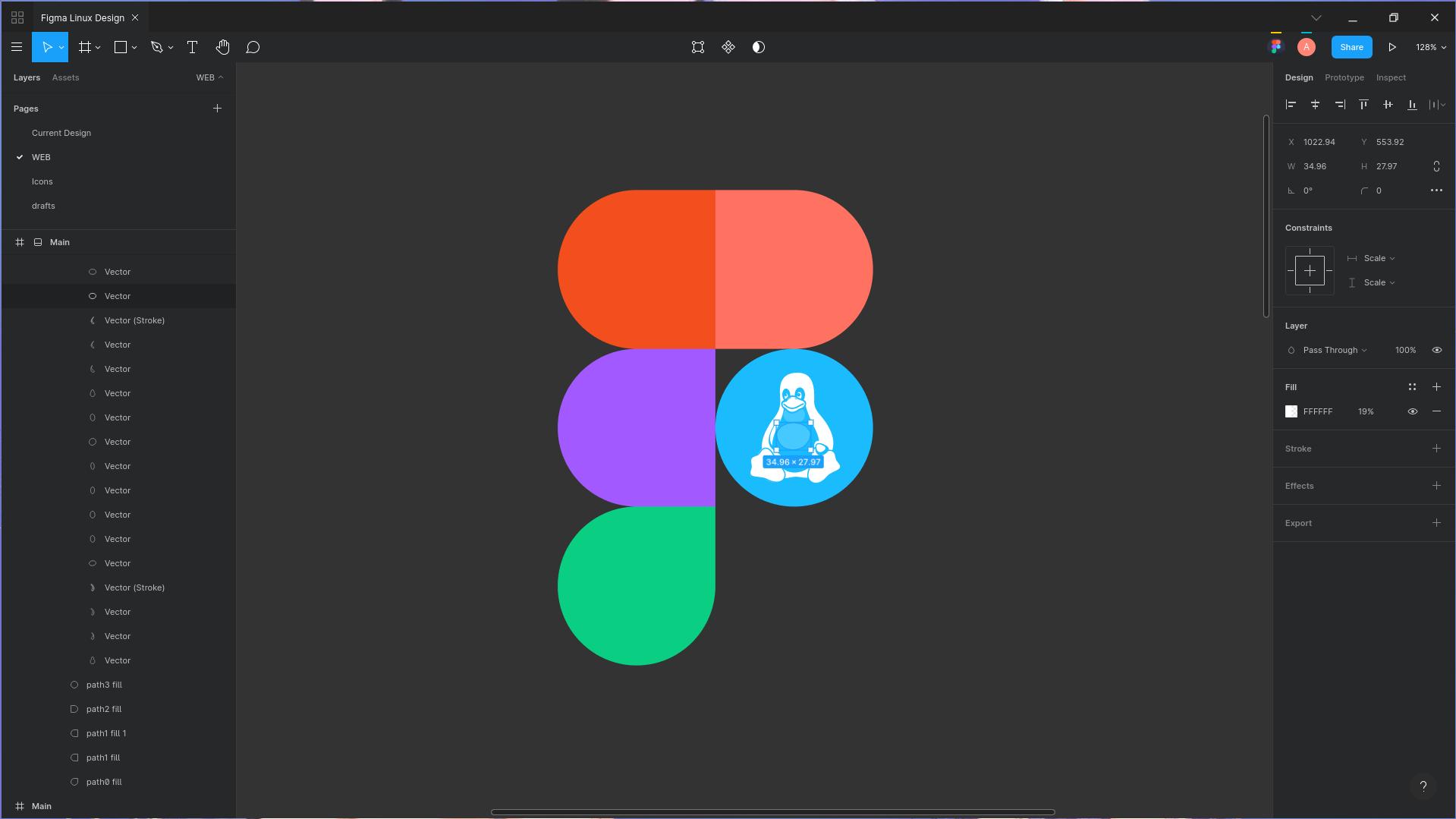
Figma-linux is an unofficial Electron-based Figma desktop app for Linux.
Snap

Installation

Universal

You can install Figma-linux from Snap here.

Alternatively, type

sudo snap install figma-linux

in your terminal.

To use local fonts when using the snapd version create a symbolic link:

sudo ln -s $HOME/.local/share/fonts $HOME/snap/figma-linux/current/.local/share/

There is also an AppImage available. Get it on our Releases page, then make it executable and install using these terminal commands:

chmod +x figma-linux-*.AppImage
sudo ./figma-linux-*.AppImage -i

This is not a portable AppImage - it will install figma-linux on your system, after which you can run it from terminal or from your app list. For more info, execute

./figma-linux-*.AppImage -h

Debian-based Distros

Firstly, install libgconf-2-4:

sudo apt install libgconf-2-4

Download the .deb package from the Releases page, and install it with dpkg or your favorite .deb installer.

sudo dpkg -i figma-linux_*_amd64.deb

Ubuntu

On Ubuntu, you can use our PPA:

sudo add-apt-repository ppa:chrdevs/figma && sudo apt update && sudo apt install figma-linux -y

If you receive a NO_PUBKEY error while running apt update, then you must add the key manualy:

sudo apt-key adv --recv-key --keyserver keyserver.ubuntu.com 70F3445E637983CC
Alternative Ubuntu install

Download the .deb package from the Releases page, and install it with apt.

sudo apt install figma-linux_*_amd64.deb

Arch-based distros

Figma-linux is available on the AUR. You can use an AUR helper like yay to install it:

yay -S figma-linux-bin

Other AUR packages:

  • figma-linux - the package install binary version from release tag
  • figma-linux-bin - the package install binary version from release tag
  • figma-linux-git - the package build the app from Github from latest release tag
  • figma-linux-dev-git - the package build the app from Github from latest commit on the dev branch

RPM-based distros

Download the .rpm package from our Releases page, then install it:

sudo dnf install figma-linux-*.x86_64.rpm

Nixos

On Nixos, you may add figma-linux in the environment.systemPackages list of your /etc/nixos/configuration.nix and run:

sudo nixos-rebuild switch

Building from source

  1. Clone the repository:
git clone https://github.com/Figma-Linux/figma-linux
cd figma-linux
  1. Install prerequisites from npm:
npm i

To run Figma-linux from npm in dev mode execute this:

npm run dev

Aside from that, you can also run:

  • npm run dev to run the app in development mode
  • npm run build to built the app for production
  • npm run start to run the built version
  • npm run builder to package the app for distribution.
    • The build targets are listed in ./config/builder.json. You can remove the ones you don't need or don't have dependencies for.
  • npm run pack to remove old packages from the installer directory, then pack the app.

Example of .env for local development:

NODE_ENV=dev
DEV_PANEL_PORT=3330
DEV_SETTINGS_PORT=3331

Community

Join us on Telegram or Spectrum.

Become a Backer

You can contribute to figma-linux development by supporting us on Paypal or Buy me a Coffee:

Buy Me A Coffee donate button PayPal donate button

Thanks to the supporters.

Frequently asked questions

Is figma-linux free to use?

figma-linux is open source under the GPL-2.0 licence. There is no licence fee and no seat count — you can self-host it or, where the project offers one, pay a vendor for a managed version instead.

What does figma-linux do?

Figma is the first interface design tool based in the browser, making it easier for teams to create software. Join us in https://t.me/figma_linux

What is figma-linux written in?

figma-linux is primarily written in Svelte. Its source is publicly available at https://github.com/Figma-Linux/figma-linux, and it has 3,271 GitHub stars.






