
ExpenseOwl



Why Create This? • Features • Screenshots
Installation • Usage • Contributing
ExpenseOwl is an extremely simple self-hosted expense tracking system with a modern monthly pie-chart visualization and cashflow showcase.
Why Create This?
There are a ton of amazing projects for expense tracking across GitHub (Actual, Firefly III, etc.). They're all incredible! I just don't find them fast and simple. They offer too many features I never use (like accounts or complex budgeting). Don't get me wrong! They're amazing when complexity is needed, but I wanted something dead simple that gives me a quick monthly look at my expenses. NOTHING else!
So, I created this project and I use it in my home lab for expenses. The primary intention is to track spending across your categories in a simplistic manner. No complications, searching, budgeting. This is not a budgeting app; it's for tracking.
Features
Core Functionality
- Quick expense/income add (only date, amount, and category are required)
- Single-user focused (mainly for a home lab deployment)
- Recurring transactions for both income and expenses
- Custom categories, currency symbols, and start date via app settings
- Optional tags for further classification
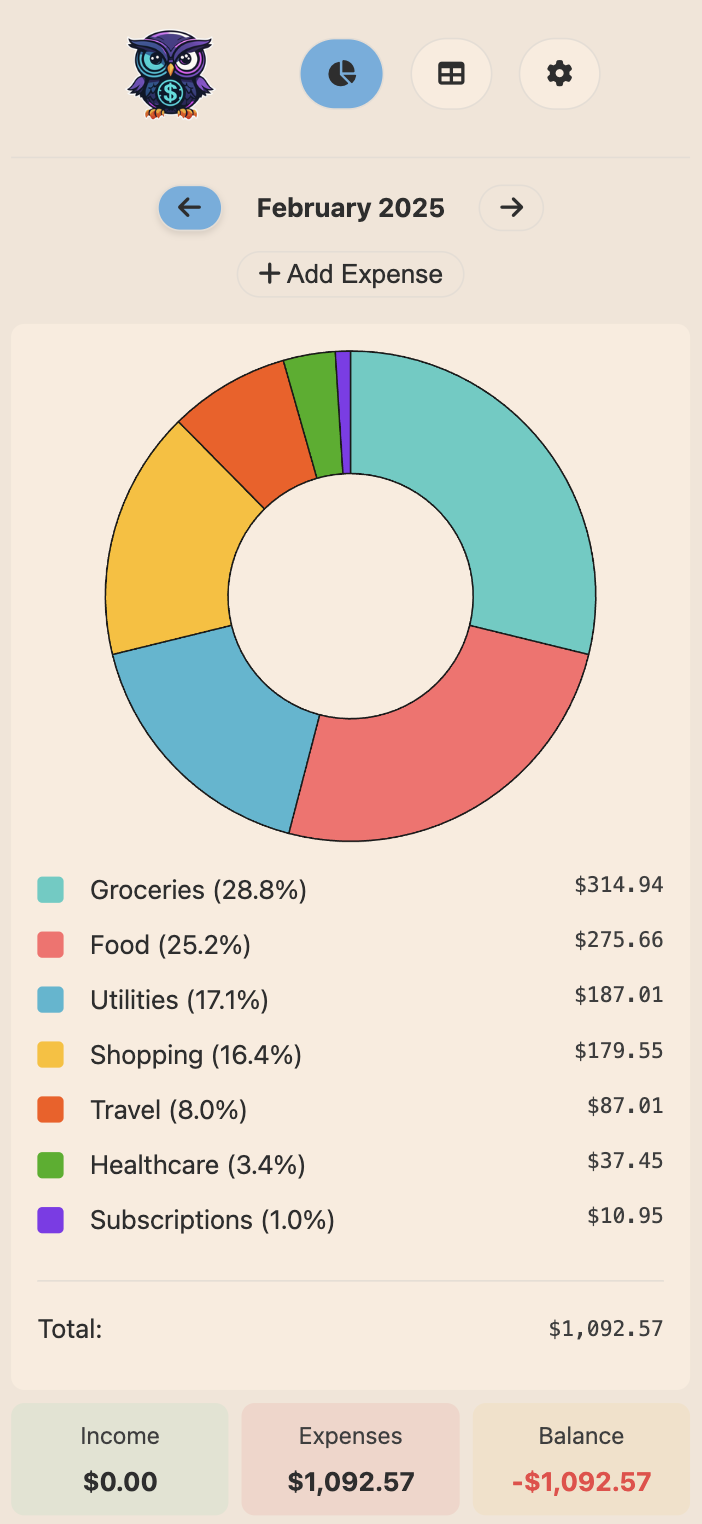
- Beautiful interface with both light and dark themes
- Self-contained binary and container image to ensure no internet interaction
- Multi-architecture Docker container with support for persistent storage
- PWA support for using the app on smartphone
Visualization
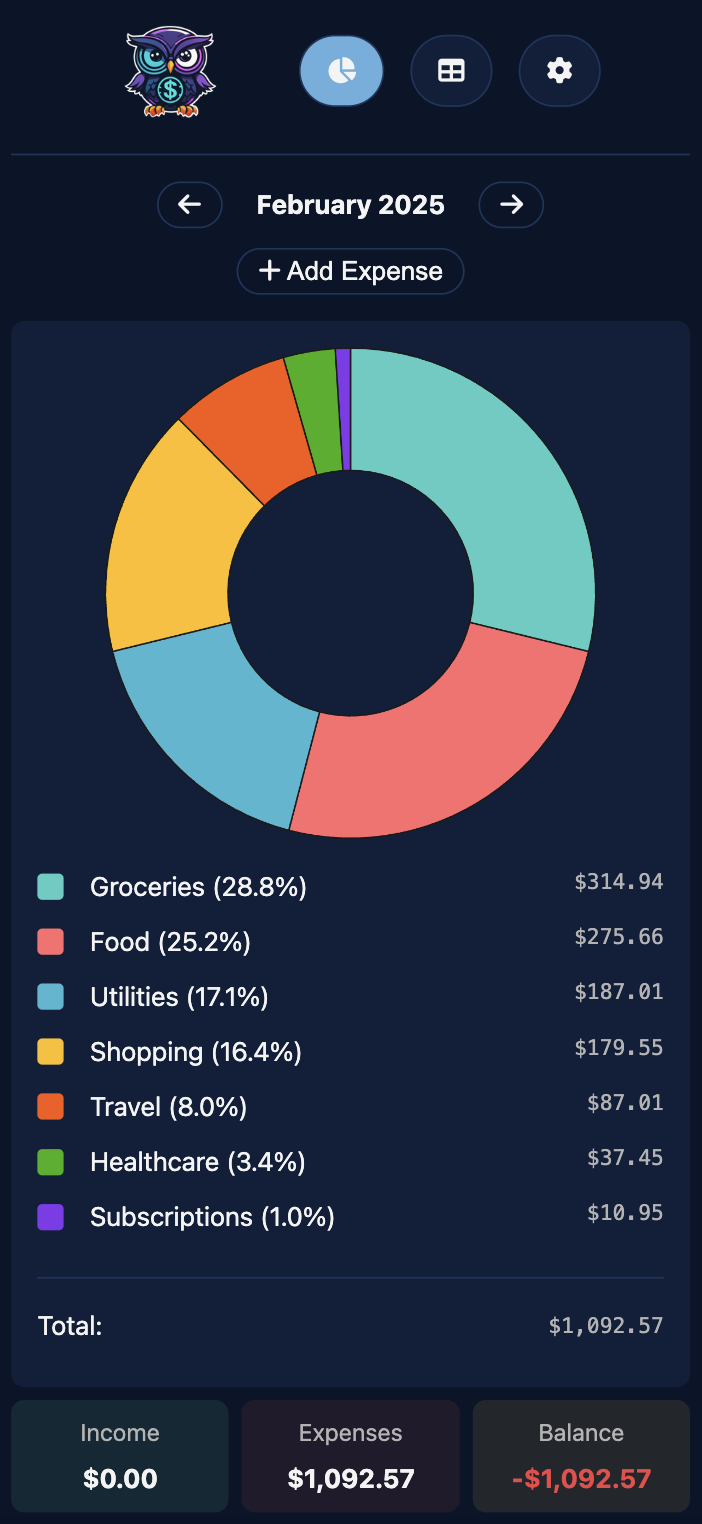
- Main dashboard - category breakdown (pie chart) and cashflow indicator
- Click on a category to exclude it from the pie chart; click again to add it back
- Visualize the month's breakdown without considering some categories like Rent
- Cashflow shows total income, total expenses, and balance (red or green based on +ve or -ve)
- Table view for detailed expense listing
- View monthly or all expenses chronologically and delete them (hold shift to skip confirm)
- Use the browser to search for a name or tags if needed
- Tags show up if at least one transaction uses it;
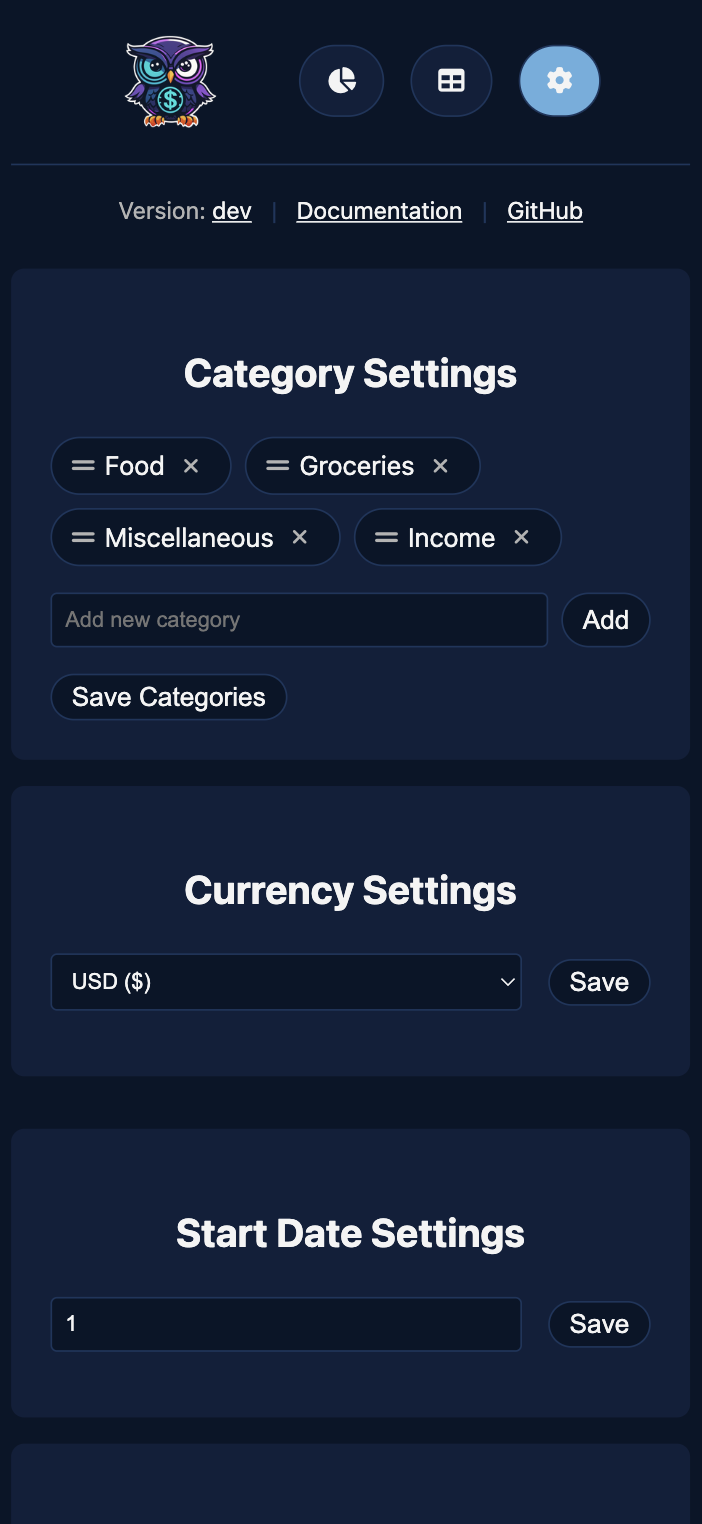
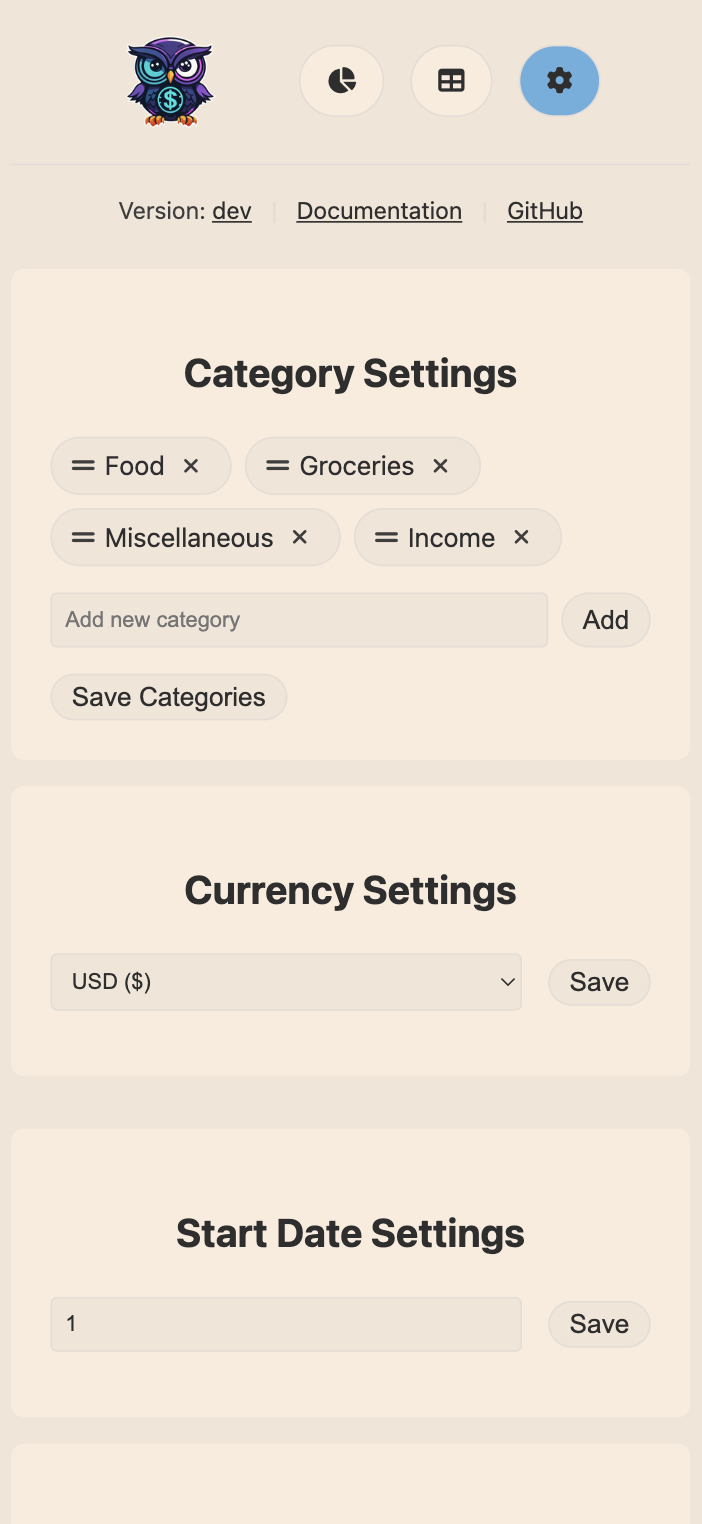
- Settings page for configurations and additional features
- Reorder, add, or remove custom categories
- Select a custom currency symbol and a custom start date
- Exporting data as CSV and import CSV from virtually anywhere
Progressive Web App (PWA)
The front end of ExpenseOwl can be installed as a Progressive Web App on desktop and mobile devices (i.e., the back end still needs to be self-hosted). To install:
- Desktop: Click the install icon in your browser's address bar
- iOS: Use Safari's "Add to Home Screen" option in the share menu
- Android: Use Chrome's "Install" option in the menu
Screenshots
Dashboard Showcase:
| Desktop View | Mobile View | |
|---|---|---|
| Dark | 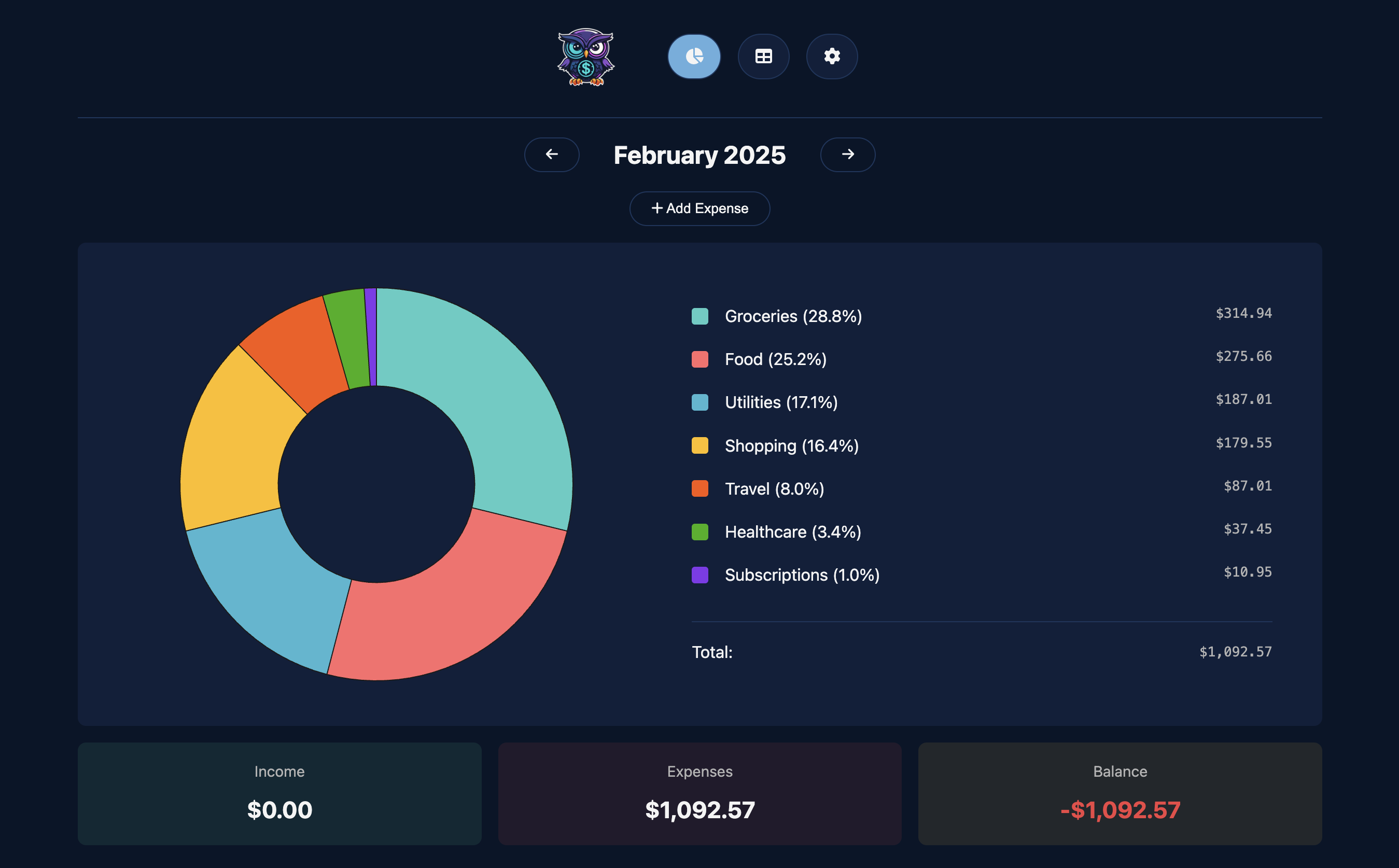 |
 |
| Light | 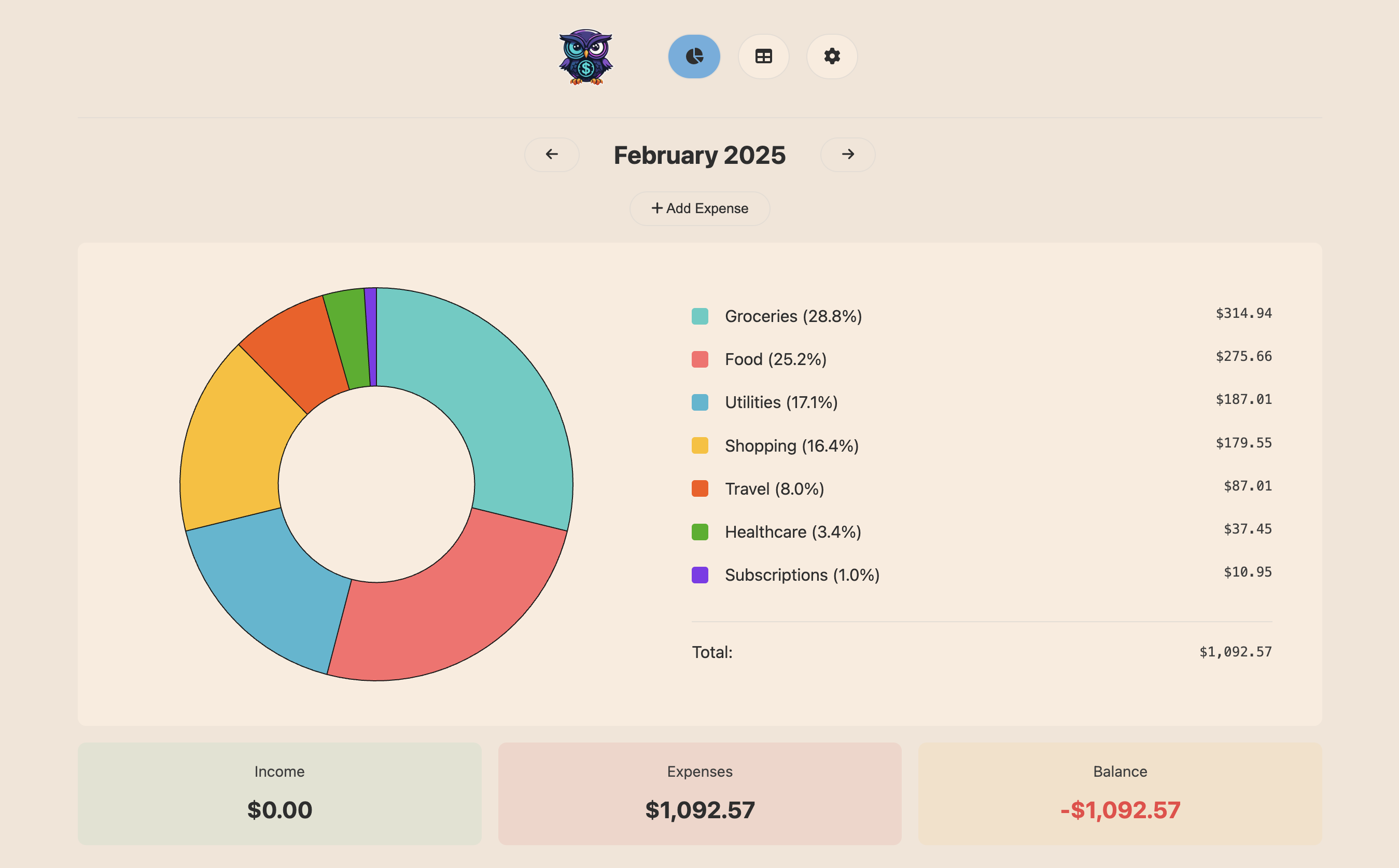 |
 |
Expand this to see screenshots of other pages
| Desktop View | Mobile View | |
|---|---|---|
| Table Dark | 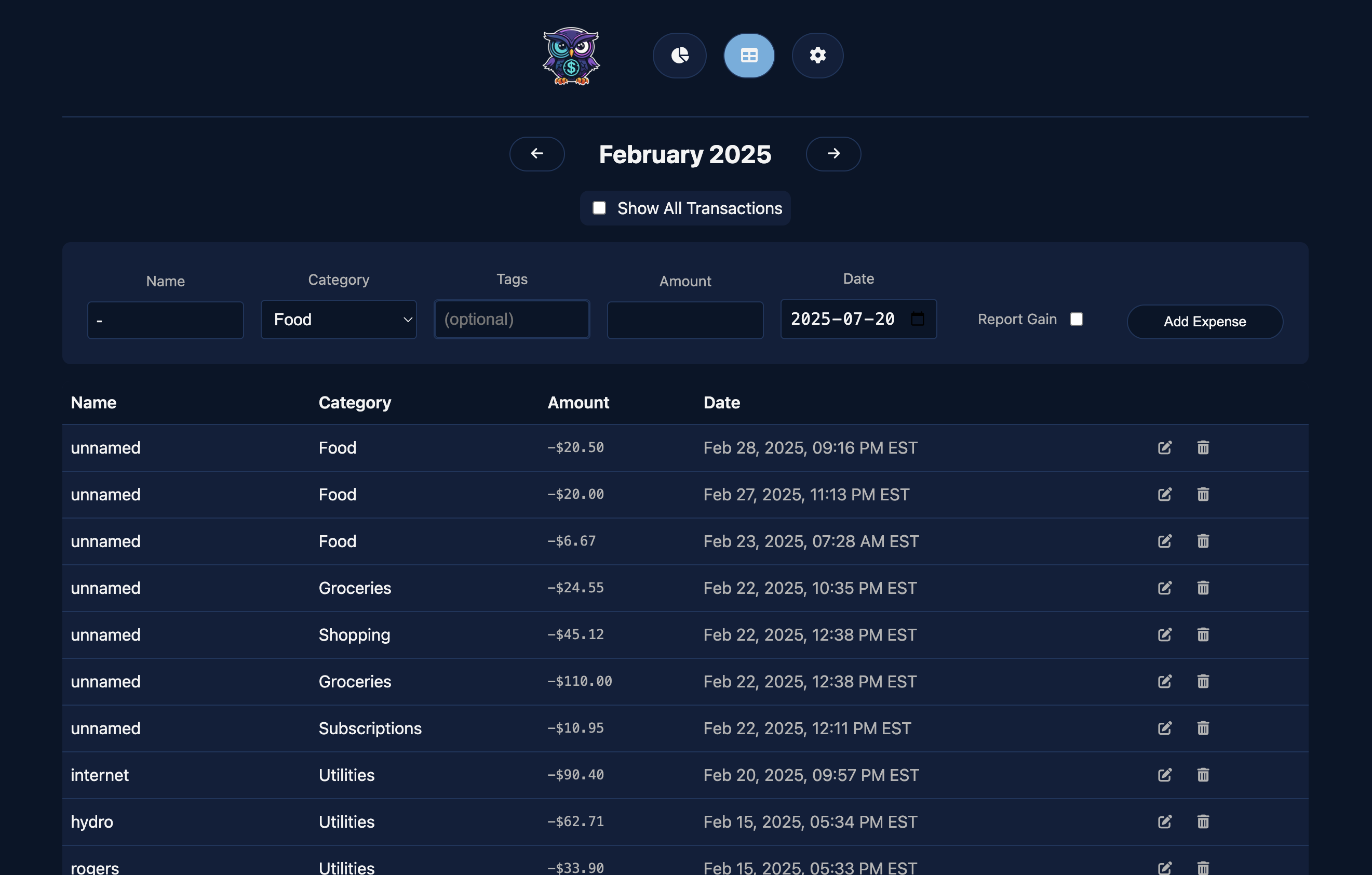 |
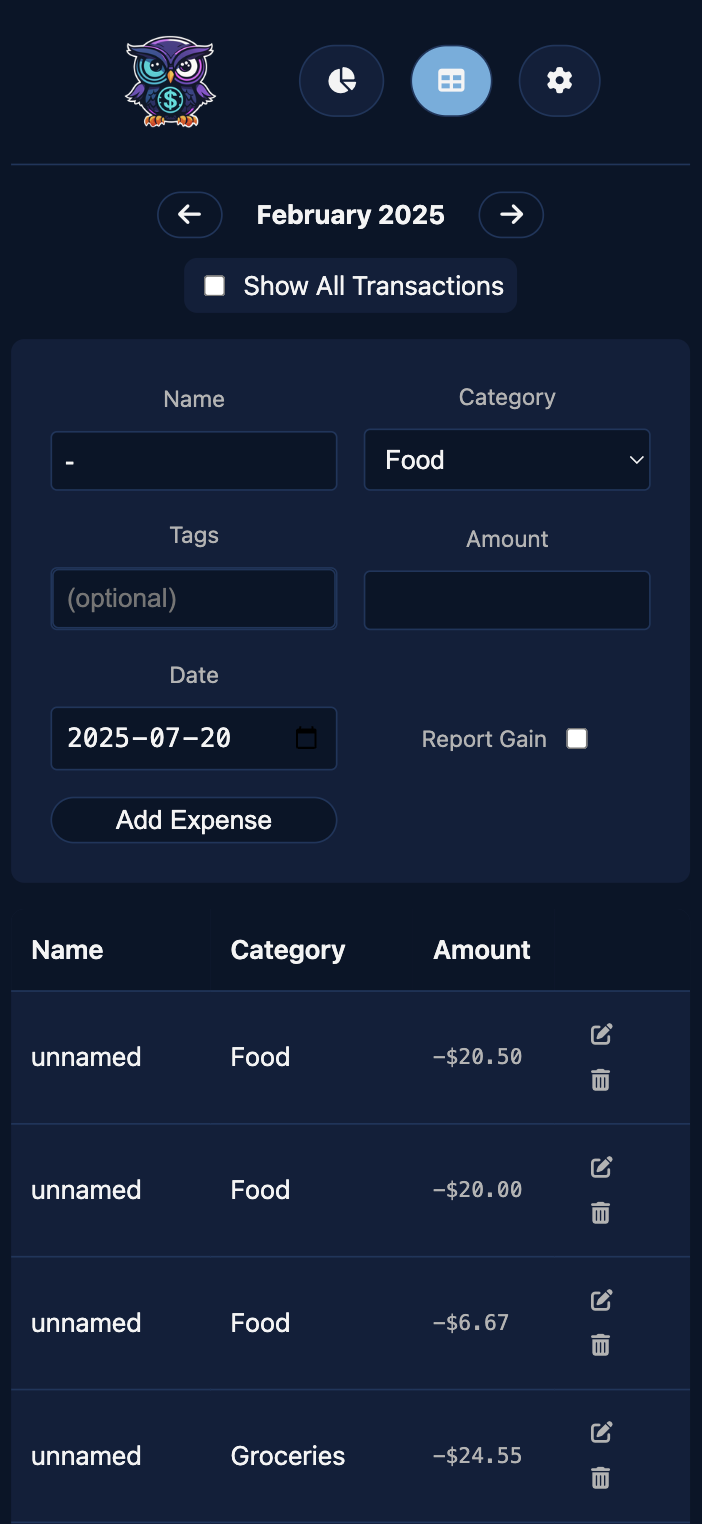 |
| Table Light | 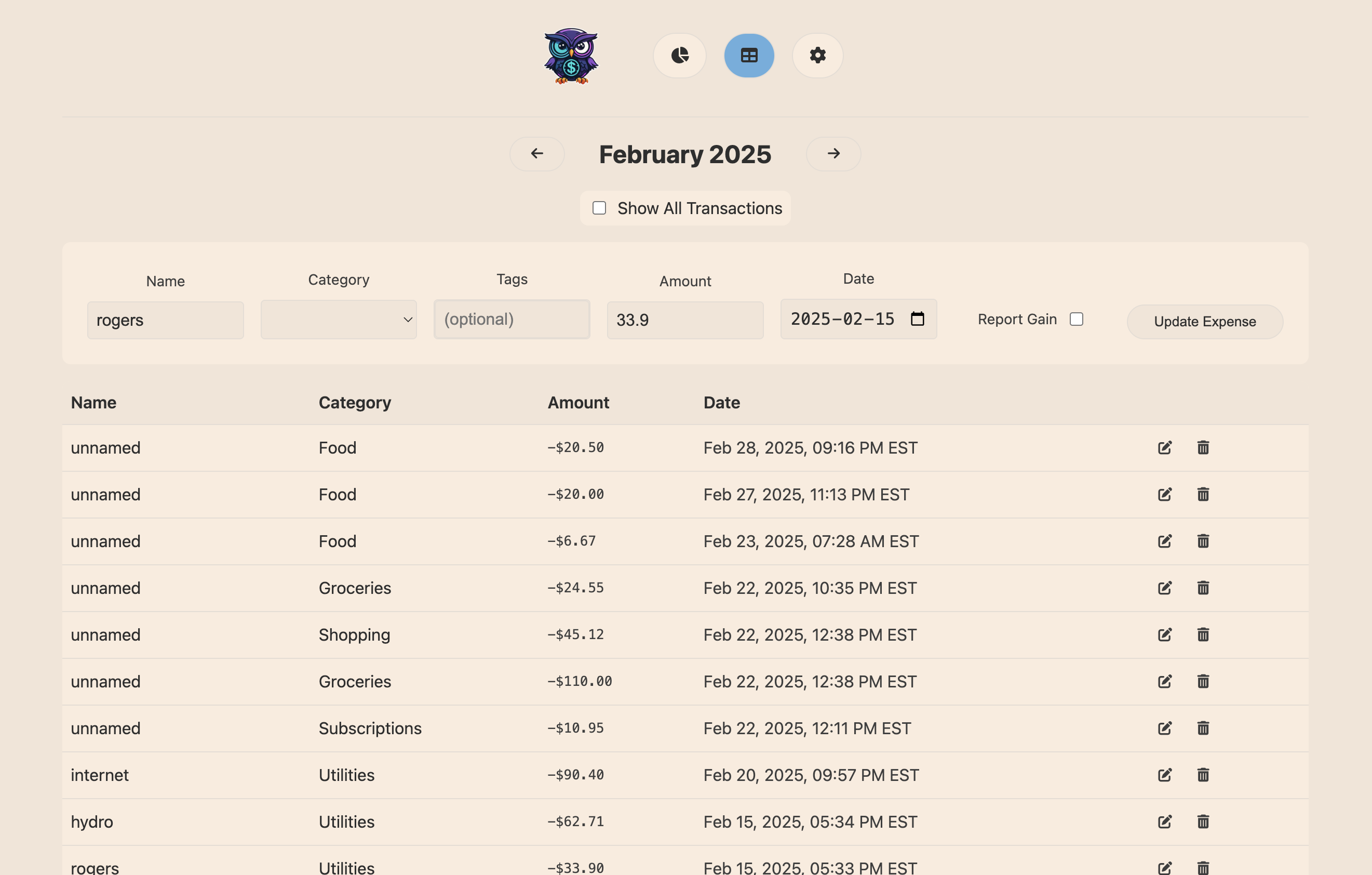 |
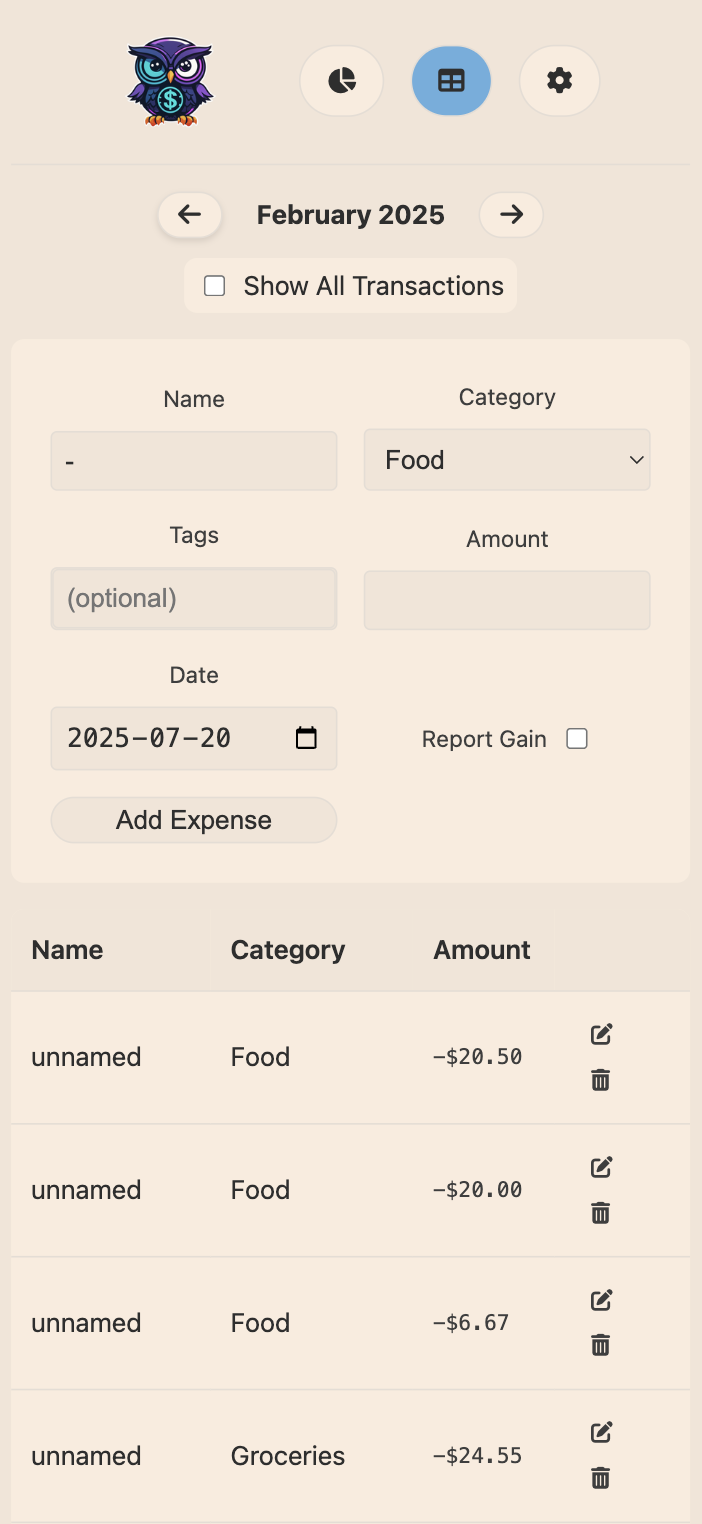 |
| Settings Dark | 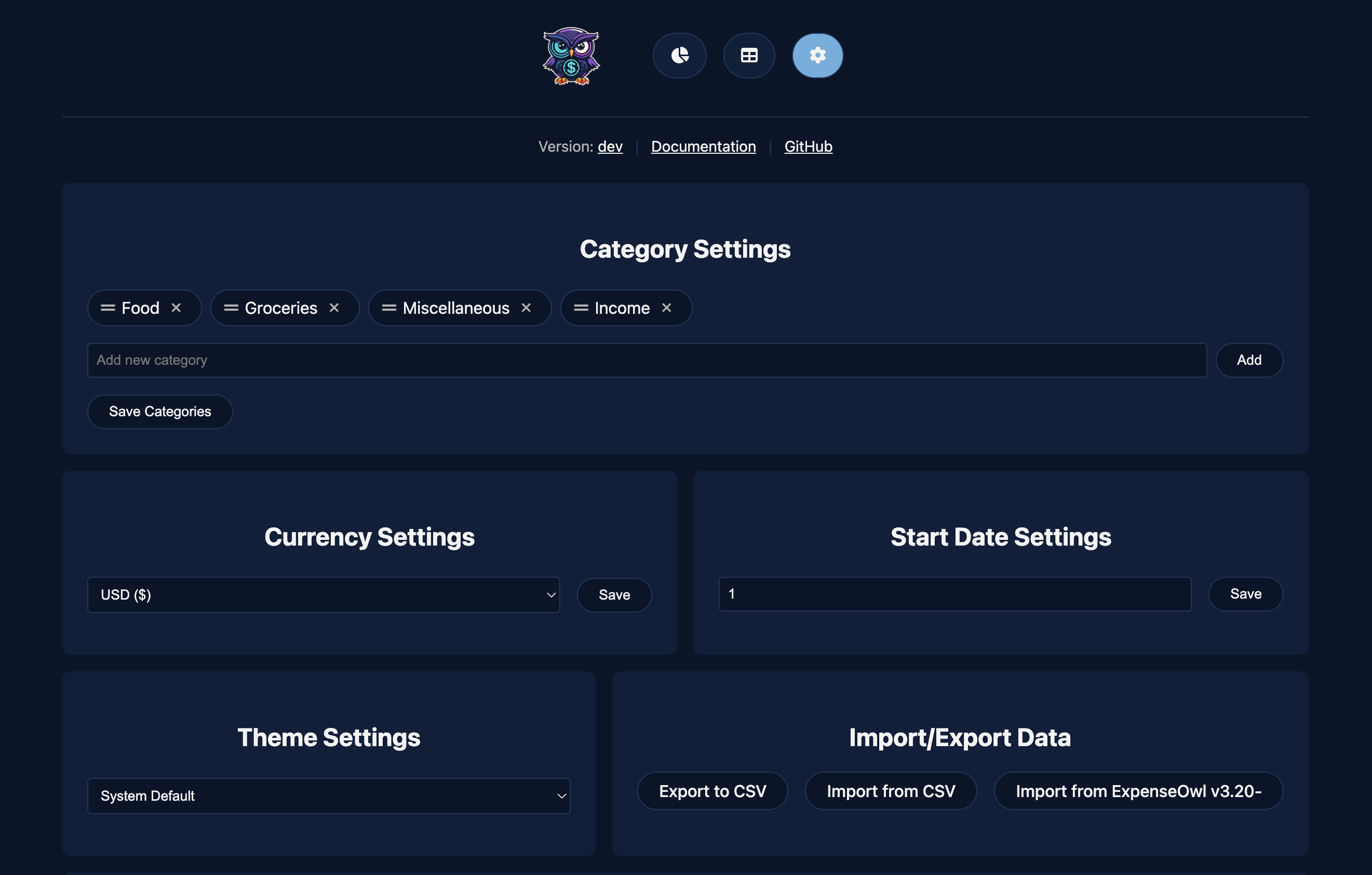 |
 |
| Settings Light | 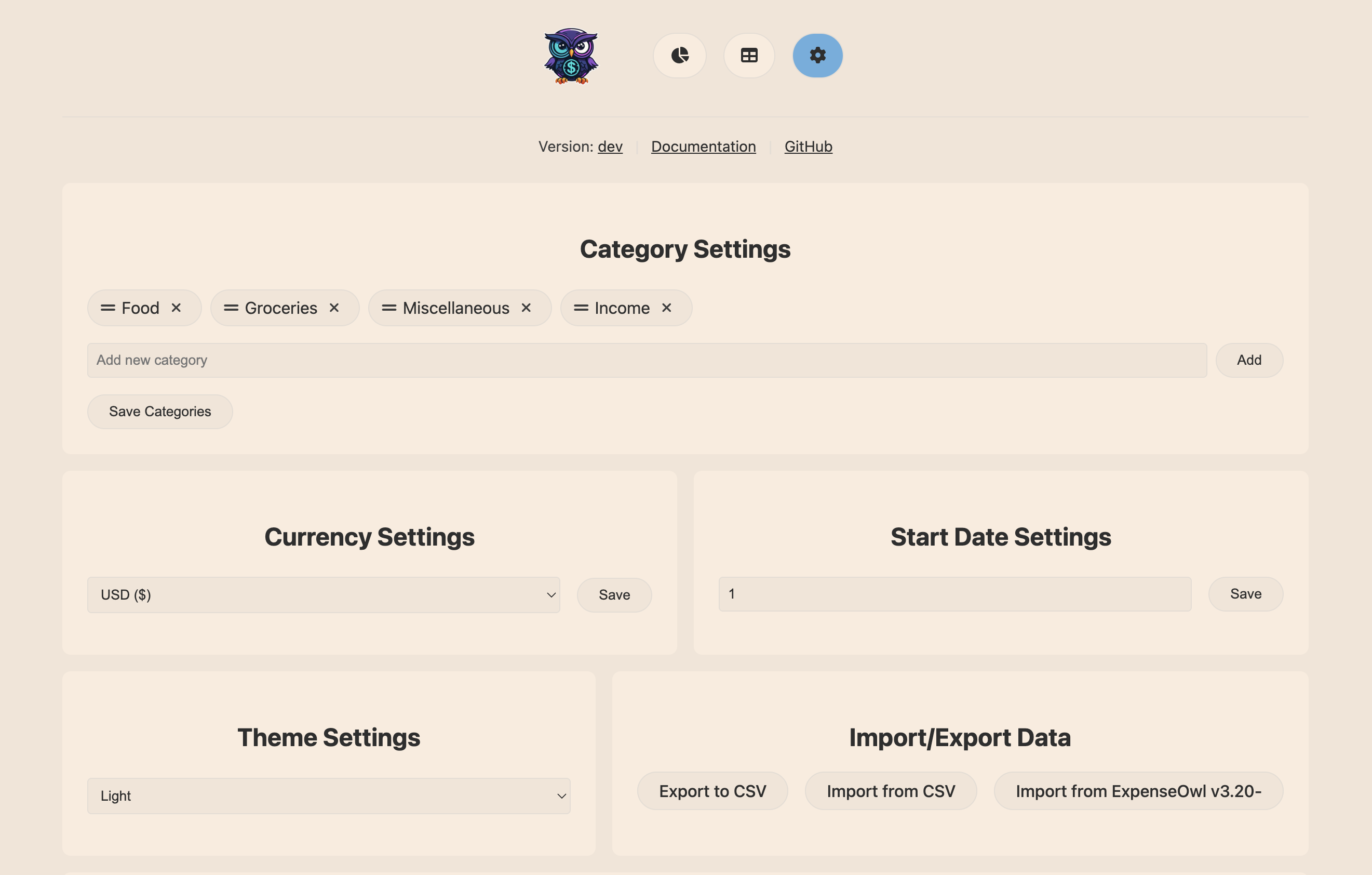 |
 |
Installation
The recommended installation method is Docker. To run the container via CLI, use the following command:
docker run --rm -d \
  --name expenseowl \
  -p 8080:8080 \
  -v expenseowl:/app/data \
  tanq16/expenseowl:main
To use Docker compose, use this YAML definition:
services:
  expenseowl:
    image: tanq16/expenseowl:main
    restart: unless-stopped
    ports:
      - 5006:8080 # change 5006 to what you want to expose on
    volumes:
      - /home/tanq/expenseowl:/app/data # change dir as needed
Expand this to see additional execution options
Using the Binary or Building from Source
Download the appropriate binary from the project releases. The binary automatically sets up a data directory in your CWD, and starts the app at http://localhost:8080.
To build the binary yourself:
git clone https://github.com/tanq16/expenseowl.git && \
cd expenseowl && \
go build ./cmd/expenseowl
Kubernetes Deployment
This is a community-contributed Kubernetes spec. Treat it as a sample and review before deploying to your cluster. Read the associated readme for more information.
Usage
Once deployed, use the web interface to do everything. Access it through your browser:
- Dashboard:
http://localhost:8080/ - Table View:
http://localhost:8080/table - Settings:
http://localhost:8080/settings
[!NOTE] This app does not include authentication, so deploy carefully. I don't want to add half-baked authentication, so use Authelia, or equivalent as needed. ExpenseOwl works well with a reverse proxy like Nginx Proxy Manager too and is intended for homelab use only.
Conventions
Since writing the app, I've found a ton of ways applications handle expenses. Release v4.0 solidifies the conventions I will continue to maintain the app in.
- Expenses are categorized by a -ve value, while income or reimbursement (designated by the
Report as gaincheckbox) are +ve - Expense dates are stored as UTC strings in RFC3339 format, however, the frontend hides the time value from the user; users are meant to select a date, and the current local time is automatically added to the given date
- Future and recurring expenses extending into future dates are added immediately to the backend
- The primary way to use ExpenseOwl is to quick review the month's stats via the pie chart - this allows users to make a mental note and soft decision of where to spend money, without the effort of maintaining a budget
- Categories are meant to be used as a classification criteria - example, how much did I spend on food, groceries, and utilities, etc.
- Tags are optional and are meant to assign features and characteristics to expenses.
[!NOTE] While these conventions can change during the project's lifecycle, largely, the intention (stemming from the motivation to build ExpenseOwl) behind simple, manual, easy tracking will not change.
Configuration Options
With the exception of Data backends, all configuration of ExpenseOwl happens via the application UI. The list of all such options available via the settings page (/settings endpoint) is as follows:
- Category Settings:
- Currency Symbol:
- This is a frontend symbol configuration on what symbol to use to show amount values
- Each currency has its default behavior for using
,or.as separators (and if it uses decimals or not)
- Start Date:
- This is a custom day of the month from when the expenses will be displayed
- Example: setting it to 5 means, expenses for each month will be counted from 5th to next month's 4th
- Recurring Transactions:
- A recurring transaction can be for an expense or an income (gain)
- Given a value for number of occurences and a start date, the app will add the transactions accordingly
- Recurring transactions will be listed at the bottom of the page and can be edited/removed (all or future only transactions)
- Recurring transactions allow similar options as normal expenses - category, tags, amount, name
- Theme Settings: supports light and dark theme, with default behavior to adapt to system
- Import/Export Data: covered under Data Import/Export
Data Backends
ExpenseOwl supports two data backends - JSON (default), and Postgres. Postgres was added with v4.0 of the app primarily for homelabbers to reuse their Postgres instances as needed for better backup compatibility.
Ideally, you need not configure anything differently for the JSON backend. ExpenseOwl automatically creates the data directory and the .json files. You may, however, want to mount a specific volume to /app/data within the container for persistence.
For configuring Postgres, use the following environment variables:
| Variable | Sample Value | Details |
|---|---|---|
| STORAGE_TYPE | postgres | defaults to json, hence JSON backend is default |
| STORAGE_URL | "localhost:5432/expenseowldb" | format - SERVER/DB - the sslmode value is set by the next variable |
| STORAGE_SSL | require | can be one of disable (default), verify-full, verify-ca, or require |
| STORAGE_USER | testuser | the user to authenticate with your Postgres instance |
| STORAGE_PASS | testpassword | the password for the Postgres user |
The app has been tested with SSL mode for Postgres set to disable for simplicity.
[!TIP] The environment variables can be set for using
-ein the command line orenvironmentin a compose stack.
[!TIP] Having learnt more Go, I introduced the Storage interface in v4.0, making it easy to add any storage backend by simply implementing the interface.
Data Import/Export
ExpenseOwl is meant to make things simple, and importing CSV abides by the same philosophy. ExpenseOwl will accept any CSV file as long as it contains the columns - name, category, amount, and date. This is case-insensitive so name or Name doesn't matter.
[!TIP] This feature allows ExpenseOwl to use exported data from any tool as long as the required categories are present, making it insanely easy to shift from any provider.
[!WARNING] The recommended format for the date is RFC3339. Additionally, ExpenseOwl can ingest several other time formats, including a short, human written date like
2012/8/14(14th August 2012). HOWEVER !!! ExpenseOwl only ingests date in YYYY-MM-DD (this order). ExpenseOwl does NOT deal with MM/DD or DD/MM. Full 4 digit year comes first, followed by month, and lastly the date.
[!NOTE] ExpenseOwl goes through every row in the imported data, and will intelligently fail on rows that have invalid or absent data. There is a 10 millisecond delay per record to reduce disk/db overhead, so please allow appropriate time for ingestion (eg. ~10 seconds for 1000 records).
Data exported as CSV will include expense IDs, so when importing the same CSV file, IDs will be maintained and skipped appropriately.
An Import from ExpenseOwl v3.2- will be present for v4.X to allow pulling in data from past releases.
Contributing
Contributions are welcome; please ensure they align with the project's philosophy of maintaining simplicity by strictly using the current tech stack (Go for backend; HTML, CSS, JS for frontend). It is intended for home lab use, i.e., a self-hosted first approach (containerized use). Consider the following:
- Additions should have sensible defaults without breaking foundations
- Environment variables can be used for system configuration in container and binary
- Found a typo or need to ask a question? Please open an issue instead of a PR
- To add a new backend type (say SQL, NocoDB, etc.), a new file can be added in the backend that implements the Storage interface