Free Email Templates by Colorlib
Free, responsive HTML email templates for Mailchimp and every other email service.
28 templates, all written in MJML and compiled to bulletproof,
table-based HTML — so they render reliably in Outlook (Windows) as well as modern web and
mobile clients. Use the pre-built N/index.html files as they are, or
build from source to customize.
For more email templates like these, see the full Colorlib list.
Templates
Click any preview to open that template. Each thumbnail shows the top of the email at its native 600px width — the templates themselves are much longer.
Colorlib classic · 1–20
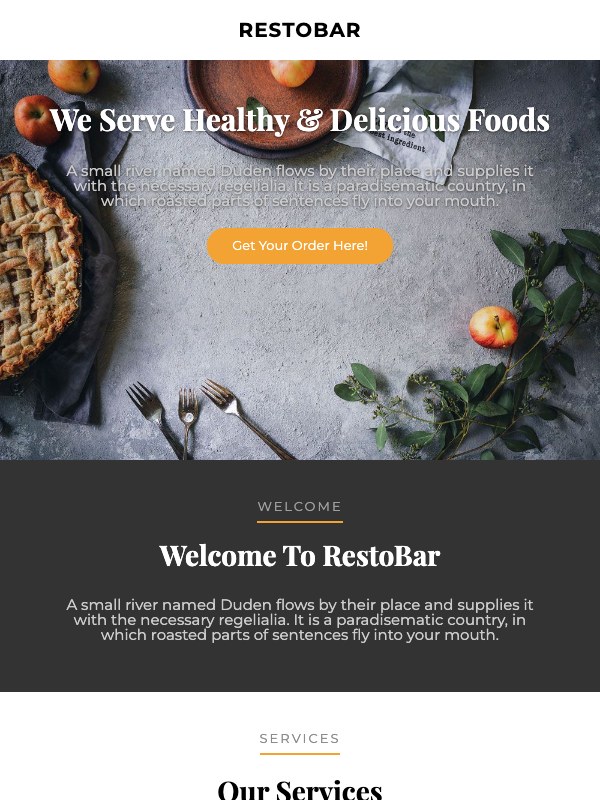 01 · RestoBar Restaurant · orange |
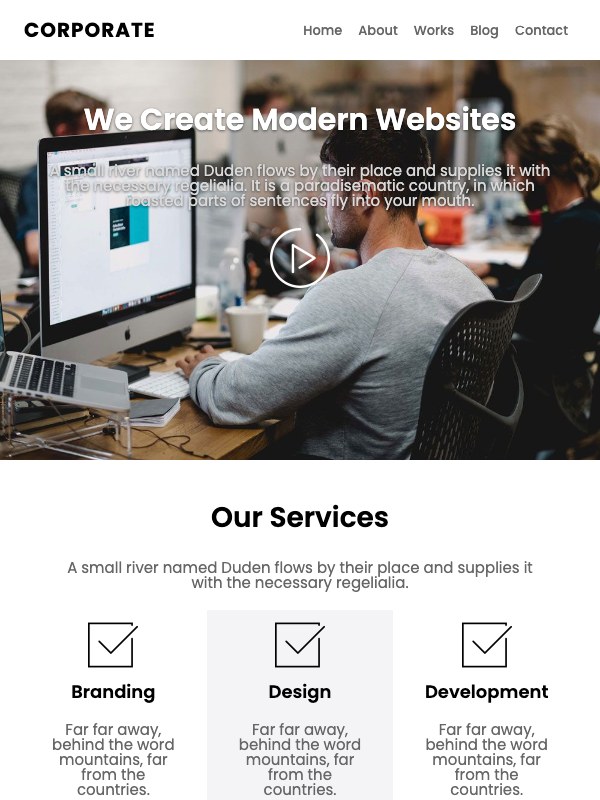 02 · Corporate Agency · blue |
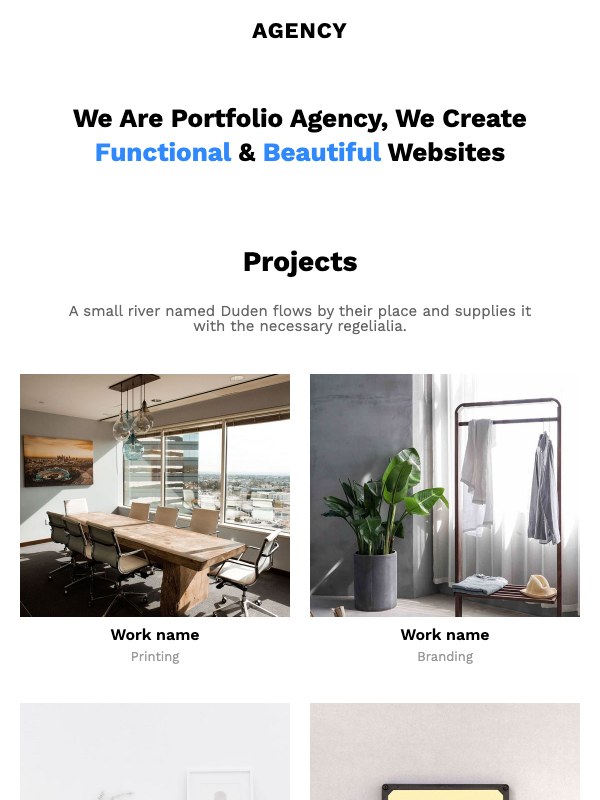 03 · Agency Portfolio · blue |
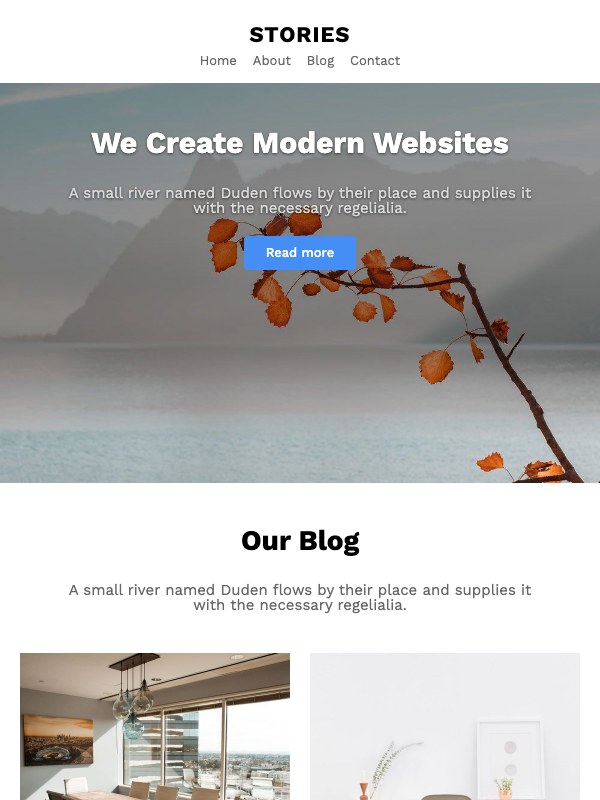 04 · Stories Blog · blue |
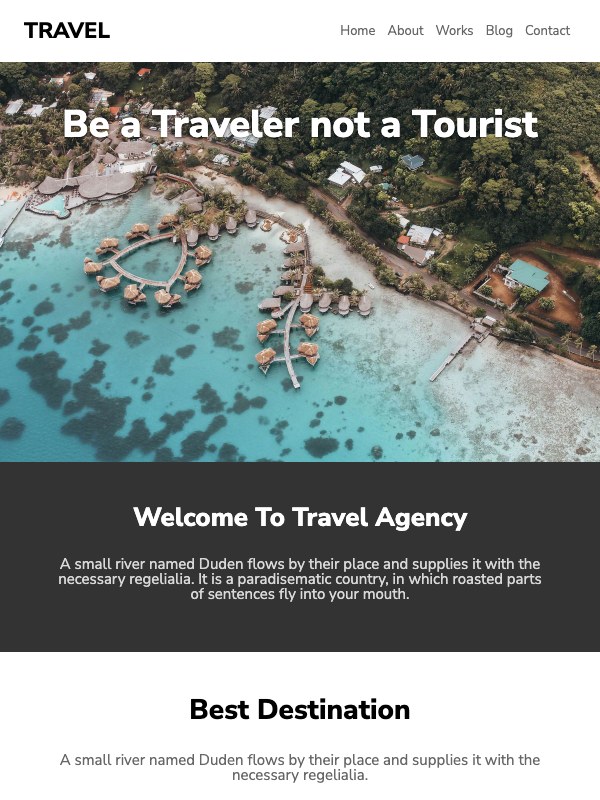 05 · Travel Travel agency · red |
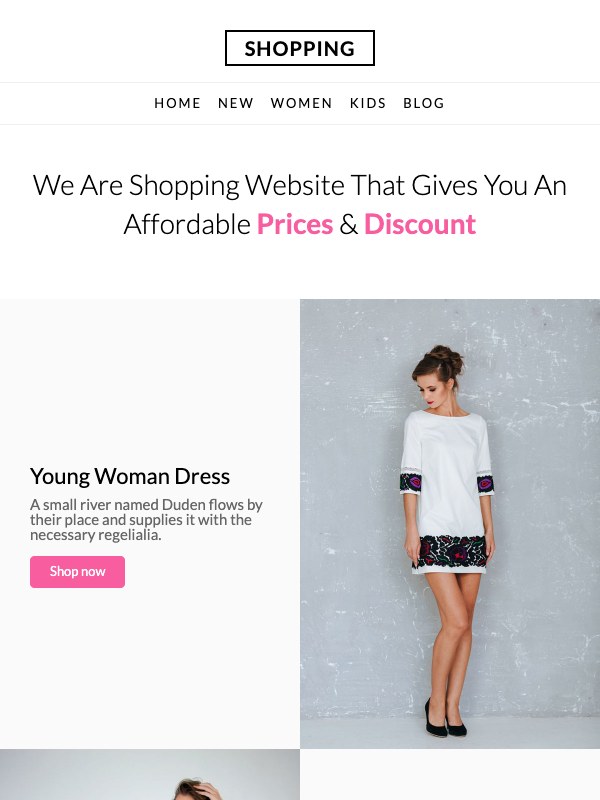 06 · Shopping Women's fashion · pink |
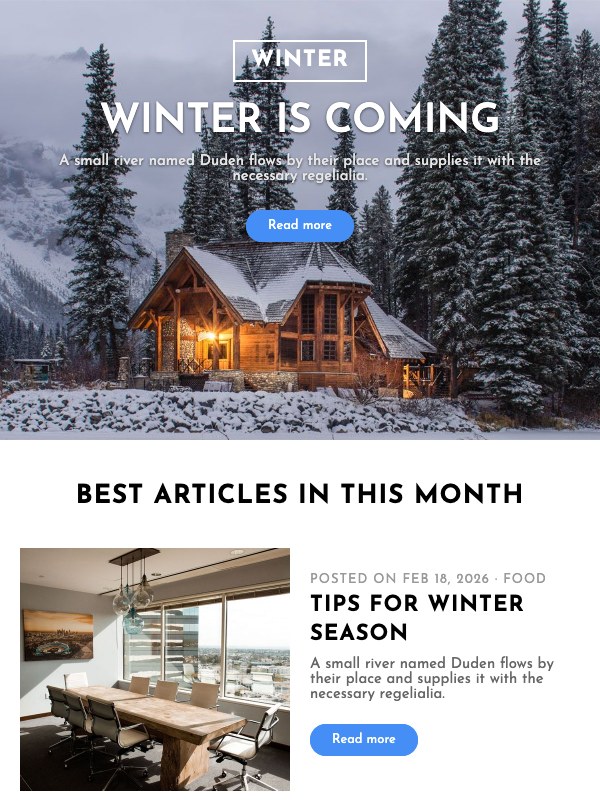 07 · Winter Newsletter · blue |
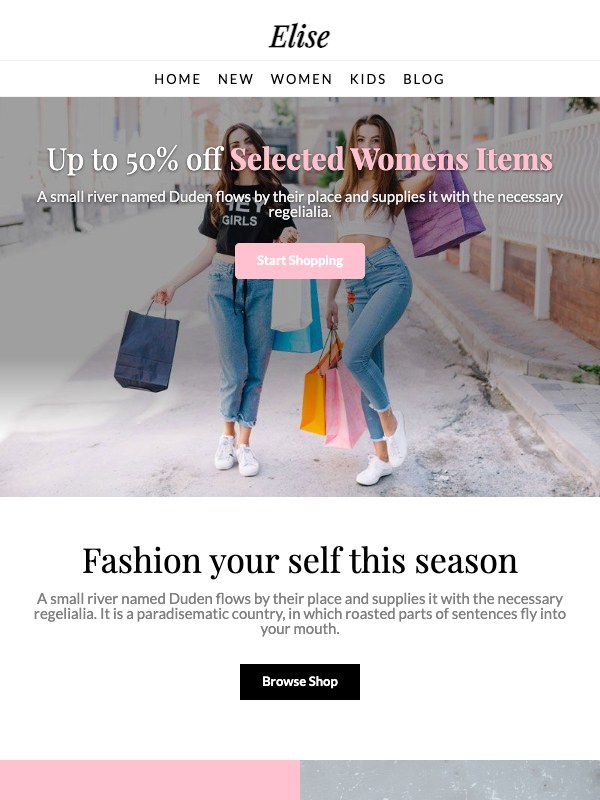 08 · Elise Fashion sale · pink |
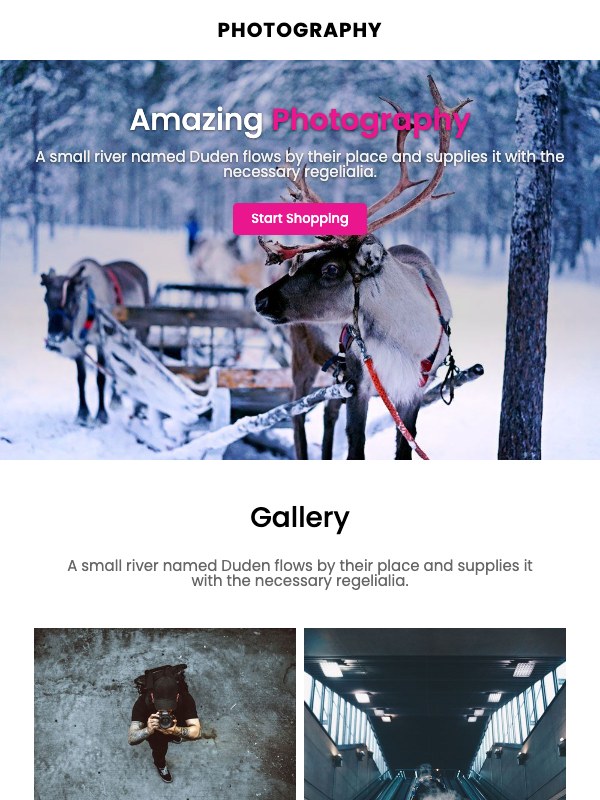 09 · Photography Gallery · magenta |
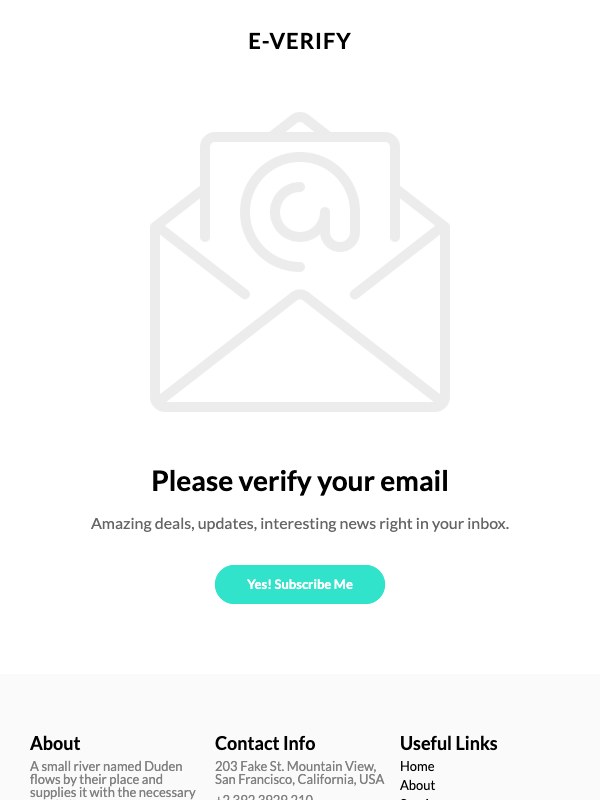 10 · e-Verify Email verification · teal |
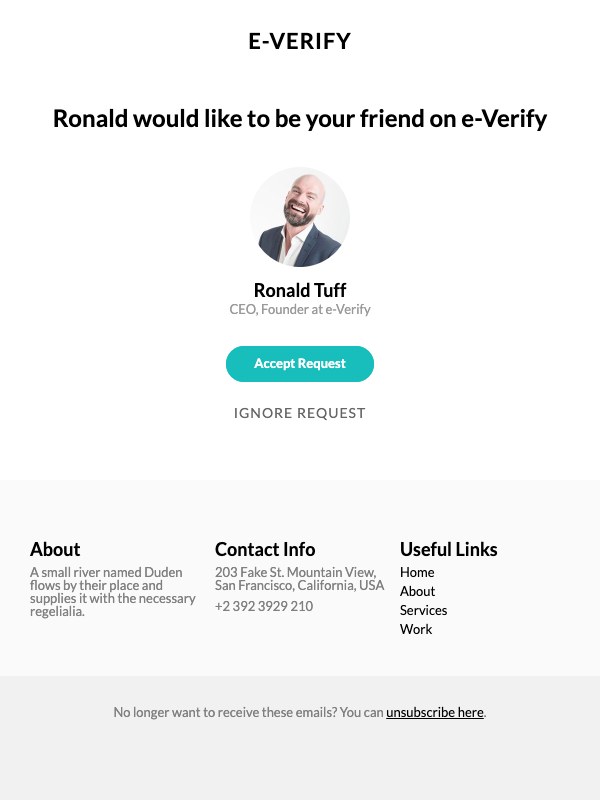 11 · Friend request Social notification · teal |
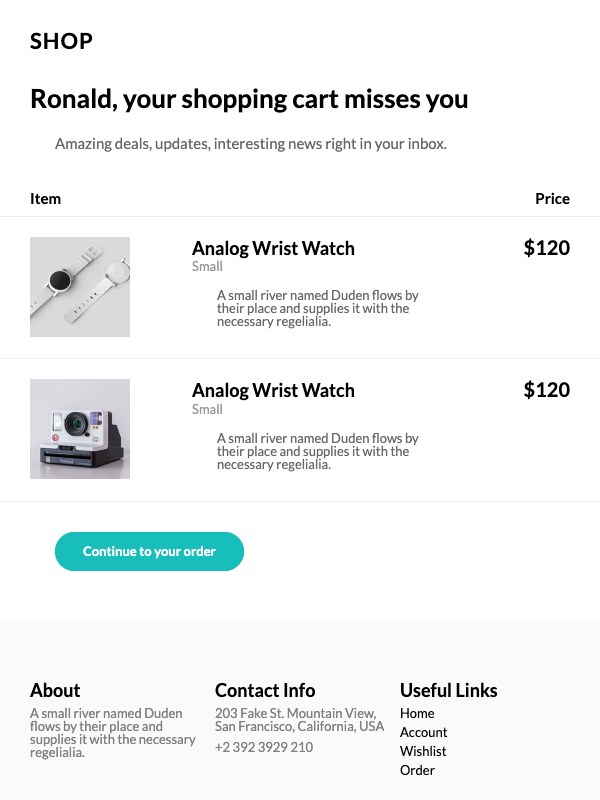 12 · Shop Cart reminder · teal |
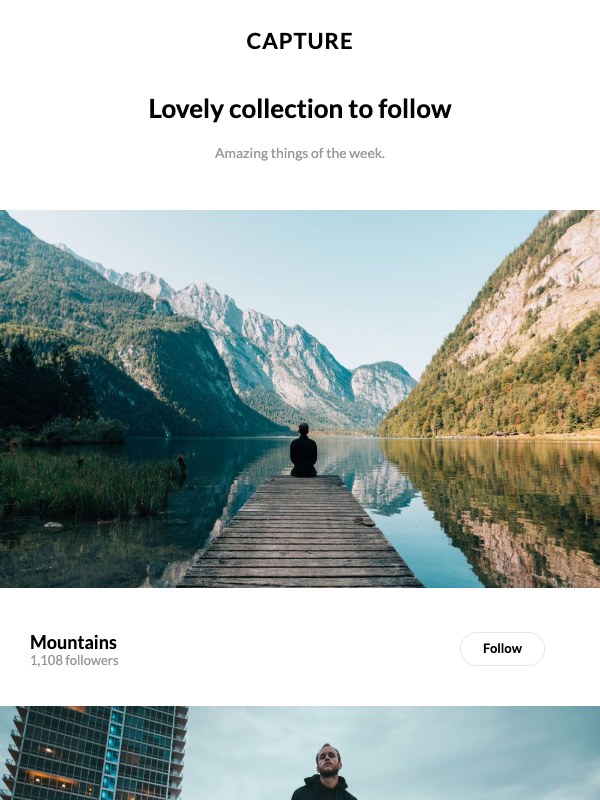 13 · Capture Photo follow · blue |
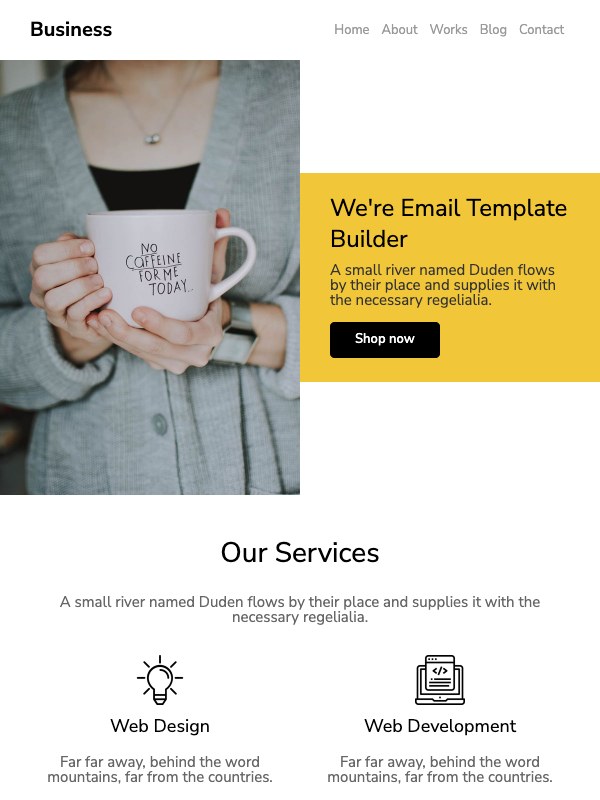 14 · Business Template builder · yellow |
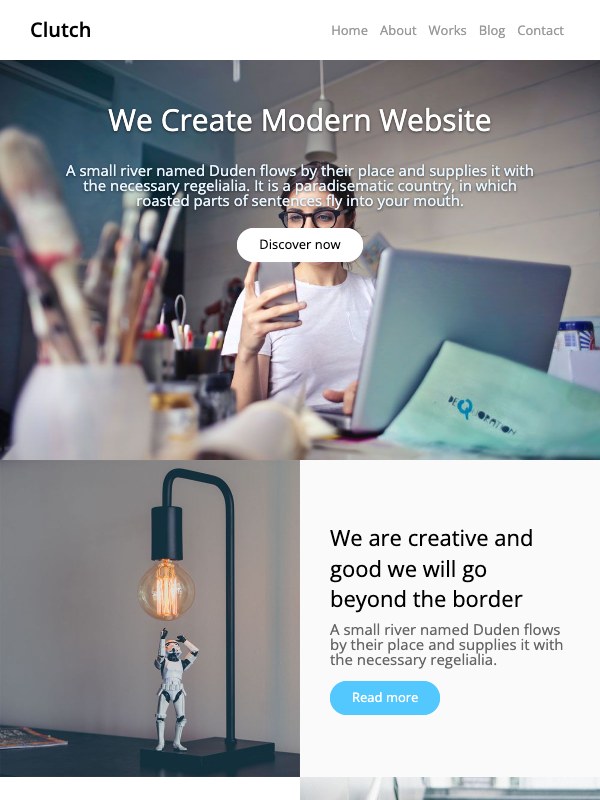 15 · Clutch Portfolio · cyan |
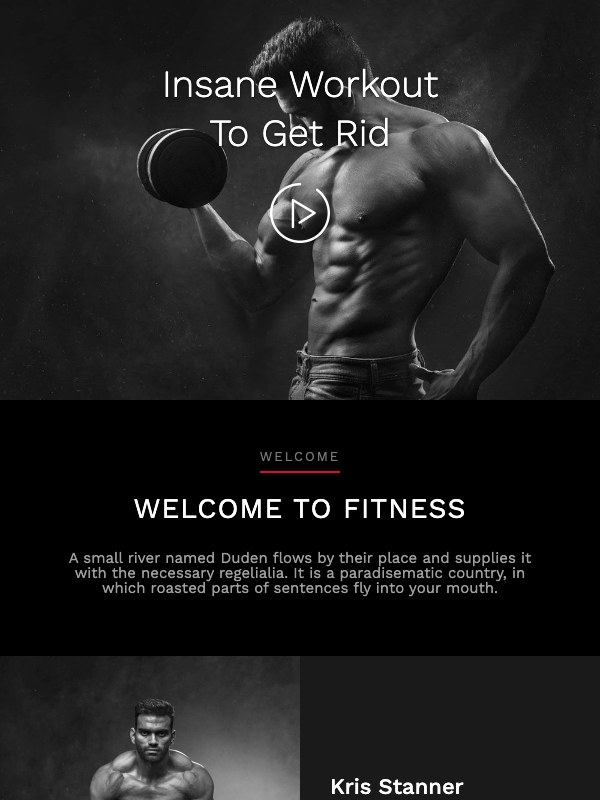 16 · Fitness Gym · red |
 17 · Real Estate Property · orange |
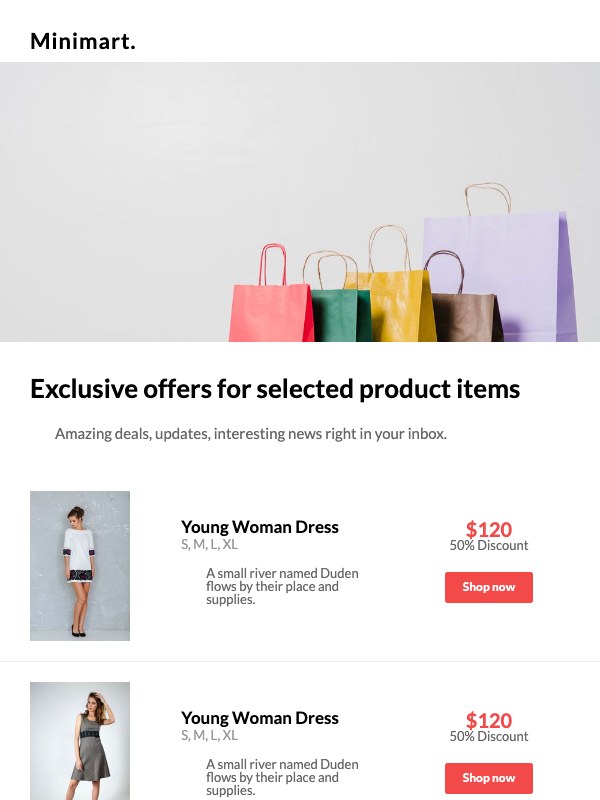 18 · Minimart Exclusive offers · red |
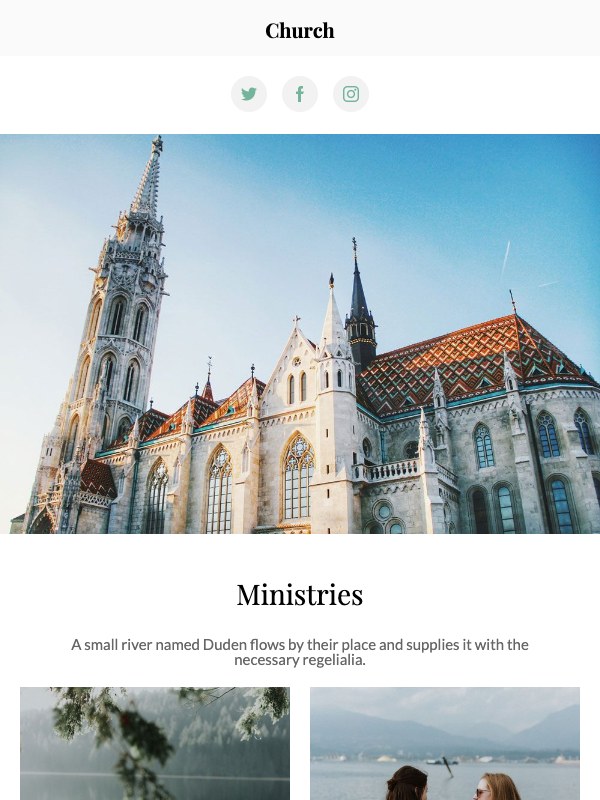 19 · Ministries Church · green |
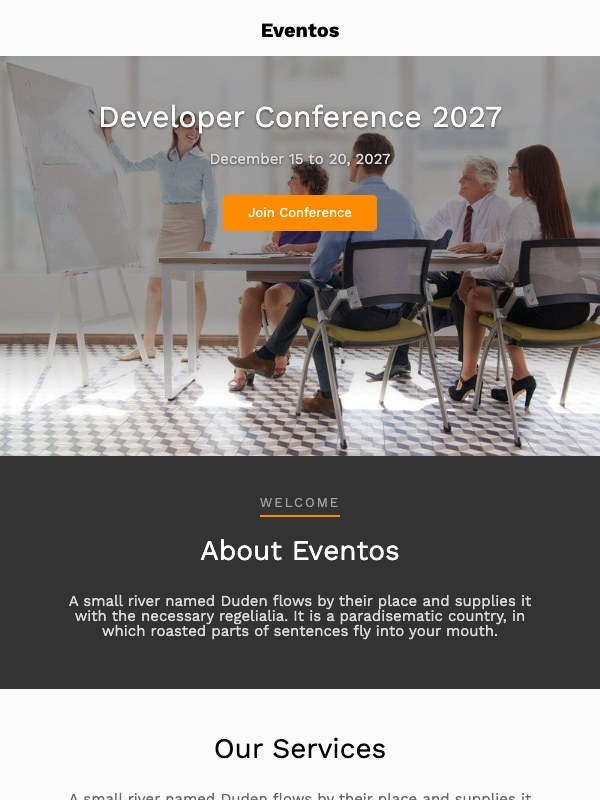 20 · Eventos Dev conference · orange |
Modern minimal · 21–24
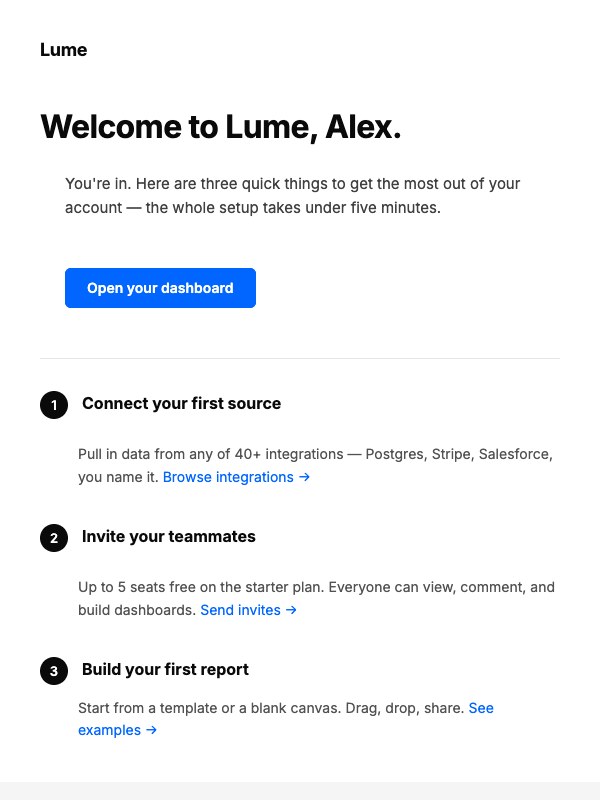 21 · Lume SaaS welcome / onboarding |
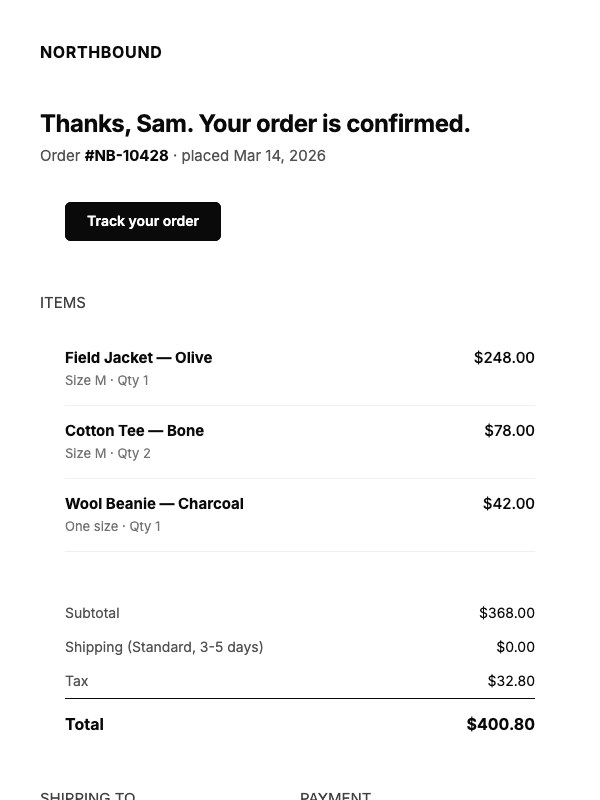 22 · Northbound Order receipt |
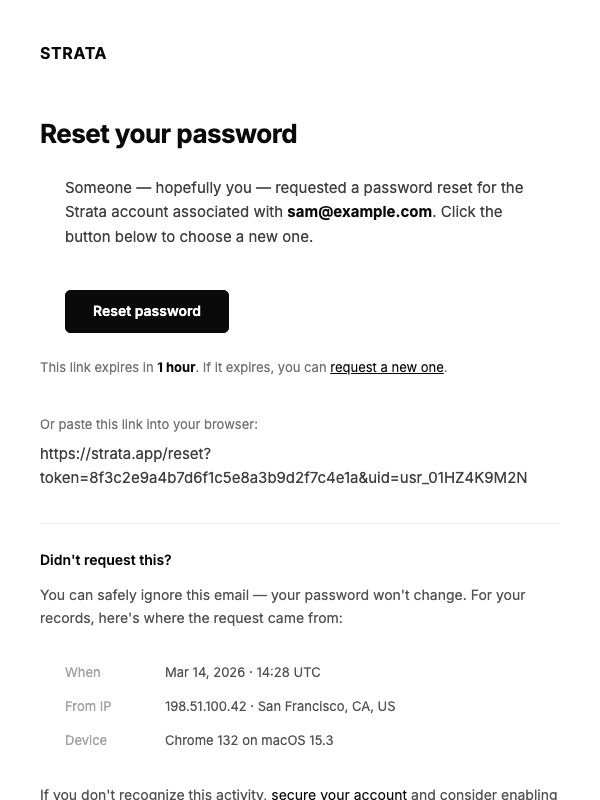 23 · Strata Password reset / security |
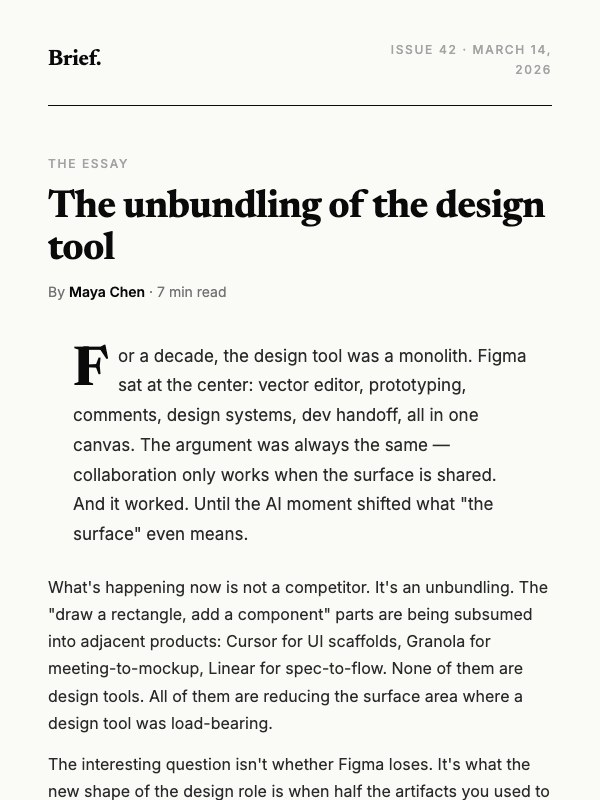 24 · Brief Editorial newsletter |
Designed minimal · 25–28
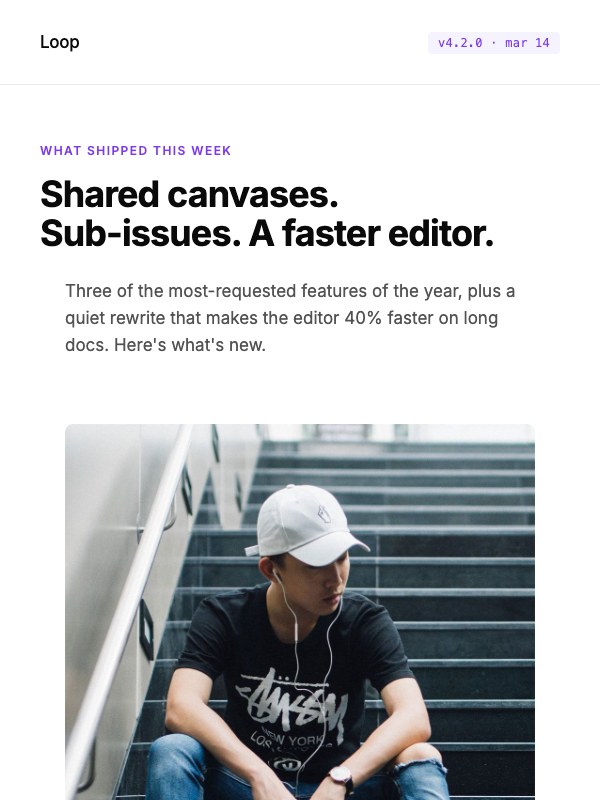 25 · Loop Product launch · violet |
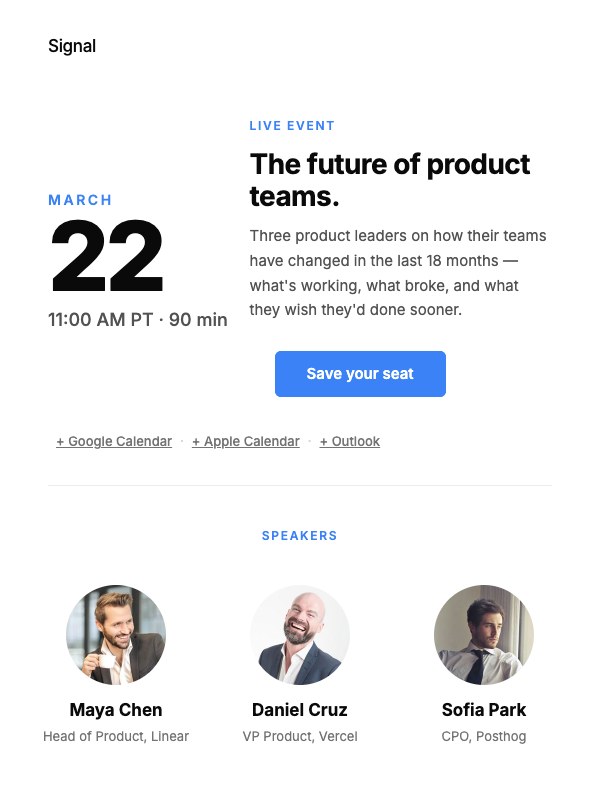 26 · Signal Webinar invite · blue |
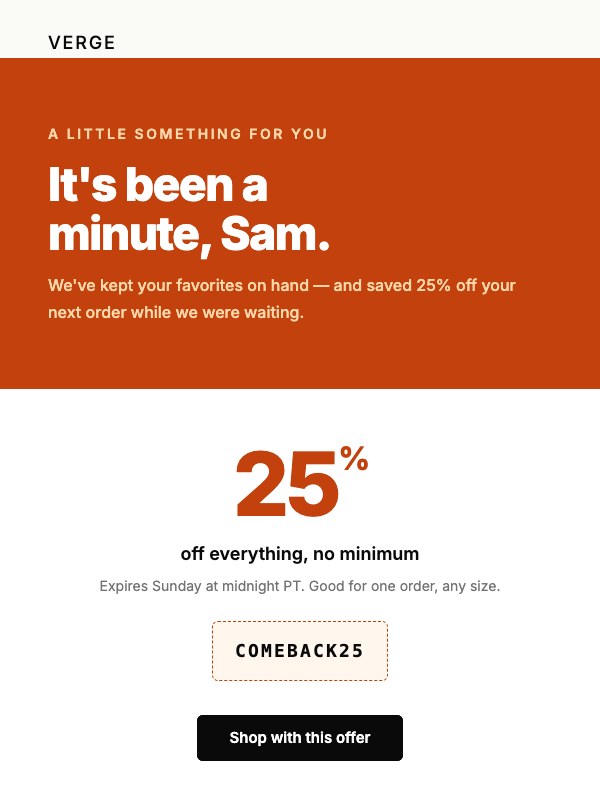 27 · Verge Winback · terracotta |
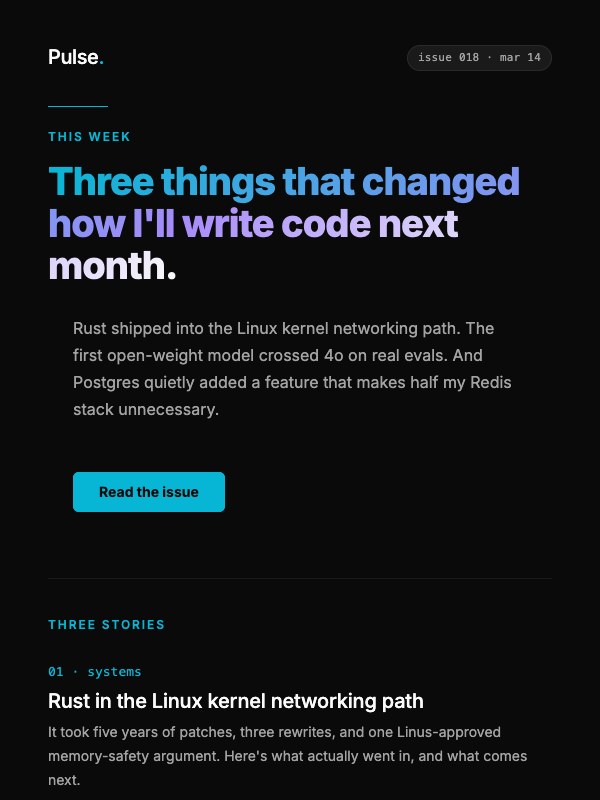 28 · Pulse Dark-mode newsletter · cyan |
Table of Contents
- Templates
- Features
- Preview
- Quick Start
- Development
- How to Use
- Customization
- CSS Inlining
- Testing and Deliverability
- Email Client Support
- Recommended Workflow
- FAQ
- Contributing
- Changelog
- License
- Credits
Features
- Responsive layouts: Mobile‑first designs that adapt to phones, tablets, and desktops.
- Clean HTML/CSS: Readable, well-structured code that’s easy to customize.
- Common patterns: Heroes, content blocks, product grids, CTA buttons, and footers.
- Production-friendly: Built with email client quirks in mind.
- Free to use: Ideal for startups, marketers, and developers.
Preview
- Browse the template gallery above for a thumbnail of every template.
- Open
index.htmlat the repository root for a local gallery view linking to all 28 templates. - Open any individual template's
N/index.htmldirectly for a quick visual check. - For real email client previews, upload a template to your ESP (e.g., Mailchimp, Campaign Monitor, SendGrid) or use a rendering service (Litmus, Email on Acid).
Quick Start
# Clone the repository
git clone https://github.com/ColorlibHQ/email-templates.git
cd email-templates

# Open a template
# Example (adjust path as needed):
open path/to/template/index.html  # macOS
# or
start path\to\template\index.html # Windows
# or
xdg-open path/to/template/index.html # Linux
Development
The HTML files are built from MJML sources. If you want to customize templates beyond simple find-and-replace, work in src/N.mjml and rebuild — don't edit N/index.html directly (it will be overwritten).
npm install            # one-time: installs mjml, chokidar, playwright-core
npm run build          # compile every src/N.mjml → N/index.html
npm run dev            # watch + live-reload at http://localhost:3000/  (PORT=3001 to change)
npm run screenshots    # regenerate the README thumbnails in screenshots/
npm run dev opens the gallery index and live-reloads when you save any src/*.mjml. Saving a
partial in src/partials/ rebuilds every template. Pass --no-open to skip launching a browser.
The dev server is a small dependency-free static server (scripts/dev.mjs) that serves each file exactly as it sits on disk, apart from one clearly-marked live-reload snippet appended to HTML responses. That fidelity is deliberate: bundler-style dev servers rewrite relative asset URLs, which makes the preview disagree with the file you actually send.
Requirements: Node.js ≥ 20.19 (chokidar 5 is ESM-only). npm run screenshots additionally
needs Google Chrome installed locally — playwright-core drives it but ships no browser of its own.
To add a new template (e.g., 29): copy a structurally similar src/N.mjml to src/29.mjml, drop assets in 29/images/, run npm run build. The build picks up any numeric filename matching ^\d+\.mjml$. See CLAUDE.md for layout patterns and MJML gotchas.
How to Use
- Pick a template folder and open
index.htmlin your code editor (or editsrc/N.mjmlif you've cloned for development — see Development). - Replace placeholder text, links, and images with your content.
- Inline CSS if needed (many ESPs do this for you — see CSS Inlining below).
- Upload the HTML into your Email Service Provider (ESP) or send via your application.
- Test across devices and clients before sending to your full list.
Customization
- Branding: Update colors, fonts, and logos to match your brand.
- Content blocks: Duplicate, reorder, or remove sections (e.g., features, testimonials, product rows).
- Images:
- Host images on a publicly accessible URL (CDN or your ESP’s asset manager).
- Use fully qualified URLs (e.g.,
https://cdn.example.com/image.jpg), not relative paths. - Add descriptive
alttext for accessibility and image-off scenarios.
- Buttons/CTAs:
- Use table-based buttons for broad compatibility.
- Ensure high color contrast and clear call-to-action copy.
- Accessibility:
- Provide meaningful
alttext. - Maintain sufficient color contrast.
- Keep body copy at a readable size (typically 14–16px).
- Provide meaningful
- Dark mode:
- Every template declares
color-scheme: light dark, which stops Apple Mail and Outlook from force-inverting the design. Keep those meta tags if you restyle. - Favor transparent PNGs/SVGs where possible.
- Avoid pure blacks and whites; use softened tones to reduce inversion artifacts.
- Every template declares
CSS Inlining
Some email clients strip `` blocks and external styles. If your ESP does not inline CSS automatically, consider:
- Premailer: https://premailer.io
- MJML inlining pipelines (for CSS inlining only)
- Postmark Templates inliner
- Gulp/CLI tools that convert
rules into inlineattributes
Tip: After inlining, re-test hover/focus states and button styles to ensure they still look correct.
Testing and Deliverability
- Render tests: Check Gmail (web/mobile), Outlook (Windows/Mac/Web), Apple Mail, Yahoo.
- Dark mode: Validate colors and logos in dark environments.
- Load performance: Compress images and avoid oversized assets.
- Spam checks:
- Keep a healthy text-to-image ratio.
- Use clear, non-spammy subject lines and content.
- Ensure a plain-text fallback if your ESP supports it.
- Tracking: Add UTM parameters or ESP link tracking as needed.
Email Client Support
These templates are designed with major clients in mind, but support varies by client/version. Always test:
- Desktop: Outlook (various), Apple Mail, Thunderbird
- Web: Gmail, Outlook.com, Yahoo Mail
- Mobile: iOS Mail, Gmail app, Outlook app
Known considerations:
- Outlook (Windows) uses the Word rendering engine—prefer table-based layouts and avoid unsupported CSS.
- Avoid background images for critical content; provide solid color fallbacks.
- Use system-safe fonts or host web-safe fallbacks.
Recommended Workflow
- Draft content and pick a template close to your layout.
- Customize sections, colors, and assets.
- Inline CSS (if your ESP doesn’t do it).
- Test in multiple clients/devices and dark mode.
- Run deliverability checks; adjust copy and images as needed.
- Send a staged campaign to a small internal list, then roll out.
FAQ
Can I add custom fonts?
Many clients don’t support web fonts. Use system fonts as fallbacks and test carefully.Why does Outlook look different?
Outlook (Windows) uses a different rendering engine. Favor simple, table-based structure and inline styles.Can I use background images?
Use sparingly and provide a solid color fallback. Some Outlook versions don’t render CSS background images.Images not showing?
Ensure absolute URLs, correct hosting, and that your ESP doesn’t block external assets.
Contributing
Contributions are welcome!
- Add new templates or layout variations (edit
src/N.mjml, thennpm run build) - Fix rendering quirks for specific clients
- Improve accessibility, performance, or documentation
Open an issue or submit a pull request with a clear description and, if possible, screenshots from major clients. See CLAUDE.md for layout patterns and known MJML gotchas, and update CHANGELOG.md for any user-visible change.
Changelog
See CHANGELOG.md for the full history. The headline change: every template is now generated from MJML sources in src/, with substantially improved Outlook compatibility and a unified build pipeline.
License
MIT license, see LICENSE-MIT for details.
Credits
Maintained by Colorlib. Thanks to the open‑source community for email best practices and testing tools that make reliable emails possible.