EchoLocal





An open-source replacement for Alexa on supported Echo Dots and Echo Shows, with Home Assistant Assist, music, intercom and Bluetooth proxying.
Uses the Echo's existing microphones, speaker and buttons. Shows also have dashboards, touchscreen apps, cameras and video calls. Home Assistant discovers it through the ESPHome native API.
The screen examples below are Echo Show features; Echo Dot controls use its light ring, buttons, Home Assistant and browser interface.
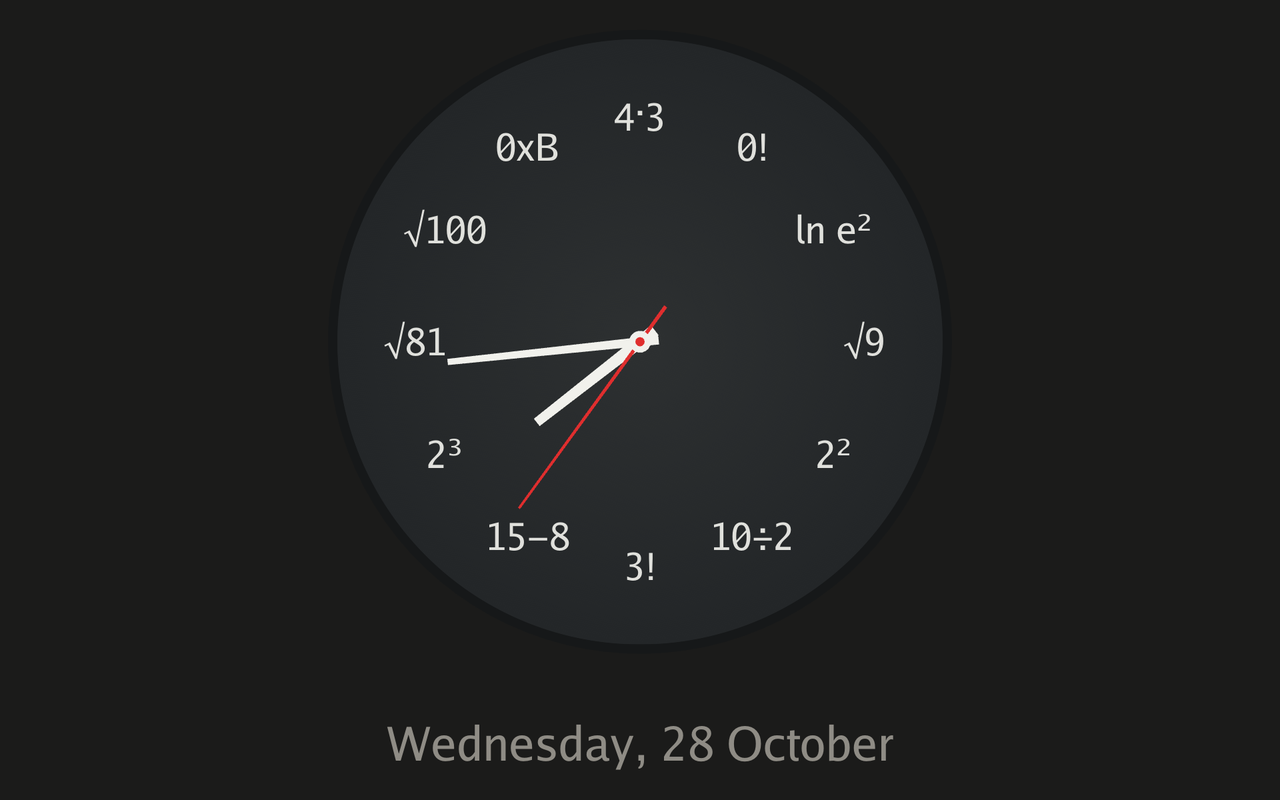
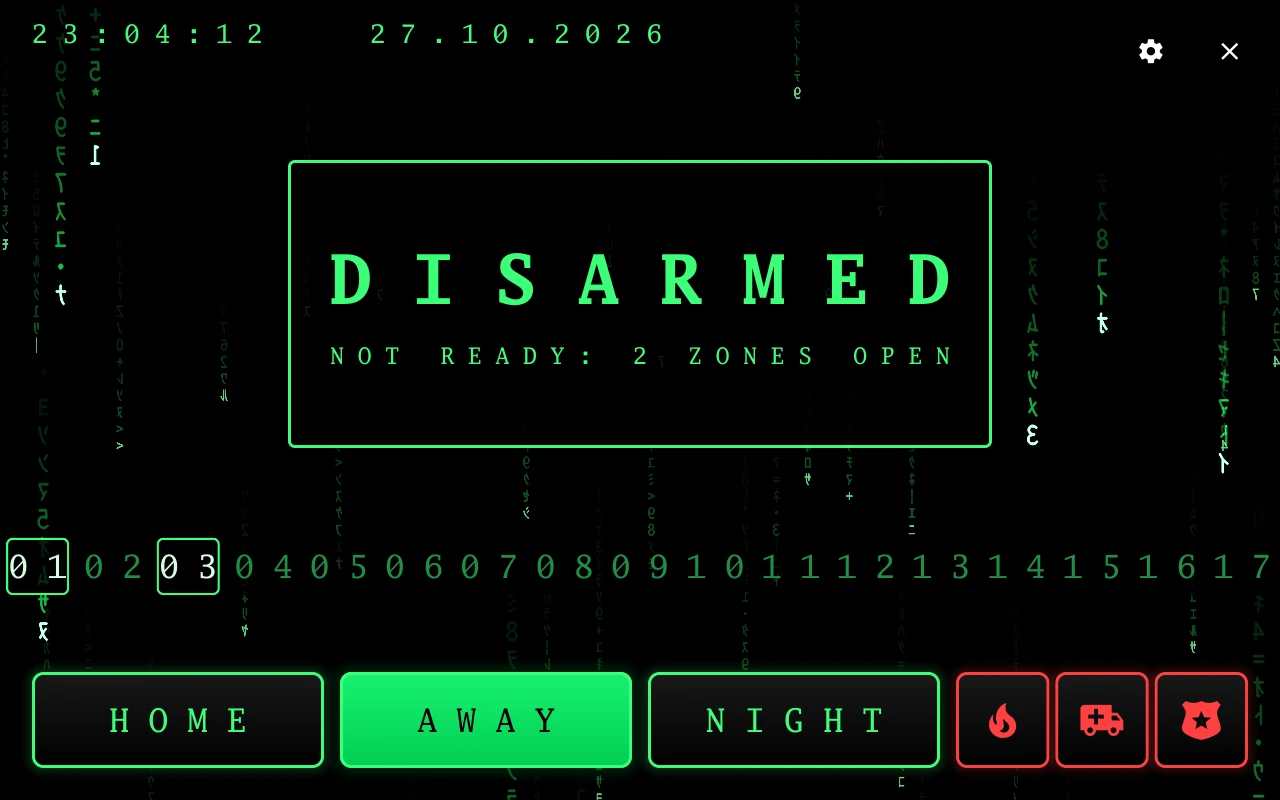
| Math clock | Matrix alarm panel |
|---|---|
 |
 |
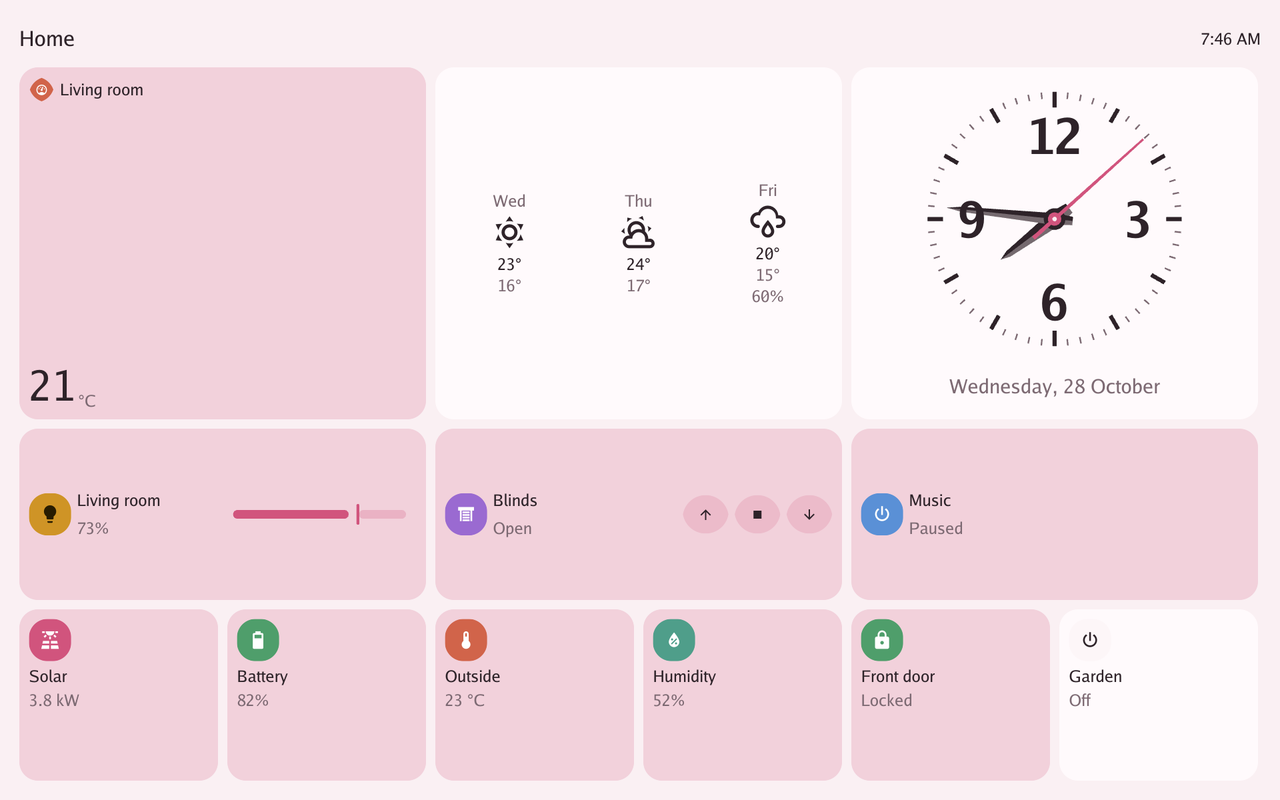
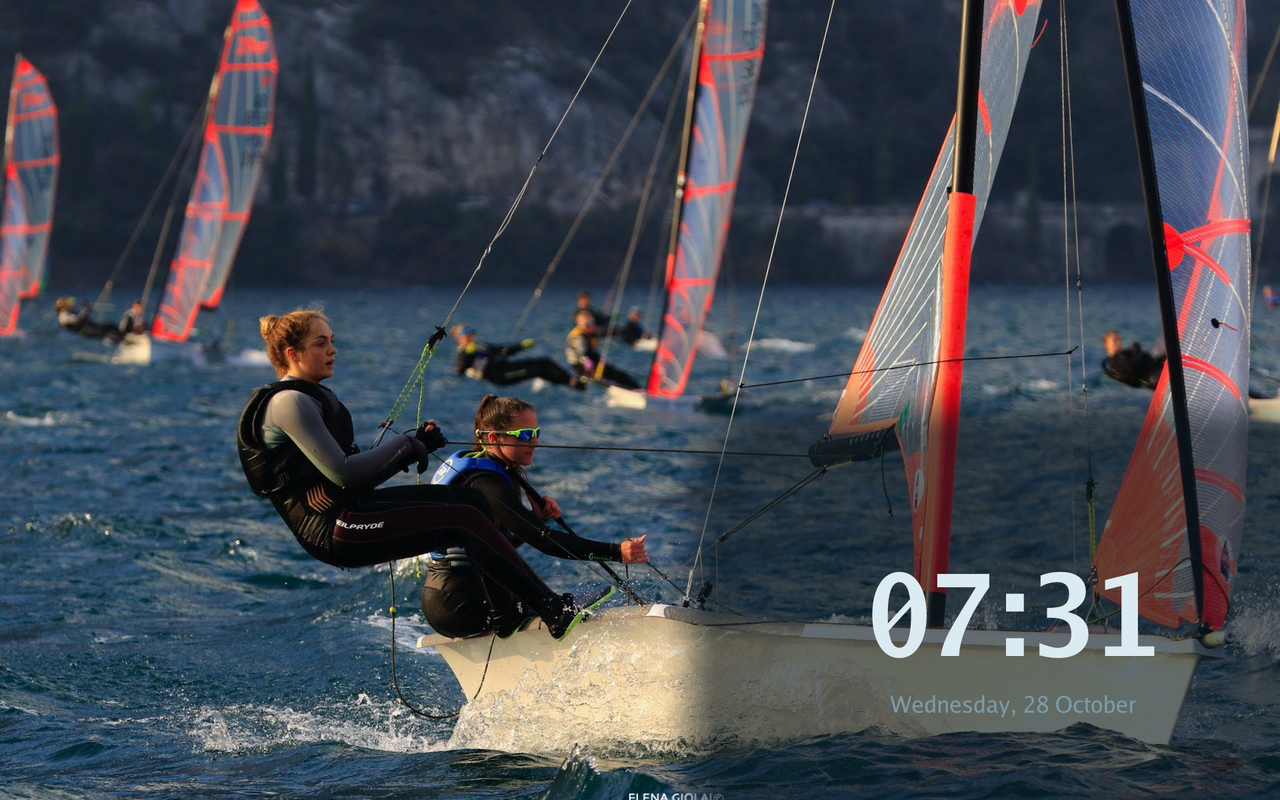
| Tessera in Material You | Photo wallpaper and clock placement |
|---|---|
 |
 |
Interface gallery · Setup guide · Releases
Devices
| Device | Codename | OS | Status |
|---|---|---|---|
| Echo Dot (2nd gen) | biscuit | Fire OS 6.x | Supported |
| Echo Show 5 (1st gen) | checkers | Fire OS 6.x | Supported |
| Echo Show 5 (2nd gen) | cronos | Fire OS 6.x | Supported |
| Echo Show 8 (1st gen) | crown | Fire OS 6.x | Supported |
| Echo Show 8 (2nd gen) | athena | Fire OS 7.x | Supported |
Additional devices supported by our sister project LANovo
| Device | Codename | OS | Status |
|---|---|---|---|
| Lenovo Smart Display 10 | blueberry | Android Things 8.x | Supported |
| Lenovo Smart Display 8 | amber | Android Things 8.x | Supported |
| Lenovo Smart Display 7 | ivy | Android Things 8.x | Supported |
| JBL Link View | opal | Android Things 8.x | Supported |
| Lenovo ThinkSmart View | penghu | Android 8.x | Supported |
Features
Every device
- Wake words on the device with microWakeWord and openWakeWord. Two assistants, each with its own wake word and Assist pipeline. "Stop" works without a wake word.
- Speaker: a Home Assistant
media_playerfor announcements, TTS and music, ducking under the wake word. A Sendspin player for Music Assistant. Chromecast receiver (audio only on the Dot). - White noise: two layers from white, pink, brown, rain, ocean, fan, fire, brook, cabin, crickets and wind.
- Intercom: calls between devices on your network. Audio on the Dot, audio and video on the Shows. Broadcasts to every device at once, and "call the kitchen" or "broadcast dinner is ready" by voice with the EchoLocal integration, which also calls an Echo Show from a Home Assistant dashboard. A home key keeps calls and broadcasts to your own devices.
- Timers and alerts, with custom tones for chimes, timers and wake sounds.
- Bluetooth proxy for Home Assistant, so the device extends your Bluetooth for integrations
like Bermuda. While the proxy is on, the device also
advertises an iBeacon with UUID
9c5fa6f1-91c4-4f56-bb9f-d92acfd9d40b, major1, and a minor from the last two bytes of its factory MAC, for tools like BLE Positioning System. - Light sensor, reported to Home Assistant.
- Updates from Home Assistant, stable or development channel, or any recent version by name to roll back.
- A web page on every device over HTTPS: every setting with search, alarms, calls and broadcasts, logs, and on an Echo Show live screen control with QR pairing and remote keyboard input. Portable settings can be exported and imported. Behind it is an HTTP API for scripts. The certificate is self-signed, or comes from Cert Warden if you run one. See In a browser.
Echo Dot
LED ring. Twelve individually addressable segments, effects for ambient, motion, alerts and room-reactive behavior, and a color per segment. The ring can follow the room's volume.
Buttons as Home Assistant events: press and hold on every button, and double and triple taps on the action button.
Echo Show
- A native dashboard with 21 clock faces, photo wallpaper, weather, lights, switches, cameras, doorbells and your Home Assistant alarm panel
- Tessera dashboards, using the native renderer or embedded Tessera firmware
- 33 audio visuals on the GPU, for the screen saver or for each assistant while it listens and answers
- Nine styles and eighteen color themes
- Messages from Home Assistant, timers on screen
- Photos from Immich and Google Photos, as wallpaper, a screen saver or a full-screen app
- Home Assistant alarm-panel controls with zones, keypad and 14 designs
- Doorbell video, two-way audio, ring notifications and detection history
- A Chromecast receiver that runs each app's own receiver page on the Echo Shows, and plays YouTube and YouTube Music on the Echo Dot
- A Bluetooth speaker
- An RTSP camera on port 8554 with ONVIF discovery, and a snapshot camera in Home Assistant.
- A Cameras app for your Home Assistant cameras, with live video and audio through the integration, and full-screen Lights and Switches apps
- Settings on the screen or from Home Assistant, a PIN to lock them, and config sync between devices
The optional integration
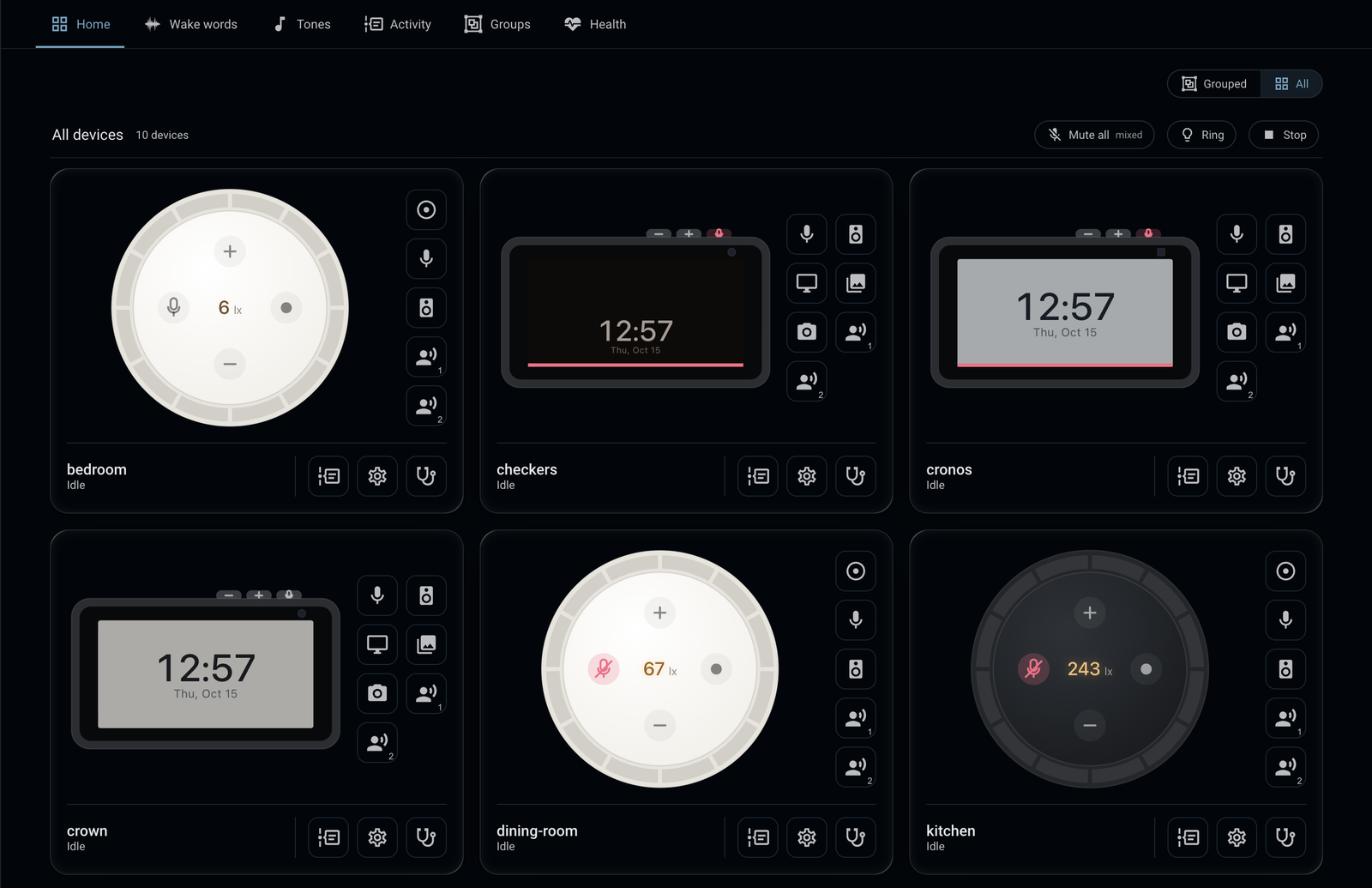
Everything above works with stock Home Assistant. The EchoLocal integration (HACS) adds a dashboard and cards for these devices, Fleet to compare settings across devices and copy them from one to the others, calls to an Echo Show from a dashboard, turn history with recordings, a wake word library, custom tones, groups and a health view. It works with LANovo displays too, side by side on the same dashboard. See The EchoLocal integration.
Installing
You need the device connected over USB with TWRP as its recovery. Follow the XDA guide for yours:
- Echo Dot (2nd gen), on Fire OS 6
- Echo Show 5 (1st gen)
- Echo Show 5 (2nd gen)
- Echo Show 8 (1st gen)
- Echo Show 8 (2nd gen)
Download echolocal for your computer from the
latest release:
| Computer | File |
|---|---|
| Mac (Apple silicon) | echolocal_darwin_arm64 |
| Mac (Intel) | echolocal_darwin_x86_64 |
| Linux (x86-64) | echolocal_linux_x86_64 |
| Linux (ARM64) | echolocal_linux_arm64 |
| Windows (x86-64) | echolocal_windows_x86_64.exe |
| Windows (ARM64) | echolocal_windows_arm64.exe |
On macOS and Linux:
mv echolocal_darwin_arm64 echolocal
chmod +x echolocal
xattr -d com.apple.quarantine echolocal   # macOS only, if Gatekeeper blocks it
./echolocal install --name living-room
On Windows:
Rename-Item echolocal_windows_x86_64.exe echolocal.exe
.\echolocal.exe install --name living-room
The installer detects the device, flashes its boot image, installs EchoLocal, and asks for your Wi‑Fi if the device isn't on a network yet.

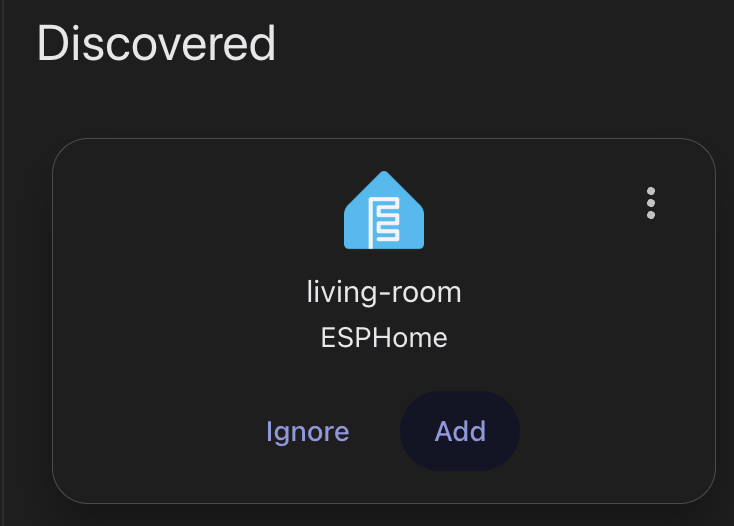
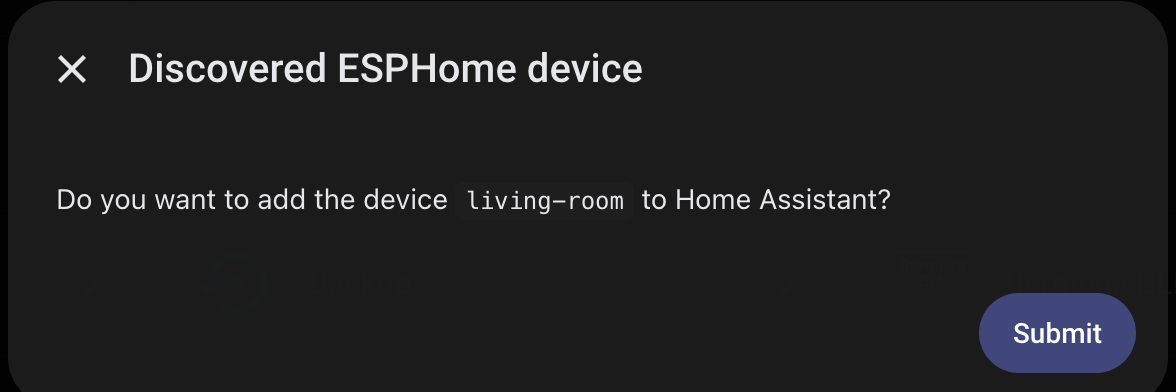
It then shows up in Home Assistant. Add it, and Home Assistant sets its encryption key.
The full guide, with every setting and where to find it, is at www.echolocal.link.
Building it yourself
make build-echod                  # echod for the Echo Dot
make build-echod BOARD=crown      # echod for an Echo Show: checkers, cronos, crown or athena
make install-echod                # build, install and restart it on the attached device (requires prior full installation)
How it fits together
- echod runs on the device: the hardware, the screen, the wake word engines, the conversation, and an ESPHome native API server.
- echolocal is the host CLI: installing, Wi‑Fi, and offline tools for debugging the device.