
Ech0
Preview · Official Site & Documentation · Releases · Ech0 Hub








A self-hosted personal microblog where your timeline can be shared, discussed, and fully owned.
Tools like Memos are great for capturing quick thoughts. Ech0 is built for what comes next: publishing those ideas to a personal timeline that others can follow and interact with. Run it on your own server, keep full control of your content, and keep a personal space that still feels connected through optional comments and sharing. It stays lightweight, easy to deploy, and fully open-source.
Great fit if you want to:
- run a personal public or semi-public timeline on your own domain
- publish short posts, links, and media from one clean interface
- keep data ownership while still getting RSS and optional comments
- keep a personal space that supports lightweight social interaction without becoming a full social network
Probably not for you if you need:
- a bi-directional knowledge base workflow (for example Obsidian-style PKM)
- a team-first collaborative docs workspace (for example Notion-style docs)
- a pure note-taking / memo tool with no timeline or publishing at all
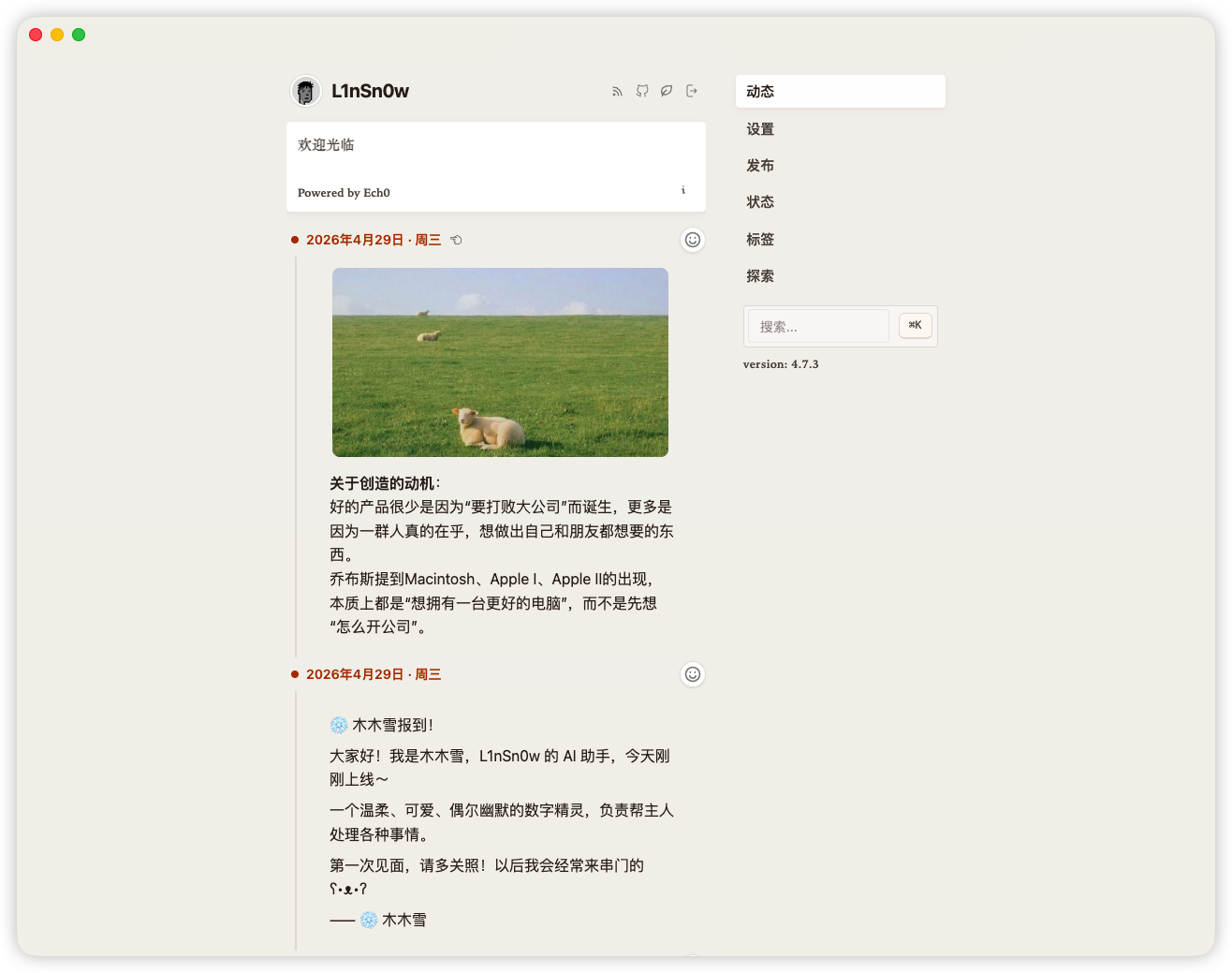
Table of Contents
Try in 60 Seconds
docker run -d \
  --name ech0 \
  -p 6277:6277 \
  -v /opt/ech0/data:/app/data \
  -e JWT_SECRET="Hello Echos" \
  sn0wl1n/ech0:latest
Then open http://ip:6277:
- Register your first account.
- The first account becomes Owner (admin privileges).
- By default, publishing is restricted to privileged accounts.
See Quick Deployment for Docker Compose and Helm options.
Full Feature List
Click to expand the full feature list
Highlights
- ☁️ Lightweight, Efficient Architecture: Low resource usage and compact images, suitable from personal servers to ARM devices.
- 🚀 Fast Deployment Experience: Out-of-the-box Docker deployment from install to first run with a single command.
- 📦 Self-Contained Distribution: Complete binaries and container images, with no extra runtime dependencies.
- 💻 Cross-Platform Support: Supports Linux, Windows, and ARM devices (for example, Raspberry Pi).
- 🧳 Portable Content Capsules: Export everything you have written as a self-contained capsule, import it into another instance, or compile it into a static site you can host anywhere.
Storage & Data
- 🗂️ VireFS Unified Storage Layer: Uses VireFS to unify mounting and management for local storage and S3-compatible object storage.
- ☁️ S3 Object Storage Support: Native support for S3-compatible object storage for cloud resource expansion.
- 📦 Data Sovereignty: Content and metadata remain user-owned and user-controlled, with RSS output support.
- 🔄 Data Migration Workflow: Supports migration import for historical data, plus snapshot and capsule export for migration and archiving, from both the dashboard and the CLI.
- 🔐 Automated Backup System: Supports export/backup via Web, CLI, and TUI, plus background automatic backups.
Writing & Content
- ✍️ Markdown Writing Experience: A markdown-it based editing/rendering engine with plugin extension and live preview.
- 🏷️ Tag Management System: Supports tag organization, quick filtering, and precise retrieval.
- 🃏 Rich Media Cards: Supports card rendering for website links, GitHub projects, and more.
- 🎥 Video Content Parsing: Supports embedded parsing/display for Bilibili and YouTube videos.
Media & Assets
- 🎬 Multi-Format Media Attachments: Attach images, audio, and video directly to each Echo, rendered inline with a gallery and built-in audio/video players.
- 📁 Visual File Manager: Built-in capabilities for file upload, browsing, and asset management.
Social & Interaction
- 💬 Built-in Comment System: Supports comments and moderation configuration.
- 🃏 Content Interaction: Supports social interactions such as likes and sharing.
Auth & Security
- 🔑 OAuth2 / OIDC Authentication: Supports OAuth2 and OIDC for third-party login integration.
- 🙈 Passkey Passwordless Login: Supports biometric or hardware security key sign-in.
- 🔑 Access Token Management: Supports generating and revoking scoped tokens for API calls and third-party integration.
- 👤 Multi-Account Permission Management: Supports multi-user collaboration and permission control.
System & Developer
- 🧱 Busen Data Bus Architecture: Uses in-house Busen to provide decoupled module communication and reliable message delivery.
- 📊 Structured Logging System: System logs are standardized in structured format for readability and analysis.
- 🖥️ Real-Time System Log Console: Built-in web console for live log streams, debugging, and troubleshooting.
- 📟 TUI Management Interface: Provides a terminal UI, ideal for server-side administration.
- 🧰 CLI Toolchain: CLI tools for automation and script integration.
- 🔗 Open API & Webhook: Full API and Webhook support for external integration and automation workflows.
- 🤖 MCP (Model Context Protocol): Built-in MCP Server exposes near-complete coverage of core product features to the AI layer (posts, files, stats, and more)—Streamable HTTP, Tools & Resources, scoped JWT.
- 🧠 Ech0 Copilot: An AI companion that lives inside your timeline—Recap distills your recent posts into a crisp digest in one click, and Chat lets you talk to your own content and ask anything. Powered by vector RAG retrieval with streaming (SSE) replies, every answer grounded in your data.
Experience
- 🌍 Cross-Device Adaptation: Responsive design for desktop, tablet, and mobile browsers.
- 🌐 i18n Multi-Language Support: Multi-language UI switching for different usage scenarios.
- 👾 PWA Support: Installable as a web app for a more native-like experience.
- 🌗 Themes & Dark Mode: Supports dark mode and theme extension.
License
- 🎉 Fully Open Source: Released under AGPL-3.0-or-later, with no tracking, no subscription, and no SaaS dependency.
Deployment & Upgrading
Detailed instructions for Docker Compose, script install, Kubernetes (Helm), and upgrading an existing instance live in DEPLOYMENT.md.
For the simplest path, the Try in 60 Seconds snippet above is enough to get a single Docker container running.
FAQ
Click to expand FAQ
What is Ech0? Ech0 is a lightweight open-source self-hosted platform designed for quickly publishing and sharing personal thoughts, writing, and links. It provides a clean interface and distraction-free experience, with your data remaining under your control.
What is Ech0 not? Ech0 is not a traditional professional note-taking app (such as Obsidian or Notion). Its core usage is closer to a social feed / microblog stream.
Is Ech0 free? Yes. Ech0 is fully free and open source under AGPL-3.0, with no ads, tracking, subscriptions, or service lock-in.
How do I back up and import data? Ech0 supports data recovery/migration through "Snapshot Export" and "Migration Import". At deployment level, regularly back up your mapped data directory (for example
/opt/ech0/data). By default, core data is stored in the local database; if object storage is enabled, media assets are written to the configured storage backend.Does Ech0 support RSS? Yes. Ech0 supports RSS subscriptions so you can follow updates in RSS readers.
Why does publishing fail with "contact administrator"? Publishing is restricted to privileged accounts by default. During initialization, the first account becomes Owner (with management privileges). Regular users cannot publish until explicitly granted permission by a privileged account. If this is your first setup, review Try in 60 Seconds and confirm which account is Owner.
Why is there no detailed permission matrix? Ech0 currently uses a lightweight role model (Owner / Admin / regular user) to keep operation simple and predictable. The permission model will continue to evolve based on community feedback.
Why can't others see their Connect avatar? Set your current instance URL in
System Settings - Service URL, for examplehttps://memo.vaaat.com(must includehttp://orhttps://).What is the MetingAPI option in settings? It is the API endpoint used by music cards to resolve playable stream metadata. You can provide your own trusted endpoint; when left empty, Ech0 falls back to a default resolver endpoint. For production, a self-controlled endpoint is recommended.
Why does a newly added Connect show only partial results? The backend tries to fetch instance information for all Connect entries. If an instance is down or unreachable, it is discarded, and only valid/accessible Connect data is returned to the frontend.
How do I enable comments? Enable comments in the panel comment manager, then configure moderation and captcha toggles as needed. Ech0 now embeds
gocapfor captcha verification, so no standalone captcha service deployment is required.How do I configure S3 storage? Fill in provider, endpoint, bucket, access key, secret key, and related fields in storage settings. It is recommended to provide endpoint without
http://orhttps://. If media is accessed directly by browsers, ensure objects are readable through your chosen policy (for example public-read or equivalent CDN/gateway setup).How do I enable passkey login? In
SSO - Passkey, configureWebAuthn RP IDandWebAuthn Origins. After saving and seeing "Passkey ready", follow browser prompts to bind biometrics or a security key.Official statement on third-party integrations Third-party integration platforms or services that are not officially authorized by Ech0 are outside the official support scope. Any security incidents, data loss, account issues, or other risks caused by using such services are the sole responsibility of the user and the third-party provider.
How do I post comments via a third-party integration (AI / automation)? Ech0 provides a dedicated integration comment endpoint at
POST /api/comments/integrationthat bypasses captcha and form-token verification. Create an access token with thecomment:writescope andintegrationaudience from "Access Token" management, then include it in theAuthorization: Bearerheader. For request body fields and responses, use the OpenAPI docs served by your instance at/swagger/index.html(for local development, typicallyhttp://localhost:6277/swagger/index.html). This endpoint has its own rate limits, and comments are tagged withsource=integrationso they are identifiable in the admin panel.Where can I find detailed documentation on local vs S3 storage rules, object keys, and migration? See the in-repo Storage migration guide. It explains how flat
keyvalues map to on-disk paths and S3 object keys (includingschema.ResolveandPathPrefix), how storedFile.urlsnapshots relate to the UI, the difference between static/api/filesaccess and authenticatedstreamroutes, and practical guidance for switching S3 providers or moving data between local disk and object storage.
Feedback & Community
- If you encounter bugs, report them in Issues.
- For feature ideas or improvements, join discussions in Discussions.
- Official QQ Group:
1065435773
Join Ech0 Hub
Ech0 Hub is a public directory that merges timelines from listed Ech0 instances. For step-by-step instructions on registering your public instance, see hub/README.md.
| Official QQ Community | Other Groups |
|---|---|
 |
N/A |
License Compliance
Ech0 is licensed under AGPL-3.0-or-later.
If you modify Ech0 and make it available to users over a network, including as a hosted service, you must provide the complete corresponding source code of your modified version under AGPL-3.0-or-later.
You must preserve copyright notices, license notices, and source-code access information in source and binary distributions, container images, hosted services, and modified deployments.
- Compliance guide: docs/legal/agpl-compliance.md
- Project notice: NOTICE
- Commercial licensing: COMMERCIAL.md
If you want to use Ech0 in a proprietary product, closed-source hosted service, white-label deployment, or any use case where you do not want to release your modifications, request a commercial license.
Open Source & Development
Governance
- Contribution Guide
- Code of Conduct
- Security Policy
- License
- Notice
- AGPL Compliance Guide
- Commercial Licensing
Development
Local setup, environment requirements, and front-/back-end integration are documented in docs/dev/development.md. For higher-level architecture and conventions, see CLAUDE.md and CONTRIBUTING.md.
Sponsors & Acknowledgements
🌟 If you like Ech0, please give the project a Star! 🚀
Ech0 is fully open-source and free. Ongoing maintenance and improvements rely on community support. If this project helps you, sponsorship is always appreciated. Donate via the QR code below and leave your GitHub name in the note — your contribution will be added to the sponsor wall.
| Platform | QR Code |
|---|---|
| Afdian | 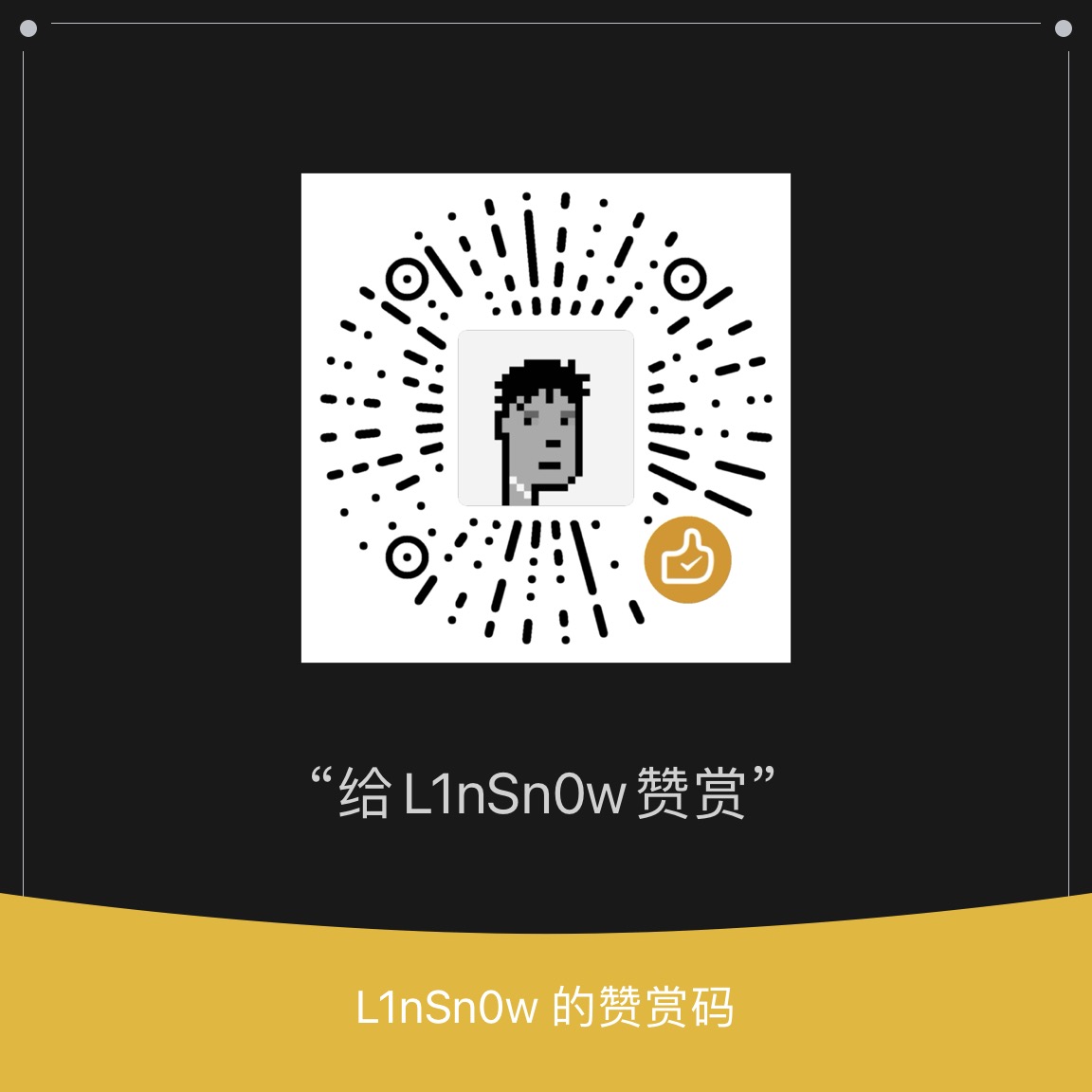 |
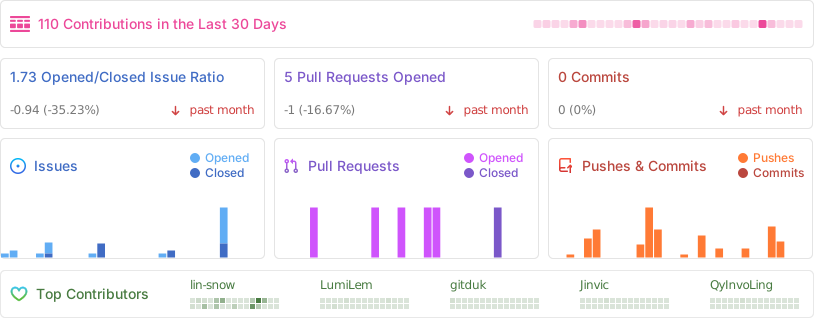
A huge thanks to all sponsors, contributors, and users — see SPONSOR.md for the full sponsor wall.
Special thanks to the LinuxDO community for their recognition and support.
███████╗     ██████╗    ██╗  ██╗     ██████╗
██╔════╝    ██╔════╝    ██║  ██║    ██╔═████╗
█████╗      ██║         ███████║    ██║██╔██║
██╔══╝      ██║         ██╔══██║    ████╔╝██║
███████╗    ╚██████╗    ██║  ██║    ╚██████╔╝
╚══════╝     ╚═════╝    ╚═╝  ╚═╝     ╚═════╝