Dokploy is a free, self-hostable Platform as a Service, written in TypeScript, that simplifies the deployment and management of applications and databases on a VPS — aimed at developers and teams who want Vercel-style deployment workflows while keeping the servers and the data under their own control.
What it is
Dokploy is an open-source Platform as a Service that runs on a virtual private server and manages the full lifecycle of applications and databases from a single control surface. It is written in TypeScript, is catalogued under Infrastructure & Operations / Server & VM Management, and describes itself as a self-hosted PaaS. Deployment targets include Node.js, PHP, Python, Go, and Ruby applications, alongside managed databases such as MySQL, PostgreSQL, MongoDB, MariaDB, libsql, and Redis. Docker sits underneath as the container runtime, and routing and load balancing are handled through automatic Traefik integration. The project also exposes a CLI and an API for managing applications and databases without the web interface.
The concrete problem it solves is the cost, lock-in, and limited control that come with hosted deployment platforms. Its own description positions it as an open-source alternative to Vercel, Netlify, and Heroku, and the registry records Vercel specifically as the product it replaces. Where those services run the build and runtime infrastructure on the vendor's behalf and bill for it, Dokploy installs onto a VPS that the operator already owns, so application and database workloads execute on infrastructure the operator controls.
Key capabilities
- Application deployment for any application type, with Node.js, PHP, Python, Go, and Ruby named explicitly.
- Managed databases covering MySQL, PostgreSQL, MongoDB, MariaDB, libsql, and Redis.
- Native Docker Compose support for managing complex multi-container applications.
- Multi Node scaling built on Docker Swarm to manage a cluster across nodes.
- Multi Server deployment for pushing applications to external servers remotely.
- One-click templates for open-source software including Plausible, Pocketbase, and Calcom.
- Traefik integration for automatic routing and load balancing, plus real-time monitoring of CPU, memory, storage, and network usage per resource.
- Backups automated for databases to an external storage destination, and notifications on deployment success or failure through Slack, Discord, Telegram, or email.
Who uses it and how
- Individual developers running a single VPS who want push-to-deploy behaviour without a per-seat hosted platform bill.
- Teams that outgrow one machine and scale horizontally using the Docker Swarm-based Multi Node cluster management.
- Operators who already run several servers and use the Multi Server capability to deploy and manage applications remotely across them.
- Teams standardising common self-hosted tools, deploying templates such as Plausible, Pocketbase, and Calcom with a single click instead of hand-writing Compose files.
- Small operations teams that wire deployment events into Slack, Discord, or Telegram so failures are noticed without watching a dashboard.
Getting started
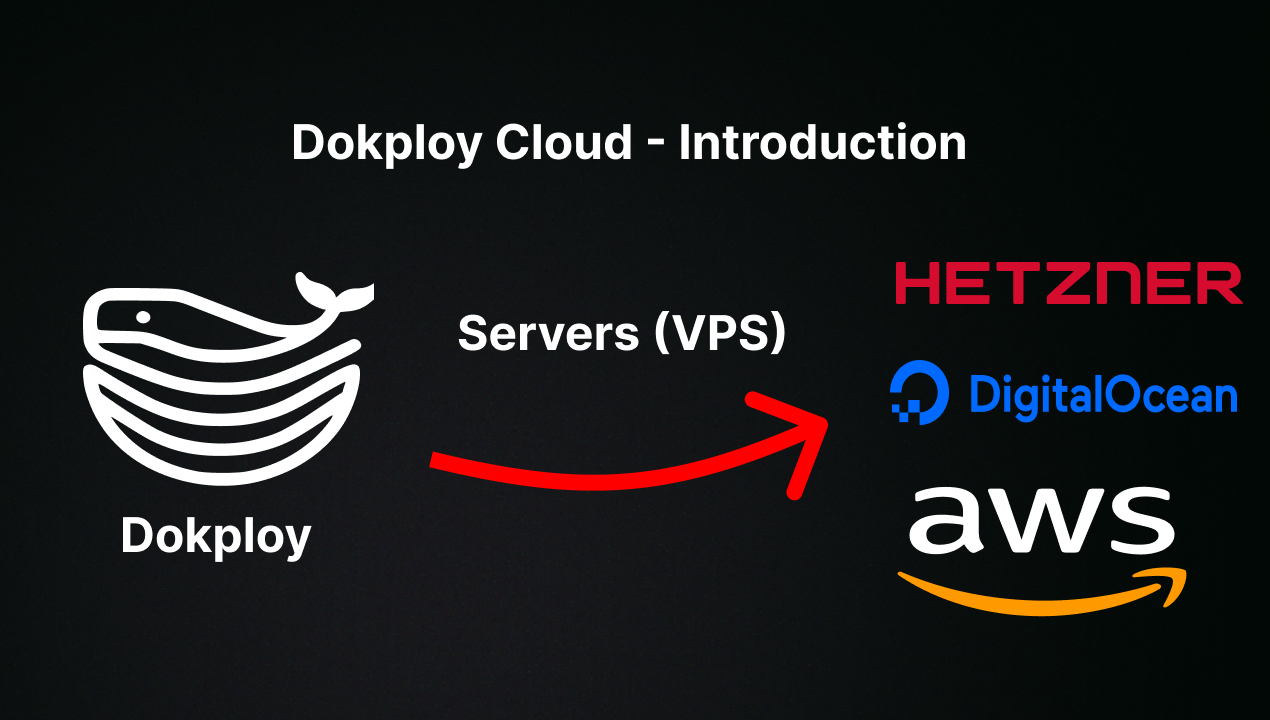
Dokploy is installed on a VPS by running curl -sSL https://dokploy.com/install.sh | bash. Detailed documentation lives at docs.dokploy.com, and a hosted option is available at app.dokploy.com for those who would rather skip the installation process.
How it compares
Against Vercel, Netlify, and Heroku, the difference is where the workload runs and who pays for it. Dokploy is free and self-hosted: the operator supplies a VPS and the cost model becomes infrastructure spend plus their own time, rather than a metered subscription tied to the vendor's platform. Data ownership and routing follow from the same choice, since applications, databases, and backups stay on servers and storage destinations the operator selects.
When to use it — and when not to
A self-hoster must operate the VPS, the Docker runtime, the Traefik routing layer, a backup storage destination, and whichever notification channels they enable, including email. Dokploy is the wrong pick for anyone who wants a fully managed platform with no server administration, and the repository carries 668 open issues, so a prospective adopter should expect active but imperfect maturity. The licence is recorded as NOASSERTION, which means the terms are not clearly declared in the registry metadata and should be confirmed from the repository before adoption.