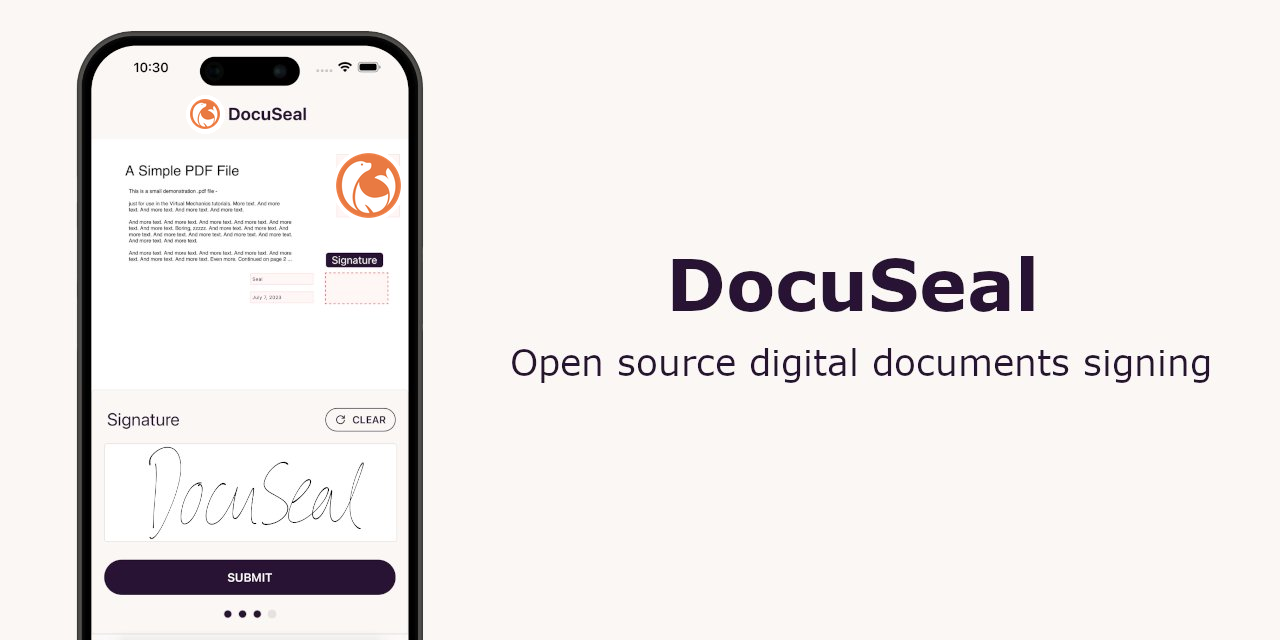
What it is
Docuseal is an open-source document filling and signing platform for individuals and teams, and its repository describes it as an open-source alternative to DocuSign. It is built in Ruby on Rails and uses a self-hosted deployment model, with interface components associated with Tailwind CSS, Vue, and Hotwire Turbo.
The concrete problem it addresses is the need to create, fill, and sign digital documents without relying only on a commercial service. It provides a web tool for preparing PDF forms and collecting signatures from multiple submitters, while storing completed files on disk or in cloud storage and sending automated email notifications through SMTP.
Key capabilities
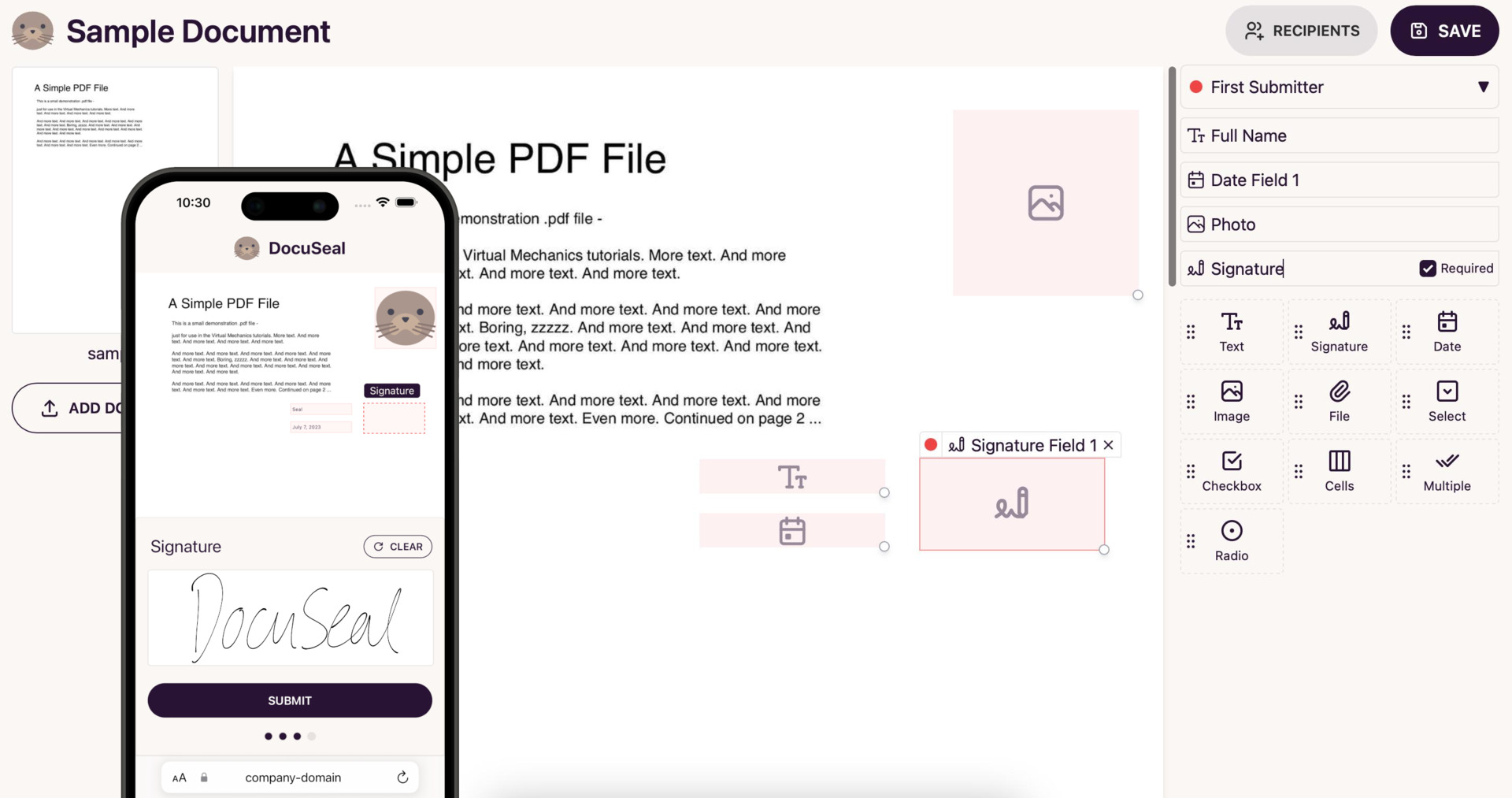
- The platform includes a WYSIWYG PDF form fields builder for placing fields on a document.
- It supports twelve field types, including signature, date, file, and checkbox fields.
- A single document can be sent to multiple submitters, which supports shared signing workflows.
- It can send automated emails through SMTP and store files on disk or in AWS S3, Google Storage, or Azure Cloud.
- It generates automatic PDF eSignatures and provides PDF signature verification for completed documents.
- It includes user management, mobile optimization, and API and webhook integrations.
Who uses it and how
- Individuals and teams use the mobile-optimized web tool to fill and sign PDF documents on their devices.
- Self-hosting teams deploy the application with Docker, Docker Compose, Heroku, Railway, DigitalOcean, or Render, then connect a database and storage service.
- Businesses can integrate document signing into web or mobile applications through the API, webhooks, and embedded form options listed in the README.
- Organizations in banking, healthcare, transport, real estate, eCommerce, KYC, CRM, and other software products can use it for bulk document signing workflows.
- Administrators can manage users, configure SMTP email, and select disk or cloud storage for document files.
Getting started
The README shows a Docker image named docuseal/docuseal, a Docker Compose workflow that can issue TLS certificates through Caddy when DNS points to the server, and deployment options for Heroku, Railway, DigitalOcean, and Render. A hosted option is also mentioned as "Try in Cloud".
When to use it — and when not to
Use Docuseal when you need a self-hostable Ruby on Rails signing platform with PDF forms, PDF eSignatures, and API and webhook integrations, and you can operate the database, storage, SMTP, and TLS setup. Avoid it if you require the listed Pro capabilities such as SSO/SAML, SMS identity verification, bulk spreadsheet sending, embedded signing forms, or white-labeling, or if you need a low-maintenance hosted service. The listed AGPLv3 license with additional terms, the zero-contributor count, and the 121 open issues also warrant a careful review before adoption.
project readme (upstream, from github) — read inline

DocuSeal
Open source document filling and signing



DocuSeal is an open source platform that provides secure and efficient digital document signing and processing. Create PDF forms to have them filled and signed online on any device with an easy-to-use, mobile-optimized web tool.
Features
- PDF form fields builder (WYSIWYG)
- 12 field types available (Signature, Date, File, Checkbox etc.)
- Multiple submitters per document
- Automated emails via SMTP
- Files storage on disk or AWS S3, Google Storage, Azure Cloud
- Automatic PDF eSignature
- PDF signature verification
- Users management
- Mobile-optimized
- 7 UI languages with signing available in 14 languages
- API and Webhooks for integrations
- Easy to deploy in minutes
Pro Features
- Company logo and white-label
- User roles
- Automated reminders
- Invitation and identity verification via SMS
- Conditional fields and formulas
- Bulk send with CSV, XLSX spreadsheet import
- SSO / SAML
- Template creation with HTML API (Guide)
- Template creation with PDF or DOCX and field tags API (Guide)
- Embedded signing form (React, Vue, Angular or JavaScript)
- Embedded document form builder (React, Vue, Angular or JavaScript)
- Learn more
Deploy
Docker
docker run --name docuseal -p 3000:3000 -v.:/data docuseal/docuseal
By default DocuSeal docker container uses an SQLite database to store data and configurations. Alternatively, it is possible to use PostgreSQL or MySQL databases by specifying the DATABASE_URL env variable.
Docker Compose
Download docker-compose.yml into your private server:
curl https://raw.githubusercontent.com/docusealco/docuseal/master/docker-compose.yml > docker-compose.yml
Run the app under a custom domain over https using docker compose (make sure your DNS points to the server to automatically issue ssl certs with Caddy):
sudo HOST=your-domain-name.com docker compose up
For Businesses
Integrate seamless document signing into your web or mobile apps with DocuSeal
At DocuSeal we have expertise and technologies to make documents creation, filling, signing and processing seamlessly integrated with your product. We specialize in working with various industries, including Banking, Healthcare, Transport, Real Estate, eCommerce, KYC, CRM, and other software products that require bulk document signing. By leveraging DocuSeal, we can assist in reducing the overall cost of developing and processing electronic documents while ensuring security and compliance with local electronic document laws.
Book a Meeting
License
Distributed under the AGPLv3 License with Section 7(b) Additional Terms. See LICENSE and LICENSE_ADDITIONAL_TERMS for more information.
Unless otherwise noted, all files © 2023-2026 DocuSeal LLC.
Tools