Docspell is a self-hosted document management system that helps households, families, and small groups or companies organise the piles of paper, scans, and e-mails that accumulate from scanners and other sources, using machine learning and OCR to cut down the manual effort of adding metadata.
What it is
Docspell is a personal document organiser, also described as a Document Management System (DMS). It is written primarily in Scala with an Elm front end, is licensed under AGPL-3.0, and lives in the open-source document management ecosystem, alongside the topics dms, edms, ocr, nlp, and personal-document-system. It takes files arriving from scanners, e-mails, and other sources and unifies them into one searchable store. Documents can carry tags, correspondents, dates, and other predefined or custom metadata, and everything is reachable through a REST/HTTP API.
The concrete problem it replaces is the routine of manually filing and labelling scans. Adding metadata by hand is tedious, so Docspell suggests correspondents, guesses tags, and finds dates using machine learning. It learns metadata from the documents already present and locates things using NLP, backed by the free GPL-licensed Stanford CoreNLP library. Where needed it runs OCR on documents, provides fulltext search, and offers e-mail integration — replacing the loose pile of scanner output and mailbox attachments that would otherwise have to be sorted by hand.
Key capabilities
- Automatic metadata assistance: suggests correspondents, guesses tags, and finds dates using machine learning trained on existing documents, with NLP via Stanford CoreNLP.
- OCR processing on documents when the uploaded file requires it, feeding fulltext search.
- Fulltext search over the organised store, once metadata and extracted text are associated.
- E-mail integration for pulling documents in from mailboxes.
- REST/HTTP API exposing the whole system, with a mobile-friendly SPA web application as the default user interface.
- Android app for uploading files from a phone or tablet, plus a command-line client,
dsc.
- Metadata model covering tags, correspondents, and both predefined and custom fields.
Who uses it and how
- Home use: families and households scanning paper correspondence and filing it into one collective.
- Smaller groups and companies that need a shared DMS without a hosted service.
- Users who already own a scanner and want the resulting files organised with minimal manual tagging.
- People who receive documents by e-mail and want them captured automatically rather than saved by hand.
- Mobile-first users who photograph or share documents from a phone or tablet through the Android client, then curate them later in the web application.
Getting started
The quickest route is the Docker setup from the docspell/docker repository: clone it, enter docker-compose, run docker-compose up -d, then open http://localhost:7880, sign up, and log in using the same name for collective and user. Alternatives are documented on the get-started and quickstart pages: installing the provided deb file on a Debian-based system, downloading the provided zip and running the script in bin/, or using the nix package manager.
How it compares
No comparable tools are named in the supplied facts, and no list of paid products this project replaces is provided. On the evidence available, Docspell stands alone in this registry. Its AGPL-3.0 licence, its self-hosted multi-component architecture, and the absence of any hosted or paid tier mean the comparison has to be made against whatever else an operator is already running, not against named commercial alternatives.
When to use it — and when not to
A self-hoster must run and maintain the whole multi-component stack that the docker-compose setup brings up, keep up with updates, and configure the e-mail integration against real mailboxes, since mail handling is a core rather than optional feature. It is a poor fit for anyone who wants a managed service, for organisations that cannot accept AGPL-3.0 copyleft obligations, or for teams unwilling to operate a database-backed server alongside a browser client. The repository itself carries 235 open issues, which is worth weighing as a signal of maintenance load, and the machine learning component depends on an external GPL library, so the dependency chain is worth reviewing before standardising on it.
project readme (upstream, from github) — read inline





Docspell - Document Management System (DMS)
Docspell is a personal document organizer. Or sometimes called a
"Document Management System" (DMS). You'll need a scanner to convert
your papers into files. Docspell can then assist in organizing the
resulting mess :wink:. It can unify your files from scanners, emails
and other sources. It is targeted for home use, i.e. families,
households and also for smaller groups/companies.
You can associate tags, set correspondends and lots of other
predefined and custom metadata. If your documents are associated with
such meta data, you can quickly find them later using the search
feature. But adding this manually is a tedious task. Docspell can help
by suggesting correspondents, guessing tags or finding dates using
machine learning. It can learn metadata from existing documents and
find things using NLP. This makes adding metadata to your documents a
lot easier. For machine learning, it relies on the free (GPL)
Stanford Core NLP library.
Docspell also runs OCR (if needed) on your documents, can provide
fulltext search and has great e-mail integration. Everything is
accessible via a REST/HTTP api. A mobile friendly SPA web application
is the default user interface. An Android
app exists for
conveniently uploading files from your phone/tablet and a
cli. The feature
overview lists some more
points.
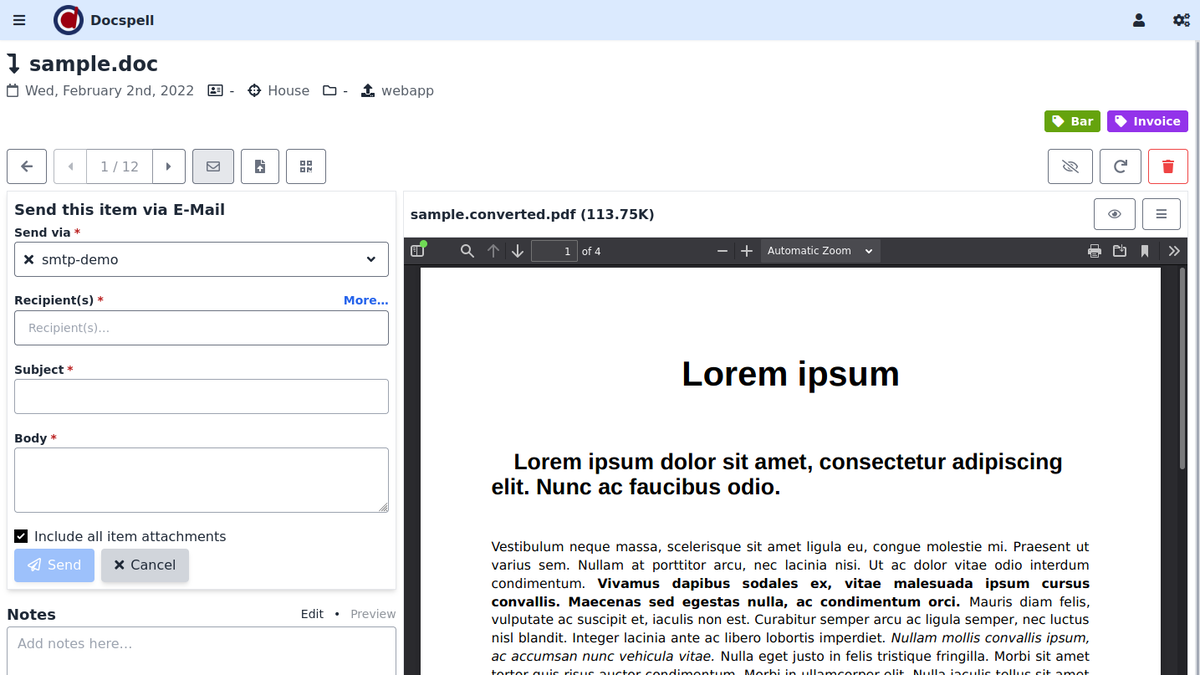
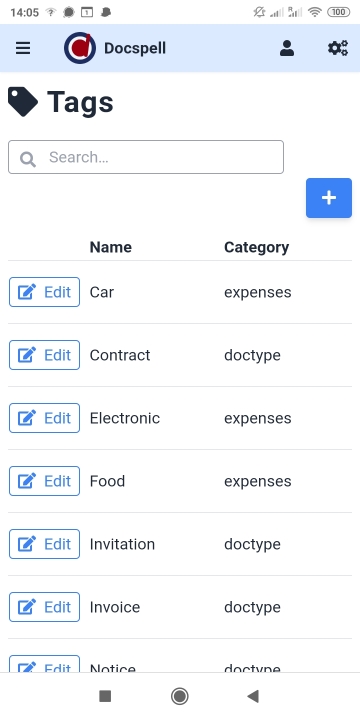
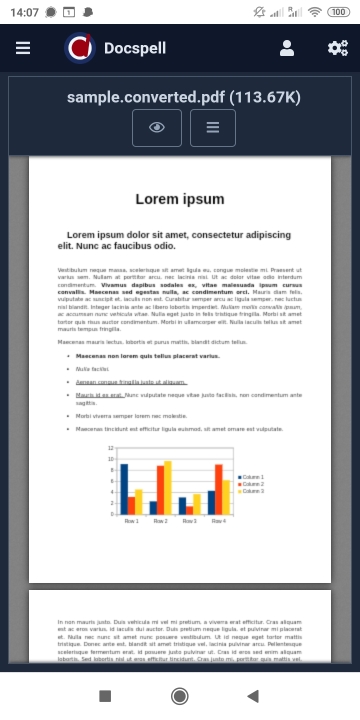
Impressions
Checkout the short demo videos (<1min), present on the project
page. Here are some screenshots:
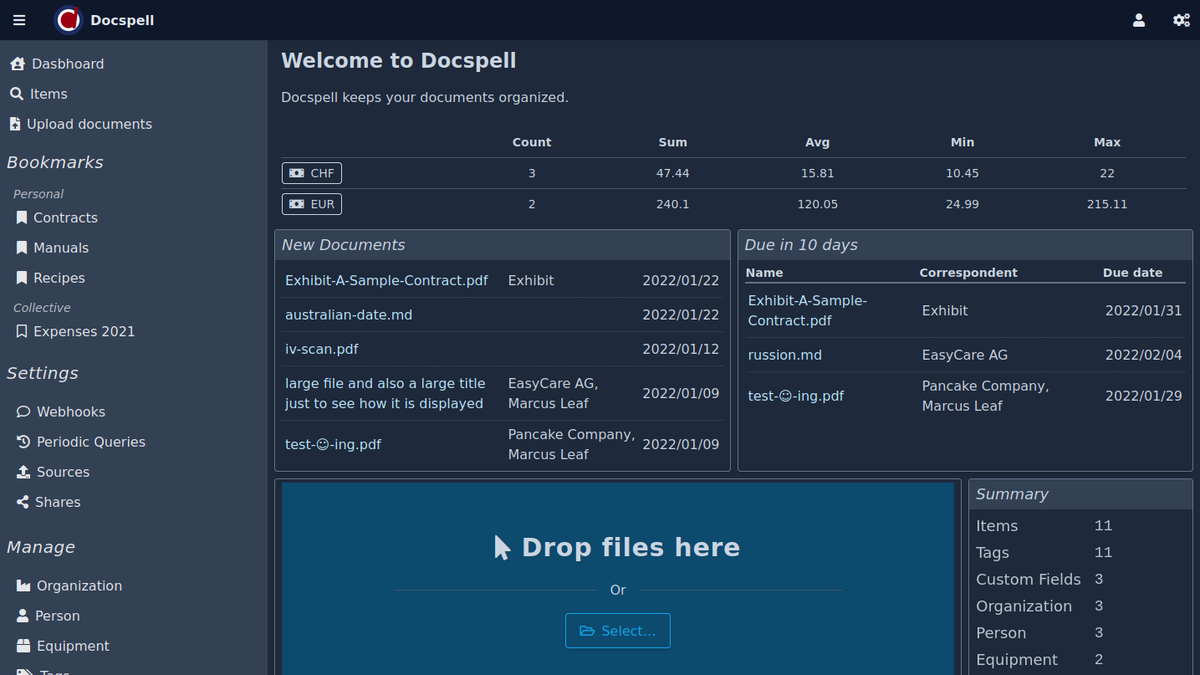
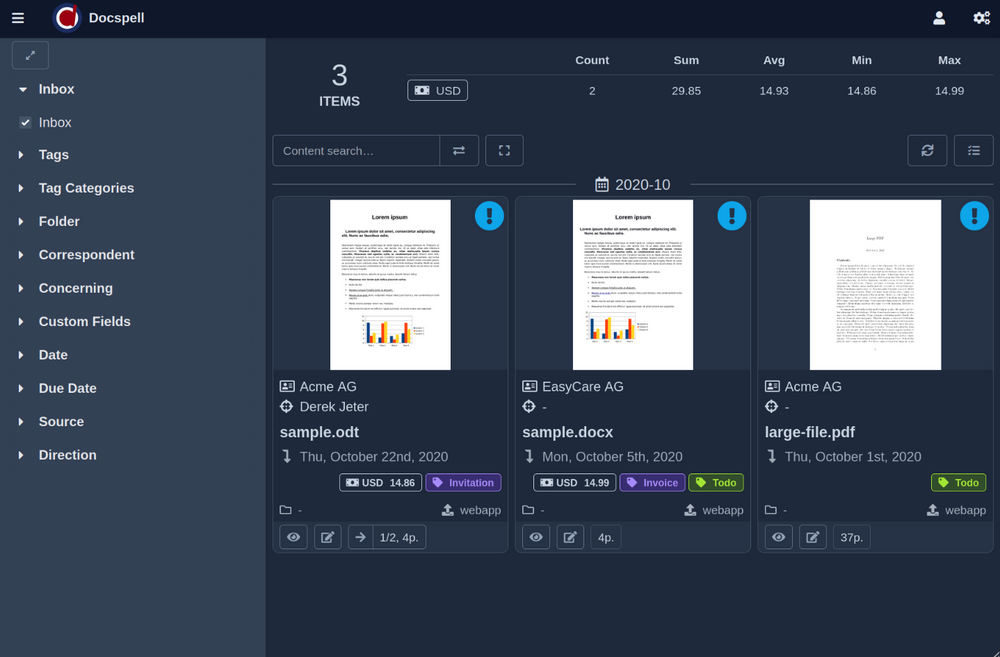
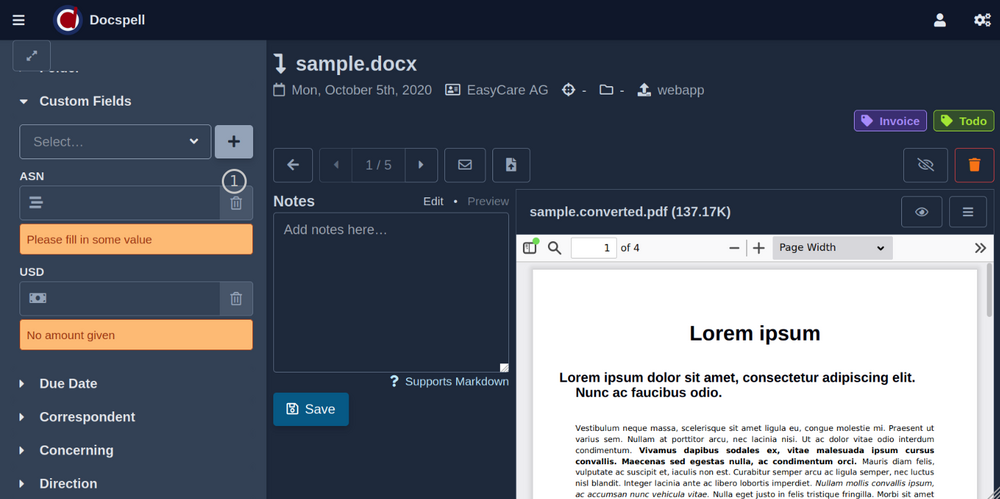
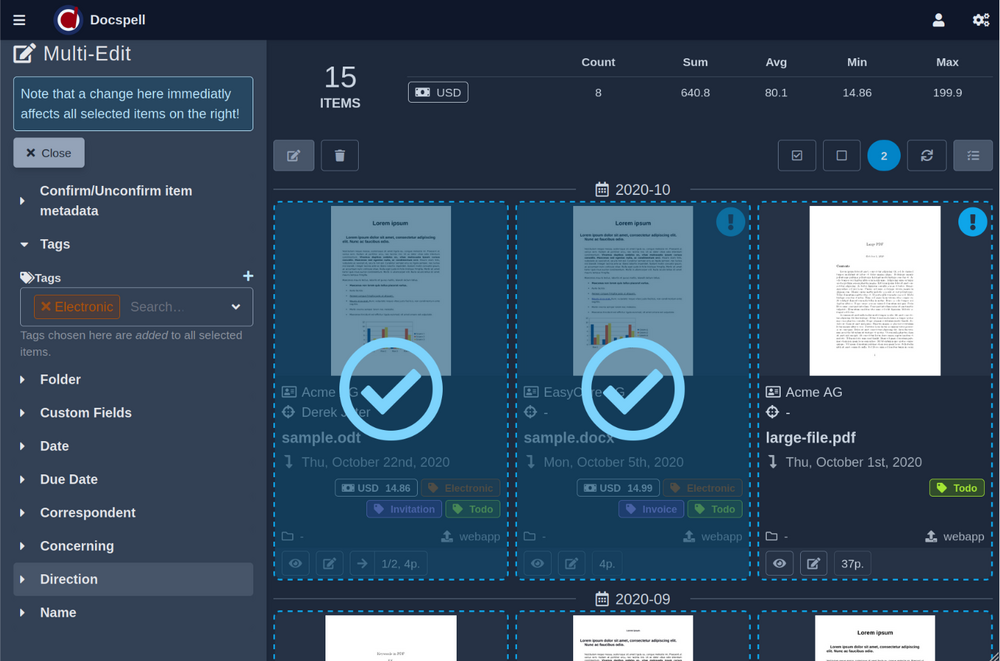
Try it
Docspell consists of several components. The probably quickest way to
get started is to use the docker setup as described in the get started
page. This is only three commands
away:
git clone https://github.com/docspell/docker docspell-docker
cd docspell-docker/docker-compose
docker-compose up -d
Then go to http://localhost:7880, sign up and login. Use the same
name for collective and user for now. More on that can be found
here.
Other ways are documented
here:
Documentation
The project page has lots of information on
how to use and setup docspell.
Contributions/Support
Feedback and other contributions are very welcome! There is a gitter
room for chatting and questions.
You can also open an
issue for questions,
problems and other feedback; or make a mail to info [at] docspell.org. I'll try to answer in time. You may want to check
Contributing.md for some starting points, too.
If you find this project any useful and want to support it via other
means, giving a :star: is always encouraging and much appreciated. You
can also support activity by donating via
liberapay or
paypal.
Thank you so much!
Tech Stack
Backend
The servers is written in Scala in a pure functional style, based on
libraries from the typelevel stack: Cats,
FS2, Doobie, Http4s, Circe and Pureconfig.
There are more libraries and technologies used, of course. Docspell is
only a orchestration of great tools and libs. One important is the
Stanford-NLP, that provides the
ML features. Furthermore, file processing relies on external tools
like tesseract, unoconv and ocrmypdf. All dependencies can be looked
up in project/Dependencies.scala.
Frontend
The web frontend is a SPA written in Elm. The
UI framework in use is tailwind.
License
Docspell is free software, distributed under the AGPLv3 or
later.