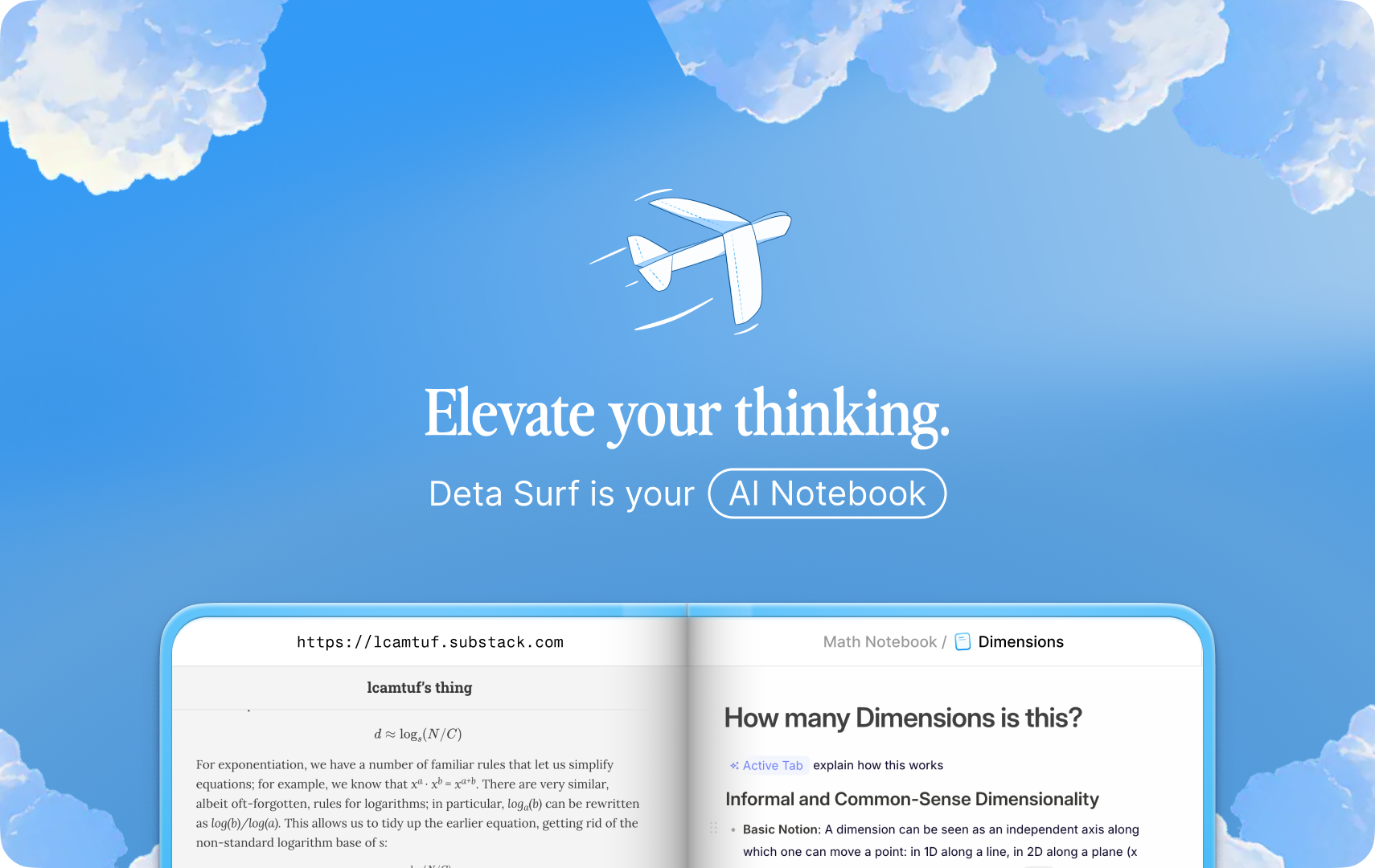
Deta Surf: Your AI Notebook
Deta Surf is an AI notebook that brings all your files and the web directly into your stream of thought.
It’s meant for simultaneous research and thinking that minimizes the grunt work: manually searching, opening windows & tabs, scrolling, copying and pasting into a document editor.
Surf is primarily built in Svelte, TypeScript and Rust, runs on MacOS, Windows & Linux, stores data locally in open formats, and is open source.
Motivation
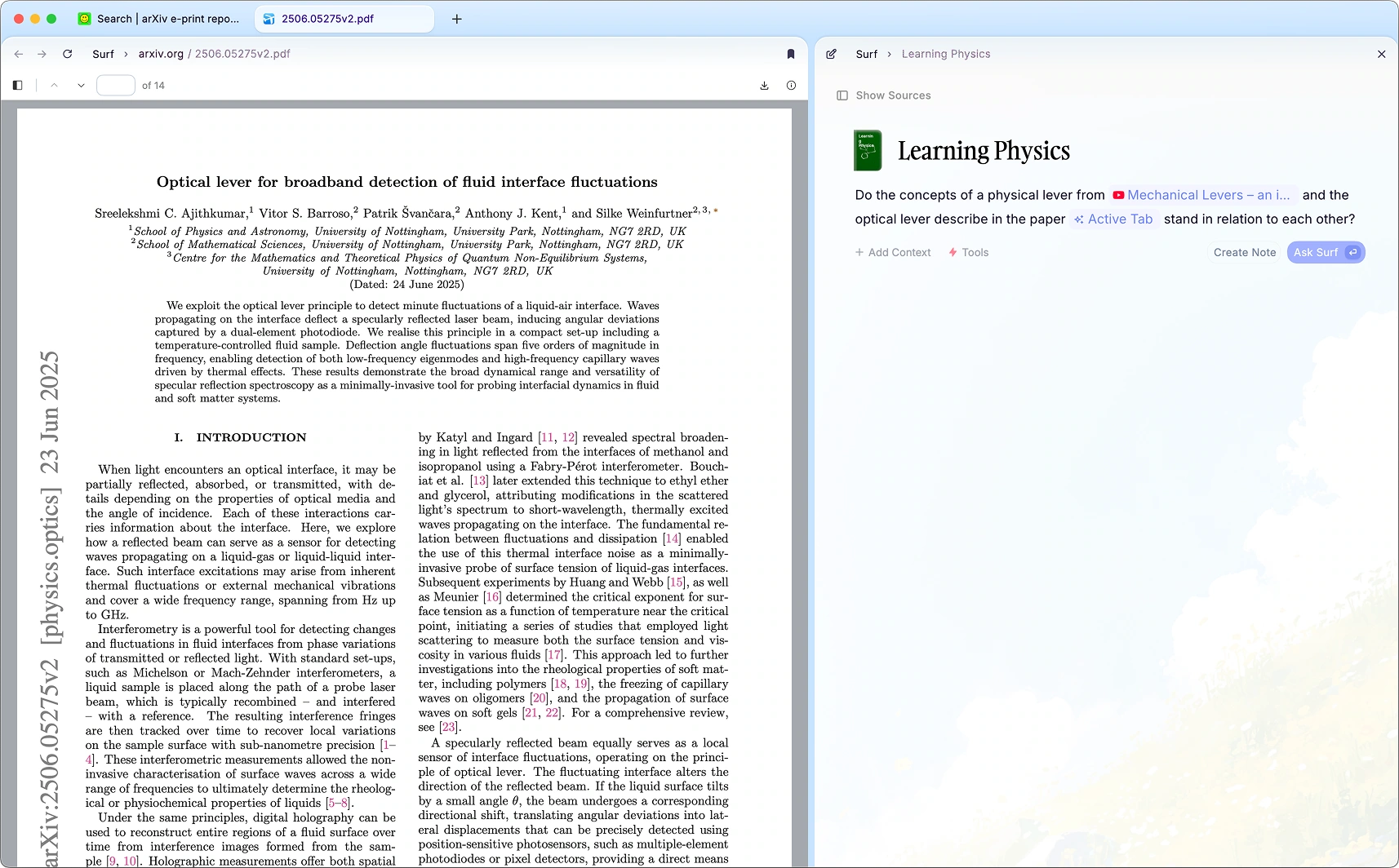
Most applications are focused on a single task, or a single media type: notes, websites, or PDFs. Real thinking requires juggling media across sources to make connections and synthesize ideas. We want to help people think better, across all their media.
Surf is built to be personal and open, in service of the user. This means local first data, open data formats, open source, and openness with respect to AI models. Read more.
Installation
Checkout the installation guide for detailed instructions.
For building from source and local development, see CONTRIBUTING.md.
TL;DR - Things to try
- YouTube Notes: visit a YouTube video and ask a question
- PDF Notes: open a PDF and ask a question
- Create an applet: use the "app generation" tool and ask for an app
- Notes that search the web: use the "web search" tool and ask a question with "search" in it
Features
Multi-Media Library & Notebooks
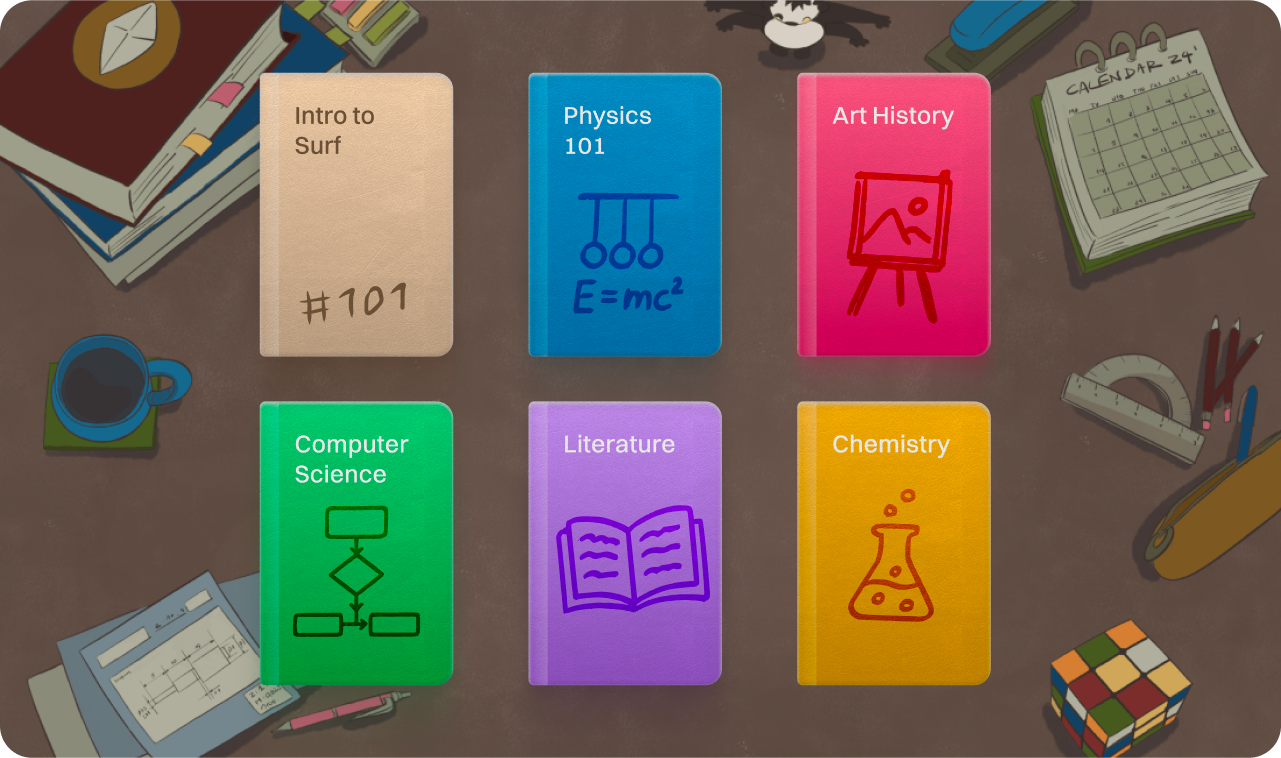
Store almost any media in a private library on your computer, in an open and transparent format.
- Support for local files, sites & links from the web (YouTube, Tweets & more), or create media directly in Surf.
- Organize this library into Notebooks.
- Open and use much of your library offline.
- Use your library to power Surf’s AI features.
Surf's library is built on a local storage engine called SFFS (Surf Flat File System), which stores data in open and transparent formats.
Smart Notes
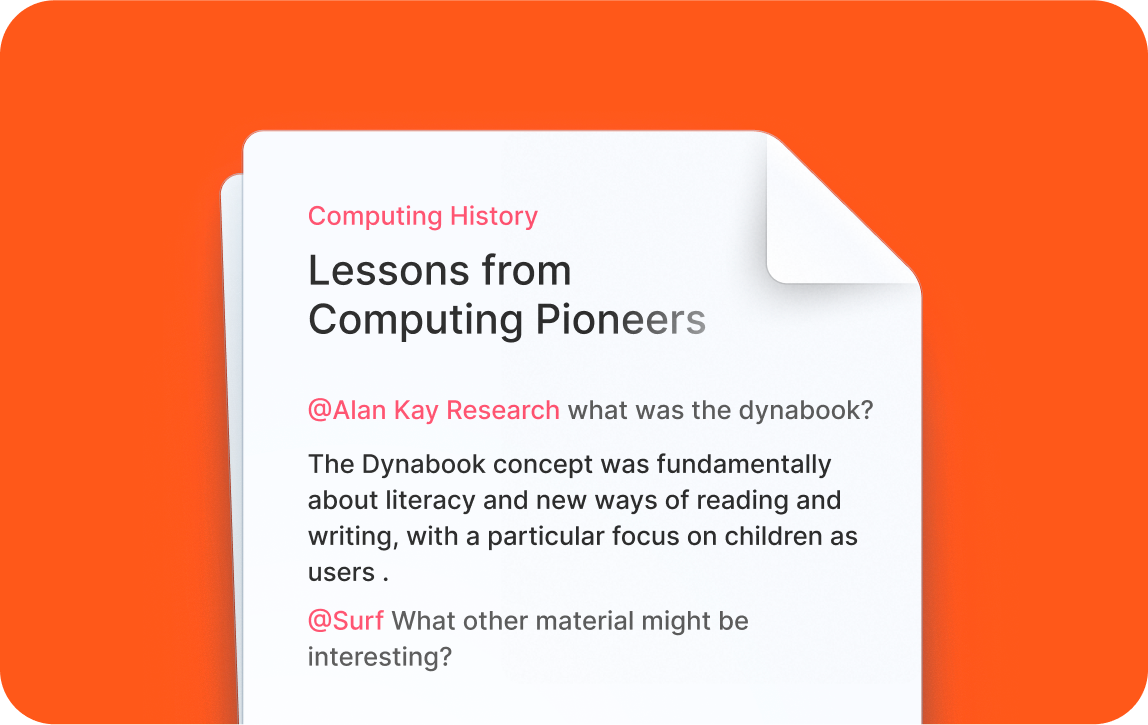
Explore and think across your digital stuff without opening up a bunch of windows, clicking, scrolling and copying & pasting into your document (or chatbot).
@-mentionand auto-generate from any tab, website or any resource in your library.- Trigger web searches to do research, and bring the results back in your notes.
- Integrated citations deeplinked to original sources, whether a section on a webpage, a timestamp in a video, or a page in a PDF.
- Generate interactive applications without writing code using Surflets.
- Paste in images, tables or data from other applications and have Surf understand and incorporate them.
- Use rich formating, code blocks, to-do lists and more in your notes.
Tabs, Split View & Sidebar
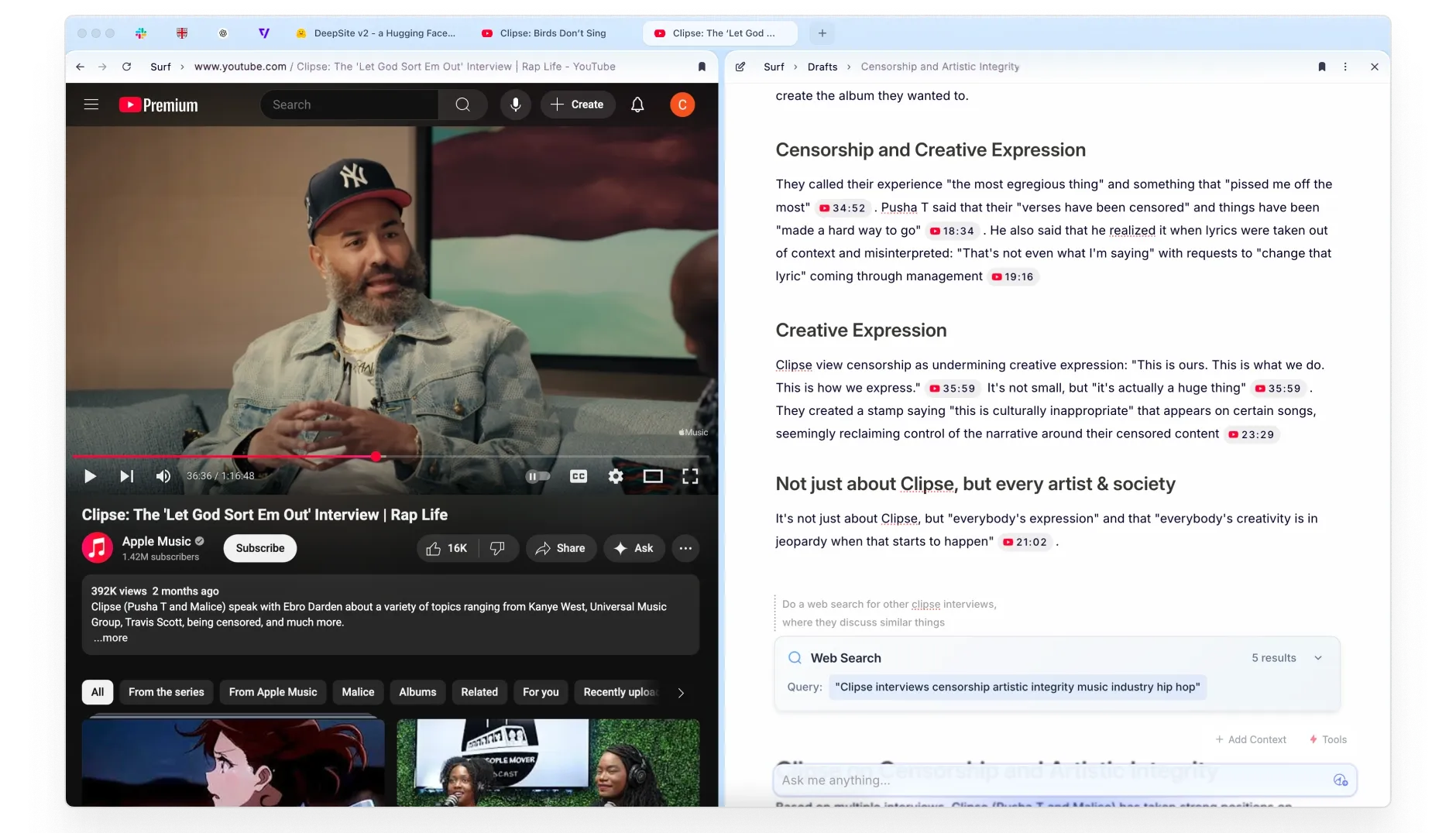
Surf is built around tabs, split view and a sidebar for easy navigation.
- Open local notes, files or web pages in tabs.
- Split view allows you to view and interact with multiple resources side by side.
- The sidebar provides quick access to your Notebooks & notes.
Surflets (App Generation)
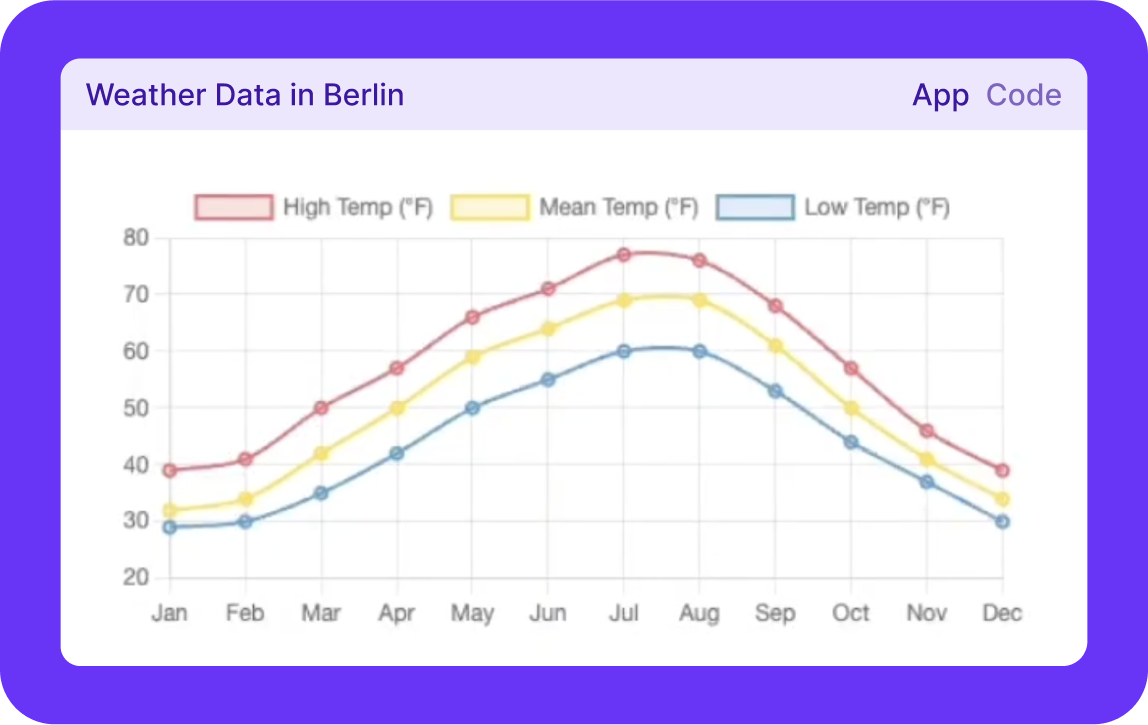
Surf can code interactive applets to help you visualize, understand or explore concepts or data that are aided with code.
AI
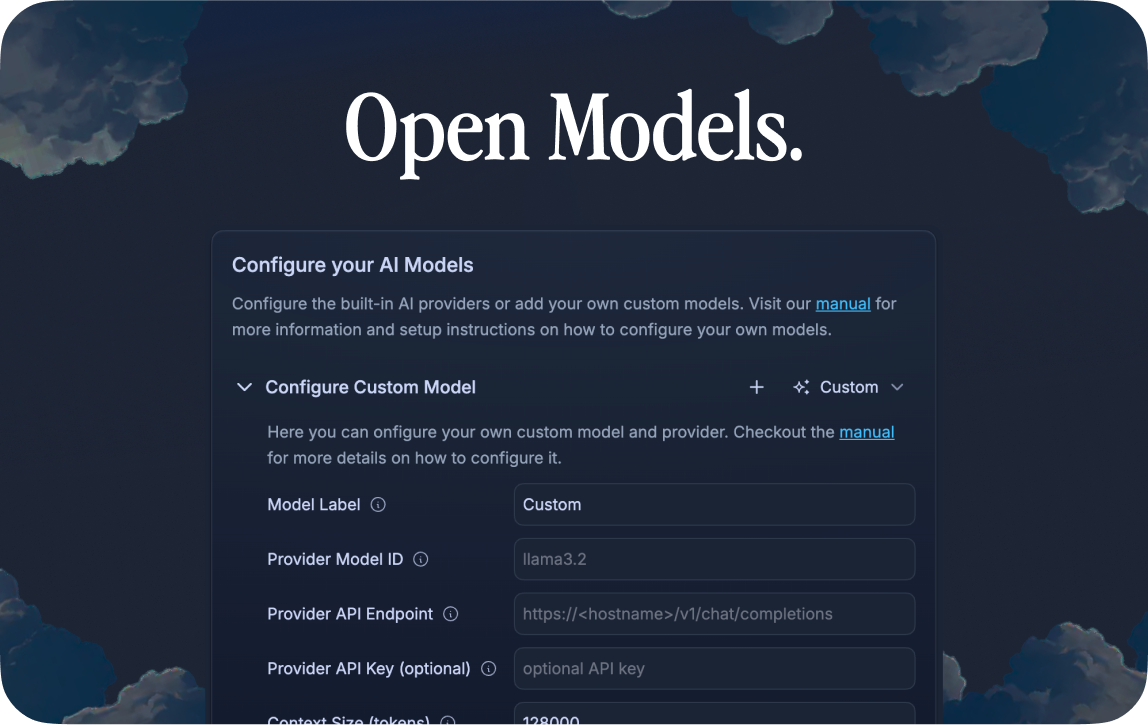
Surf’s notes and Surflets are powered by large language models of your choice.
- Bring your own key for popular models
- Add a cloud model
- Use Local Language Models
Shortcuts
Find the most common shortcuts here.
Security
To report a security concern, please see https://github.com/deta/surf/security/policy
Contributing
See CONTRIBUTING.md for details on contributing to the project and an overview of the codebase.
Code of Conduct
See CODE_OF_CONDUCT.md for details on our code of conduct.
License
The source code for this project is licensed under the Apache 2.0 license, with the following exceptions:
- Our patch for the @ghostery/adblocker-electron package is licensed under the Mozilla Public License 2.0 (MPL-2.0), consistent with the upstream project's licensing.
- Select files may contain their own specific license headers that override the default license.
Unless otherwise specified in the file or directory, all code defaults to the Apache 2.0 license.
See LICENSE for more details about the Apache 2.0 license.
Note: The Deta name and logos are not covered by the Apache 2.0 license.
Acknowledgements
This project makes use of the following open source packages (not a comprehensive list):