Craftplan is self-hosted, AGPL-3.0 open-source ERP software for small-scale artisanal manufacturers and craft D2C micro-businesses, bringing catalog management, inventory control, order processing, production planning, purchasing, and CRM into one platform.
What it is
Craftplan is an open-source ERP built for artisanal manufacturers who make small-batch, made-to-order goods. It lives in the Elixir ecosystem, built on the Ash Framework, Phoenix LiveView, PostgreSQL, and Tailwind CSS. Rather than adapting a generic ERP to craft production, its workflows are designed around recipes, formulas, batches, and lot-level ingredient tracking from the start.
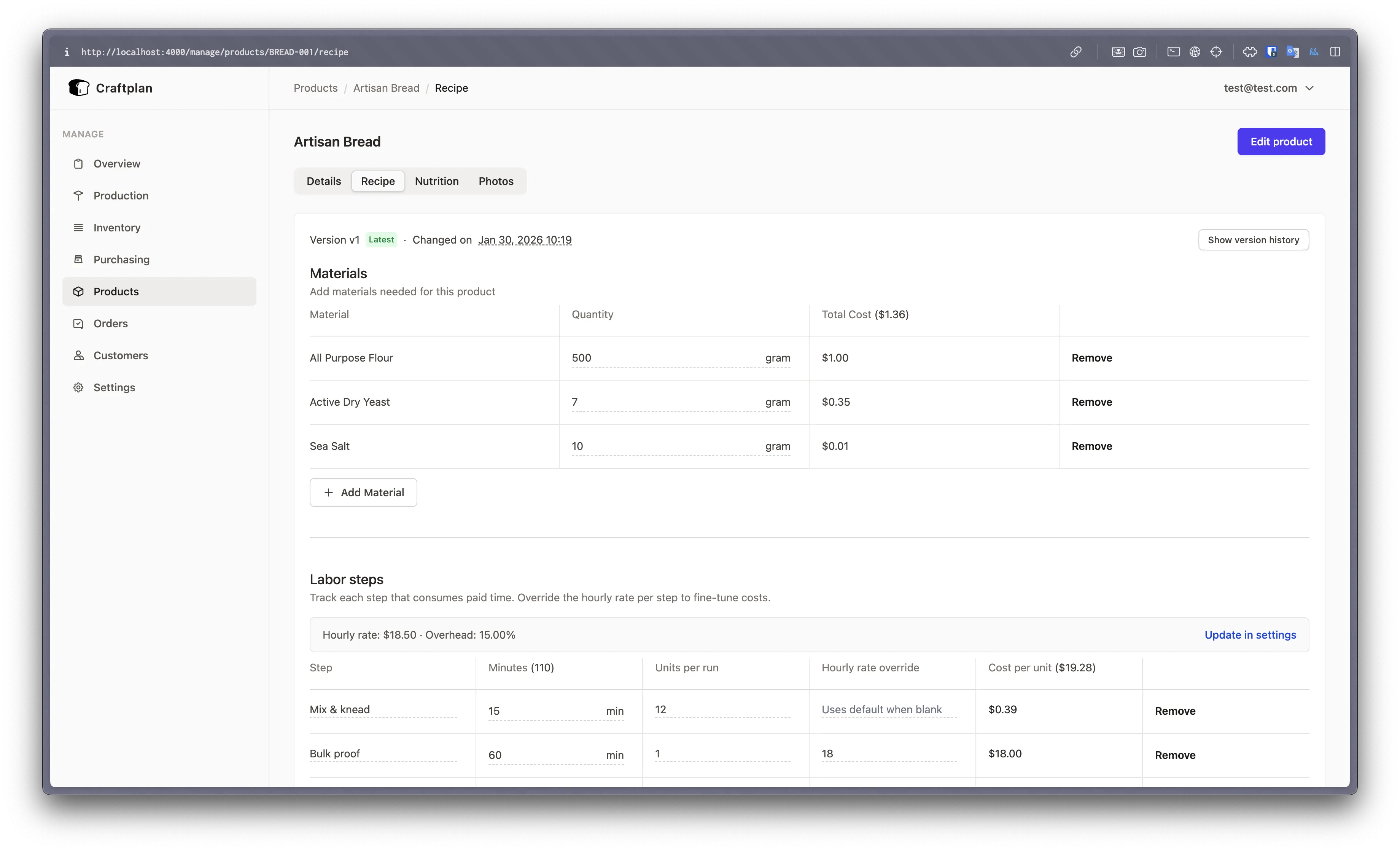
The concrete problem it solves is platform sprawl. Small producers typically pay for several separate platforms to cover a product catalog, stock control, order handling, production scheduling, purchasing, and customer records. Craftplan replaces that stack with a single application that runs on the operator's own infrastructure, so data stays in a PostgreSQL database the business controls. It also addresses costing, which is where small manufacturers usually lose money: Bills of Materials are versioned, costs roll up automatically across nested BOMs, labor steps carry time and cost, and every production batch captures a cost snapshot.
Key capabilities
- Catalog and BOM management with product photos and labels, versioned Bills of Materials where the latest version is editable and older versions are read-only, and automatic cost rollups across nested BOMs.
- Production batching with automatic material consumption, per-batch cost snapshots, and a completion workflow that records produced quantities.
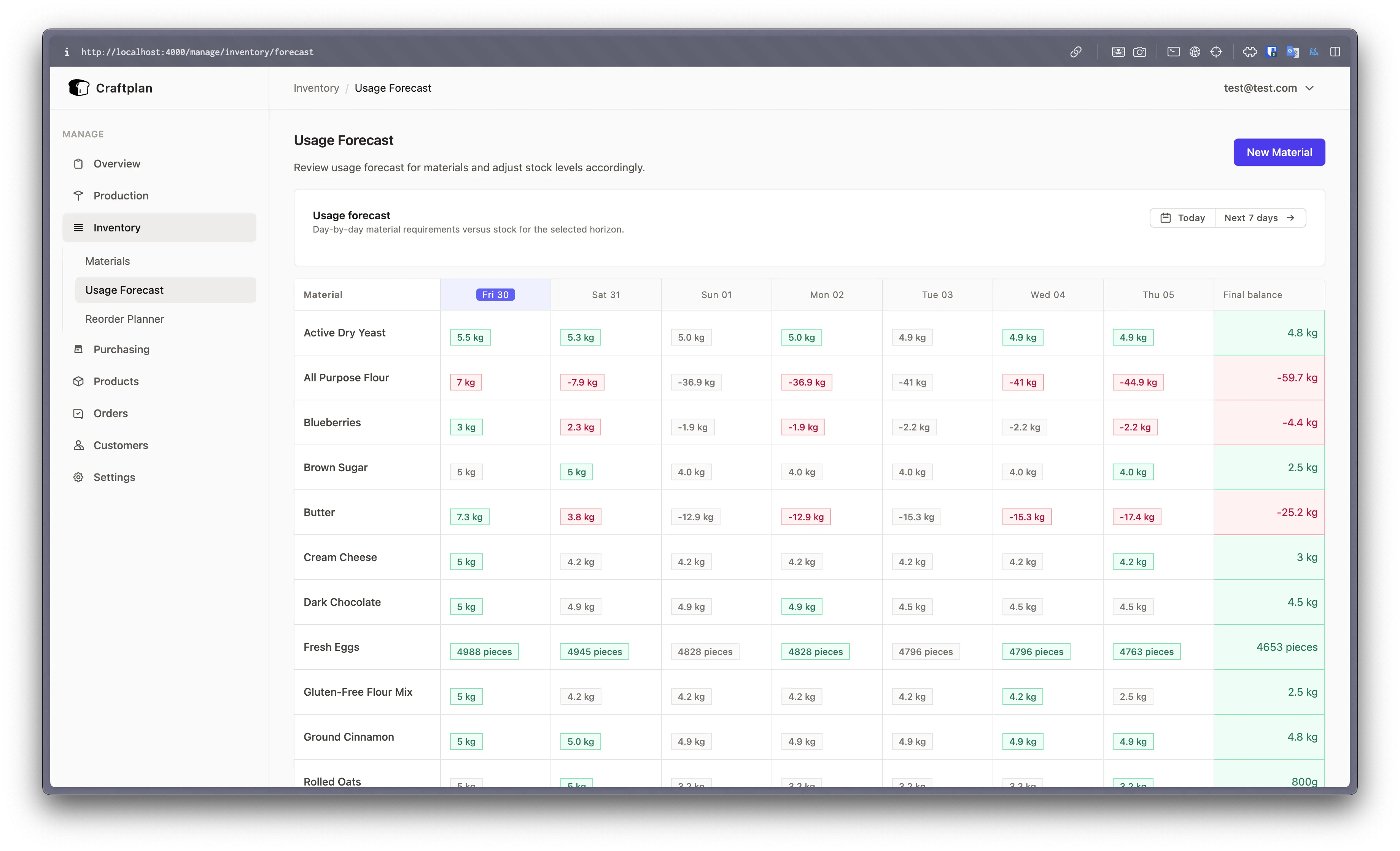
- Inventory with lot traceability for raw materials, stock movements for consume, receive, and adjust, plus allergen and nutritional fact tracking, demand forecasting, and reorder planning.
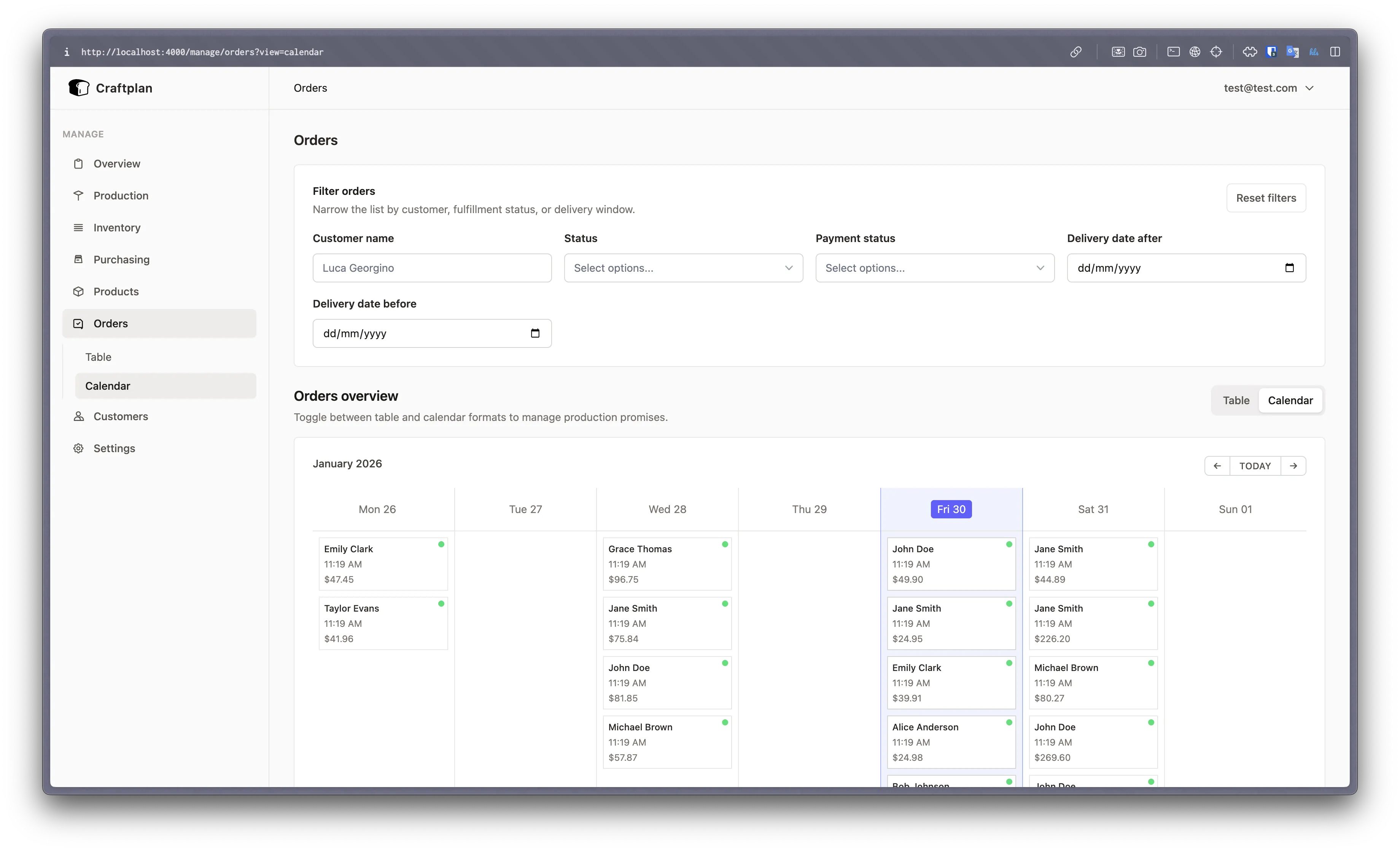
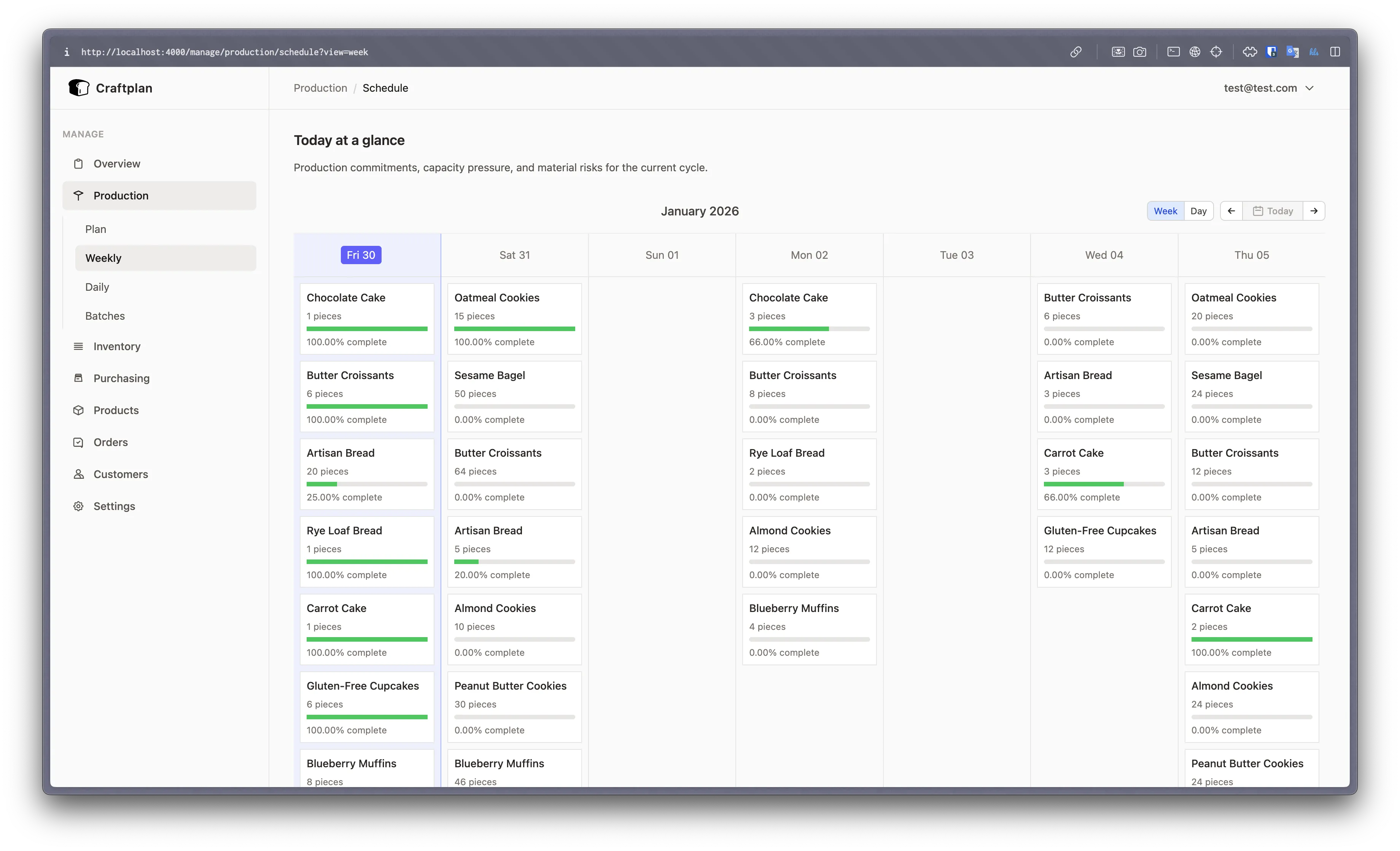
- Order processing with calendar-based scheduling, invoice generation, and allocation of order items to production batches.
- CSV bulk import for products, materials, and customers, and CSV export.
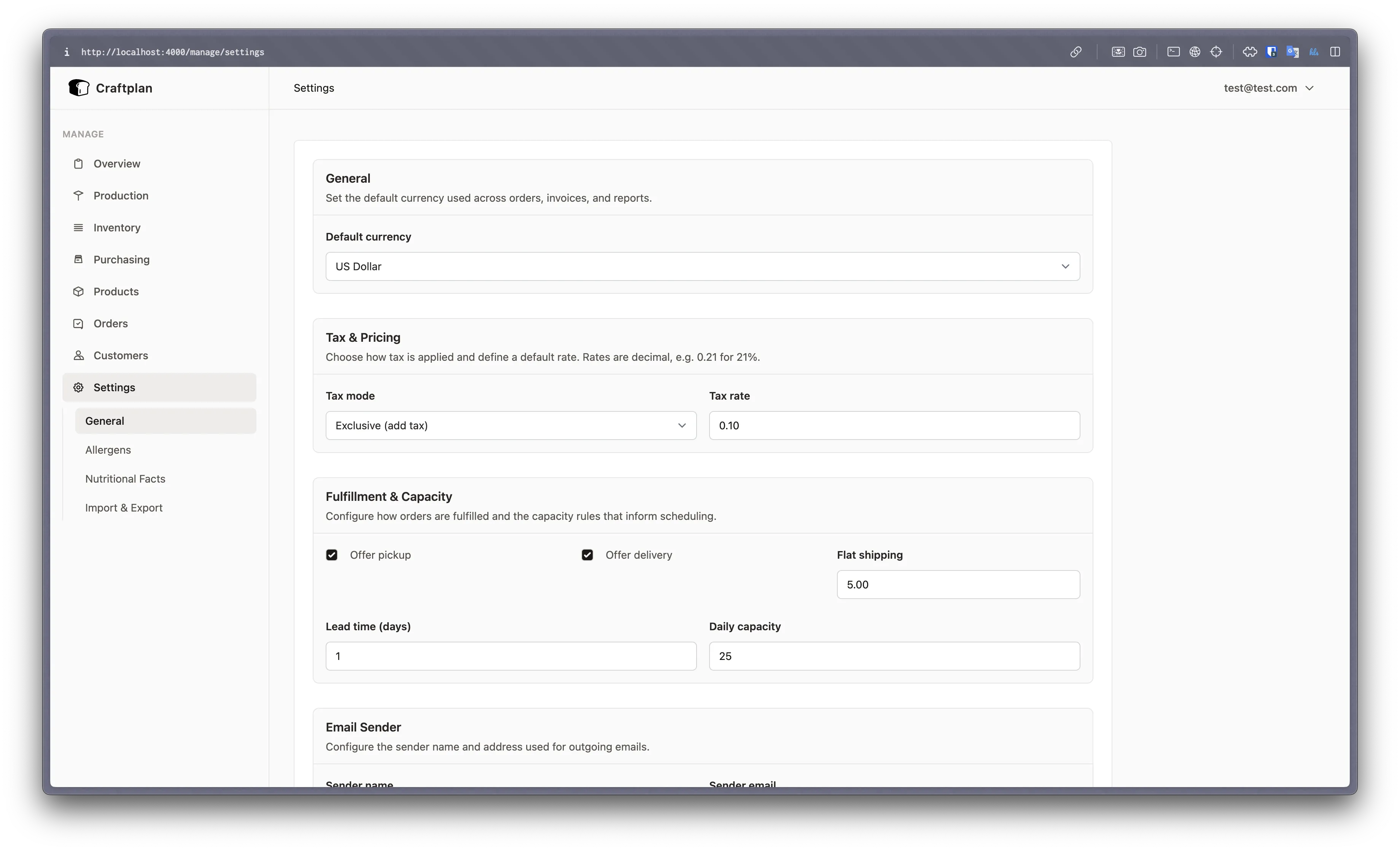
- Transactional email configurable from the UI through SMTP, SendGrid, Mailgun, Postmark, Brevo, or Amazon SES, with API keys encrypted at rest.
- An iCal (.ics) subscription URL for Google Calendar, Apple Calendar, or any iCal-compatible app, covering order deliveries and production batch schedules, generatable and revocable from Settings.
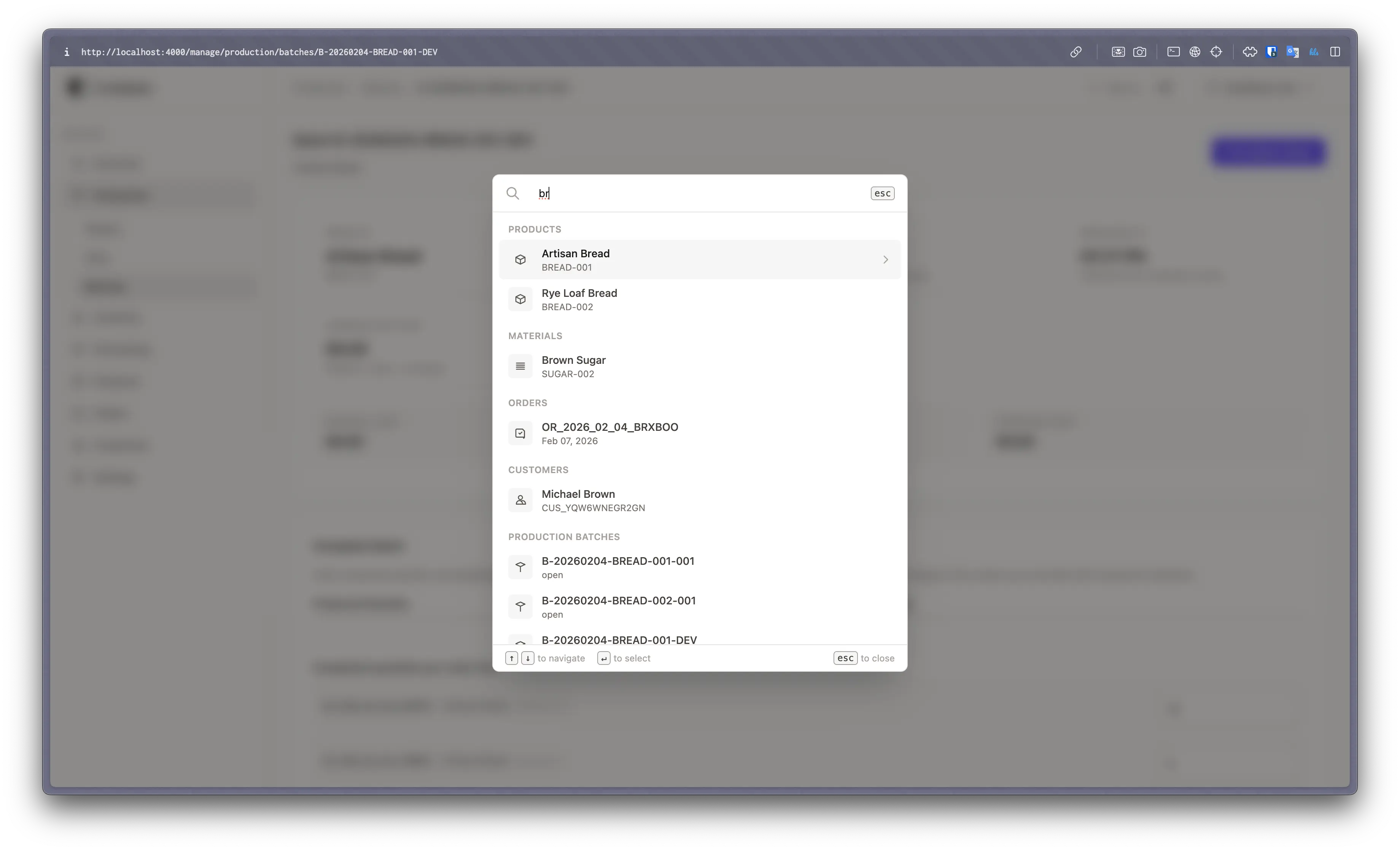
- JSON:API and GraphQL endpoints with API key authentication and CORS configuration, plus a
Cmd+K / Ctrl+K command palette for fuzzy search across products, materials, orders, customers, and batches.
Who uses it and how
- Artisanal food and beverage producers who need first-class allergen and nutritional tracking to record ingredients and generate nutrition labels.
- Small-batch, made-to-order workshops that schedule work on a calendar and allocate order items to production batches.
- Owner-operators and small teams running a single server, where one admin role and a staff role cover the whole business through policy-based authorization on all resources.
- Businesses that need programmatic access to orders, materials, or batches through the JSON:API and GraphQL endpoints.
- Purchasing-side workflows: purchase orders and supplier management, then receiving into stock with lot creation.
Getting started
Craftplan deploys on your own server without cloning the repository: download docker-compose.yml and .env.example from the repository, copy .env.example to .env, fill in the required secrets, and run docker compose up -d. This starts Craftplan, PostgreSQL, and MinIO with migrations running automatically; the self-hosting guide also covers single-container mode, Railway deployment, and reverse proxy setup.
How it compares
No list of paid products this project replaces is provided in the facts, and no similar tools are named. Craftplan stands alone in this registry on the evidence available.
When to use it — and when not to
A self-hoster must operate PostgreSQL, MinIO object storage, and an outbound transactional email path through SMTP, SendGrid, Mailgun, Postmark, Brevo, or Amazon SES, even though migrations run automatically. It is a poor fit for a business that wants a managed SaaS product with no infrastructure to run, for operations outside small-batch artisanal production, or for a team without anyone comfortable maintaining containers and a PostgreSQL instance. The access model is limited to admin and staff roles, and the development setup expects Docker and mise to install Elixir, Erlang/OTP, and Node.js.
project readme (upstream, from github) — read inline

Craftplan
Open-source ERP for small-scale artisanal manufacturers and craft businesses



Craftplan brings all essential business tools into one platform: catalog management, inventory control, order processing, production planning, purchasing, and CRM, so you can get off the ground quickly without paying for multiple separate platforms.
Features
Catalog & BOM
- Product catalog with photos and labels
- Versioned Bills of Materials — edit latest, older versions read-only
- Automatic cost rollups across nested BOMs
- Labor steps with time and cost tracking
Orders & Invoices
- Customer order processing with calendar-based scheduling
- Invoice generation
- Order item allocation to production batches
Production
- Production batching with automatic material consumption
- Cost snapshots per batch
- Completion workflow with produced quantity tracking
Inventory
- Raw material management with lot traceability
- Stock movements (consume, receive, adjust)
- Allergen and nutritional fact tracking
- Demand forecasting and reorder planning
Purchasing
- Purchase orders and supplier management
- Receiving into stock with lot creation
CRM
- Customer and supplier database
- Order history and statistics
Import / Export
- CSV bulk import for products, materials, and customers
- CSV export
Email
- Transactional email delivery configurable from the UI
- SMTP, SendGrid, Mailgun, Postmark, Brevo, and Amazon SES
- API keys encrypted at rest
Calendar Feed
- iCal (.ics) subscription URL for Google Calendar, Apple Calendar, or any iCal-compatible app
- Includes order deliveries and production batch schedules
- Generate and revoke feeds from Settings
API
- JSON:API and GraphQL endpoints for programmatic access
- API key authentication with encrypted storage
- CORS configuration
Access Control
- Admin and staff roles
- Policy-based authorization on all resources
Global Search
- Command palette (
Cmd+K / Ctrl+K) for instant access to any record
- Fuzzy search across products, materials, orders, customers, and batches
Screenshots
Tech Stack
Elixir · Ash Framework · Phoenix LiveView · PostgreSQL · Tailwind CSS
Getting Started
Deploy Craftplan on your own server. No need to clone the repo:
curl -O https://raw.githubusercontent.com/puemos/craftplan/main/docker-compose.yml
curl -O https://raw.githubusercontent.com/puemos/craftplan/main/.env.example
cp .env.example .env   # Fill in the required secrets (see .env.example)
docker compose up -d
This starts Craftplan, PostgreSQL, and MinIO with migrations running automatically.
See the self-hosting guide for single-container mode, Railway deployment, reverse proxy setup, and more.
Development Setup
For contributors who want to work on the codebase. Prerequisites: Docker and mise
mise install            # Install Elixir, Erlang/OTP, and Node.js versions from mise.toml
mise run services:up    # Start PostgreSQL + MinIO + Mailpit
mise run setup          # Install deps, migrate, build assets, seed
mise run dev            # Start at localhost:4000
See the development setup guide for detailed instructions.
Why Craftplan?
- Purpose-built for artisanal manufacturing — not a generic ERP adapted to fit; workflows are designed around small-batch, made-to-order production
- Allergen & nutritional tracking — first-class support for food and beverage producers who need to track ingredients and generate nutrition labels
- BOM versioning with cost rollups — iterate on recipes and formulas while keeping full history and accurate costing
- Self-hosted, no vendor lock-in — your data stays on your infrastructure, backed by PostgreSQL
Documentation
Contributing
Contributions are welcome. For major changes, please open an issue first to discuss your proposal.
mise run test          # Run the test suite
mise run format        # Format code (Styler, Spark, Tailwind, HEEx)
mise run format:check  # Check formatting without modifying files
mise run ci            # Run the full CI suite locally (requires services:up)
Commits follow the convention: type(scope): description (e.g., feat(batching):, fix(orders):, ui(production):).
License
This project is licensed under the AGPLv3 License. See the LICENSE file for details.
Support