CopilotForXcode is a free, open source ai interaction & interfaces project written in Swift and released under MIT. It has 6,298 GitHub stars, 2,023 forks and 242 open issues, and was last pushed 7 days ago. On this registry it ranks #44 of 76 tracked projects in AI Interaction & Interfaces, with 5 head-to-head comparisons available.

What is CopilotForXcode?

GitHub Copilot for Xcode is an MIT-licensed macOS application that brings GitHub Copilot's completions, chat, code review, and agent workflows directly into Xcode for developers writing Swift, Objective-C, iOS, and macOS code.

What it is

CopilotForXcode is a Swift-based companion application and Xcode Source Editor Extension that embeds GitHub Copilot inside Apple's own IDE. It lives in the Xcode and macOS ecosystem, and it works through a host app plus a background item that connects the extension to the host process. Rather than asking a developer to leave Xcode, it places completions, a chat panel, and an agent that can modify the project in place. The project carries the topics ai-assistant, github-copilot, intelligence, ios, macos, objective-c, swift, swiftui, and xcode, which matches its stated focus on Swift, Objective-C, and iOS/macOS development.

The concrete problem it solves is context switching. Without an in-editor assistant, a developer copies code out of Xcode into a browser chat, then pastes edits back by hand. CopilotForXcode replaces that loop with auto-complete suggestions triggered by typing code or by writing a natural language comment, a chat interface for task-specific questions, and Agent Mode, which applies intelligent code edits directly to files, runs terminal commands and shows their output without leaving the interface, searches the codebase for relevant files and snippets, creates new files and directories, and keeps enhanced context awareness across multiple files and folders. It also runs Model Context Protocol tools that the user has configured, so the agent can be extended beyond the built-in feature set.

Key capabilities

  • Code completion that returns auto-complete suggestions whether the developer starts writing code or writes a natural language comment describing the intended code.
  • GitHub Copilot Chat for suggestions tied to a specific coding task.
  • Agent Mode, which understands and modifies the codebase directly and integrates with Xcode's environment.
  • Terminal execution inside Agent Mode, with command output visible without switching windows.
  • Codebase search and creation of new files and directories as part of an agent task.
  • Code Review and Next Edit Suggestions as additional assistant surfaces.
  • MCP Registry and Copilot Vision as extended feature areas.
  • Version v0.50.0 or later adds internal support for the upcoming usage-based billing experience, covering the usage panel, usage notifications, and the model picker.

Who uses it and how

  • Individual Swift and Objective-C developers working on iOS and macOS apps inside Xcode, where the extension appears as a Github Copilot menu under the Xcode Editor menu.
  • Developers who want agent-driven edits, terminal output, and codebase search to stay in one window instead of moving between Xcode and an external chat tool.
  • Teams that configure MCP tools so Agent Mode can reach capabilities beyond the shipped ones.
  • Projects with keyboard-driven workflows: shortcuts can be assigned to every menu item in the Key Bindings section of Xcode preferences.
  • Users on newer plugin builds, since older versions continue to function but the billing and usage experience may not be optimal and may not accurately reflect the latest usage-based billing experience.

Getting started

Install with Homebrew using brew install --cask github-copilot-for-xcode, or download the dmg named GitHubCopilotForXcode.dmg from the latest release and drag GitHub Copilot for Xcode into the Applications folder. Requirements are macOS 13 or later, Xcode 14 or later, and a GitHub account, after which the app needs Background, Accessibility, and Xcode Source Editor Extension permissions, and sign-in is completed by pasting a copied code into the GitHub login page.

How it compares

No comparable tools are named in the available facts, so there is no basis for a feature-by-feature contrast here. On the record provided, CopilotForXcode stands alone in this registry as an MIT-licensed Xcode-native front end for GitHub Copilot.

When to use it — and when not to

A self-hoster or adopter must operate a macOS 13 or later machine with Xcode 14 or later, grant the Background, Accessibility, and Xcode Source Editor Extension permissions, and enable the extension manually through the Extension Permission settings, which opens the System Preferences Extensions panel. It is the wrong choice for anyone outside the Apple toolchain, for anyone unwilling to sign in with a GitHub account, or for anyone who cannot accept the billing and usage experience shifting toward usage-based billing now that support lands in v0.50.0. Expect setup friction around permissions, and restart Xcode after installing a new version.

project readme (upstream, from github) — read inline

GitHub Copilot for Xcode

GitHub Copilot for Xcode is the leading AI coding assistant for Swift, Objective-C and iOS/macOS development. It delivers intelligent Completions, Chat, and Code Review—plus advanced features like Agent Mode, Next Edit Suggestions, MCP Registry, and Copilot Vision to make Xcode development faster and smarter.

[!IMPORTANT]
Starting from version v0.50.0, we have added internal support for the upcoming usage-based billing experience, including experience updates to the usage panel, usage notifications, and model picker. These changes will become visible once usage-based billing is rolled out.

To ensure compatibility with the new billing experience, we strongly recommend upgrading to the latest plugin version as soon as possible:

  • GitHub Copilot for Xcode: v0.50.0 or later

Clients using older plugin versions will continue to function. However, the billing and usage experience may not be optimal and may not accurately reflect the latest usage-based billing experience.

Chat

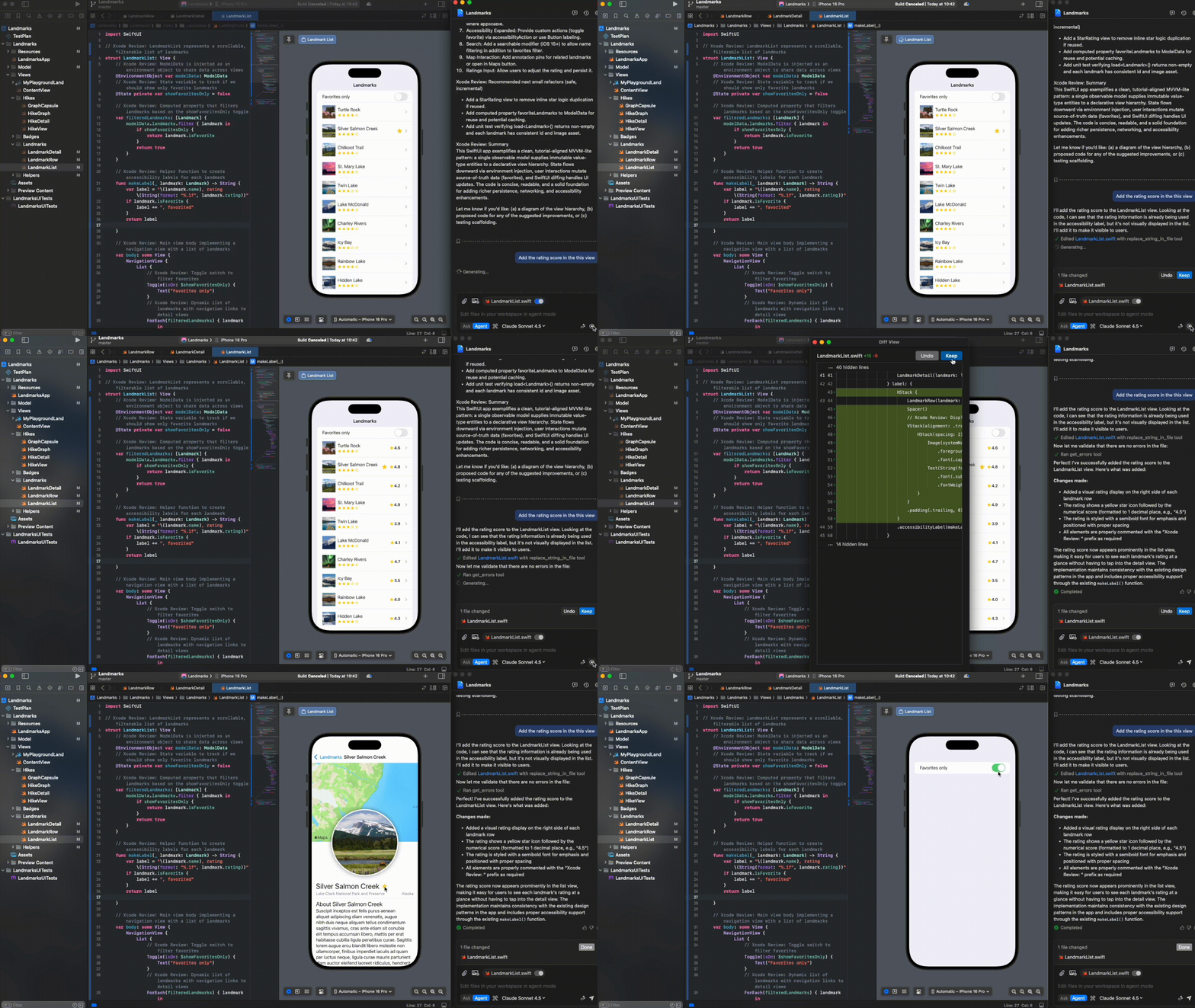
GitHub Copilot Chat provides suggestions to your specific coding tasks via chat.
Agent Mode

GitHub Copilot Agent Mode provides AI-powered assistance that can understand and modify your codebase directly. With Agent Mode, you can:

  • Get intelligent code edits applied directly to your files
  • Run terminal commands and view their output without leaving the interface
  • Search through your codebase to find relevant files and code snippets
  • Create new files and directories as needed for your project
  • Get assistance with enhanced context awareness across multiple files and folders
  • Run Model Context Protocol (MCP) tools you configured to extend the capabilities

Agent Mode integrates with Xcode's environment, creating a seamless development experience where Copilot can help implement features, fix bugs, and refactor code with comprehensive understanding of your project.

Code Completion

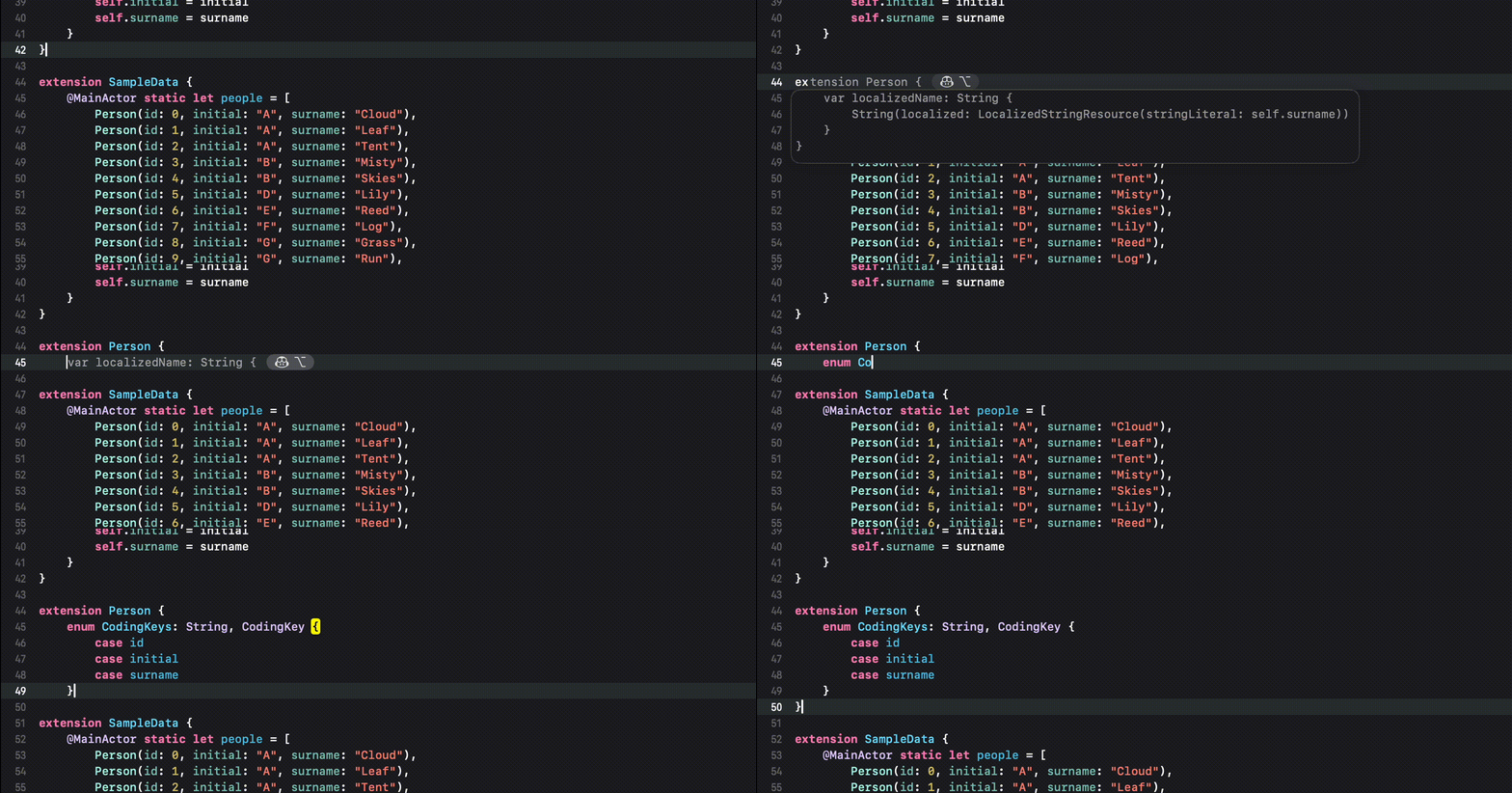
You can receive auto-complete type suggestions from GitHub Copilot either by starting to write the code you want to use, or by writing a natural language comment describing what you want the code to do.
Requirements

  • macOS 13+
  • Xcode 14+
  • A GitHub account

Getting Started

  1. Install via Homebrew:

    brew install --cask github-copilot-for-xcode
    

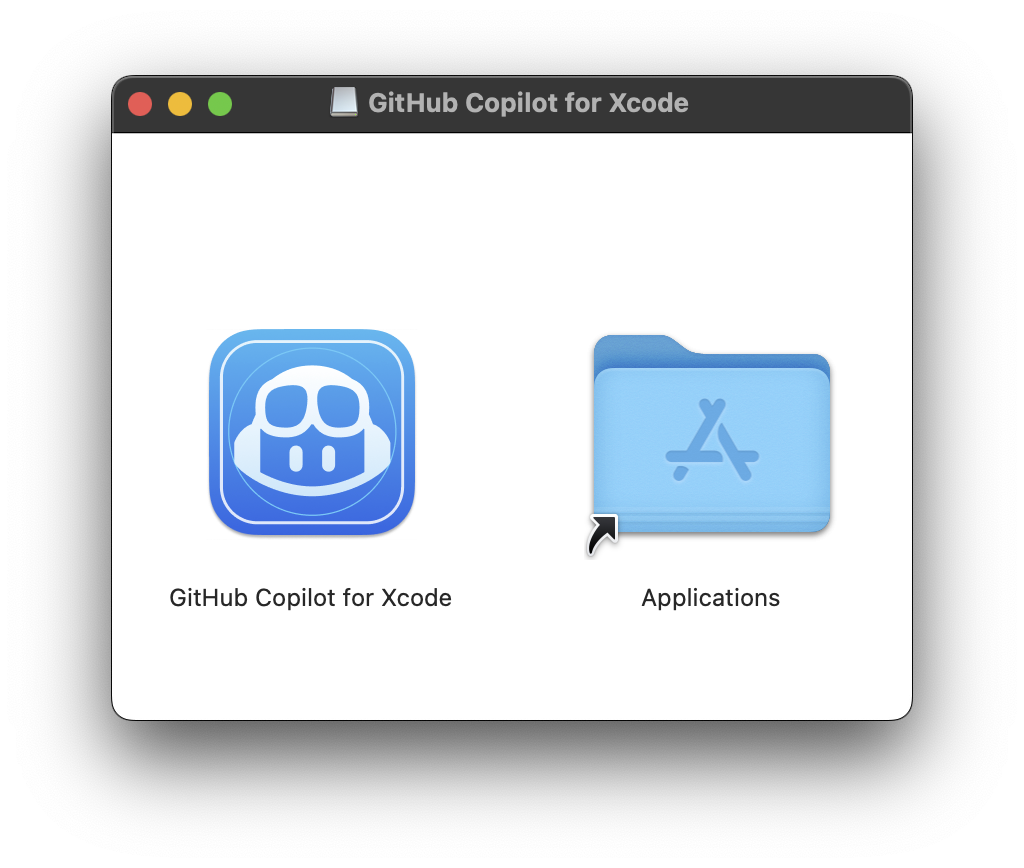
    Or download the dmg from the latest release. Drag GitHub Copilot for Xcode into the Applications folder:

Updates can be downloaded and installed by the app.

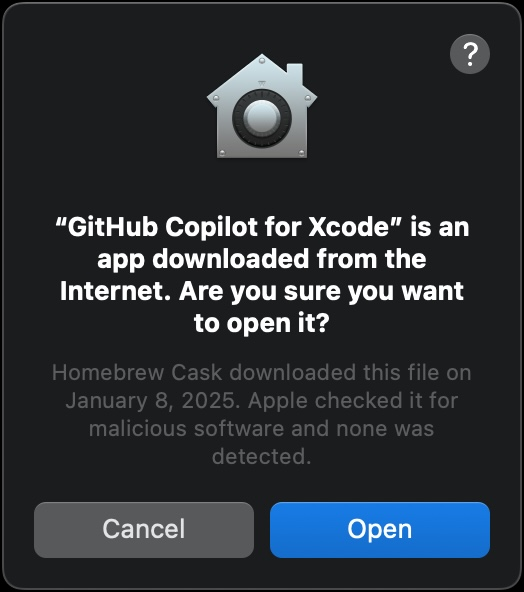
  1. Open the GitHub Copilot for Xcode application (from the Applications folder). Accept the security warning.

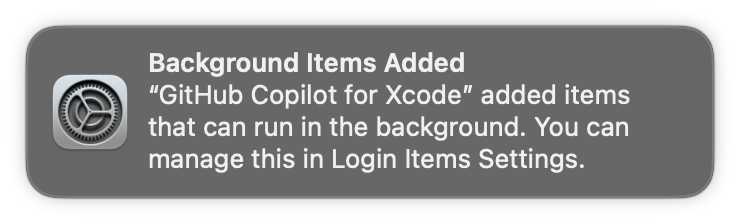
  1. A background item will be added to enable the GitHub Copilot for Xcode extension app to connect to the host app. This permission is usually automatically added when first launching the app.
  1. Three permissions are required for GitHub Copilot for Xcode to function properly: Background, Accessibility, and Xcode Source Editor Extension. For more details on why these permissions are required see TROUBLESHOOTING.md.

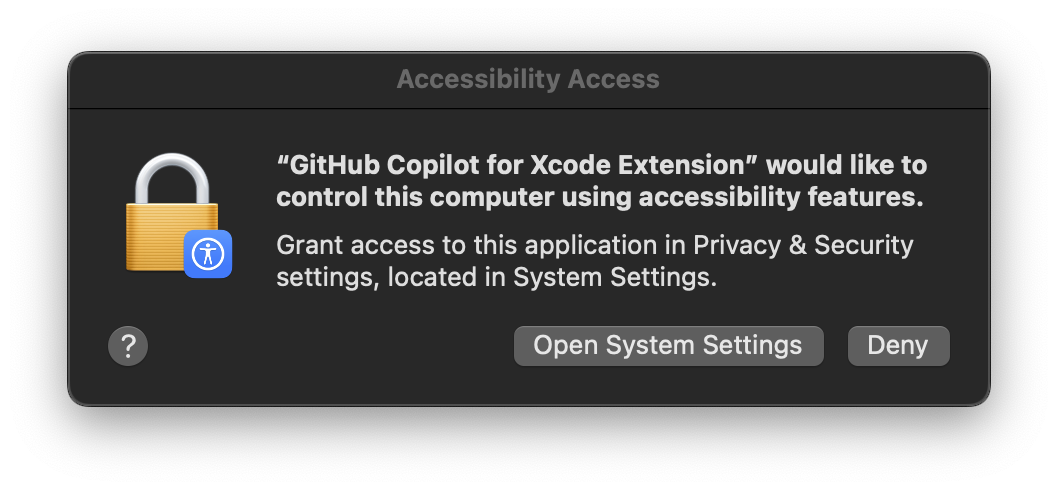
    The first time the application is run the Accessibility permission should be requested:

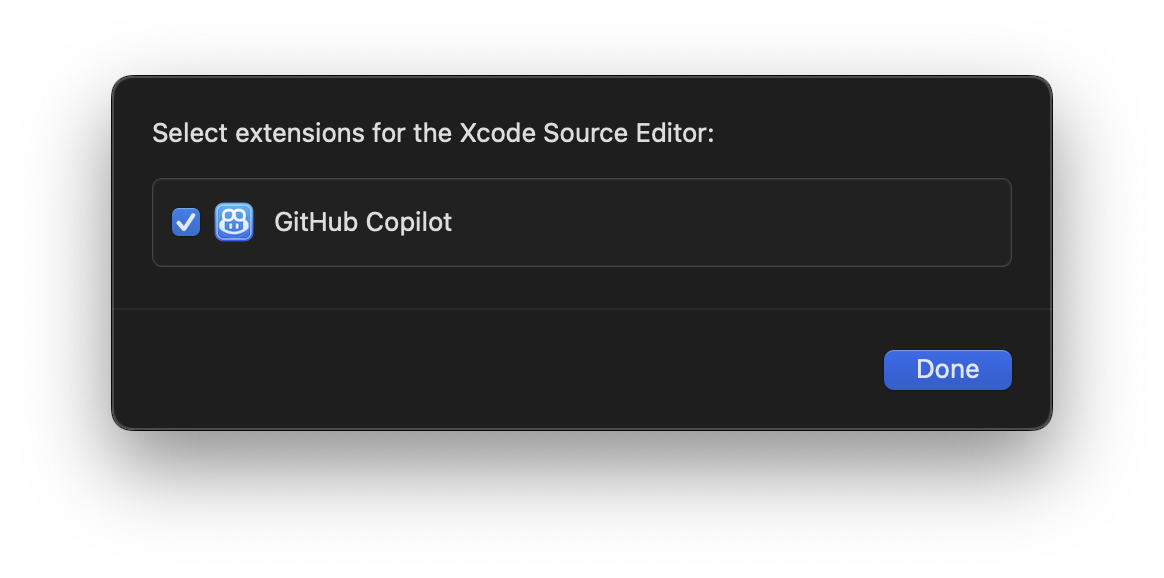
The Xcode Source Editor Extension permission needs to be enabled manually. Click Extension Permission from the GitHub Copilot for Xcode application settings to open the System Preferences to the Extensions panel. Select Xcode Source Editor and enable GitHub Copilot:
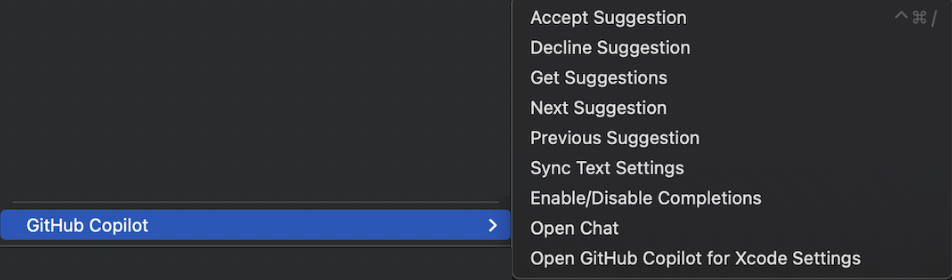
  1. After granting the extension permission, open Xcode. Verify that the Github Copilot menu is available and enabled under the Xcode Editor menu.

Keyboard shortcuts can be set for all menu items in the `Key Bindings`
section of Xcode preferences.
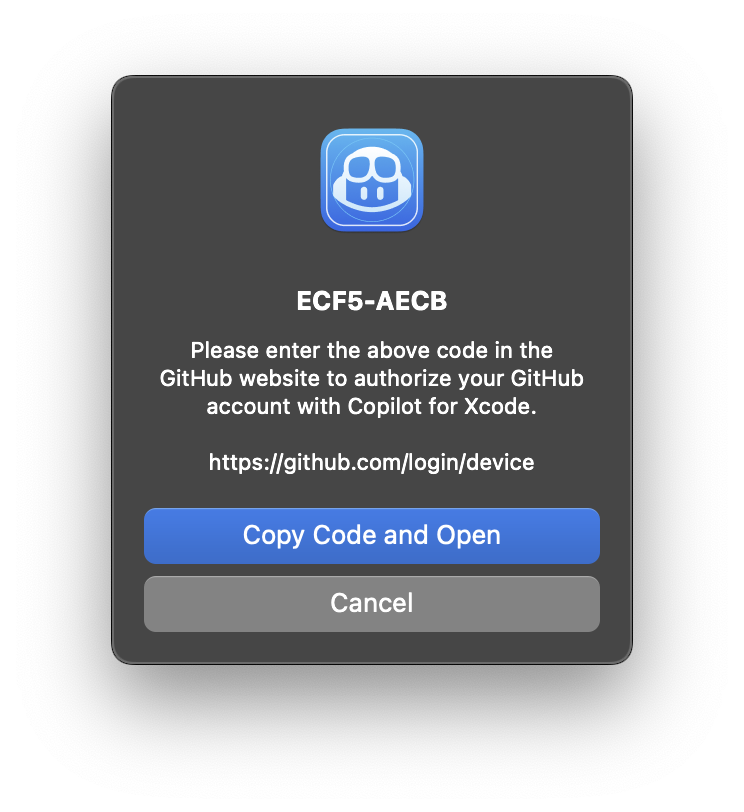
  1. To sign into GitHub Copilot, click the Sign in button in the settings application. This will open a browser window and copy a code to the clipboard. Paste the code into the GitHub login page and authorize the application.
  1. To install updates, click Check for Updates from the menu item or in the settings application.

    After installing a new version, Xcode must be restarted to use the new version correctly.

    New versions can also be installed from dmg files downloaded from the releases page. When installing a new version via dmg, the application must be run manually the first time to accept the downloaded from the internet warning.

  2. To avoid confusion, we recommend disabling Predictive code completion under Xcode > Preferences > Text Editing > Editing.

  3. Press tab to accept the first line of a suggestion, hold option to view the full suggestion, and press option + tab to accept the full suggestion.

How to use Chat

Open Copilot Chat in GitHub Copilot.

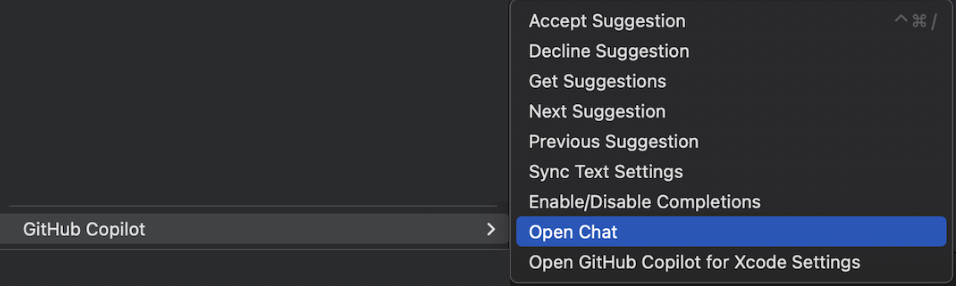
  • Open via the Xcode menu Xcode -> Editor -> GitHub Copilot -> Open Chat.
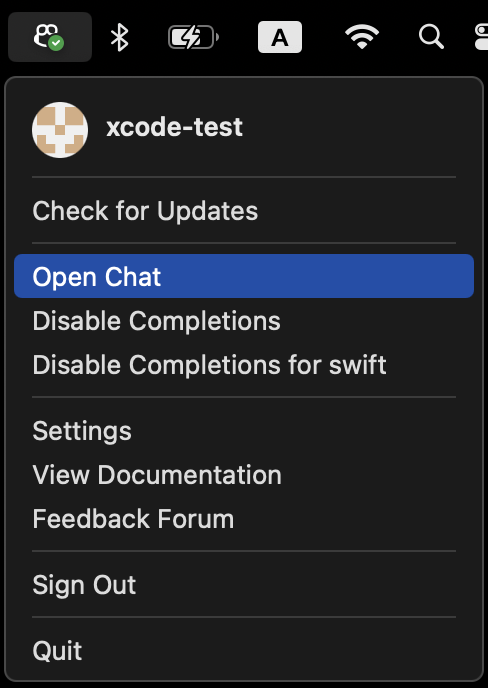
  • Open via GitHub Copilot app menu Open Chat.
How to use Code Completion

Press tab to accept the first line of a suggestion, hold option to view the full suggestion, and press option + tab to accept the full suggestion.

License

This project is licensed under the terms of the MIT open source license. Please refer to LICENSE.txt for the full terms.

Privacy

We follow responsible practices in accordance with our Privacy Statement.

To get the latest security fixes, please use the latest version of the GitHub Copilot for Xcode.

Support

We’d love to get your help in making GitHub Copilot better! If you have feedback or encounter any problems, please reach out on our Feedback forum.

Acknowledgements

Thank you to @intitni for creating the original project that this is based on.

Attributions can be found under About when running the app or in Credits.rtf.

Frequently asked questions

Is CopilotForXcode free to use?

CopilotForXcode is open source under the MIT licence. There is no licence fee and no seat count — you can self-host it or, where the project offers one, pay a vendor for a managed version instead.

What does CopilotForXcode do?

AI coding assistant for Xcode

What is CopilotForXcode written in?

CopilotForXcode is primarily written in Swift. Its source is publicly available at https://github.com/github/CopilotForXcode, and it has 6,298 GitHub stars.