
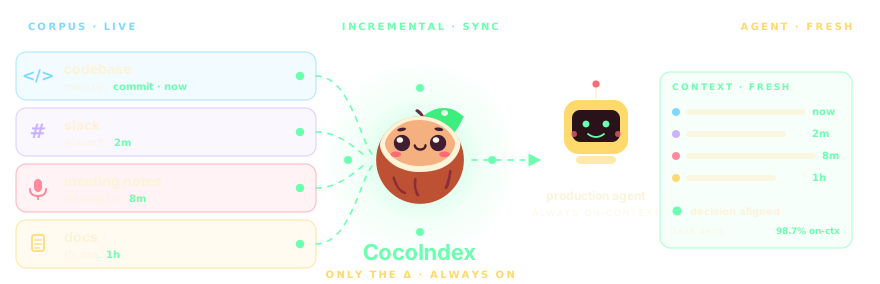
Your agents deserve fresh context.
Star us ❤️ →  ·
·
 ·
·
 ·
·

CocoIndex turns codebases, meeting notes, inboxes, Slack, PDFs, and videos into live, continuously fresh context for your AI agents and LLM apps to reason over effectively — with minimal incremental processing. Get your production AI agent ready in 10 minutes with reliable, continuously fresh data — no stale batches, no context gap
Incremental · only the delta · Any scale · parallel by default · Declarative · Python, 5 min










Deutsch | English | Español | français | 日本語 | 한국어 | Português | Русский | 中文
Built with CocoIndex ❤️
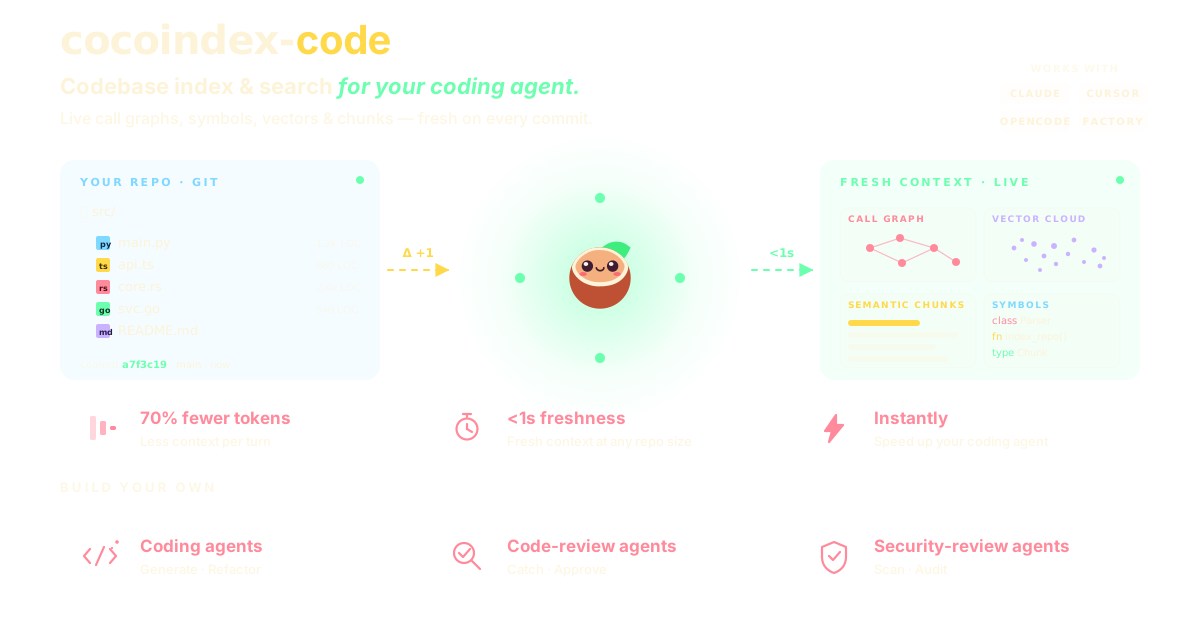
See all 20+ examples · updated every week →
Get started
pip install -U cocoindex
Declare what should be in your target — CocoIndex keeps it in sync forever, recomputing only the Δ.
import cocoindex as coco
from cocoindex.connectors import localfs, postgres
from cocoindex.ops.text import RecursiveSplitter

@coco.fn(memo=True)                          # ← cached by hash(input) + hash(code)
async def index_file(file, table):
    for chunk in RecursiveSplitter().split(await file.read_text()):
        table.declare_row(text=chunk.text, embedding=embed(chunk.text))

@coco.fn
async def main(src):
    table = await postgres.mount_table_target(PG, table_name="docs")
    table.declare_vector_index(column="embedding")
    await coco.mount_each(index_file, localfs.walk_dir(src).items(), table)

coco.App(coco.AppConfig(name="docs"), main, src="./docs").update_blocking()
Run once to backfill. Re-run anytime — only the changed files re-embed.
Building with an AI coding agent?
Drop in our CocoIndex skill so your agent writes correct v1 code — concepts, APIs, patterns, all in one file.
See Use with AI coding agents for install steps.



React — for data engineering
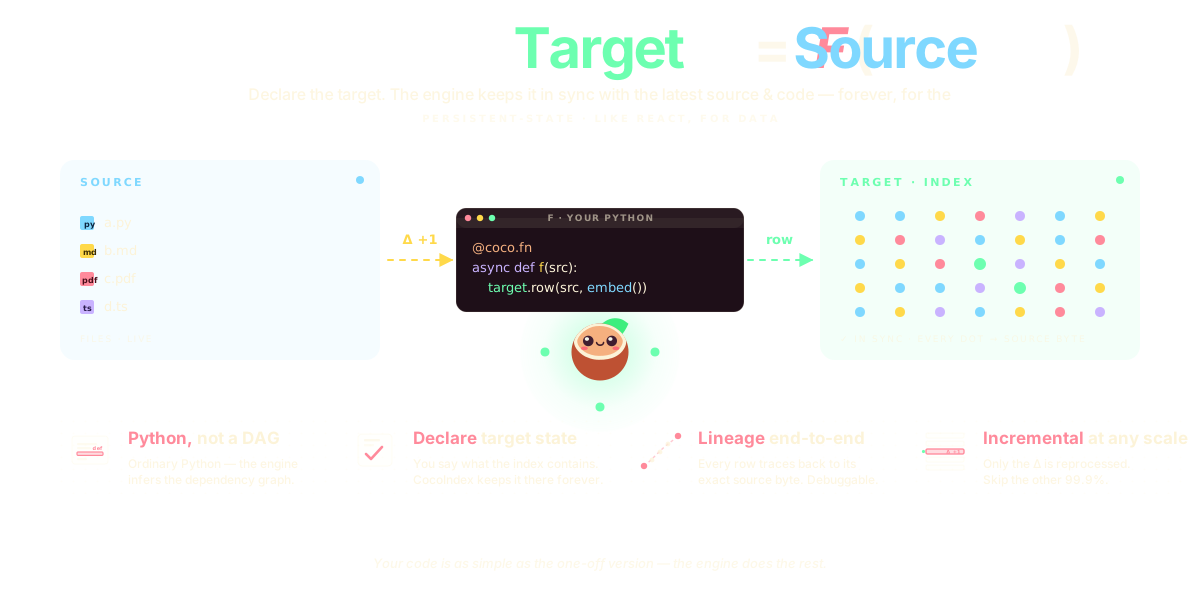
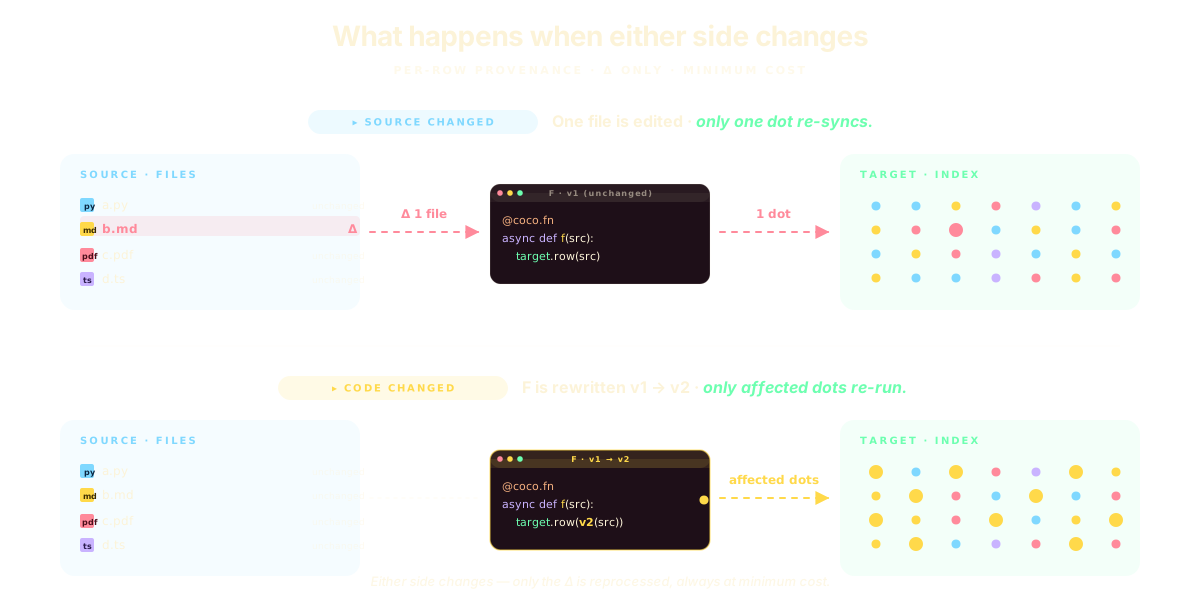
See the React ↔ CocoIndex mental model →
Incremental engine for long-horizon agents
Data transformation for any engineer, designed for AI workloads —
with a smart incremental engine for always-fresh, explainable data.
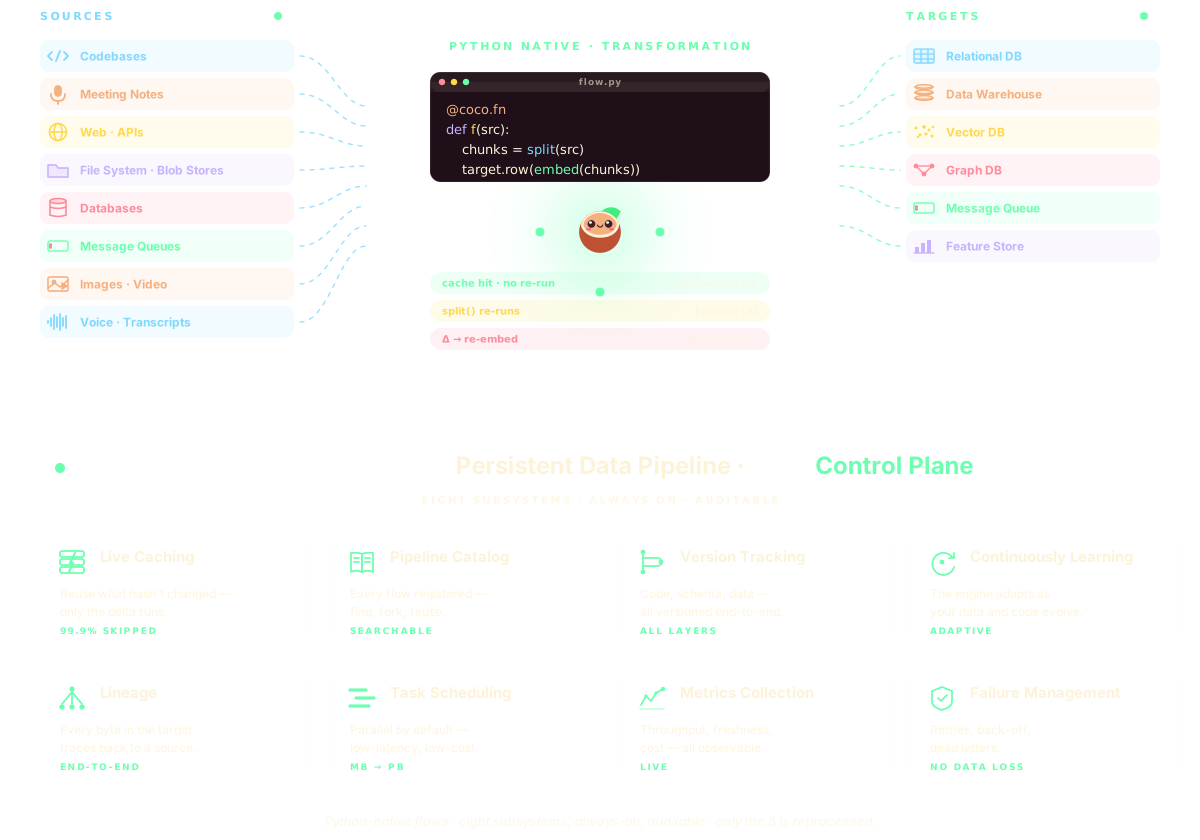
Why incremental?
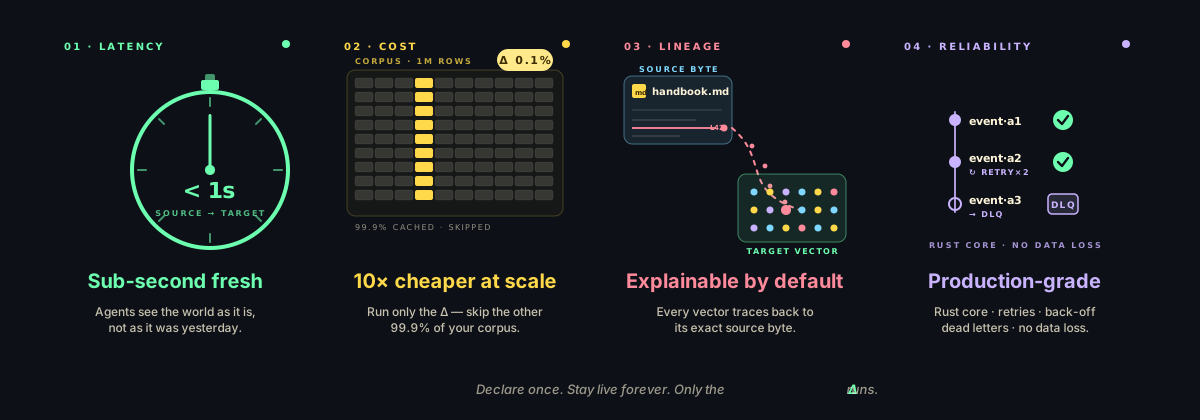
Your agents are only as good as the data they see.
Batch pipelines drift stale. CocoIndex stays live — and only runs the Δ.
What can you build?
See all 20+ examples · updated every week →
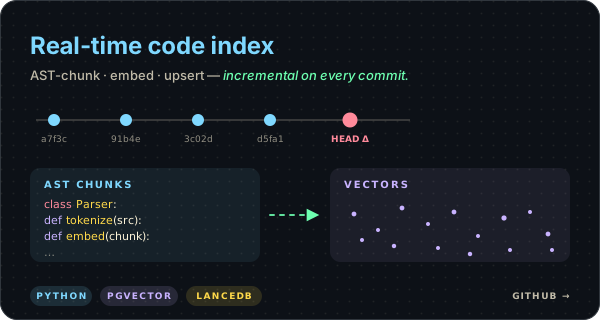
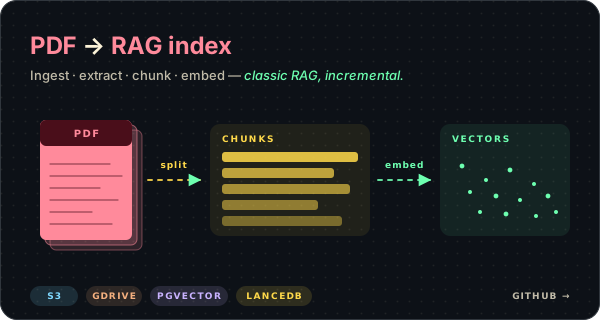
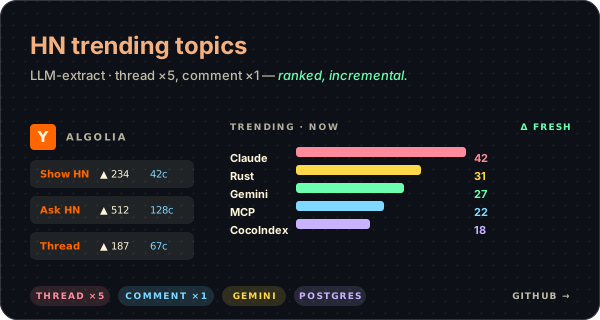
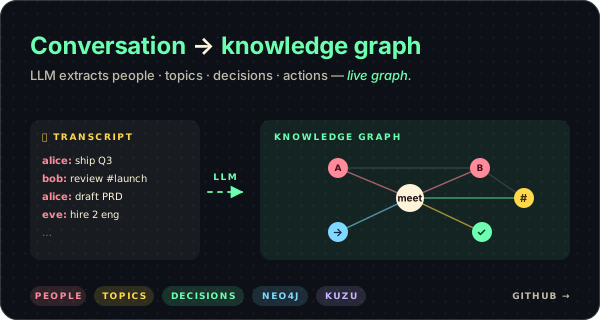
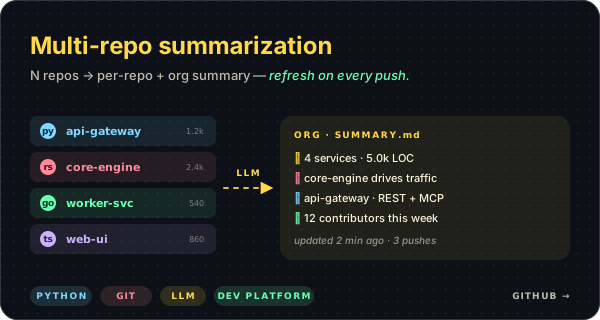
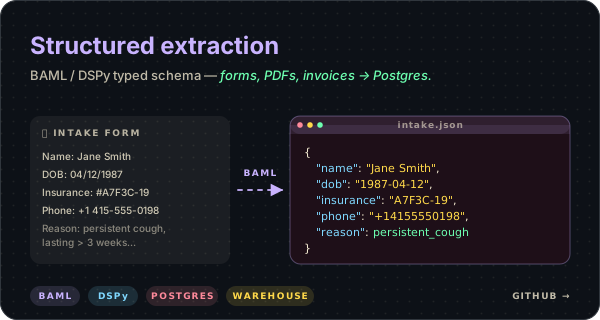
Working starters from the examples tree — clone, plug your source, ship.
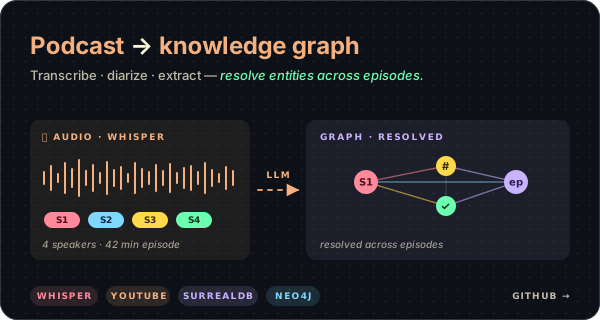
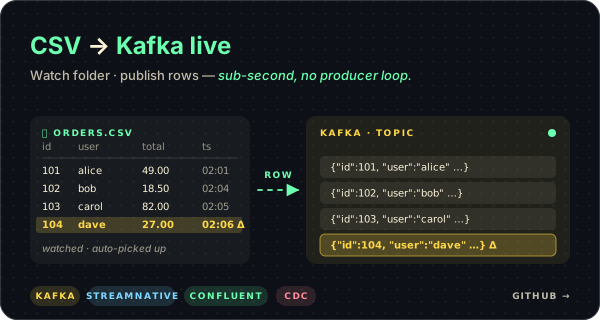

Building something with CocoIndex? We want to see it.
Tag @cocoindex_io on X or drop a link in #showcase on Discord. We'll boost it. 🥥
Community

|

|

|

|

We are so excited to meet you.
Every typo fix, new connector, doc tweak, or full-on rewrite makes CocoIndex better.
Come hang out — big PRs and small ones, both welcome.
📝 Read the contributing guide · 🐛 good first issues · 💬 Say hi on Discord
CocoIndex Enterprise
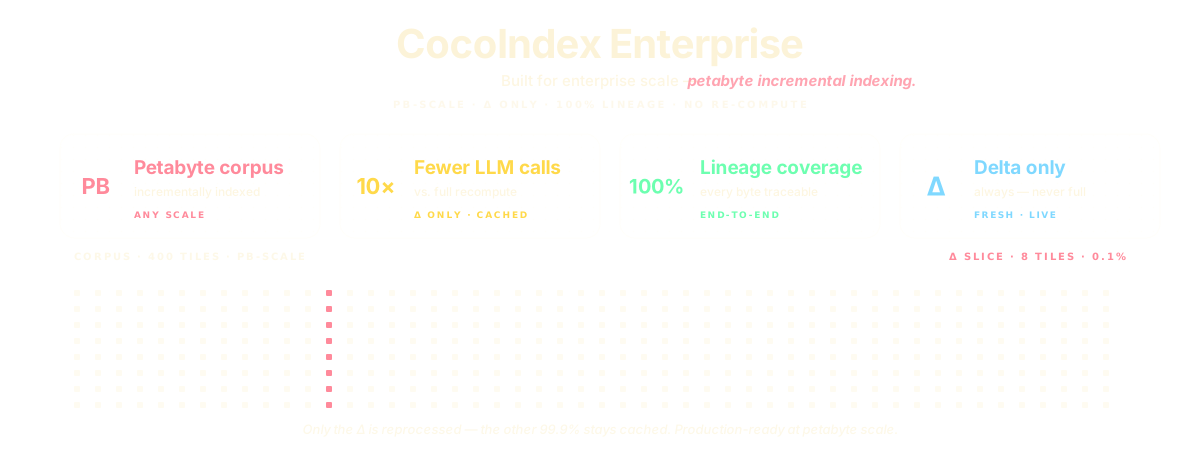
Large corpus — built for enterprise scale.
Incremental compute is the only way to keep large corpora fresh without re-embedding them every cycle.
CocoIndex scales from a single repo to petabyte-scale stores — parallel by default, delta-only by design.
Process once. Reconcile forever.
When a source changes, CocoIndex identifies the affected records, propagates the change
across joins and lookups, updates the target, and retires stale rows —
without touching anything that didn't change.
Built on a Rust engine.
The core is Rust — production-grade from day zero.
Parallel chunking, zero-copy transforms where possible, and failure isolation
so one bad record doesn't stall the flow.

Apache 2.0 · © CocoIndex contributors 🥥
