Butterfly is a free, open source note taking & knowledge management project written in Dart and released under AGPL-3.0. It has 2,024 GitHub stars, 151 forks and 47 open issues, and was last pushed 4 days ago. On this registry it ranks #32 of 44 tracked projects in Note Taking & Knowledge Management, with 5 head-to-head comparisons available.

What is Butterfly?

Butterfly is a free, open-source, cross-platform note-taking and drawing application built with Flutter and Dart, made for people who think visually and want an endless workspace for handwritten, typed, and imported content on desktop and Android.

What it is

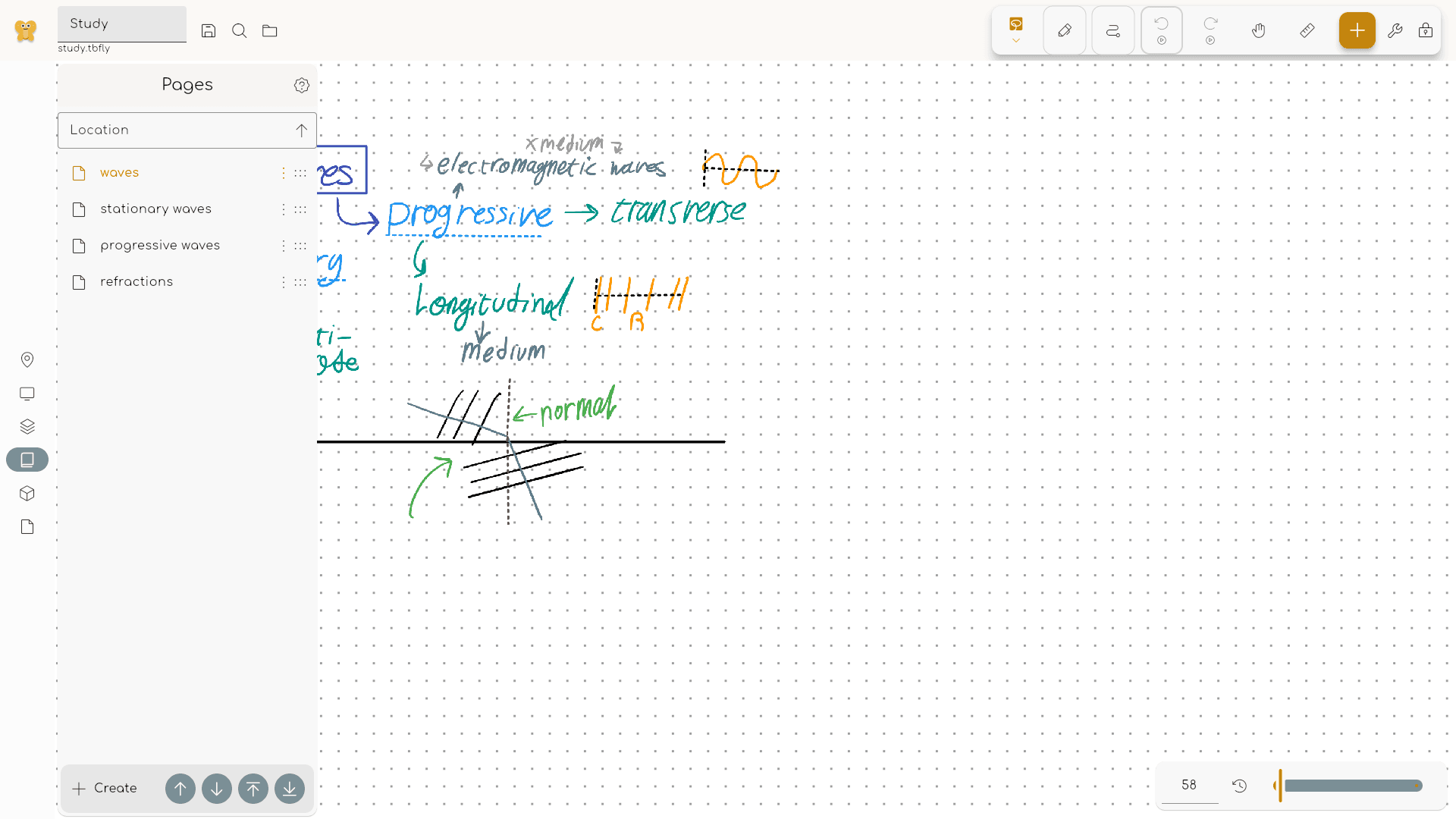
Butterfly is a note-taking app that treats the page as an unlimited canvas instead of a fixed sheet. Notes, sketches, diagrams, images, and documents can be placed anywhere on the workspace, because the idea is to give messy, growing projects room to expand rather than forcing every thought into a top-to-bottom flow. It lives in the Flutter and Dart ecosystem, which is what lets a single codebase target Android and Linux alongside other platforms, and it is developed in the open by Linwood under the AGPL-3.0 licence.

The concrete thing it replaces is the fixed-page, linear text editor. The README states the contrast directly: instead of writing everything from top to bottom on a fixed page, users get an endless workspace where they arrange material spatially. It also replaces the split workflow of drawing in one tool and writing in another, since handwriting, typed text, Markdown, shapes, images, photos, PDFs, and SVGs all sit on the same canvas. Work moves in through imports and out through exports, so the canvas acts as a workspace rather than a locked-in silo.

Key capabilities

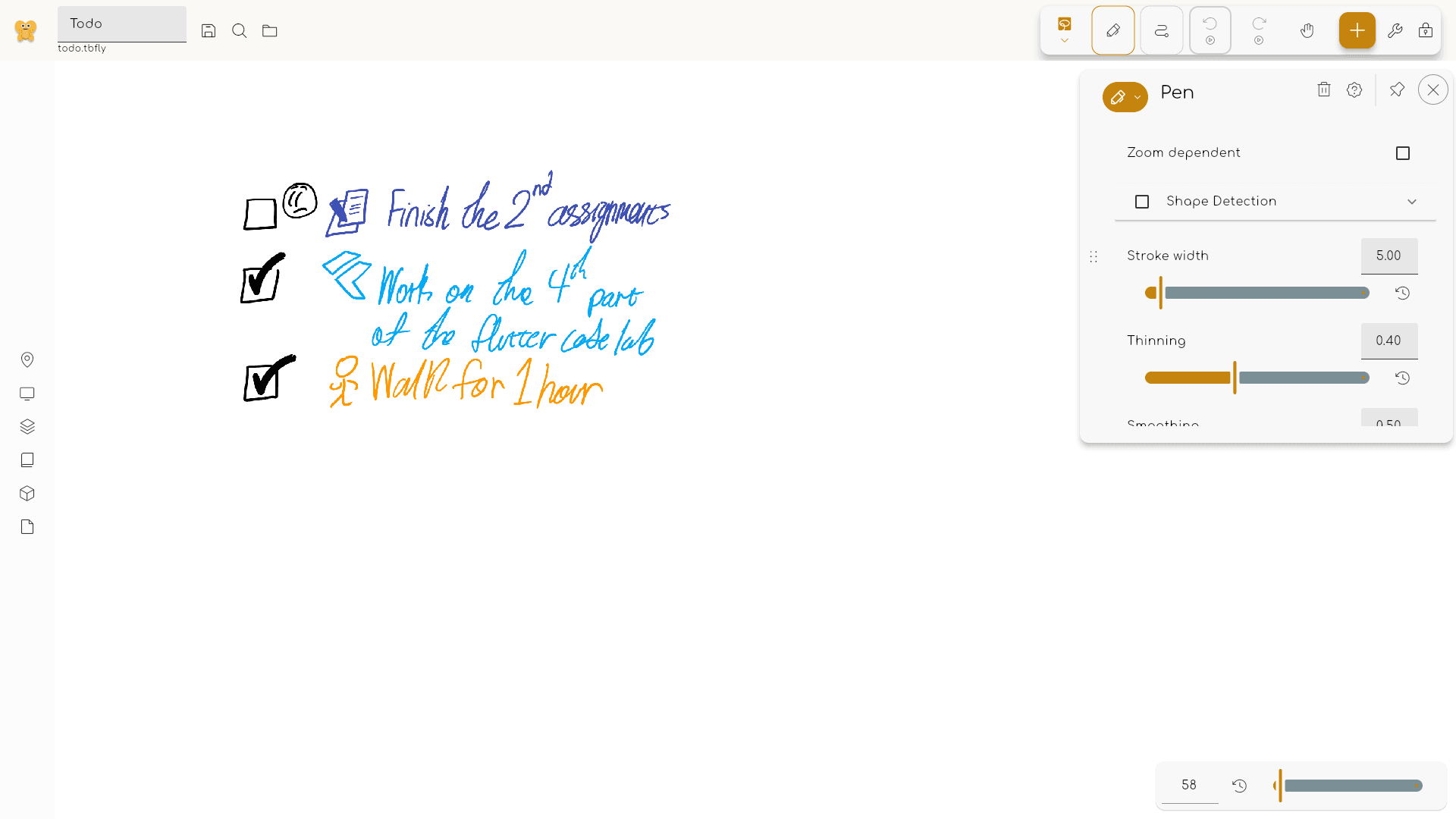
  • Tunable drawing tools, with per-pen control over smoothing, thinning, pressure behavior, zoom-dependent strokes, and shape detection.
  • Mixed content on one canvas: handwriting, text, Markdown, shapes, images, photos, PDFs, SVGs, rulers, grids, and textures.
  • Presentation support, including presentation tools and laser pointer notes for walking an audience through a canvas.
  • Import of PDFs, SVGs, and image files, so existing reference material lands directly in the workspace.
  • Export to PDF, SVG, images, or portable Butterfly files, which keeps the work movable rather than trapped in a proprietary format.
  • Cross-platform builds, with Android and Linux named among the supported targets.
  • Customizable behaviour, listed as a first-class topic alongside drawing itself.

Who uses it and how

  • Students and teachers taking class notes, working through math, or building worksheets on a canvas that tolerates revision.
  • Meeting and research note-takers who need to mix typed remarks with quick sketches and pasted references in one place.
  • Planners and whiteboarders running brainstorming, storyboarding, or product sketch sessions where the structure only emerges over time.
  • Handwriters and typists working side by side, since input comes from a stylus, touch, or a mouse and can be combined with typed Markdown.
  • Android and Linux users who want the same workspace on both, rather than one platform's app and another's compromise.

Getting started

Downloads are published on the official site at https://butterfly.linwood.dev/downloads, with released builds also listed on the project's GitHub releases page. The repository is written in Dart, so building from source requires a Flutter toolchain.

How it compares

No paid products that Butterfly replaces are listed in the facts, and no similar tools are named either. On the evidence available it stands alone in this registry: an AGPL-3.0, cross-platform drawing and note-taking canvas with no named counterpart.

When to use it โ€” and when not to

Choose Butterfly if an endless canvas, stylus input, and mixed handwriting-plus-Markdown content match how you work, and if an AGPL-3.0 licence suits your use. Be aware that the licence is copyleft, which matters if you intend to build on the code in a closed product, and that the README excerpt available here is sparse on installation and deployment detail beyond the downloads page. It is a client application rather than a hosted service, so anyone expecting a server component, account system, or sync backend will not find one described in the facts.

project readme (upstream, from github) โ€” read inline

Butterfly

๐ŸŽจ Take notes, draw freely, and organize ideas across an endless workspace ๐ŸŽจ

Latest release) GitHub License badge GitHub Repo stars Matrix badge Discord badge Download

Website โ€ข Download โ€ข Crowdin โ€ข Matrix โ€ข Discord โ€ข Mastodon โ€ข Bluesky โ€ข Linwood โ€ข Contribute


Think visually. Keep your canvas yours.

Butterfly is an open-source app for people who think better with space around their ideas. Instead of writing everything from top to bottom on a fixed page, you get an endless workspace where you can place notes, sketches, diagrams, images, and documents wherever they make sense.

Use it for class notes, meeting notes, research, math, worksheets, planning, whiteboarding, storyboards, product sketches, or any project that starts messy and needs room to grow. Write by hand with a stylus, touch, or mouse, type text and Markdown, add shapes and lines, place images and photos, import PDFs, SVGs, and image files, then export your work as PDF, SVG, images, or portable Butterfly files.

Features

  • โœ๏ธ Tunable drawing tools: Shape each pen around your workflow with smoothing, thinning, pressure behavior, zoom-dependent strokes, and shape detection.
  • ๐Ÿงฉ Mixed content: Combine handwriting, text, Markdown, shapes, images, photos, PDFs, SVGs, rulers, grids, textures, laser pointer notes, and presentation tools.
  • ๐Ÿ› ๏ธ Always editable: Move, resize, recolor, reorder, and refine most elements later instead of starting over.
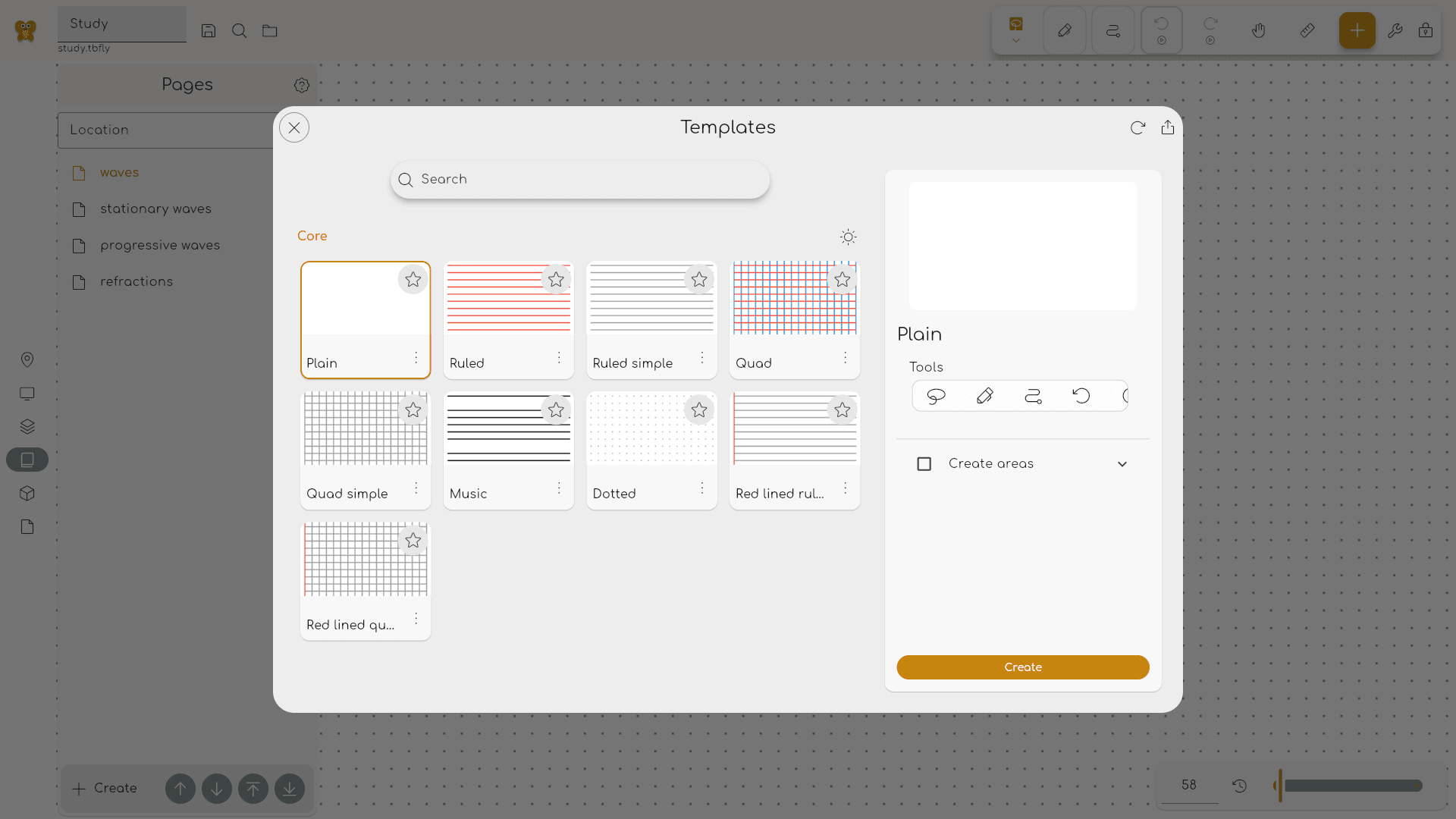
  • ๐Ÿ—‚๏ธ Project structure: Organize large documents with multiple pages, page folders, layers, named areas, and waypoints.
  • ๐ŸŽจ Reusable setup: Save templates, packs, palettes, stamps, and text styles so your favorite layouts and tools follow you.
  • ๐Ÿš€ Quick start: Jump in from recent files, search, folders, imports, quick-start templates, and storage locations.
  • ๐Ÿ”’ Local first: Work offline, store files locally, choose a different data directory, or connect WebDAV and Nextcloud.
  • ๐Ÿ“ค Flexible export: Share your work as PDF, SVG, images, or portable Butterfly files.
  • ๐Ÿค Experimental collaboration: Work together with end-to-end encrypted sessions through Swamp or a self-hosted WebSocket server.

Your work belongs to you

Your files stay under your control. Work offline, store documents on your device, choose a different data directory, or connect WebDAV and Nextcloud if you want your own sync setup. There is no required account, no required subscription, and no required proprietary cloud.

Butterfly is free, community translated, available on phones, tablets, desktops, and the web, and developed in public under the AGPL-3.0 license.
Get Butterfly

Try Butterfly in your browser, install it on your devices, or explore the documentation:


Contributing

We are happy to see that you are interested in contributing to Butterfly. To get started, visit the contributing guide.

License

The code is open source and licensed under the AGPL-3.0 license. All images in app/images/ and content in docs/ are licensed under the CC-BY-SA-4.0 license. The files in api are licensed under the Apache-2.0 license instead of the AGPL-3.0 license to allow the use of the API without the need to open source the code (for example for extensions or other external services).

Frequently asked questions

Is Butterfly free to use?

Butterfly is open source under the AGPL-3.0 licence. There is no licence fee and no seat count โ€” you can self-host it or, where the project offers one, pay a vendor for a managed version instead.

What does Butterfly do?

๐ŸŽจ Powerful, minimalistic, cross-platform, opensource note-taking app

What is Butterfly written in?

Butterfly is primarily written in Dart. Its source is publicly available at https://github.com/LinwoodDev/Butterfly, and it has 2,024 GitHub stars.