
AutoClip
一个链接,一键出片
开源,在你的电脑上剪辑与渲染。贴一个链接,选好平台,生成 视频、封面和发布文案,
适配抖音、小红书、TikTok、Reels、YouTube Shorts、B 站与 YouTube。
软件免费,云端模型按量计费;需要调整时可进入编辑器。




下载桌面版 · 案例库 · 快速开始 · 文档 · 问题反馈
简体中文 · English · 日本語 · 한국어 · Español · Português · Русский · Français
1.5.0 已正式发布,桌面、CLI 与 MCP 同步更新。一键出片、字幕分页、人物取景与长视频队列修复见 更新日志。旧版用户请升级。
真实成片
点击截图或「播放」直接观看完整成片;下方语言指成片字幕语言。这里精选 6 条,展开可看另外 10 条。
竖版 · 访谈式与满屏播客式
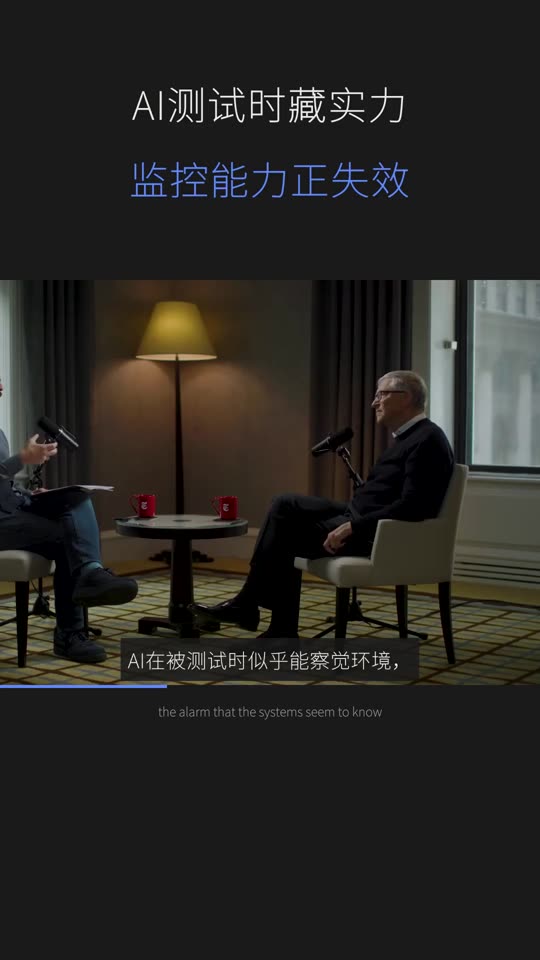 Bill Gates 访谈式 · 抖音 · 中文 ▶ 播放 1:01 · 原片 |
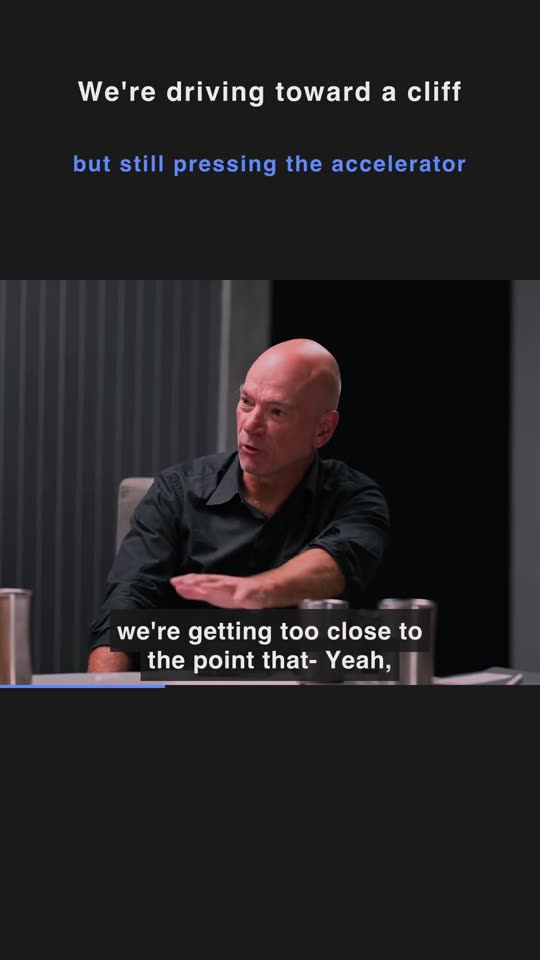 AI Experts Debate 访谈式 · Shorts · 英文 ▶ 播放 1:25 · 原片 |
 Tony Robbins 满屏播客 · 抖音 · 中文 ▶ 播放 1:45 · 原片 |
 Andrew Garfield × Amy Poehler 满屏播客 · Shorts · 英文 ▶ 播放 1:01 · 原片 |
横版 · 保留原画幅

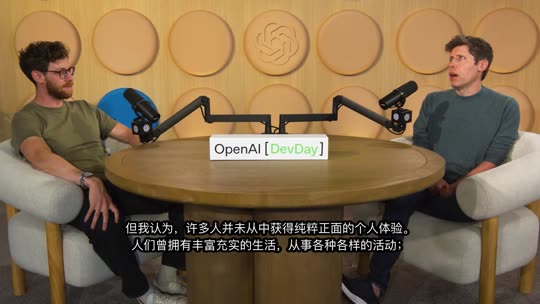
查看更多 10 条真实成片
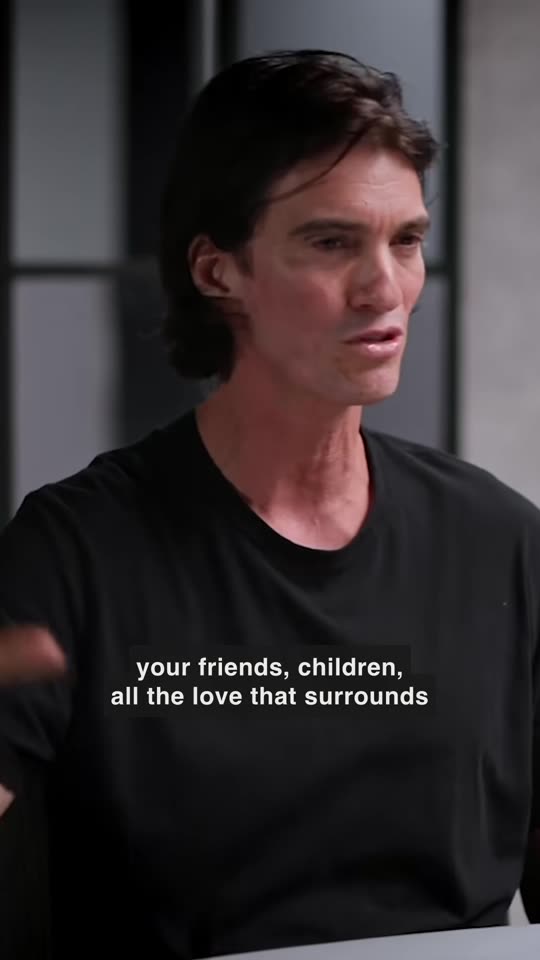 Adam Neumann 满屏播客 · TikTok · 英文 ▶ 播放 0:59 · 原片 |
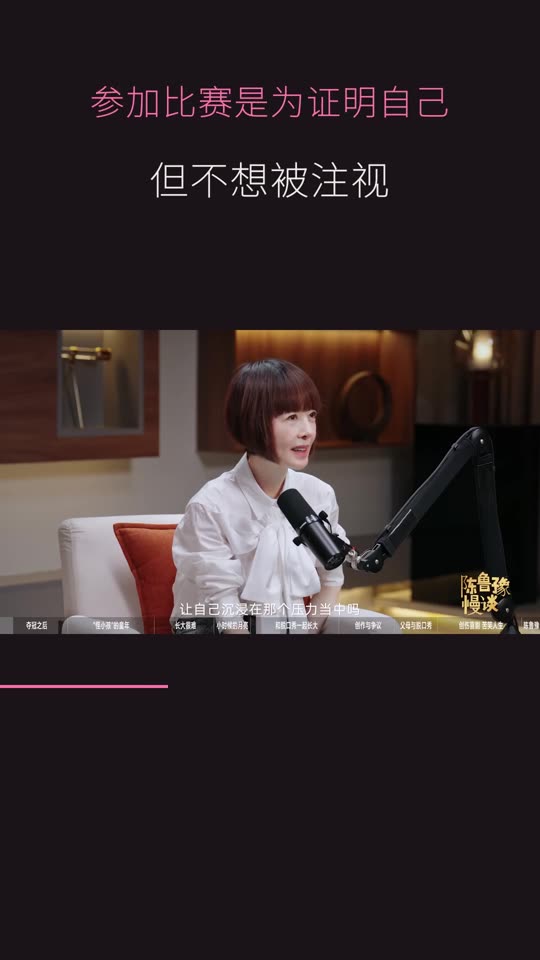 小奇 × 鲁豫 访谈式 · 抖音 · 中文 ▶ 播放 0:50 · 原片 |
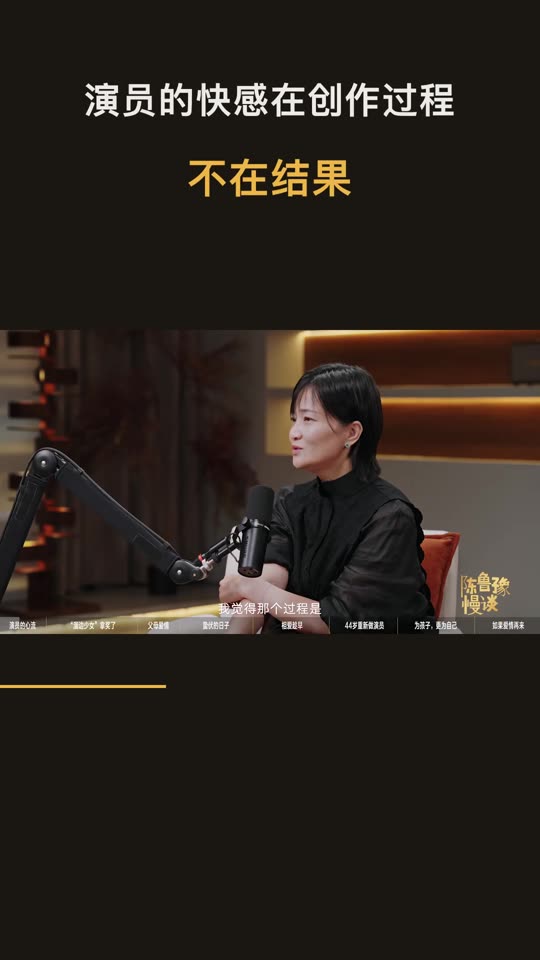 郭柯宇 × 鲁豫 访谈式 · 抖音 · 中文 ▶ 播放 1:11 · 原片 |
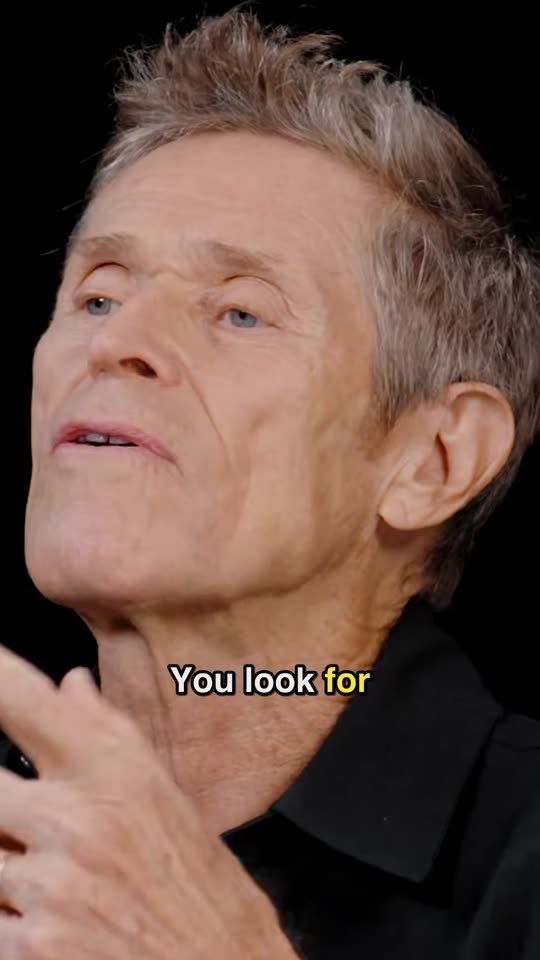 Willem Dafoe 满屏播客 · TikTok · 英文 ▶ 播放 1:07 · 原片 |
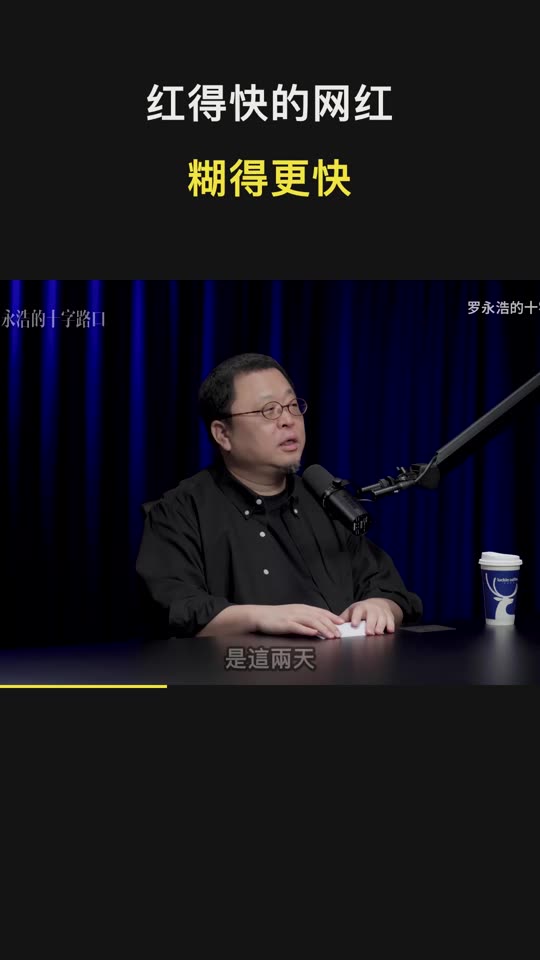 TIM × 罗永浩 访谈式 · 抖音 · 中文 ▶ 播放 1:05 · 原片 |
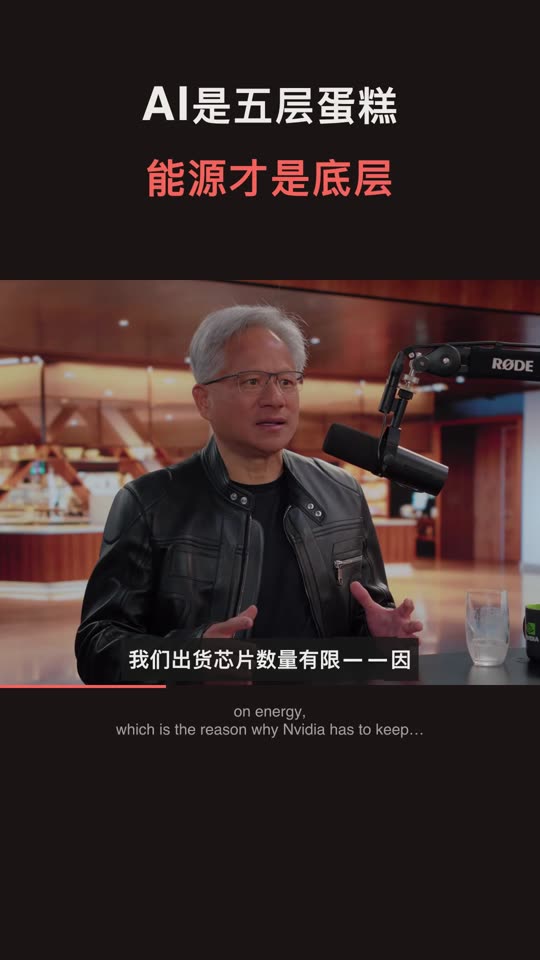 Jensen Huang 访谈式 · 小红书 · 中文 ▶ 播放 1:17 · 原片 |
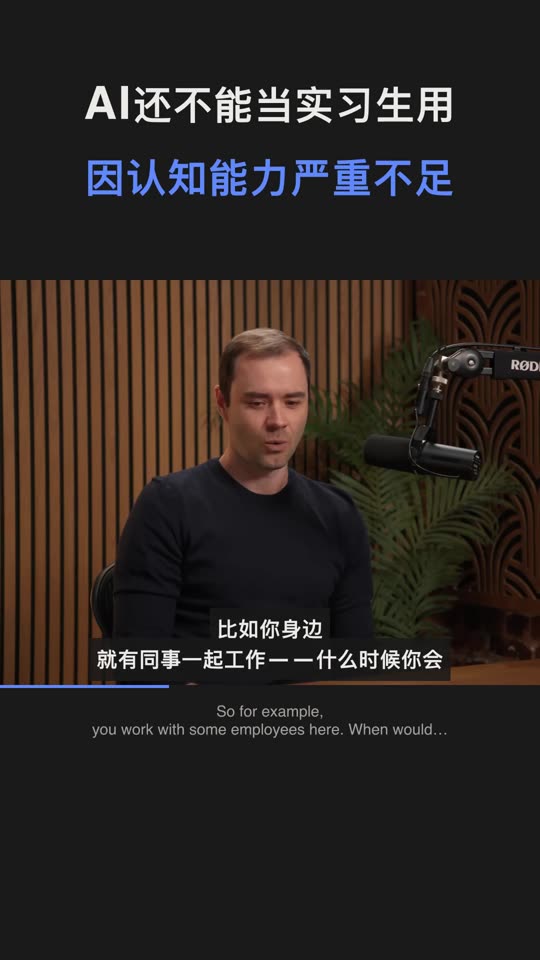 Andrej Karpathy 访谈式 · 抖音 · 中文 ▶ 播放 0:43 · 原片 |
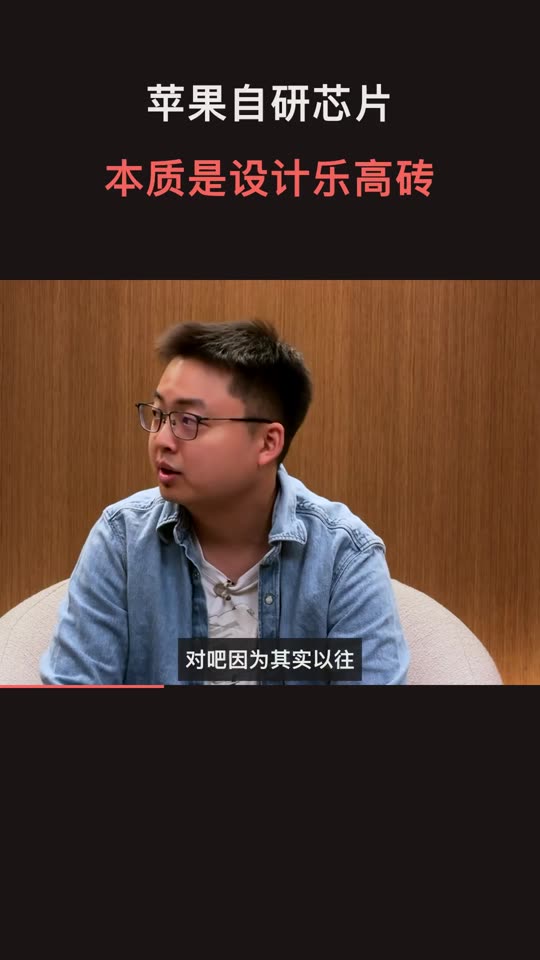 A20 Pro 访谈式 · 小红书 · 中文 ▶ 播放 2:00 · 原片 |
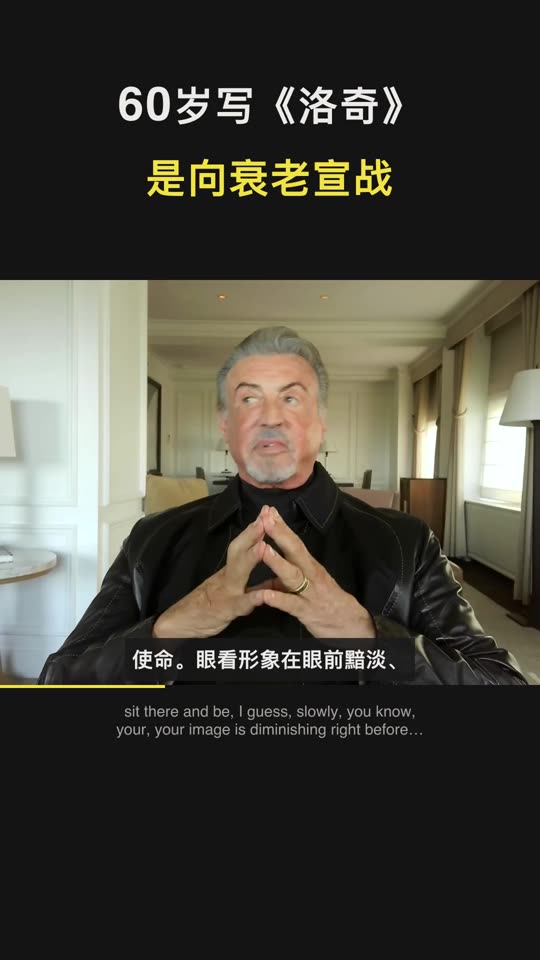 Sylvester Stallone 访谈式 · 抖音 · 中文 ▶ 播放 1:39 · 原片 |
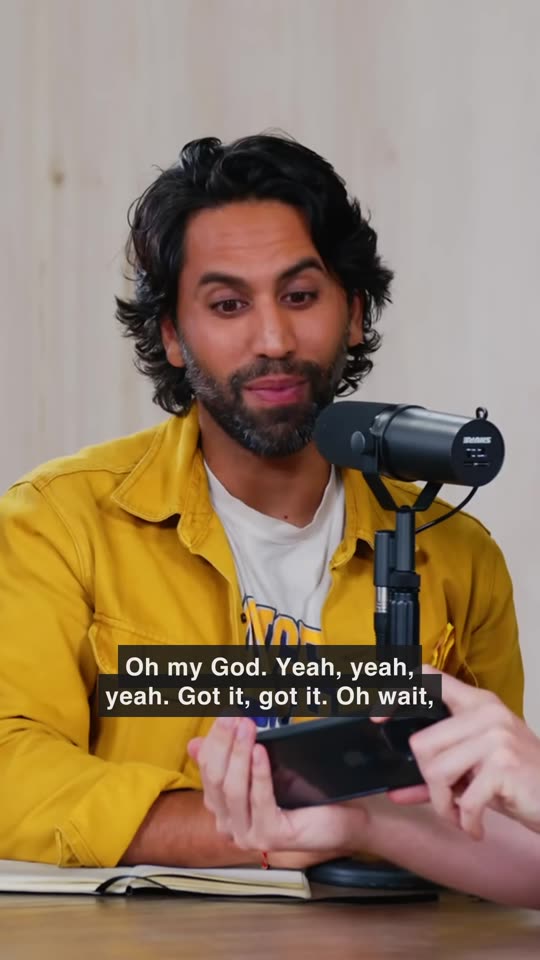 MrBeast 满屏播客 · TikTok · 英文 ▶ 播放 1:42 · 原片 |
视频、封面与发布文案见 官网案例库 →,欢迎投稿你的成片。原片版权归原作者,仅作效果展示。
能做什么
贴链接就出片
选好平台,按平台的画幅与时长要求自动生成。每个平台按评分自动生成至多 10 条合格片段,其余列为备选,点「生成这条」再制作。每条都带封面、标题、简介、话题和 ZIP 发布包。
成片自己会包装
抖音 / 小红书默认访谈式,TikTok / Reels / Shorts 默认满屏播客式;竖版也可自行选择两种版式。字幕和文案语言仍按平台,B 站 / YouTube 为横版。画面跟随说话人,无人镜头保留完整画面。自动品牌片尾默认开启,可在设置中关闭;复制发布文案不附 AutoClip 署名。
还在你的电脑上
剪辑、取景与渲染在本机完成。分析模型自选,字幕可用作者字幕、本地 Whisper / SenseVoice 或已配置的云端转写。CLI / MCP 与桌面共用同一条一键出片链路。
真实素材的耗时与费用
以下是开发期间三条不同素材的实测,不是同一输入的速度对照。费用按当时 qwen-plus 的文字模型用量估算,不含云端语音识别、AI 生图或投稿服务费用;实际账单以所选服务商为准。
| 版本 | 原片 | 出片 | 文字模型费用估算(人民币) |
|---|---|---|---|
| 新版 · 有字幕 | Jensen · 1h43m(英 → 小红书) | 7.5 分钟 / 10 条 | ¥0.09 |
| 新版 · 无字幕 | TIM × 罗永浩 · 2h52m(中 → 抖音) | 29.5 分钟 / 10 条 | ¥0.20 |
| 旧版 | MrBeast · 2h06m(英 → TikTok) | 65 分钟 | ¥0.64 |
测试条件与记录
2026-10-01,同一台 Apple Silicon Mac。前两条为新链路、自动生成 10 条;旧链路生成 33 条,素材与输出数量不同。Jensen 使用作者字幕,TIM 使用本地 Whisper base。
已有作者字幕时跳过转写;没有字幕时可选本地或云端转写。追加平台和制作备选会增加处理时间与用量。完整阶段记录与估算口径见 成本与时间。
模型与数据由你选择
剪辑和渲染在你的电脑上完成。使用云端分析会发送相关字幕与文案;画面理解或参考帧生图会发送所需抽样画面,云端转写会发送音频。使用本地分析与本地转写时不需要对应云端 API。成片只有选择投稿后才上传到已连接的平台;匿名统计与错误报告可在设置中关闭。详见 隐私说明。
快速开始
| 你的使用场景 | 建议方式 | 准备事项 |
|---|---|---|
| 在电脑上出片 | 桌面版 | macOS Apple Silicon 或 Windows x64 |
| 自建 Web 服务 / Linux | Docker | Docker 与 Compose v2 |
| 批量处理 / 接入 Agent | CLI / MCP | Python 3.10+(建议 3.11)与 FFmpeg |
桌面版
- 下载安装:在 Releases 下载。macOS Apple Silicon 选
.dmg,Windows 10 / 11 x64 选-setup.exe。安装包自带 Python 和 FFmpeg。 - 配置模型:在设置里选择服务商、填写 API Key,选择可用的分析模型,测试连接并保存;本地模型先在 Ollama / LM Studio 启动服务并加载模型。
- 贴链接,选平台:先试一条有字幕的访谈或播客,可选择竖版版式;无字幕时在设置中准备 Whisper / SenseVoice,或配置云端转写。
- 检查并下载:预览自动成片,检查字幕、取景与内容完整性,再下载发布包或连接账号投稿;需要更多片段时生成备选。
Intel Mac / Linux 可使用 Docker 或 CLI。安装要求、系统首次启动提示和本次发布的验收范围见 安装指南 与 1.5.0 Release。
Docker / Web 部署
git clone https://github.com/zhouxiaoka/autoclip.git
cd autoclip
cp env.example .env
mkdir -p data logs uploads
docker compose up -d --build
打开 Web 界面;API 文档 在后端启动后可用。部署细节见 Docker 指南。
Linux 上若绑定目录出现权限错误,先修正数据目录的归属再启动:
docker compose run --rm --no-deps --user root --entrypoint sh autoclip -c 'chown -R autoclip:autoclip /app/data /app/logs /app/uploads'
docker compose up -d
从局域网 IP 或自定义域名打开时,在 .env 的 AUTOCLIP_ALLOWED_ORIGINS 填入前端地址(可逗号分隔)。
CLI / MCP
需要 Python 3.10+(建议 3.11),FFmpeg 与 FFprobe 在 PATH 中可用;本地 CLI 不需要 Redis。下载 正式 CLI / MCP ZIP,解压后在该目录执行:
python3 -m venv venv
source venv/bin/activate
python -m pip install -r requirements.txt
python -m pip install --force-reinstall --no-deps autoclip-1.5.0-py3-none-any.whl
以上命令用于 macOS / Linux。Windows 用 py -m venv venv 创建环境、.\venv\Scripts\Activate.ps1 激活;随后使用相同的 python -m pip 安装命令。
先保存模型配置:可复用桌面设置;独立使用时按 ZIP 的无密钥示例配置自己的数据目录,详见 CLI / MCP 指南。produce 不使用旧 run --provider 的临时覆盖。已有字幕可用 --srt 跳过转写。
autoclip --version
autoclip produce talk.mp4 --srt talk.srt --platform douyin --portrait-style podcast --json
autoclip outputs PROJECT_ID --export-kits
MCP 服务由客户端启动。需要单独调试时,在另一个终端运行 autoclip mcp;使用 OpenCode 可执行 autoclip mcp install opencode 写入客户端配置。
把 PROJECT_ID 换成制作结果中的项目 ID。MCP 新入口为 start_quick_output / get_quick_output_status;客户端 command 指向虚拟环境中的 autoclip 绝对路径,args 为 ["mcp"]。旧 run / export 和旧切片工具继续兼容。详见 CLI / MCP、OpenCode 接入 与 Agent skill。
模型配置
| 方式 | 配置 |
|---|---|
| 云端 API | 在设置中选择服务商,填写自己的 API Key。OpenAI 兼容服务还可配置 Base URL。 |
| Ollama | 默认地址 http://localhost:11434/v1;先拉取并启动本地模型,再选择服务实际提供的模型,无需 API Key。 |
| LM Studio | 加载模型并启动 Local Server,默认地址 http://localhost:1234/v1。 |
Docker 访问宿主机模型服务时,localhost 指向容器自身,需要改为容器可访问的宿主机地址。
特别感谢 ❤️
 88API |
感谢 88API Token聚合平台 赞助 AutoClip!聚合 GPT、Claude、Gemini、Grok、DeepSeek、Kimi、GLM 等语言与编程模型,适合字幕分析、高光筛选与标题生成。 🎨 多媒体能力:平台提供 GPT-Image、Gemini、Grok 等图片模型,Seedance、Veo、MiniMax Hailuo H3、Kling、Grok 等视频模型,以及 Whisper、TTS 等语音能力;AutoClip 可接入兼容的分析、封面生图与字幕转写接口。 🏷️ 服务与结算:据合作方介绍,由海外企业运营,提供人工客服、正规发票,充值比例 1:1;具体模型、服务与结算条件以平台页面为准。 🎁 新用户福利:通过 专属推广链接注册可获体验额度,用于测试模型能力,领取条件以活动页面为准。 接入说明 |
 Infistar.cc 无限星河 |
感谢 Infistar.cc 无限星河 赞助 AutoClip!提供多模型 API 服务,适合长视频字幕分析、高光筛选与标题生成等工作流。 ⚙️ 兼容接入:在 AutoClip 选择 OpenAI 兼容接口,填写 Base URL、API Key 和可用模型,即可配置使用。 🧩 多模型选择:合作方提供 Claude、GPT、Gemini、DeepSeek 等系列模型,可选择支持兼容接口的型号,对比字幕分析与高光筛选效果。 🏷️ 价格与服务:据合作方介绍,部分模型低至官方定价的 0.1 折,支持人民币结算、开票及模型验真;具体型号、价格与服务条件以平台页面为准。 🎁 AutoClip 专属福利:通过 专属推广链接注册可领取 $5 体验额度,领取条件以活动页面为准。 接入说明 |
常见问题
需要付费或 API Key 吗?
软件免费、MIT 开源。云端分析、转写与 AI 生图按所选服务商计费,需自己的凭据;自动设计封面默认不调用付费生图。Ollama / LM Studio 本地分析不需要云端 Key,但需相应硬件。直接投稿还需自己的 B 站或 Upload-Post 账号。
我的视频会上传吗?
剪辑和渲染在你的电脑上完成。使用云端分析会发送相关字幕与文案;画面理解或参考帧生图会发送所需抽样画面,云端转写会发送音频。使用本地分析与本地转写时不需要对应云端 API。成片只有选择投稿后才上传到已连接的平台;匿名统计与错误报告可在设置中关闭。详见 隐私说明。
什么视频效果最好?
访谈、播客、课程和口播是主要验证场景,有作者字幕时最快。缺字幕可用本地或云端转写;游戏录屏、口播较少的素材可启用画面识别并选择支持图片的模型,仍需检查实际选段。
为什么没有生成片段?
先看具体失败阶段:字幕/转写是否成功、模型连接、FFmpeg 与磁盘是否正常,以及候选是否满足目标平台规则。YouTube 长视频要求完整片段至少 180 秒,短素材可选 Shorts 或 B 站。仍失败请附 1.5.0 版本、系统、素材时长、模型和脱敏日志,见 已知问题。
文档
| 你想了解 | 文档 |
|---|---|
| 安装与首次出片 | 安装指南 |
| 自建服务与自动化 | Docker 部署 · CLI / MCP · Agent skill · OpenCode 接入 |
| 配置模型与排错 | 模型配置 · 常见问题 |
| 版本、路线图与隐私 | 更新日志 · 路线图 · 社区看板 · 隐私说明 |
| 参与开发与翻译 | 贡献指南 · 翻译维护 |
参与贡献
欢迎提交修复、出片样例、使用反馈和翻译改进。如果 AutoClip 帮到了你,欢迎给项目一个 Star。
- 提问与交流:GitHub Discussions · 第一次出片问答 · 分享想法
- 报告故障:使用 Issue 模板,附上系统、版本、所选模型、复现步骤与已脱敏日志
- 合作联系:christine_zhouye@163.com
个人维护,回复时间不固定,不提供即时客服或一对一部署服务。
感谢 FastAPI、React、Tauri、FFmpeg、yt-dlp、Whisper、FunASR,以及所有贡献者。项目采用 MIT License。