What it is
Authentik is an open-source Identity Provider (IdP) built for modern single sign-on (SSO) workflows. It operates in the identity and access management (IAM) ecosystem, offering a self-hosted alternative to commercial solutions like Auth0, Okta, and Entra ID. The project is written in Python and distributed under a mixed MIT/CC BY-SA/enterprise license model, with a core open-source offering and an enterprise tier for advanced features and support.
It solves the problem of fragmented or vendor-locked identity infrastructure by providing a unified, configurable IdP that integrates with existing applications via standard protocols. Organizations can replace proprietary identity systems without sacrificing functionality, while retaining full control over data, access policies, and deployment environments.
Key capabilities
- Supports SAML 2.0, OAuth 2.0, OpenID Connect (OIDC), LDAP, and RADIUS protocols for broad application compatibility
- Acts as an OAuth 2.0 server and OIDC provider, enabling secure token issuance and user authentication
- Includes a built-in reverse proxy (outposts) to enforce authentication on upstream services without code changes
- Provides role-based and attribute-based access control (RBAC/ABAC) for fine-grained authorization
- Supports multi-factor authentication (MFA) via TOTP, WebAuthn, and email/SMS providers
- Offers a web-based admin UI for configuring identity flows, applications, and policies
- Integrates with Kubernetes via Helm and supports Docker Compose for lightweight deployments
Who uses it and how
- DevOps teams deploy it via Docker Compose or Kubernetes to centralize authentication across internal tools and CI/CD pipelines
- Enterprises replace legacy IdPs (e.g., Auth0, Okta) with self-hosted Authentik to reduce vendor lock-in and compliance risk
- Developers use outpost proxies to add SSO to legacy or third-party applications that lack native OAuth/OIDC support
- Small teams adopt the DigitalOcean Marketplace one-click install for rapid prototyping and testing
Getting started
Install via Docker Compose using the authentik/server image, or deploy to Kubernetes using the official Helm chart from https://github.com/goauthentik/helm. AWS and DigitalOcean one-click deployments are also available.
When to use it — and when not to
Use Authentik when you need full control over identity infrastructure, require support for multiple protocols, and can operate the required dependencies (PostgreSQL database, Redis cache, SMTP for notifications). Avoid it if you lack infrastructure resources to manage the database, reverse proxy, and certificate lifecycle, or if you require out-of-the-box enterprise SLAs and 24/7 vendor support—those are covered by the paid tier, not the open-source core.
project readme (upstream, from github) — read inline







What is authentik?
authentik is an open-source Identity Provider (IdP) for modern SSO. It supports SAML, OAuth2/OIDC, LDAP, RADIUS, and more, designed for self-hosting from small labs to large production clusters.
Our enterprise offering is available for organizations to securely replace existing IdPs such as Okta, Auth0, Entra ID, and Ping Identity for robust, large-scale identity management.
Installation
- Docker Compose: recommended for small/test setups. See the documentation.
- Kubernetes (Helm Chart): recommended for larger setups. See the documentation and the Helm chart repository.
- AWS CloudFormation: deploy on AWS using our official templates. See the documentation.
- DigitalOcean Marketplace: one-click deployment via the official Marketplace app. See the app listing.
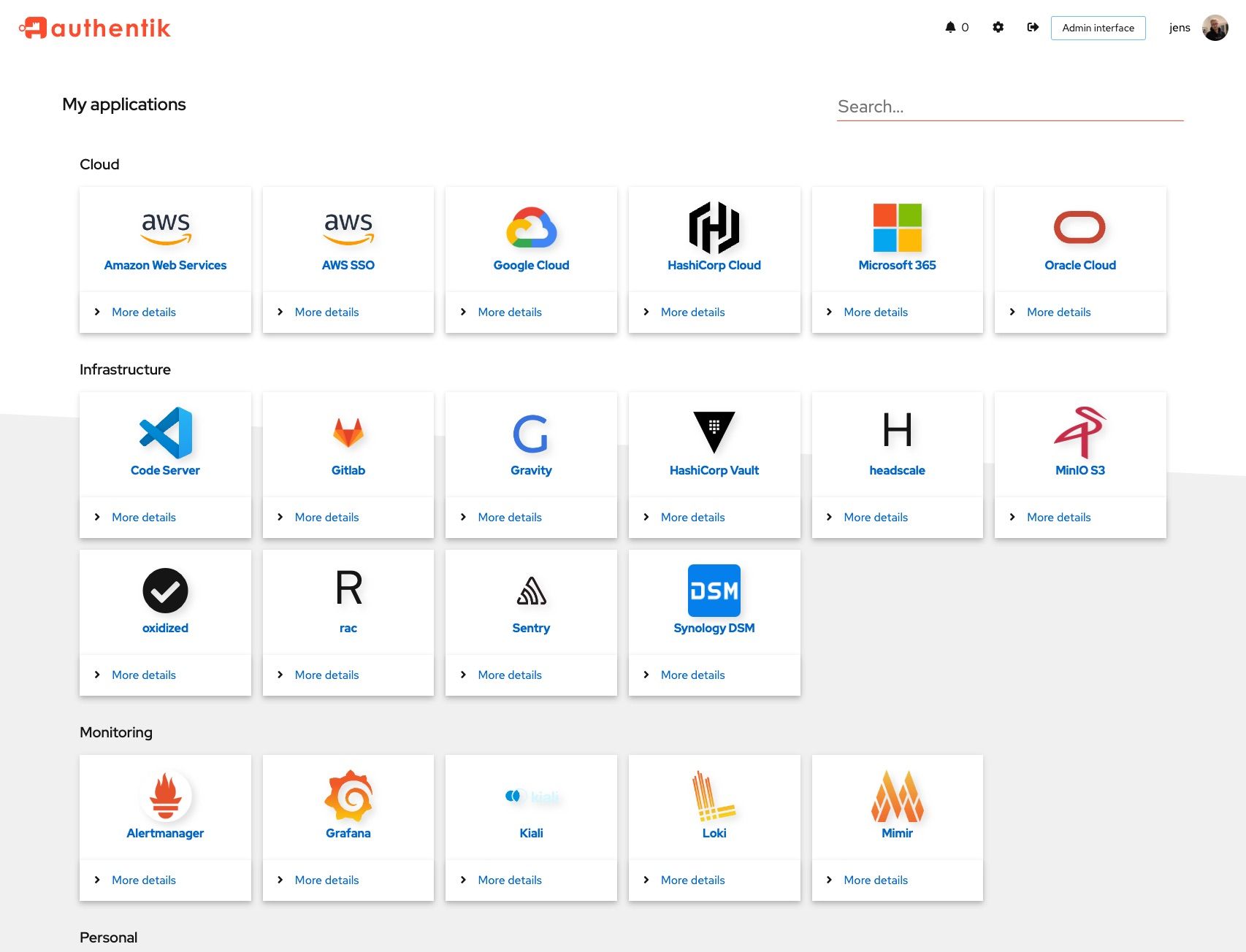
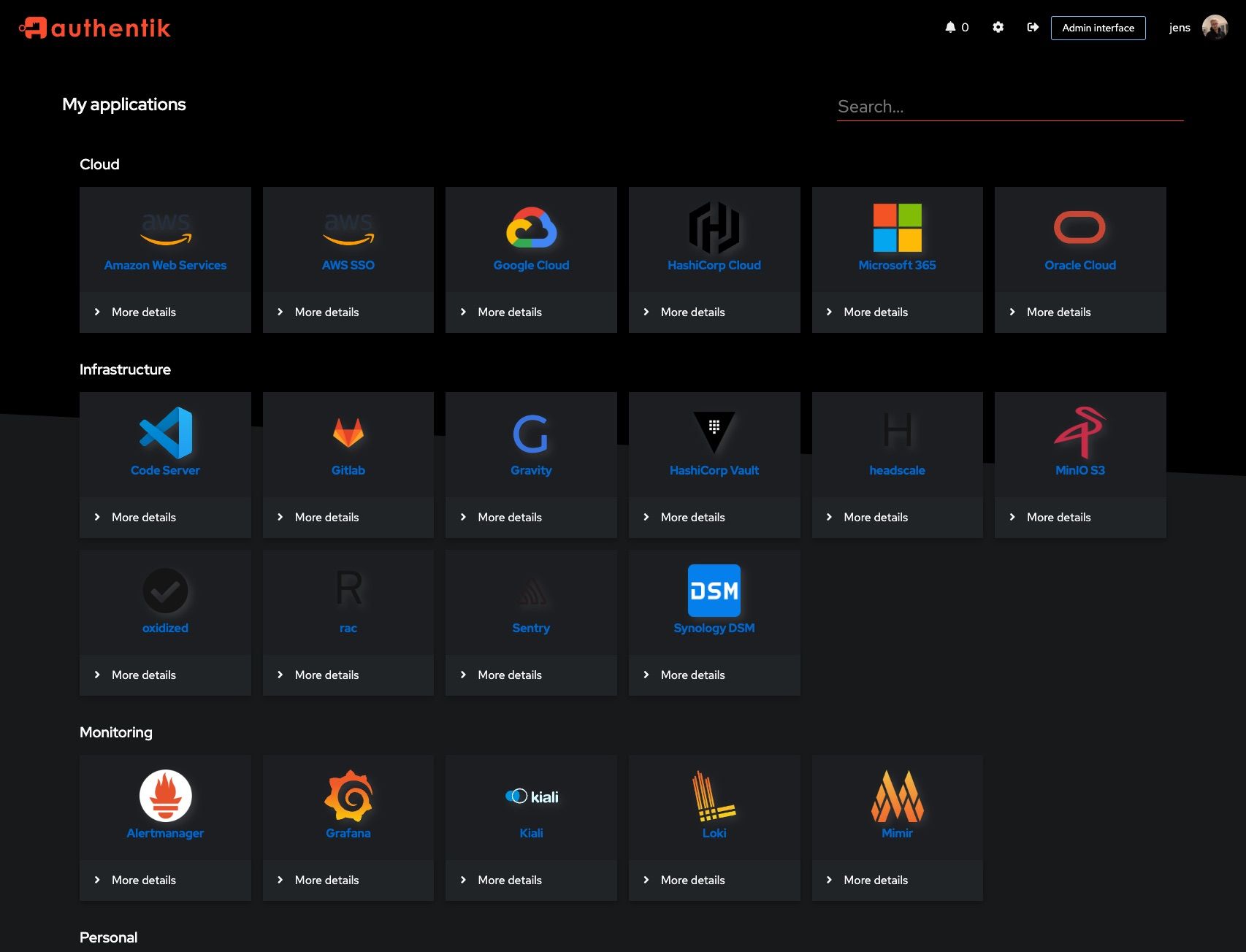
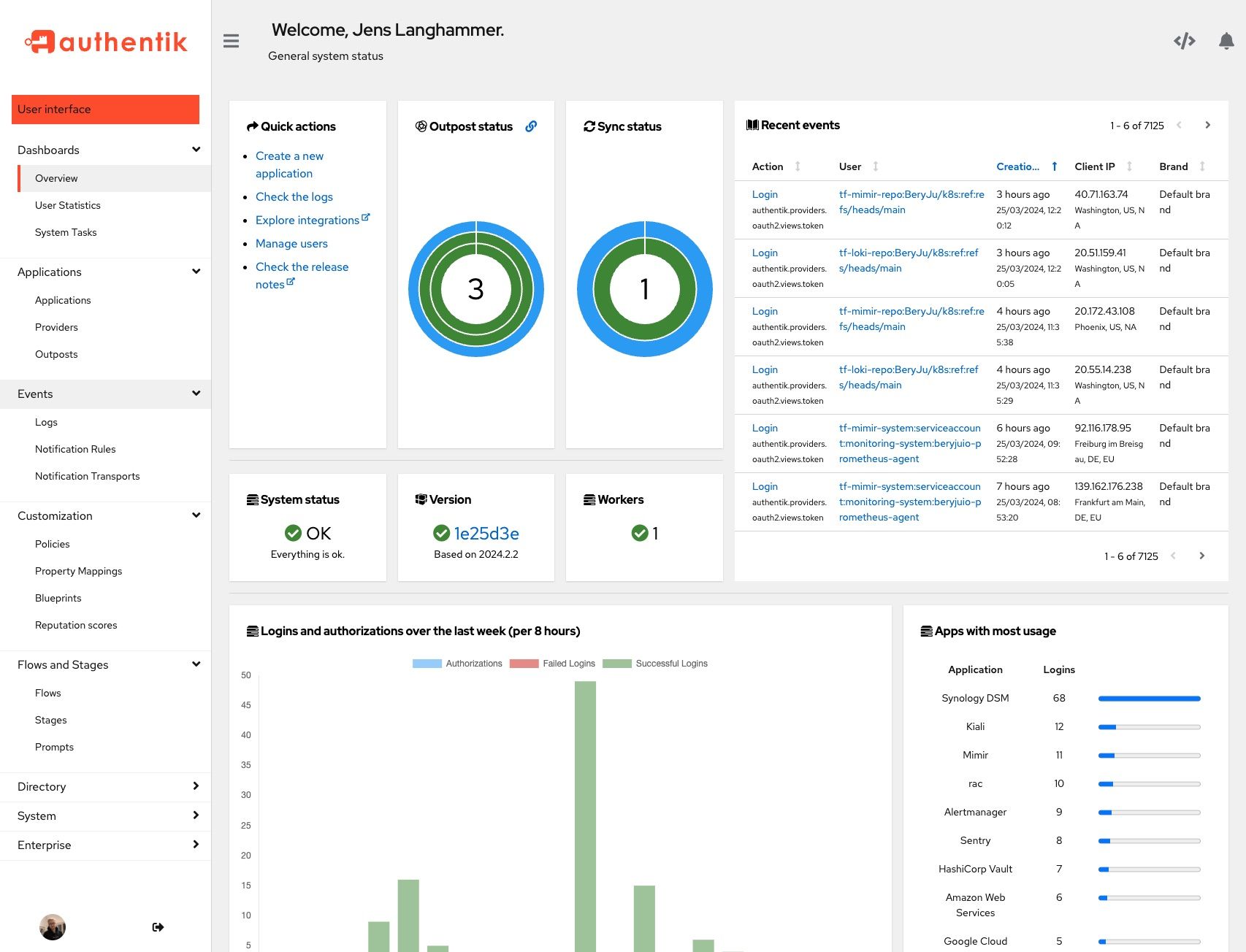
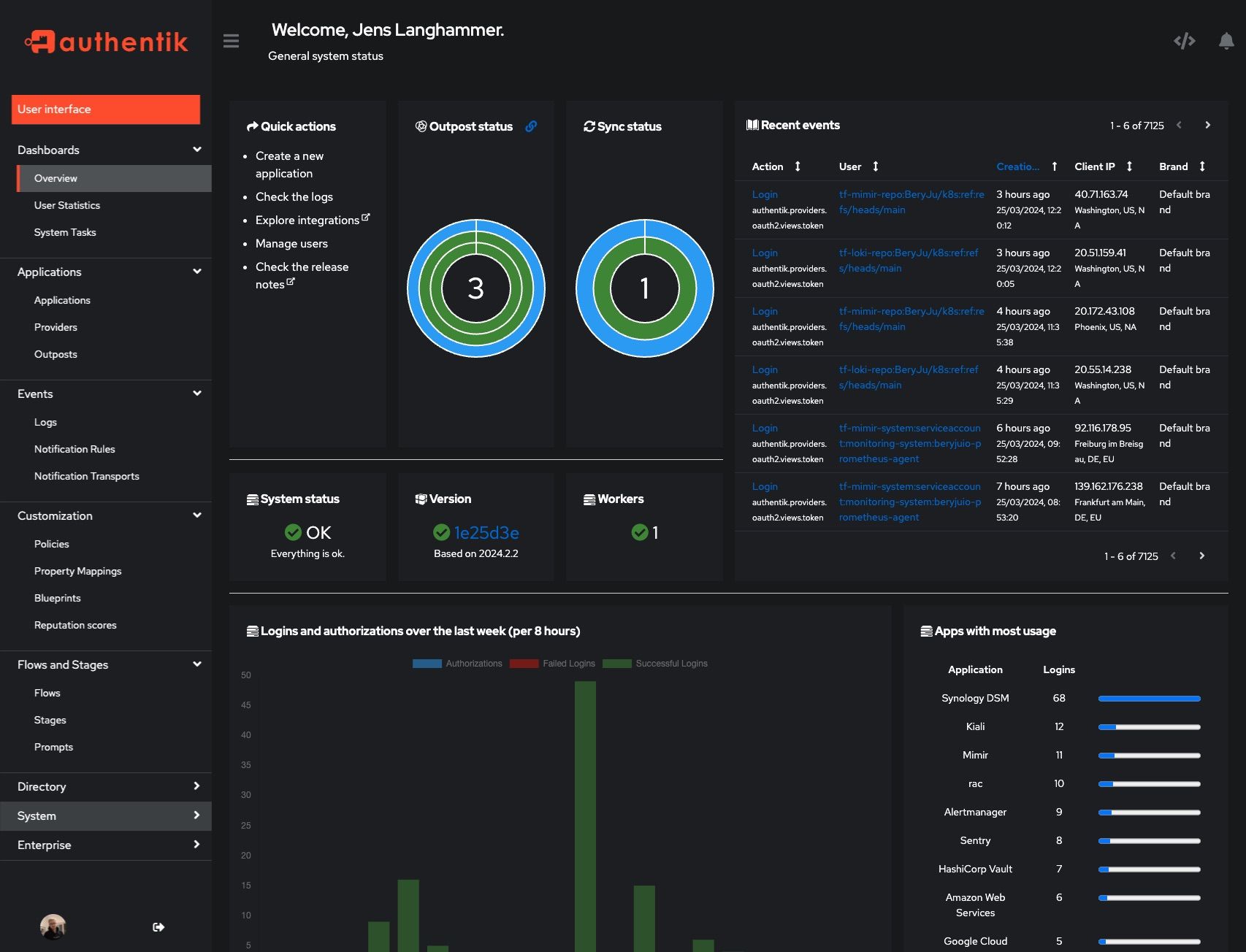
Screenshots
Development and contributions
See the Developer Documentation for information about setting up local build environments, testing your contributions, and our contribution process.
When you contribute documentation, either to accompany a code change or as a standalone contribution, please be sure to follow our documentation Style Guide.
Security
Please see SECURITY.md.
Adoption
Using authentik? We'd love to hear your story and feature your logo. Email us at hello@goauthentik.io or open a GitHub Issue/PR!
License