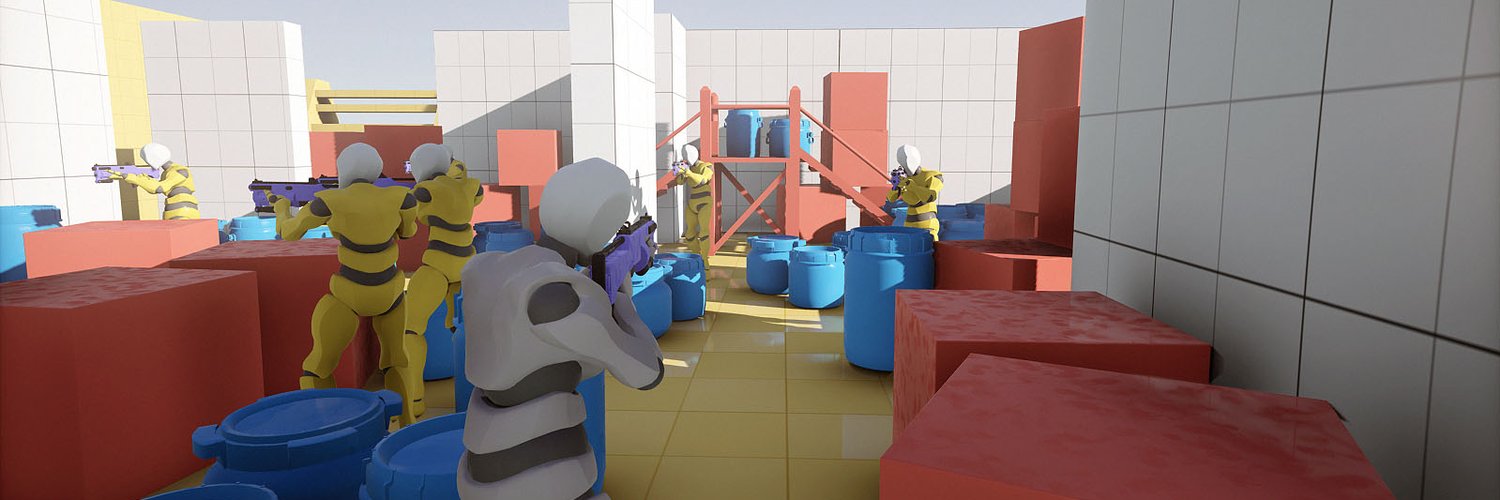
Armory is an open-source 3D game engine with full Blender integration, aimed at developers who want to build games inside Blender rather than in a separate editor.
What it is
Armory is an open-source 3D game engine focused on portability, minimal footprint and performance. It is written primarily in C++ and distributed under the Zlib licence. The renderer is fully scriptable, with deferred and forward rendering paths supported out of the box, and the repository is tagged with the topics 3d, blender, game-engine, haxe and rendering. The project lives in the Blender ecosystem rather than beside it: Armory ships as a Blender add-on, and that add-on is what turns Blender into a complete game development tool with a unified workflow from start to finish.
The concrete problem it solves is the context switch between an authoring tool and a runtime. Instead of modelling, rigging and animating in Blender and then exporting assets into a separate engine editor, the developer keeps one environment. Blender becomes the editor for both the content and the game, and Armory supplies the engine, the renderer and the Blender-side integration that make that arrangement work. The specific thing it replaces is the standalone game editor sitting outside the 3D content pipeline.
Key capabilities
- Open-source 3D game engine under the Zlib licence, written in C++.
- Full Blender integration delivered as a Blender add-on, so Blender becomes the game development environment rather than only an asset source.
- Unified workflow from start to finish, per the project README.
- Fully scriptable renderer, which means rendering behaviour is driven from script rather than fixed at build time.
- Deferred and forward rendering paths both supported out of the box.
- Design emphasis on portability, minimal footprint and performance, as stated in the README.
- Repository topics include Haxe alongside 3d, blender, game-engine and rendering.
Who uses it and how
- Blender users who want to build games without leaving the application, using the add-on as the entry point into the engine.
- Developers who need a small footprint and portable output, which the README names as core design goals alongside performance.
- Teams and individuals who prefer an open-source, permissively licensed engine over a proprietary one, since the licence is Zlib.
- Projects that need control over rendering at the script level, because the renderer is scriptable and offers both deferred and forward paths.
- Developers working in the Haxe-adjacent part of the toolchain, given Haxe appears among the repository topics.
Getting started
Download the engine from https://armory3d.org/engine/download, then install and use it as a Blender add-on. Release notes are published on the GitHub releases page and the manual lives in the repository wiki.
How it compares
The facts provided do not name any paid products this project replaces, and no comparable engines are named either. Within this registry it stands alone as the entry for a Blender-integrated, Zlib-licensed 3D game engine written in C++.
When to use it — and when not to
A self-hoster or adopter must run Blender with the add-on installed and be comfortable with the combined engine-plus-Blender toolchain; the README does not describe a hosted option or a simpler managed path. Anyone who wants a conventional standalone editor, or who is unwilling to work inside Blender, should look elsewhere, because Blender integration is the defining design choice rather than an optional extra. The project also carries 398 open issues, and the README excerpt here is brief, so expect to rely on the wiki manual and forums for detail before committing.