











English | Français | Español | Deutsch | 简体中文 | 繁體中文 | 日本語
✨ Quick Start
If you just want to try out APITable[^info], use our cloud-hosted AI version at aitable.ai.
If you want to demo this APITable open-source project, click here for ⚡️Gitpod Online Demo.
If you want to try the self-hosted APITable, 🚀 one-click deploy with Dome here
If you want to install APITable in your local or cloud computing environment, see 💾 Installation
If you want to set up your local development environment, read our 🧑💻 Developer Guide
Join Discord or Twitter to keep in touch.
🔥 Features
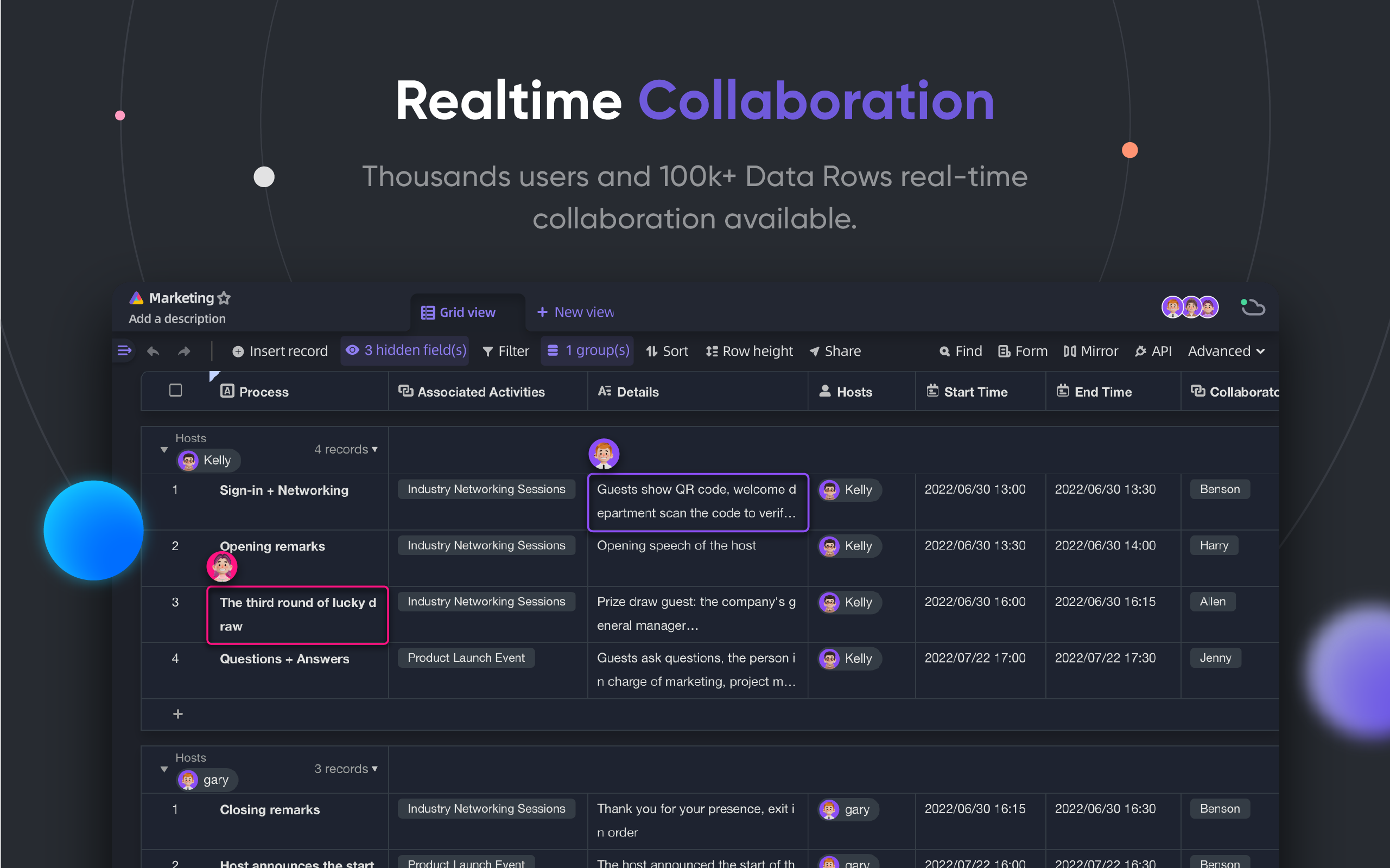
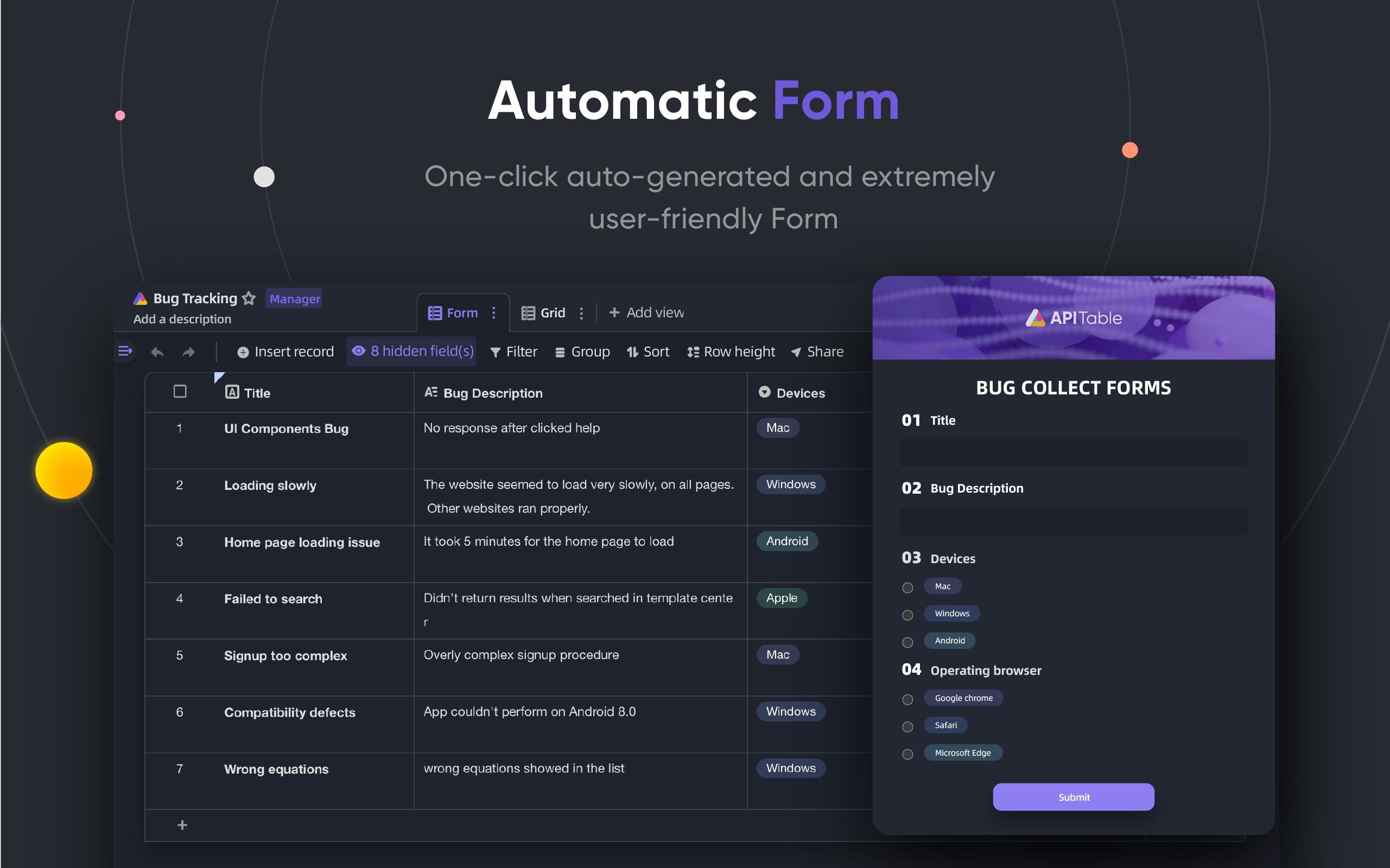
| Realtime Collaboration | Automatic Form |
|---|---|
|
|
| API-first Panel | Unlimited cross-table links |
|

|
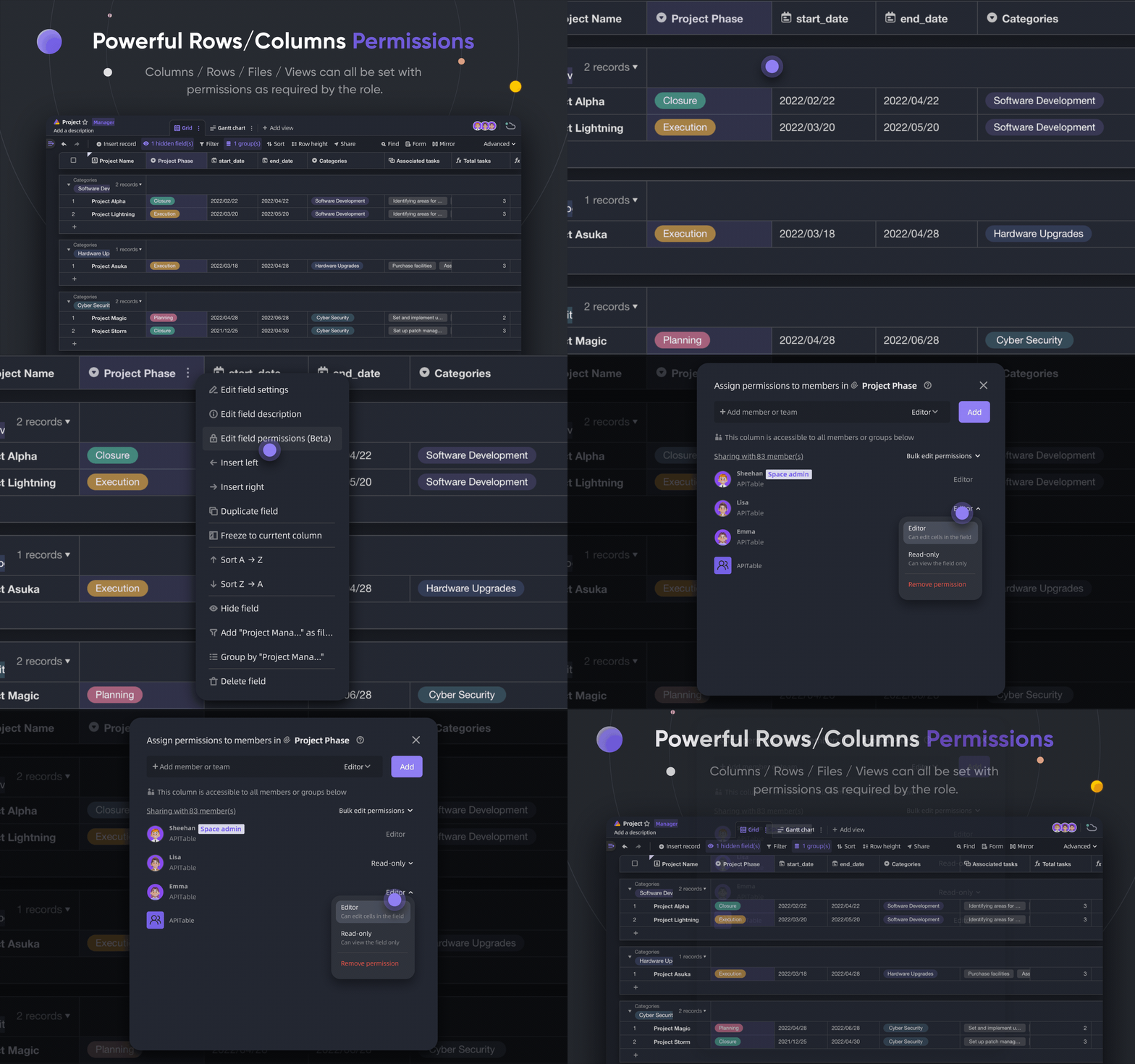
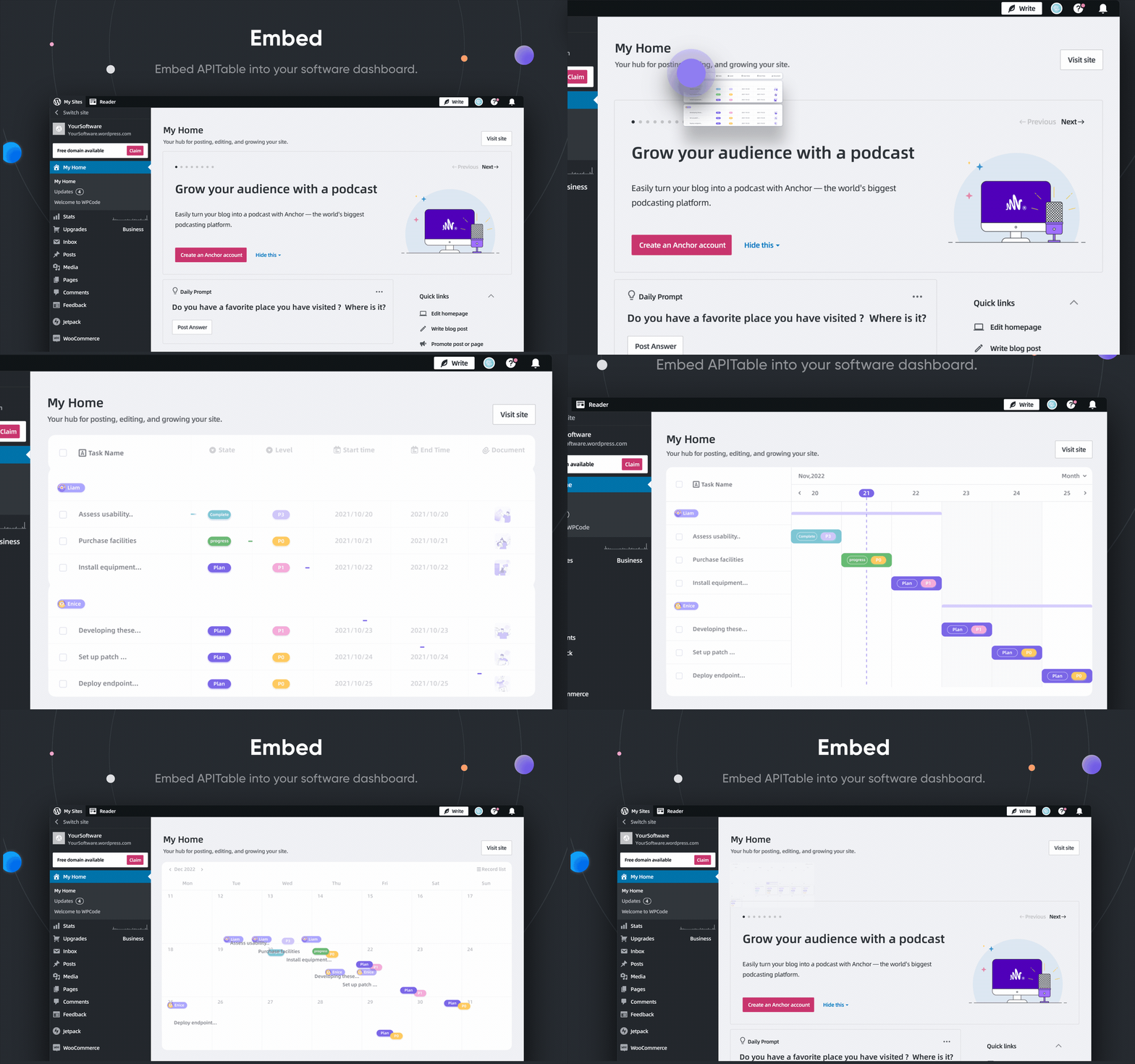
| Powerful Rows/Columns Permissions | Embed |
|
|
APITable provides a range of amazing features, from the personal to the enterprise.
- Advanced technology stack and open-source
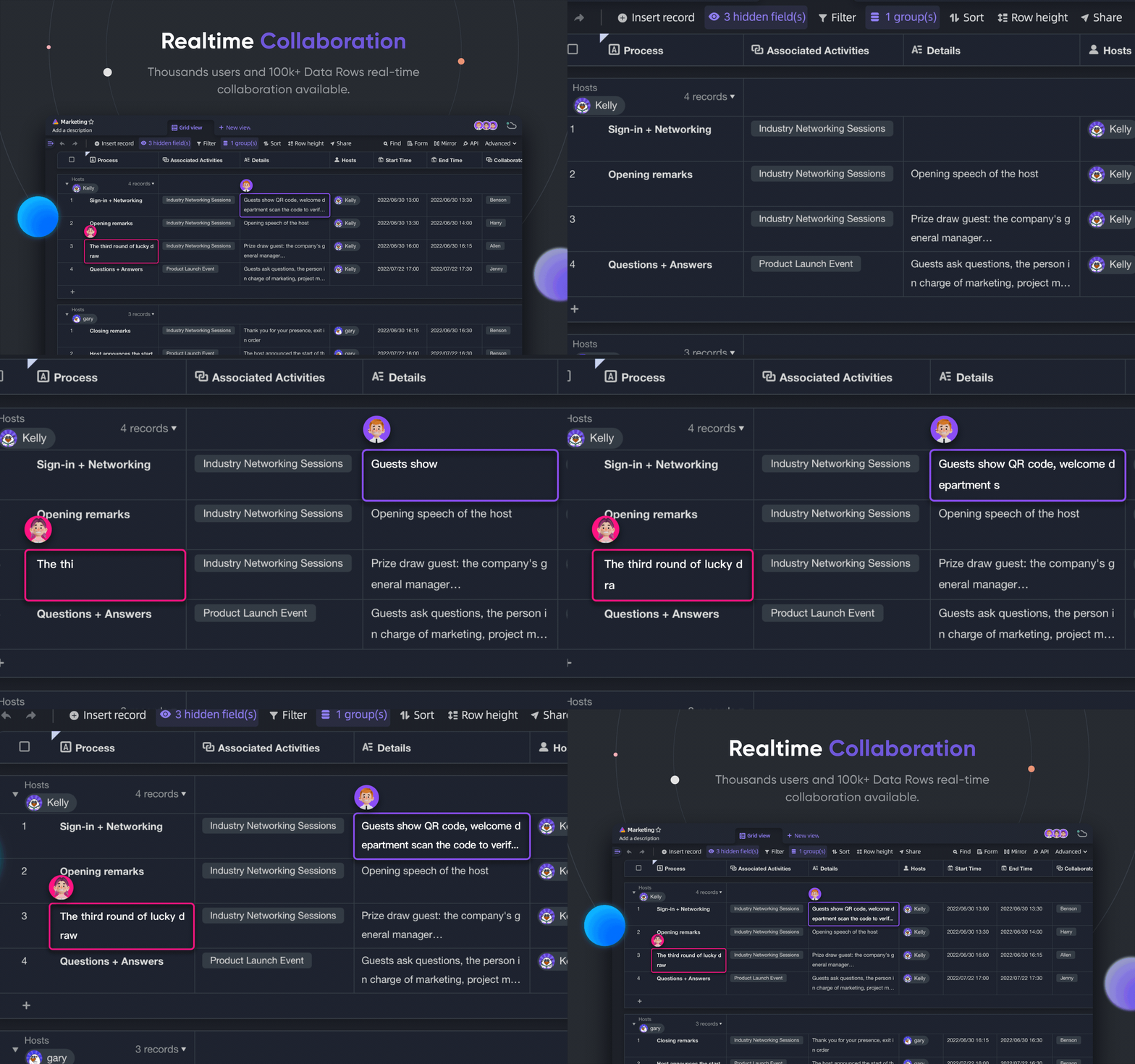
Realtime collaborationallows multiple users to edit together in real time, or simultaneously with theOperational Transformation (OT)Algorithm.- Extremely smooth, user-friendly, super-fast database-spreadsheet interface in
Rendering Engine. - Database native architecture: Changeset / Operation / Action / Snapshot and so on.
- 100k+ data rows with real-time collaboration.
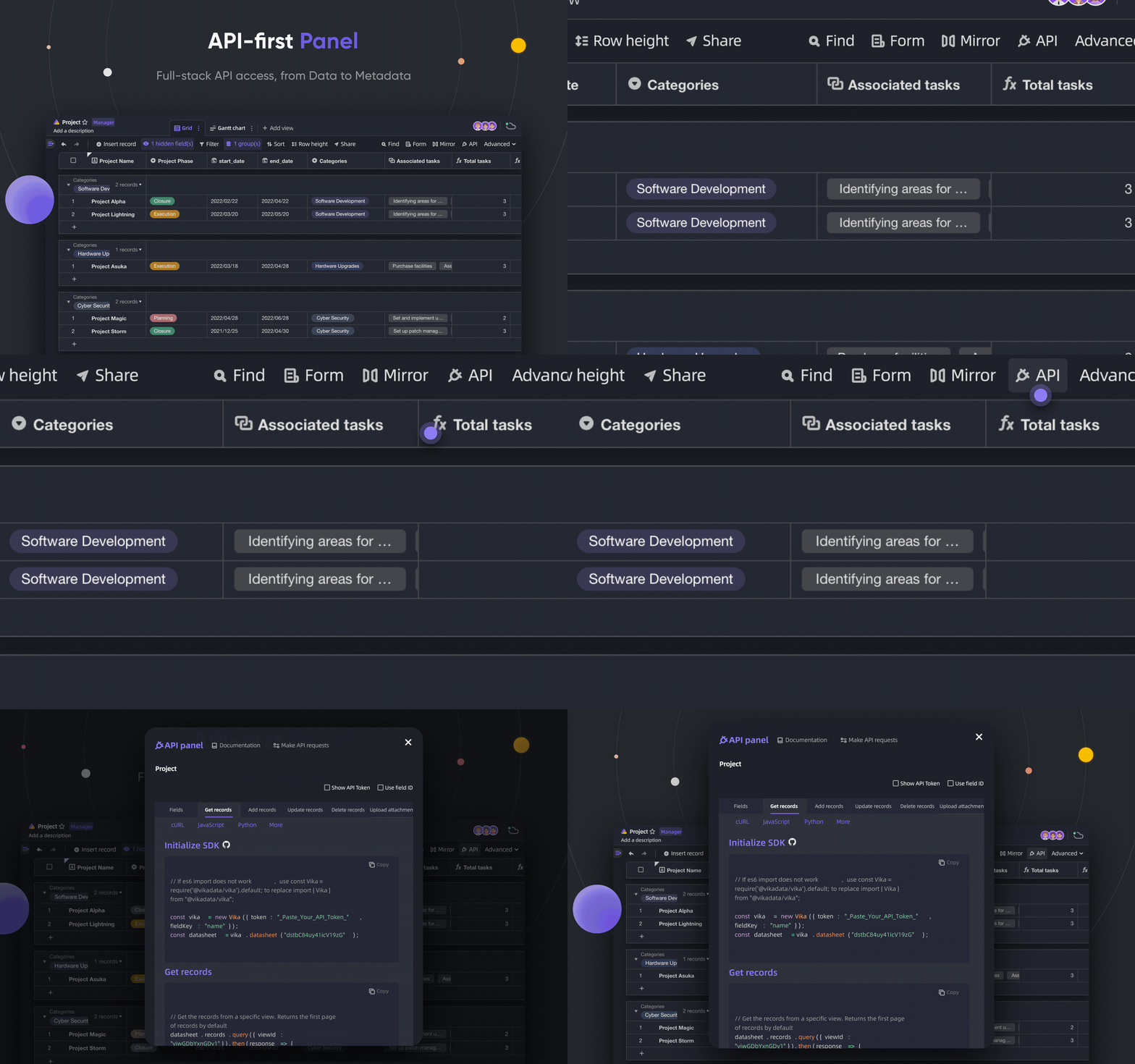
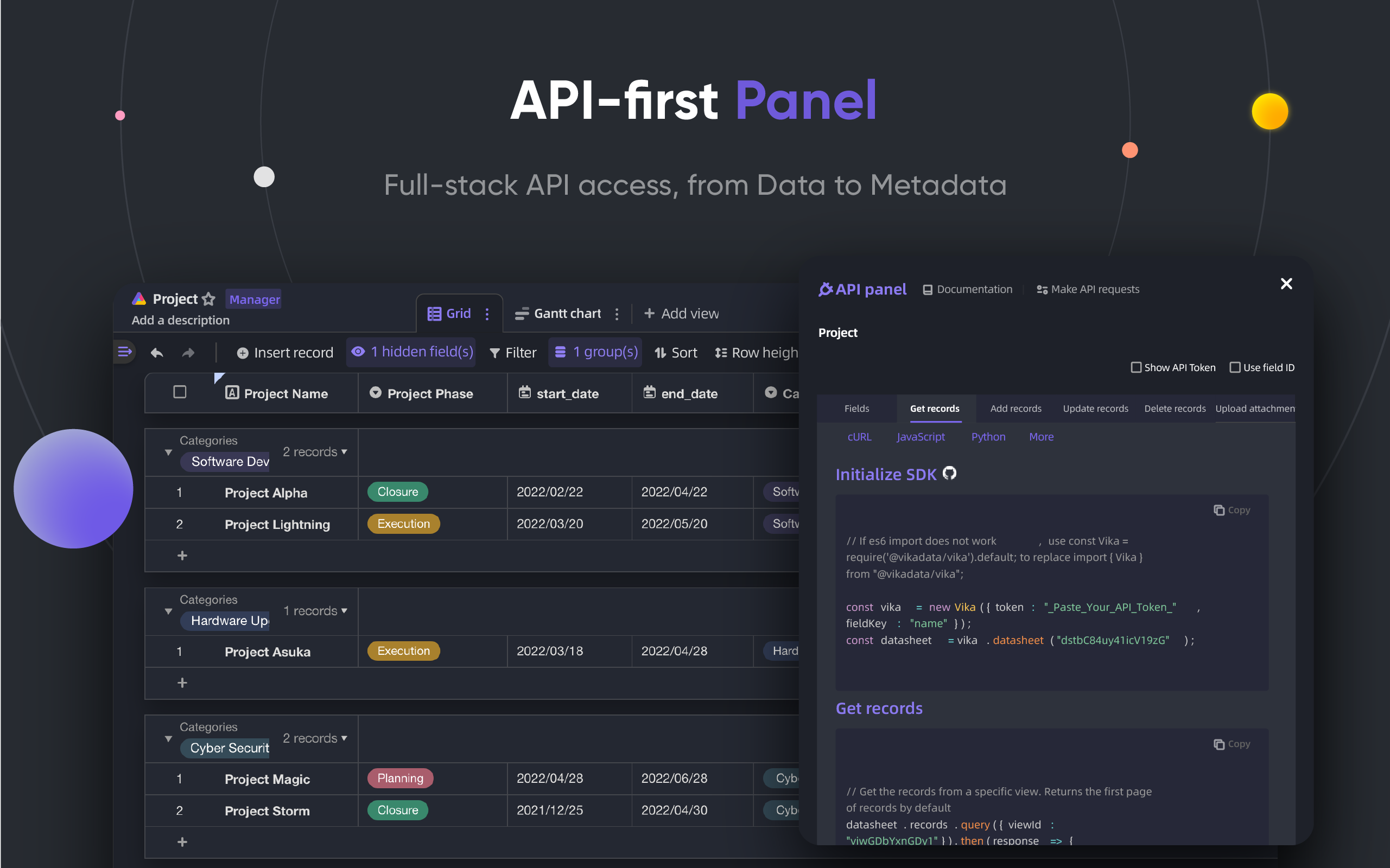
- Full-stack API access, from
DatatoMetadata. - One-direction / Bi-direction Table Link and
Infinite Cross Links - Community-friendly programming languages and framework, TypeScript (NextJS + NestJS) and Java (Spring Boot).
- Beautiful and Rich Database-Spreadsheet UI
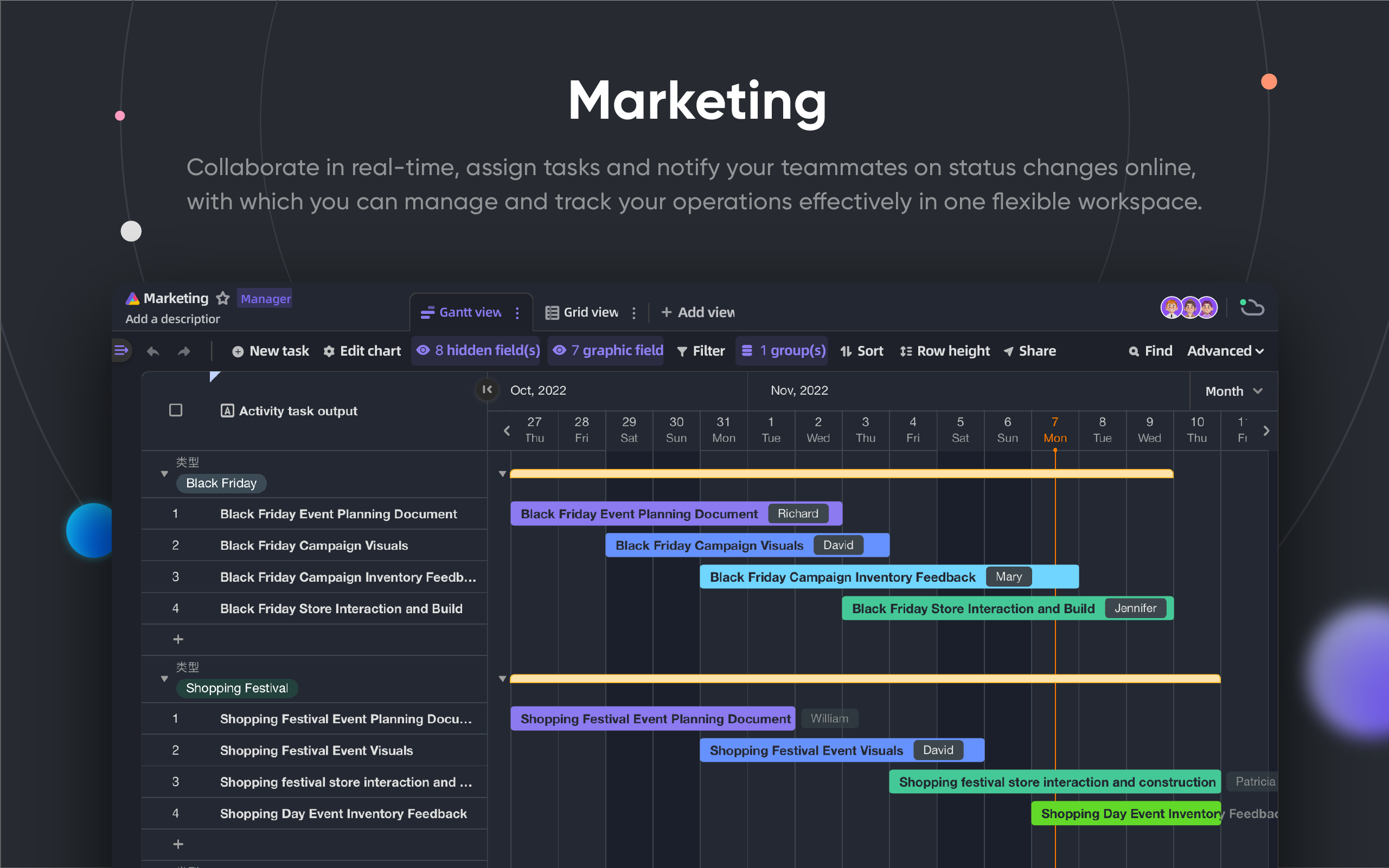
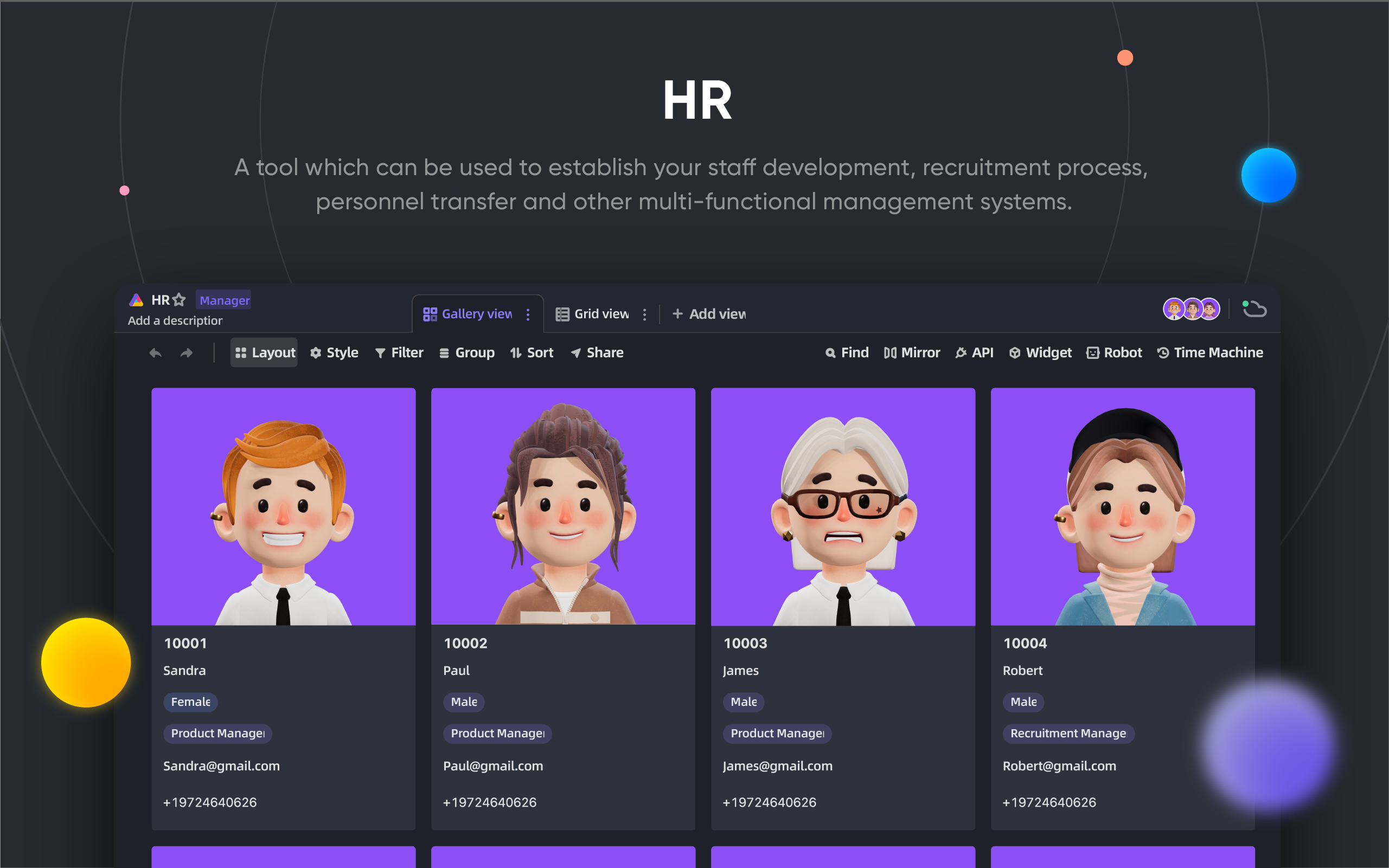
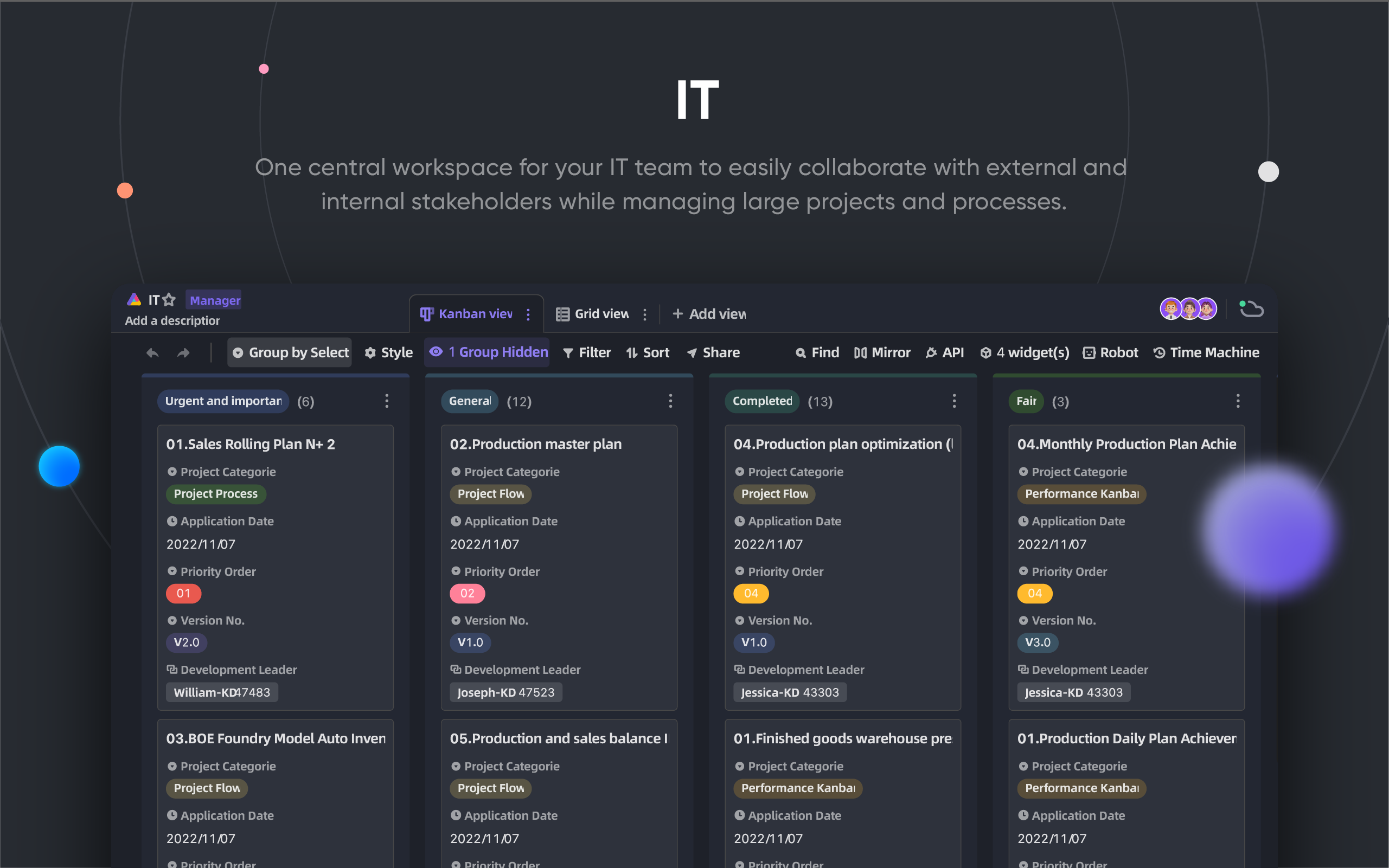
CRUD: Create, Read, Update, Delete the Tables, Columns, and RowsFields Operations: sort, filter, grouping, hide/unhide, height setting.Space based: Use separated workspaces in place of App/Base-based structure, make unlimited tables link together possible.Dark modeand theme customization available.7 View Types: Grid View (Datasheet) / Gallery View / Mindmap View / Kanban View / Full-Feature Gantt View / Calendar View- One-click API Panel
- Batteries included
- Built-in 10+ official templates.
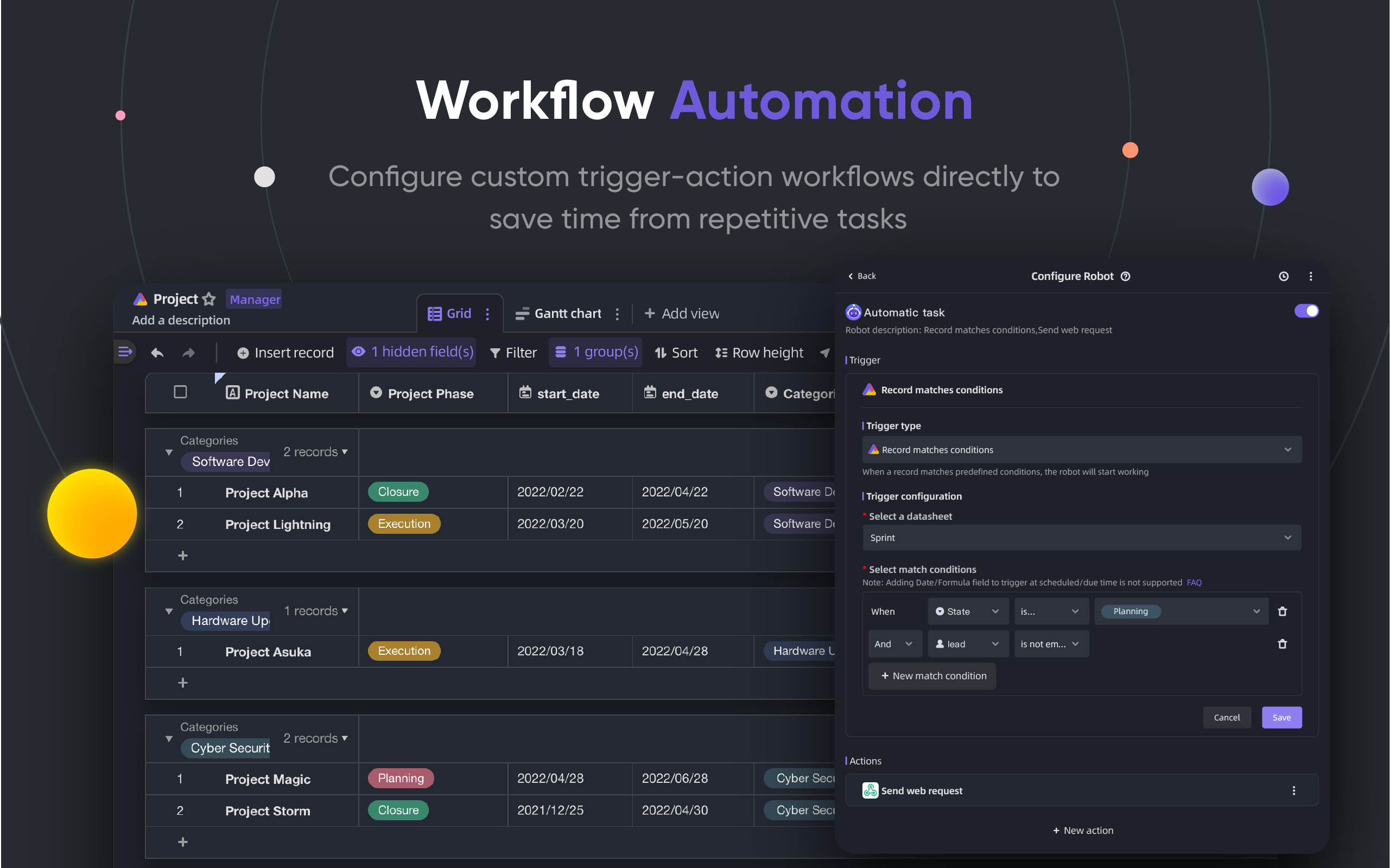
- Robot Automation and customization available.
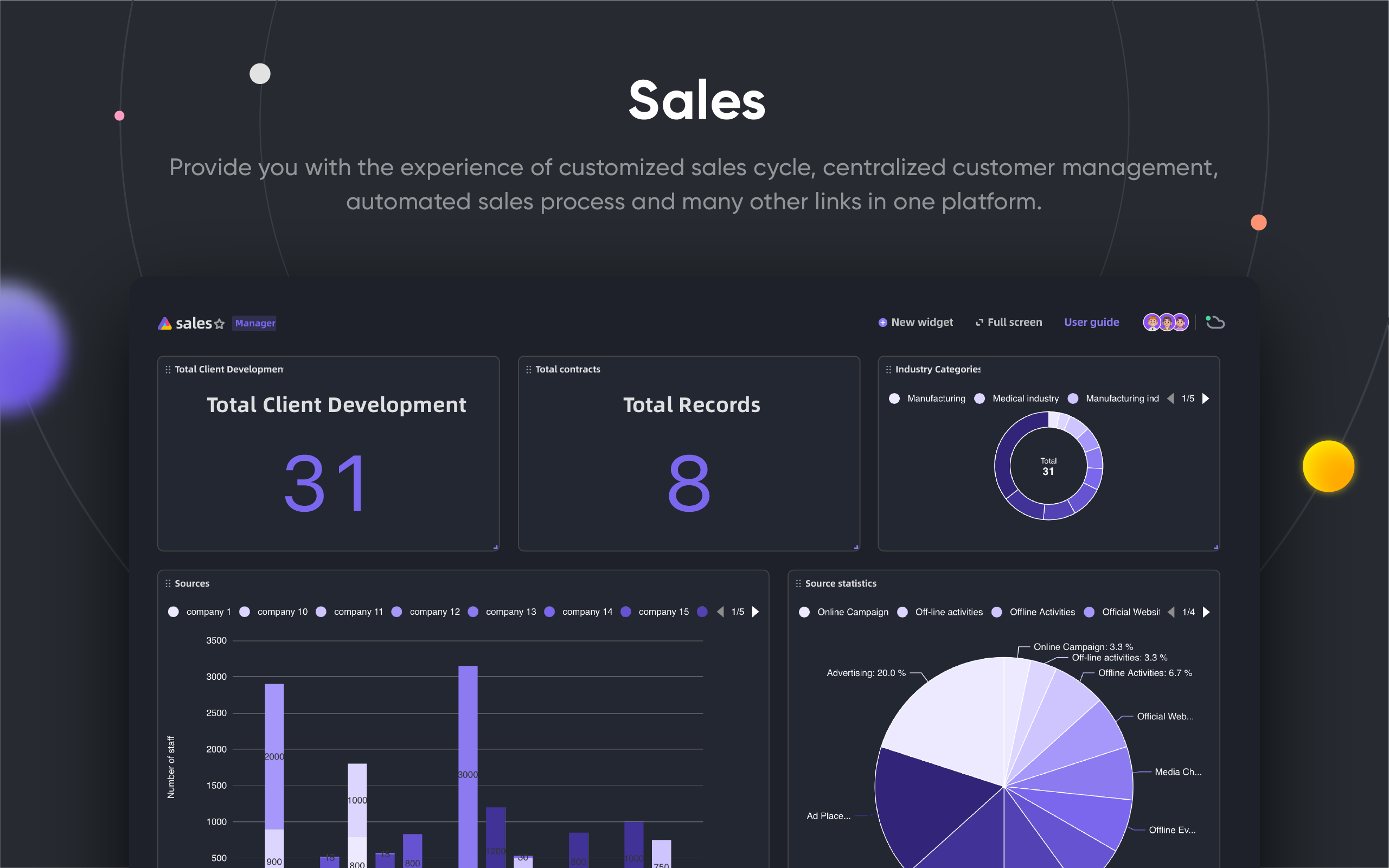
- BI dashboard
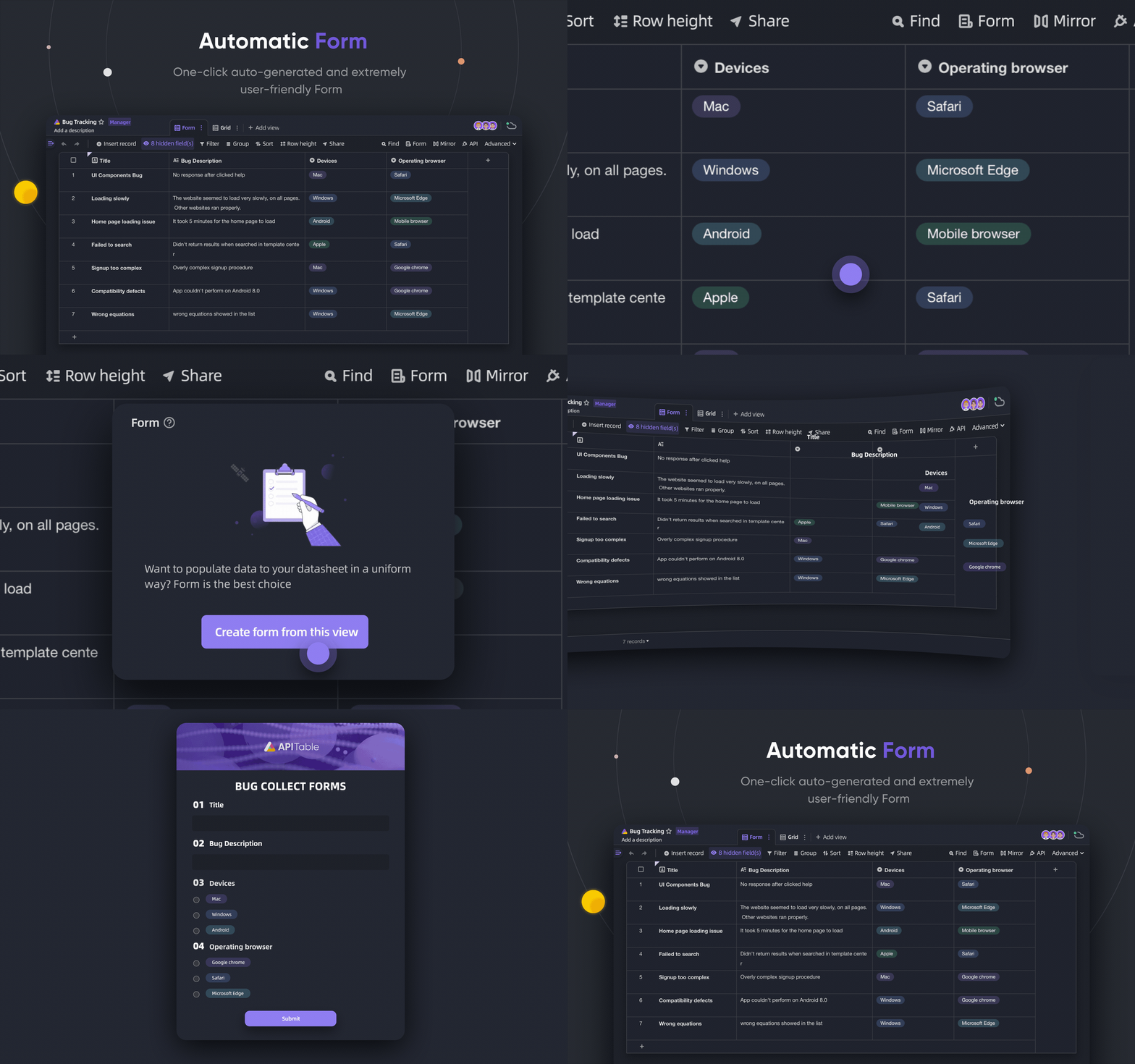
- One-click auto-generated form
- Shareable and embeddable page.
- Multi-language support.
- Integration with n8n.io / Zapier / Appsmith... and more.
- Excellent extensibility
- Extensible
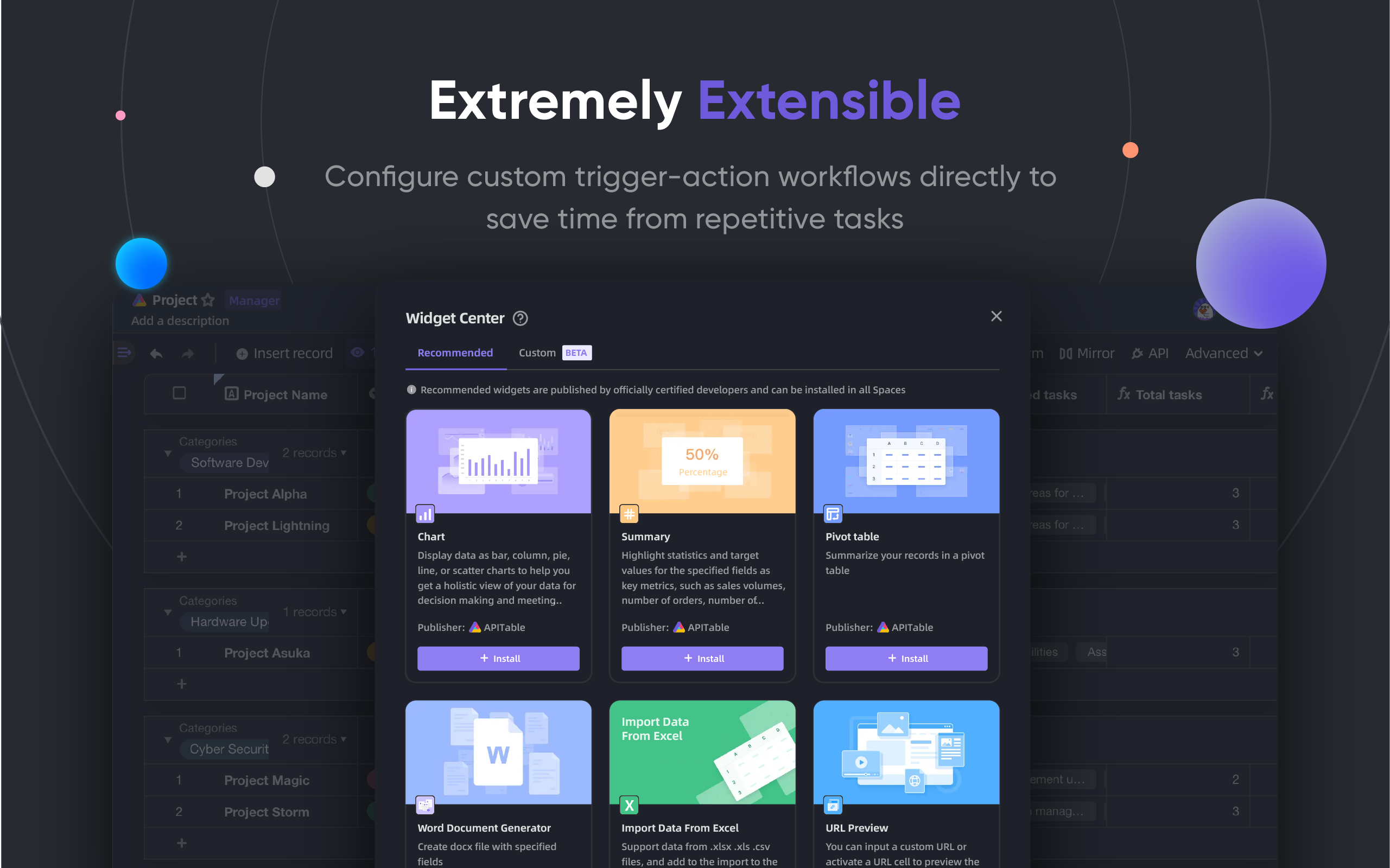
Widget Systemwith over 20 officials open-source widgets. - Customizable Graph & Chart & Dashboard
- Customizable Data Column Types
- Customizable Formulas
- Customizable Automation Robot Actions.
- Extensible
- Enterprise-grade permissions
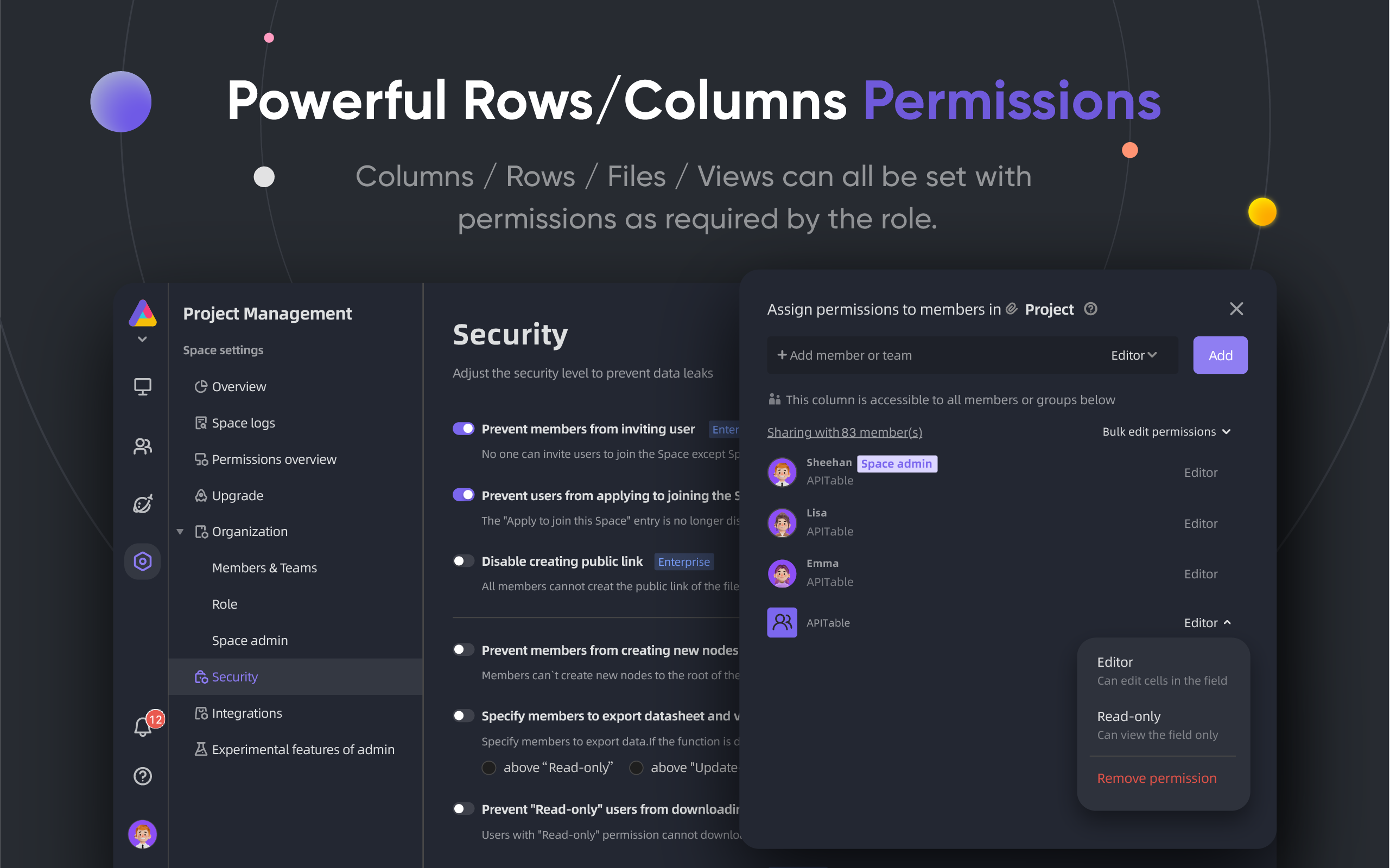
Mirror, turn a View into a mirror to implement Row Permission.- Activate
Column Permissionthrough a very simple operation. - Folders / Sub-Folders / Files Permission.
- Tree structure folders and customizable node (file);
- Team Management & Organization Structure.
- Enterprise features:
- SAML
- Single-Sign-On (SSO)
- Audit
- Database Auto Backup
- Data Exporter
- Watermark
- ....
With extensible widgets and plugins, you can add more features.
💥 Use Cases
Why you must know APITable for your next software?
- As super management software
- Flexible Project Management & Tasks / Issues Management.
- Marketing Lead Management.
- Most flexible and connectable CRM.
- Flexible Business Intelligence (BI).
- People-Friendly Forms and Surveys
- Flexible ERP.
- Low-code and no-code platform.
- ...and more, APITable puts 1000 softwares in your pocket.
- As a visual database infrastructure
- Embed APITable into your own software UIs.
- Visual Database with REST API.
- Admin dashboard.
- Central configuration management.
- All-in-one enterprise database that connect all your software.
- ...and more, APITable connects everything.
- Also, it is open source and extensible
💞 API-oriented
API UI Panel
Clicking the API button in the right corner will show the API Panel
SQL-like query
APITable will provides a Datasheet Query Language (DQL) to query your database-spreadsheet contents.
💝 Embed-friendly
Share and Embed
Share your datasheet table or folder. Embed them by copying and pasting HTML scripts.
Enterprise-ready Embedding
AITable.ai provides more Enterprise-ready Embedding features for securities.
Installation
Before you begin:
- A host with docker and docker-compose v2 installed.
- 4 CPUs/8GB RAM or more are recommended.
- A bash shell with basic utilities like curl installed.
- Native arm64 (apple silicon) container images is not ready yet and may cause bad performance.
To install apitable using docker compose, open your terminal and run this:
curl https://apitable.github.io/install.sh | bash
Then open http://localhost:80 in your browser to visit it.
We also provide an all-in-one image based on pm2 for demo or testing purpose (not recommended for enterprise or production usage):
sudo docker run -d -v ${PWD}/.data:/apitable -p 80:80 --name apitable apitable/all-in-one:latest
Depending on your environment, you may need to wait several minutes for all the services to start. This image is amd64 (x86_64) only, you may encounter pretty bad performance on arm64 or apple silicon.
If you want to set up your local development environment, read our 🧑💻 Developer Guide
🧑💻 Contributing
Welcome, and thank you for your interest in contributing to APITable!
In addition to writing code, there are many ways for you to contribute.
You can contribute as following:
- Join and modify translations in our Crowdin Translation Project
- Create Issues
- Follow our Twitter
- Create Documentation
- Contributing Code
You can read this repository’s Contributing Guidelines to learn how to contribute.
Here's a quick guide to help you contribute to APITable.
Development environment
Learn how to set up your local environment, go to our Developer Guide.
Git workflow basic
Here's a general APITable git workflow:
- Create an issue and describe features you want -> APITable issues
- Fork this project -> Fork APITable project
- Create your feature branch (
git checkout -b my-new-feature) - Commit your changes (
git commit -am 'Add some features') - Publish the branch (
git push origin my-new-feature) - Create a new Pull Request -> Create pull request across forks
Work conventions
APITable use these common conventions:
- What's our Git branching model? Gitflow
- How to collaborate on your fork projects? Github Flow
- How to write good commit message? Conventional Commits
- What's our changelog format? Keep Changelog
- How to versioning and tagging? Semantic Versioning
- What is the Java Coding Guideline? Java Coding Guideline | Intellij IDEA Plugin
- What is the TypeScript Coding Guideline? -> TypeScript Style Guide | ESLint
Documentations
🛣 Roadmap
Please refer to the Roadmap of AITable
Future Features
- Heavy-code Interface Builder
- Embeddable 3rd party documentation components
- SQL-like Domain-Specific Languages
- As an IdP
- Advanced automation robot
- Web 3 features
- ...
Hosted and Enterprise versions offer advanced features
- As an IdP;
- SAML
- Single-Sign-On
- Audit
- Database Backup
- Integrate with ChatGPT, Zapier, Slack, Google Workspace……
- Watermark
For more information on our product, including enterprise self-hosted license, please contact us at or book a demo.
👫 Get Involved
🌏 Why we create APITable and open-source?
- We believe that
Database is the cornerstoneof all the software. - We believe that making a
Visual Database with rich and easy user interface for everyonecan reduce the difficulty of software industry and increase the world's digitalization adoption. - We believe that open-sourcing
APITablework canPush Human Beings Forward.
We are hiring remotely!
We always search for good talents for APITable:
- Full-stack developer: You have experience with React, NestJS, TypeScript, Spring Boot, Java, Terraform. And you like to write high quality code with clear documentation and unit tests.
- Back-end developer: You have experience with NestJS, TypeScript, Spring Boot, Java, SQL, Kubernetes, Terraform. And you like to write high quality code with clear documentation and unit tests.
- Front-end developer: You have experience with React, NextJS, TypeScript, WebPack. And you like to write high quality code with clear documentation and unit tests.
Regardless of time and conditions, if you want to get involved to the team of APITable, do not hesitate to fill out this form or send your CV to .
📺 Screenshot
🥰 License
This repository contains the source code for the Open Source edition of APITable, released under the AGPL.
If you'd like to run your own copy of APITable or contribute to development then this is the place for you.
See LICENSING for details.
If you want to use APITable online then you don't need to run this code, we offer a hosted version of the app at AITable.ai which optimized for global accelerator.
[^info]: Licensed with AGPL-3.0. Designed by APITable Ltd.