API Dash ⚡️

| GSoC 2026 | Link |
|---|---|
| List of Ideas | Link |
| Application Guide | Link |
| Weekly Connect Meeting for GSoC Participants | Link |
| Discord Channel | Link |
Please support this initiative by giving this project a Star ⭐️
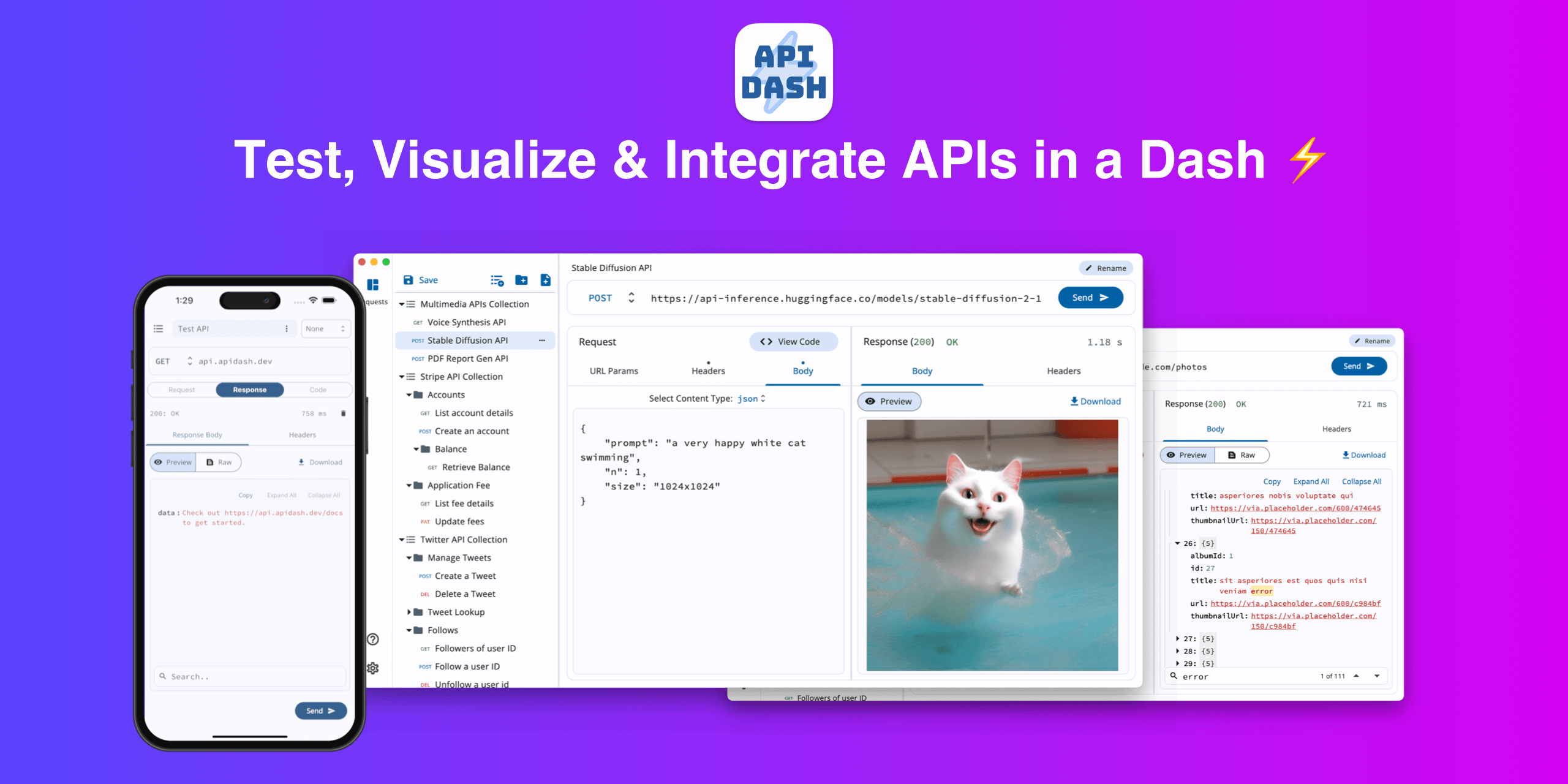
API Dash is a beautiful AI powered open-source cross-platform API Client that can help you easily create & customize your API requests, visually inspect responses (full list of supported mime-types) and generate API integration code (full list) on the go.
Download
API Dash can be downloaded from the links below:
| OS | Distribution | CPU/Architecture | Download Link |
|---|---|---|---|
| iOS/iPad | App Store | Link | |
| macOS | .dmg |
Apple Silicon & Intel | Link (Dev) |
| Windows | .exe |
64-bit | Link (Dev) |
| Linux | .deb |
amd64 | Link (Dev) |
| arm64 | Link (Dev) | ||
.rpm |
x86_64 | Link (Dev) | |
| aarch64 | Link (Dev) | ||
PKGBUILD (Arch Linux) |
x86_64 | Link (Dev) |
List of Features
| API Type | Supported |
|---|---|
| HTTP | ✅ |
| GraphQL | ✅ |
| SSE/Streaming | ✅ |
| AI | ✅ |
| WebSocket | https://github.com/foss42/apidash/issues/15 |
| MQTT | https://github.com/foss42/apidash/issues/115 |
| gRPC | https://github.com/foss42/apidash/issues/14 |
| Import Collection From | Supported |
|---|---|
| Postman | ✅ |
| cURL | ✅ |
| Insomnia | ✅ |
| OpenAPI | ✅ |
| hurl | https://github.com/foss42/apidash/issues/123 |
| HAR | ✅ |
❤️ Supported by
↗️ Create & Customize API Requests
- Create different types of HTTP requests (
GET,HEAD,POST,PATCH,PUTandDELETE). - Easily manipulate and play around with request inputs like
headers,query parametersandbody. - Full support to send text content with 🥳 Unicode/Emoji and preview any API response containing Unicode/Emoji.
- Create GraphQL requests with
headersandquery.
💼 Organize Requests in Collections & Folders
- Create collections and folders to organize your requests.
- Press and Drag to Re-arrange requests.
- Click and open popup menu to rename, duplicate and delete a request.
🔎 Visually Preview and Download Data & Multimedia API Responses
- Inspect the API Response (HTTP status code, error message, headers, body, time taken).
- View formatted code previews for responses of various content types like
JSON,XML,YAML,HTML,SQL, etc. - API Dash helps explore, test & preview Multimedia API responses which is not supported by any other API client. You can directly test APIs that return images, PDF, audio & more. Check out the full list of supported MIME types/formats here.
- Save 💾 response body of any mimetype (
image,text, etc.) directly in theDownloadsfolder of your system by clicking on theDownloadbutton.
👩🏻💻 Code Generation
- We started out as the only open source API client which supported advanced Dart code generation to easily integrate APIs in Dart/Flutter projects or to directly run it on DartPad. With time we have added more code-gens and currently API Dash supports generation of well-tested integration codes for JavaScript, Python, Kotlin & various other languages. You can check out the full list of supported languages/libraries.
🌙 Full Dark Mode Support
- Easily switch between light mode and dark mode.
💾 Data
- Data is persisted locally on the disk. To save the current snapshot, just press the Save button in the collection pane.
- Click and open the collection/folder popup menu to export it as HAR. This can be version controlled & can be directly imported in other API Clients like Postman, Paw, etc.
- Export your entire data into a HAR (HTTP Archive) file. To access this option goto
Settings > Export Data.
⚙️ Settings & Other Options
- Customize various options using a dedicated Settings screen.
- Window Configuration (Size & Position) is persisted and restored on app start. (Only macOS & Windows)
AI Requests
API Dash lets you test AI APIs of various providers (or your own).
DashBot
Dashbot is the AI assistant available in API Dash (powered by local or cloud LLM) so that you can interact with your requests to debug it, generate code, generate doc, and many more.
Code Generators
API Dash currently supports API integration code generation for the following languages/libraries.
| Language | Library |
|---|---|
| cURL | |
| HAR | |
| C | libcurl |
| C# | HttpClient |
| C# | RestSharp |
| Dart | http |
| Dart | dio |
| Go | net/http |
| JavaScript | axios |
| JavaScript | fetch |
JavaScript (node.js) |
axios |
JavaScript (node.js) |
fetch |
| Java | asynchttpclient |
| Java | HttpClient |
| Java | okhttp3 |
| Java | Unirest |
| Julia | HTTP |
| Kotlin | okhttp3 |
| PHP | curl |
| PHP | guzzle |
| PHP | HTTPlug |
| Python | requests |
| Python | http.client |
| Ruby | faraday |
| Ruby | net/http |
| Rust | hyper |
| Rust | reqwest |
| Rust | ureq |
| Rust | Actix Client |
| Swift | Alamofire |
| Swift | URLSession |
Code for any other langauge can be easily generated via DashBot.
MIME Types supported by API Dash Response Previewer
API Dash is a next-gen API client that supports exploring, testing & previewing various data & multimedia API responses which is limited/not supported by other API clients. You can directly test APIs that return images, PDF, audio & more.
Here is the complete list of MIME types that can be directly previewed in API Dash:
| File Type | Mimetype | Extension | Comment |
|---|---|---|---|
application/pdf |
.pdf |
||
| Video | video/mp4 |
.mp4 |
|
| Video | video/webm |
.webm |
|
| Video | video/x-ms-wmv |
.wmv |
|
| Video | video/x-ms-asf |
.wmv |
|
| Video | video/avi |
.avi |
|
| Video | video/msvideo |
.avi |
|
| Video | video/x-msvideo |
.avi |
|
| Video | video/quicktime |
.mov |
|
| Video | video/x-quicktime |
.mov |
|
| Video | video/x-matroska |
.mkv |
|
| Image | image/apng |
.apng |
Animated |
| Image | image/avif |
.avif |
|
| Image | image/bmp |
.bmp |
|
| Image | image/gif |
.gif |
Animated |
| Image | image/jpeg |
.jpeg or .jpg |
|
| Image | image/jp2 |
.jp2 |
|
| Image | image/jpx |
.jpf or .jpx |
|
| Image | image/pict |
.pct |
|
| Image | image/portable-anymap |
.pnm |
|
| Image | image/png |
.png |
|
| Image | image/sgi |
.sgi |
|
| Image | image/svg+xml |
.svg |
|
| Image | image/tiff |
.tiff |
|
| Image | image/targa |
.tga |
|
| Image | image/vnd.wap.wbmp |
.wbmp |
|
| Image | image/webp |
.webp |
|
| Image | image/xwindowdump |
.xwd |
|
| Image | image/x-icon |
.ico |
|
| Image | image/x-portable-anymap |
.pnm |
|
| Image | image/x-portable-bitmap |
.pbm |
|
| Image | image/x-portable-graymap |
.pgm |
|
| Image | image/x-portable-pixmap |
.ppm |
|
| Image | image/x-tga |
.tga |
|
| Image | image/x-xwindowdump |
.xwd |
|
| Audio | audio/flac |
.flac |
|
| Audio | audio/mpeg |
.mp3 |
|
| Audio | audio/mp4 |
.m4a or .mp4a |
|
| Audio | audio/x-m4a |
.m4a |
|
| Audio | audio/wav |
.wav |
|
| Audio | audio/wave |
.wav |
|
| CSV | text/csv |
.csv |
Can be improved |
We welcome PRs to add support for previewing other multimedia MIME types. Please go ahead and raise an issue so that we can discuss the approach. We are adding support for other MIME types with each release. But, if you are looking for any particular mimetype support, please go ahead and open an issue. We will prioritize it's addition.
Here is the complete list of MIME types that are syntax highlighted in API Dash:
| Mimetype | Extension | Comment |
|---|---|---|
application/json |
.json |
Other MIME types like application/geo+json, application/vcard+json that are based on json are also supported. |
application/xml |
.xml |
Other MIME types like application/xhtml+xml, application/vcard+xml that are based on xml are also supported. |
text/xml |
.xml |
|
application/yaml |
.yaml |
Others - application/x-yaml or application/x-yml |
text/yaml |
.yaml |
Others - text/yml |
application/sql |
.sql |
|
text/css |
.css |
|
text/html |
.html |
Only syntax highlighting, no web preview. |
text/javascript |
.js |
|
text/markdown |
.md |
What's new in v0.5.0?
Visit CHANGELOG.md
Provide Feedback, Report Bugs & Request New Features
Just click on the Issue tab to raise a new issue in this repo.
Roadmap
Please find the Roadmap for API Dash here.
Documentation (User Guide & Developer Guide)
All docs are currently available in the doc folder.
Resources for New Contributors
Contribute to API Dash
You can contribute to API Dash in any or all of the following ways:
- Ask a question
- Submit a bug report
- Request a new feature
- Choose from our existing list of ideas
- Suggest ways to improve the developer experience of an existing feature
- Add documentation
- To add a new feature, resolve an existing issue or add a new test to the project, check out our Contribution Guidelines.
Need Any Help?
In case you need any help with API Dash or are encountering any issue while running the tool, please feel free to drop by our Discord server and we can have a chat in the #gsoc-foss-apidash channel.