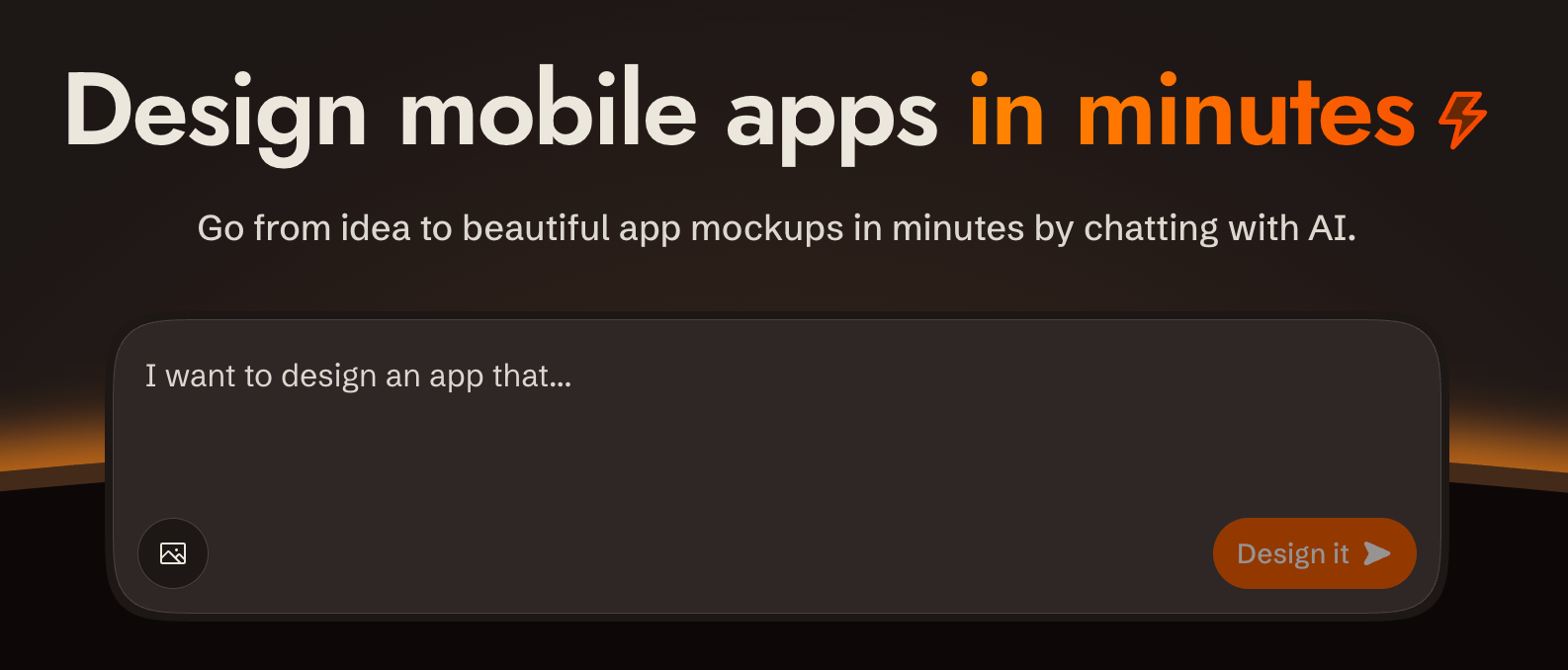
agent-skills is the official Sleek agent skill package that lets AI coding agents create and edit mobile app designs through Sleek's REST API, including account setup, screenshots, and screen HTML.
What it is
agent-skills is a package of agent skills for Sleek, an AI-powered mobile app design tool, distributed as an installable skill package that any compatible coding agent can load. The package currently ships one skill, design-mobile-apps, which lets an agent design mobile apps, create screens, and manage Sleek projects with AI, working over Sleek's REST API rather than a local editor. It lives in the developer tooling ecosystem around coding agents such as Claude Code, Codex, and Cursor, and it is released under the MIT licence.
The concrete problem it addresses is that reaching a hosted design tool from an agent normally requires hand-written API glue, credential handling, and knowledge of how screens are represented. The skill packages that work: it drives the REST API for creating and editing designs, returns screen HTML for the screens it produces, supplies screenshots for review, and documents the account setup path — including where to create and manage an API key — so the agent can go from a working directory to a designed screen without the user assembling an integration first.
Key capabilities
- Ships the
design-mobile-apps skill for designing mobile apps, creating screens, and managing Sleek projects with AI.
- Drives Sleek's REST API to create and edit mobile app designs rather than requiring a manual design session.
- Returns screen HTML for generated screens, alongside screenshots, so output can be inspected in the agent workflow.
- Installs interactively with
npx skills add sleekdotdesign/agent-skills, or a single skill directly with -s sleek-design-mobile-apps.
- Reads credentials from the
SLEEK_API_KEY environment variable, with key creation and management handled at sleek.design/agents/setup and sleek.design/dashboard/api-keys.
- Targets Claude Code, Codex, and Cursor among the agent environments the project is tagged for.
- Places the skill at
.agents/skills/ in the working directory as a SKILL.md file that can be pointed at explicitly.
Who uses it and how
- Developers who want to design mobile app screens from inside a coding agent session instead of switching to a separate design tool.
- Individual makers and small teams running sustained design work on a Sleek Pro plan, which includes 20,000 monthly AI credits.
- Evaluators testing the workflow on a free Sleek account, using one-time trial credits that cover roughly one design run.
- Users of agents that do not automatically discover skills in
.agents/skills/, who install the package and reference the installed SKILL.md directly.
Getting started
Install interactively with npx skills add sleekdotdesign/agent-skills, or install the skill directly with npx skills add sleekdotdesign/agent-skills -s sleek-design-mobile-apps, then set SLEEK_API_KEY from sleek.design/agents/setup.
How it compares
The README describes no competing products, and the only design tool named in the project's metadata is Figma, which appears as a topic tag rather than as a documented alternative. On the evidence available here, the package stands alone in this registry as an agent skill backed by a hosted design API.
When to use it — and when not
Sustained use is not self-contained: you must operate a Sleek account, keep an API key in SLEEK_API_KEY, and pay for a Pro plan — $69/month, or $30/month billed yearly at $360/year — because free trial credits cover only about one design run. It is a poor fit for anyone who wants an offline or self-hosted design tool, needs to avoid a recurring subscription, or expects broad documentation, since the README is brief, covers a single skill, and the project shows four open issues.