
The open-source cybersecurity harness
Backed by

0security automates vulnerability discovery, fixing and verification workflows.


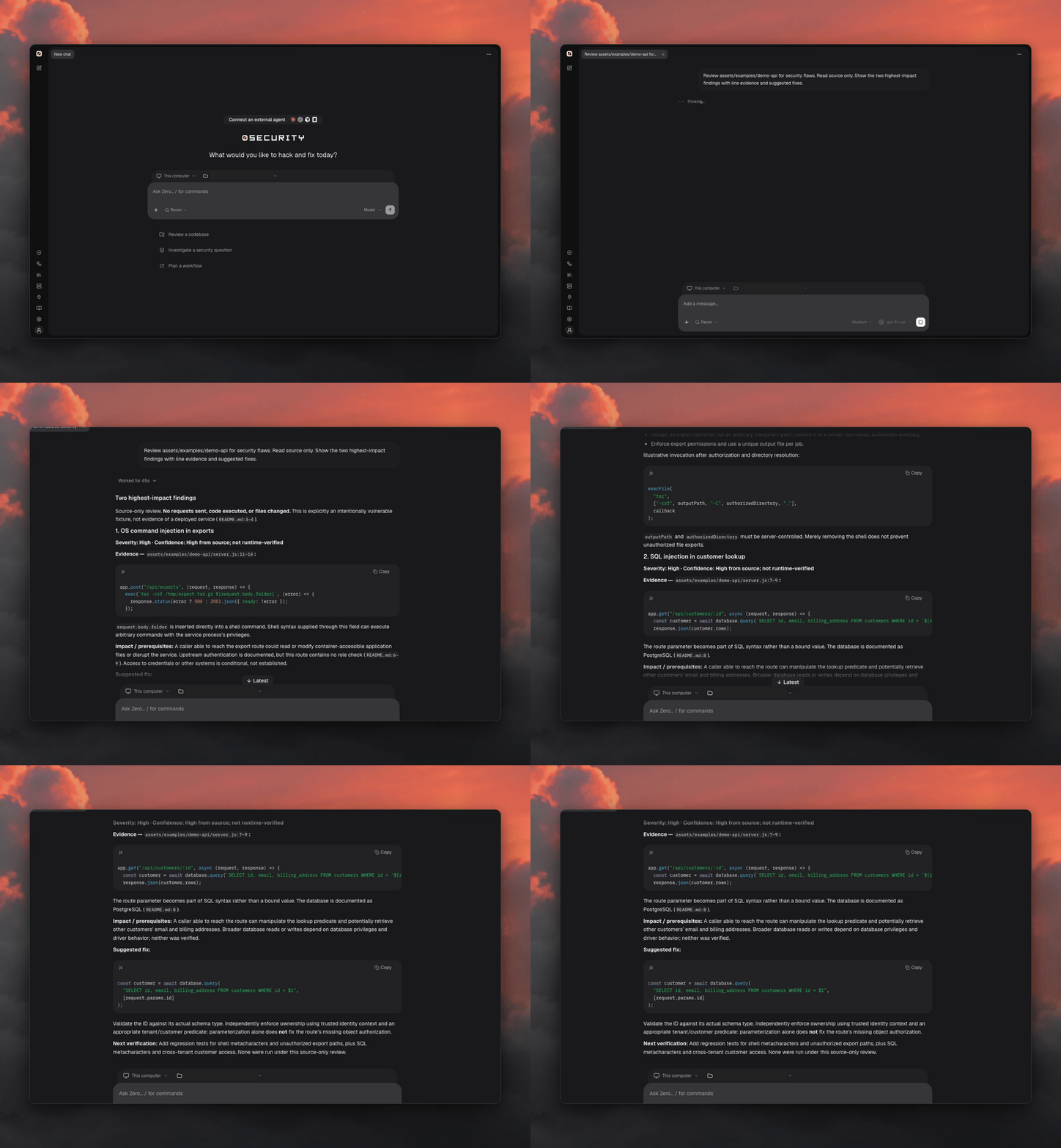
Watch the 45-second harness launch film
https://github.com/user-attachments/assets/b0f0facd-a8bf-4642-91c7-31c0612e499e
The Swiss Applied AI & Cybersecurity Research Lab
Quick start
curl -fsSL https://raw.githubusercontent.com/0sec-labs/0/main/install.sh | bash
0
Open a new terminal after installing, or run export PATH="$HOME/.0/bin:$PATH" in the
current one. 0 opens the local browser console: in Connections, add a model
provider or supported subscription, choose a workspace, and start a chat.
Prefer the terminal? Set a provider key and review a local repository:
export ANTHROPIC_API_KEY="your-api-key"
0 scan source ./your-repo --runtime api --depth quick --cost-ceiling 2
Review failures and incomplete coverage before reading an empty result as clean. Only scan systems you own or are authorized to test; see Scope & authorization.
Windows, Docker and source installs
Release binary. install.sh supports Apple Silicon macOS and x64/ARM64 Linux,
verifies release checksums, and installs 0 under ~/.0/bin. Set INSTALL_DIR to
change the location and INSTALL_FOXGUARD=0 to skip the FoxGuard companion. To pin a
release, set RELEASE_BASE_URL to
https://github.com/0sec-labs/0/releases/download/. Intel macOS is not in the
release matrix: use a source checkout or the container.
Windows (experimental). Download 0-windows-x64.exe from
GitHub Releases and run it by its
actual filename. See Windows installation.
Docker. The image is a separate, headless execution environment; pass only the credentials and mounts a task needs.
docker run --rm ghcr.io/0sec-labs/0:latest --help
For a real scan, persist the database and report outside the disposable container: see Run in a container.
Source. Needs Node.js 24 or newer and pnpm.
git clone https://github.com/0sec-labs/0.git && cd 0
corepack enable && pnpm install --frozen-lockfile && pnpm build
node packages/cli/dist/index.js --help
Model connections · Console guide · Troubleshooting
For organization-wide automation and use-case integrations, explore Enterprise or book a demo.
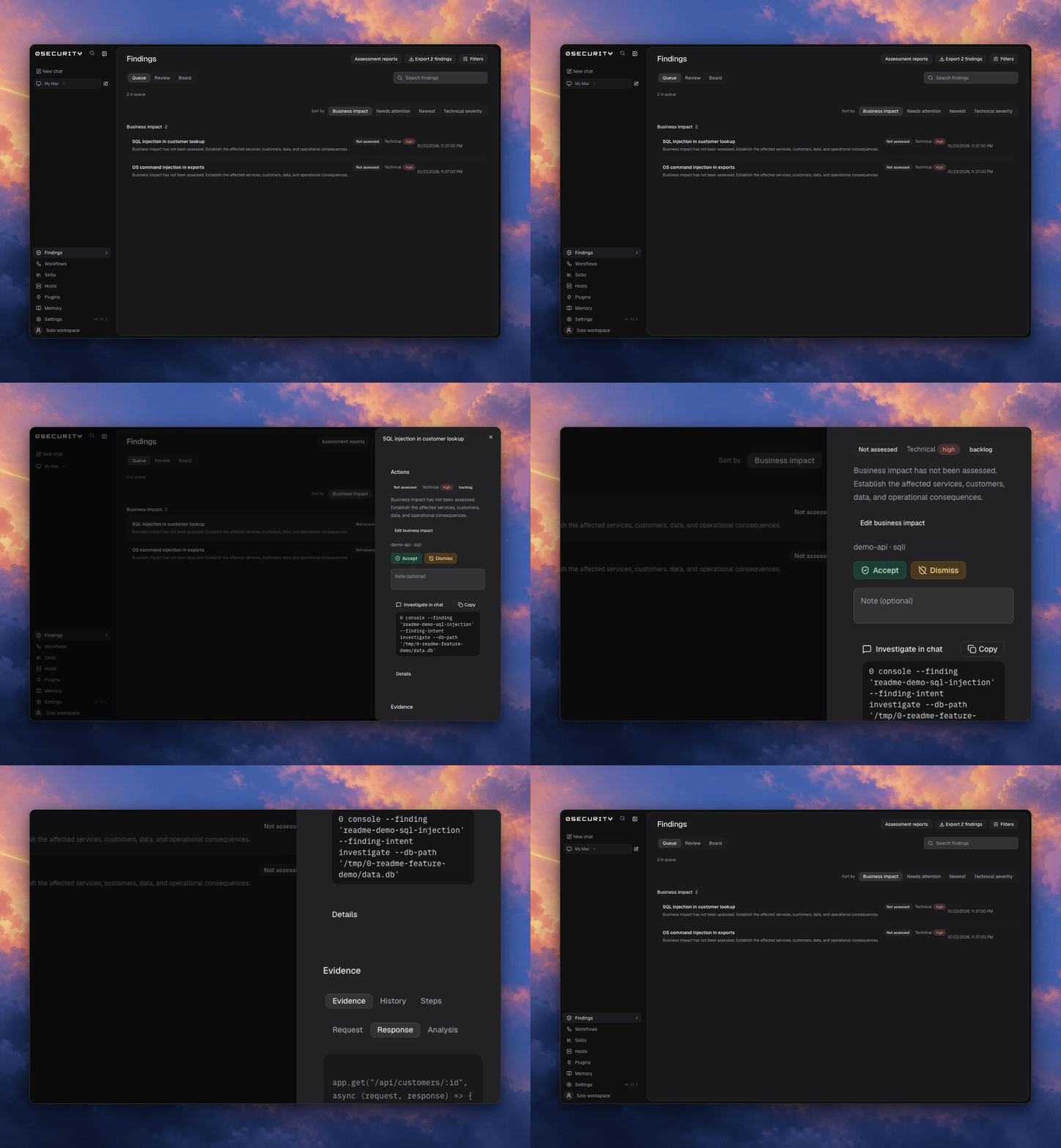
Findings
Review source evidence and organize findings in a queue or on the board.
Automations
Use built-in templates for scans, verification, fixes, and research, and save multi-step processes as automations. Runs retain results; Learning keeps local activity and source-grounded notes.
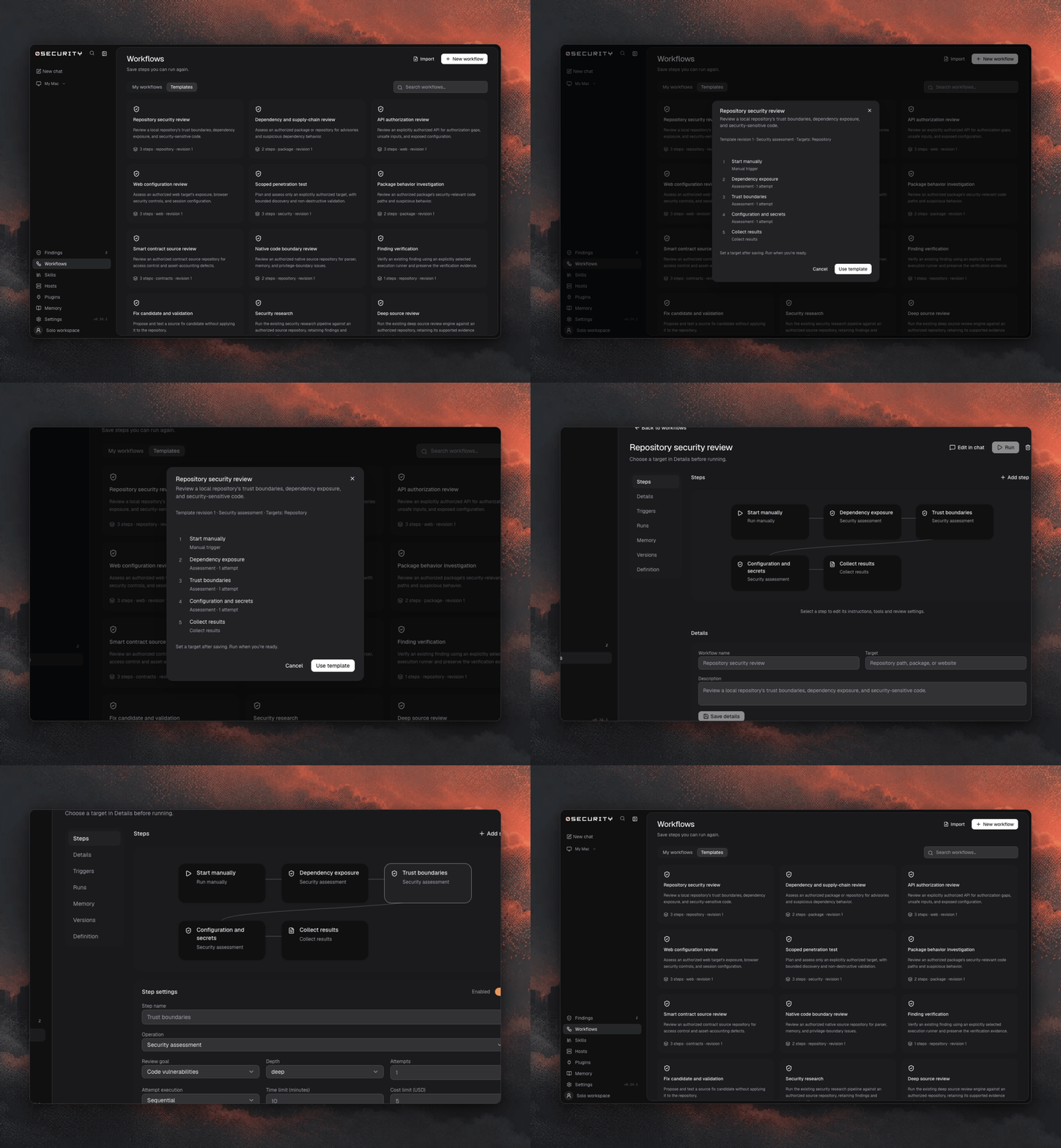
The CLI exposes the same runner for scripts and coding agents:
0 automation list --templates
0 automation run --template security-research \
  --target /absolute/path/to/repo --workspace /absolute/path/to/repo
0 runs list
CI/CD
Run security reviews in your own pipeline with explicit model access, cost limits,
structured reports, and a severity gate. Keep JSON and SARIF artifacts for review,
and use 0 reports import to open CI results in a local browser workspace. See the
CI/CD guide for the reusable GitHub
Action and commands for other runners.
Connect another agent
0 mcp-server --workflows --workspace /absolute/path/to/repo
Local MCP needs an explicitly selected host-local execution profile. Browser chat's Connect an external agent provides a setup prompt.
Plugins and MCP setup · Hosts, plugins and skills · Command reference · Product index for AI agents
Development
Install dependencies with pnpm install, run pnpm dev, and open the printed
browser address. Frontend edits hot reload; backend edits restart the local server
(and can interrupt active requests). Use pnpm dev --port 48141 --frontend-port 5175
for explicit ports; occupied defaults automatically select free ports.
See CONTRIBUTING.md. For how the packages are layered
and the rules pnpm check:architecture enforces, see
docs/design/architecture.md.
For local binary analysis, run pnpm setup:0verse once. It finds Ghidra and
Java, installs the Python analysis/MCP dependencies, and checks the decompiler.
Source-checkout chats connect the local 0verse MCP server automatically; an
explicit ZERO_MCP takes precedence, and ZERO_0VERSE_MCP=0 disables it.
Use the capability report to check which analysis tools and executors are
available. 0 research binary ./target --mode scan --format ndjson uses the same runtime.
Status and safety
Assess authorized systems and review the evidence before applying fixes. Enable the scope plugin to enforce target boundaries. The default shell runs on your host; use an isolated executor for untrusted work.
Report vulnerabilities through SECURITY.md. Licensed under MIT OR Apache-2.0.